When Everyone Comes In: Planning Meeting Spaces for Peak Office Days

Australian workplaces face a familiar challenge: meeting rooms can be difficult to book on a Tuesday or Wednesday while other parts of the office remain relatively quiet for much of the week.
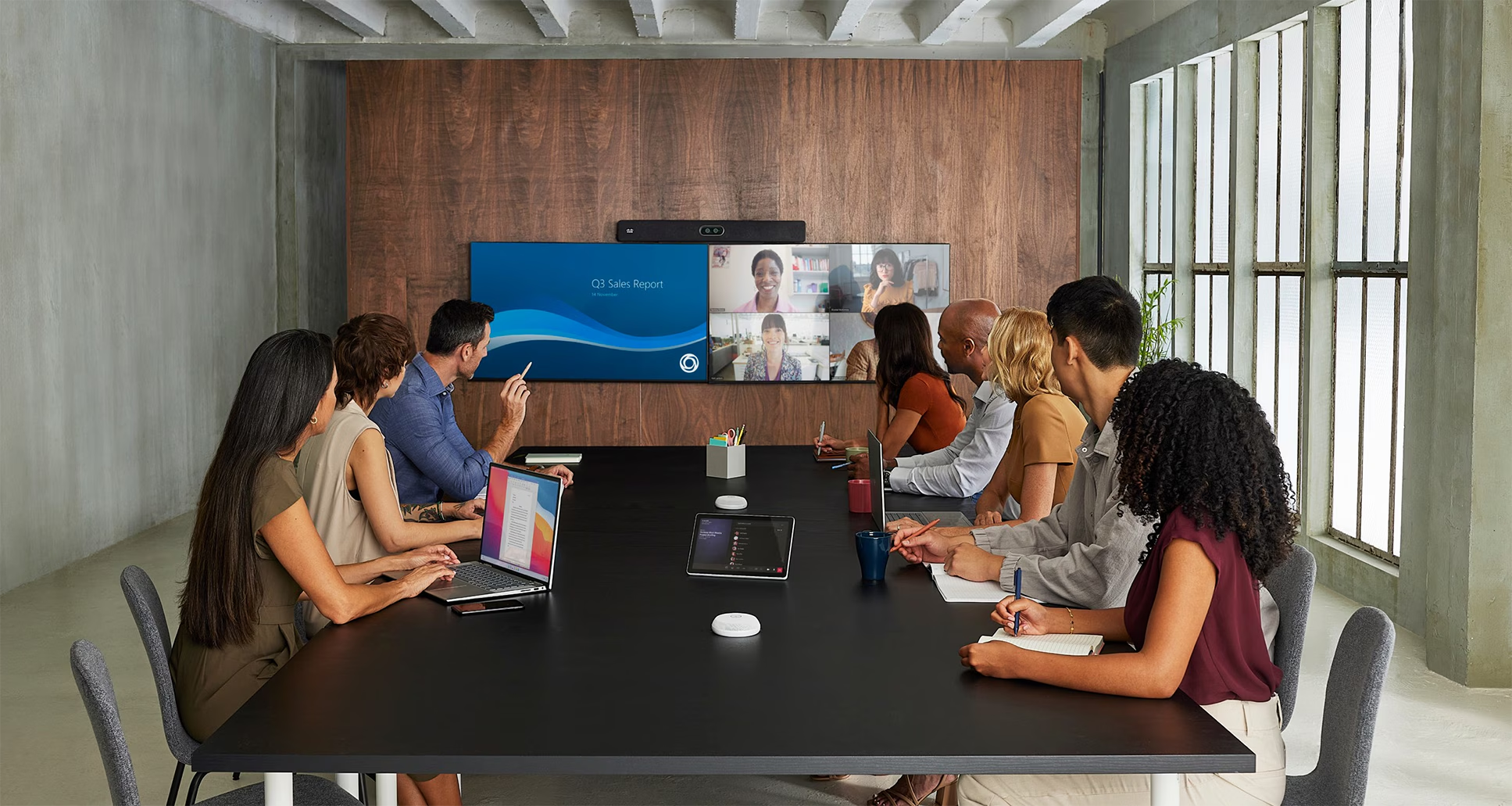
As hybrid working patterns become more established, organisations are reviewing how their existing offices accommodate busy days, team collaboration and meetings involving remote participants.
According to CBRE's 2025 Australian Office Occupier Survey, average office utilisation was 52% across the week, increasing to 67% on peak days. The research also found that 65% of surveyed occupiers were focusing on improving the employee experience.
These findings have practical implications for workplace planning. Organisations need to consider when spaces are being used, how many people are attending meetings and whether the available rooms are suited to those activities.
Understanding demand on busy office days
The number of meeting rooms in a workplace does not always reflect the availability of suitable spaces.
An office may have several large boardrooms but limited smaller rooms for private calls or project meetings. Flexible collaboration areas may be available, although they may lack the technology required to include remote colleagues. Training rooms might accommodate large groups but offer limited flexibility for smaller workshops.
These issues can become more noticeable when attendance is concentrated across particular days.
CBRE's survey specifically identified the availability of smaller meeting rooms on peak days as a concern for Australian occupiers.
For organisations considering a workplace refurbishment, a review of meeting space demand can help determine whether existing rooms are meeting business requirements.
Understanding how workplace spaces are used
Room booking information provides a useful starting point for understanding workplace demand. However, a reservation does not always indicate that a space was occupied, or that it was suitable for the activity taking place.
Workplace management technology can help organisations develop a clearer understanding of how meeting rooms, desks and collaboration areas are being used.
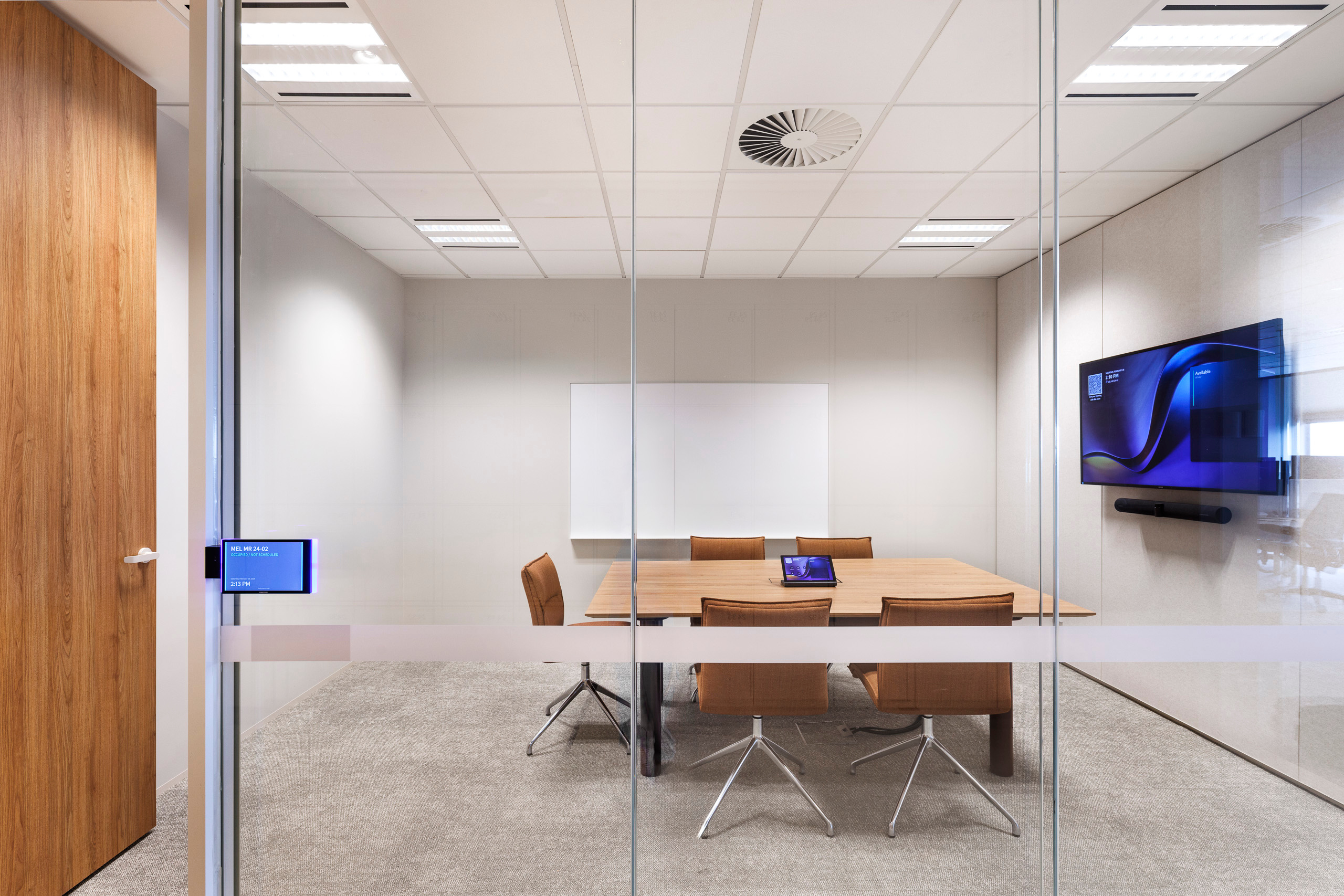
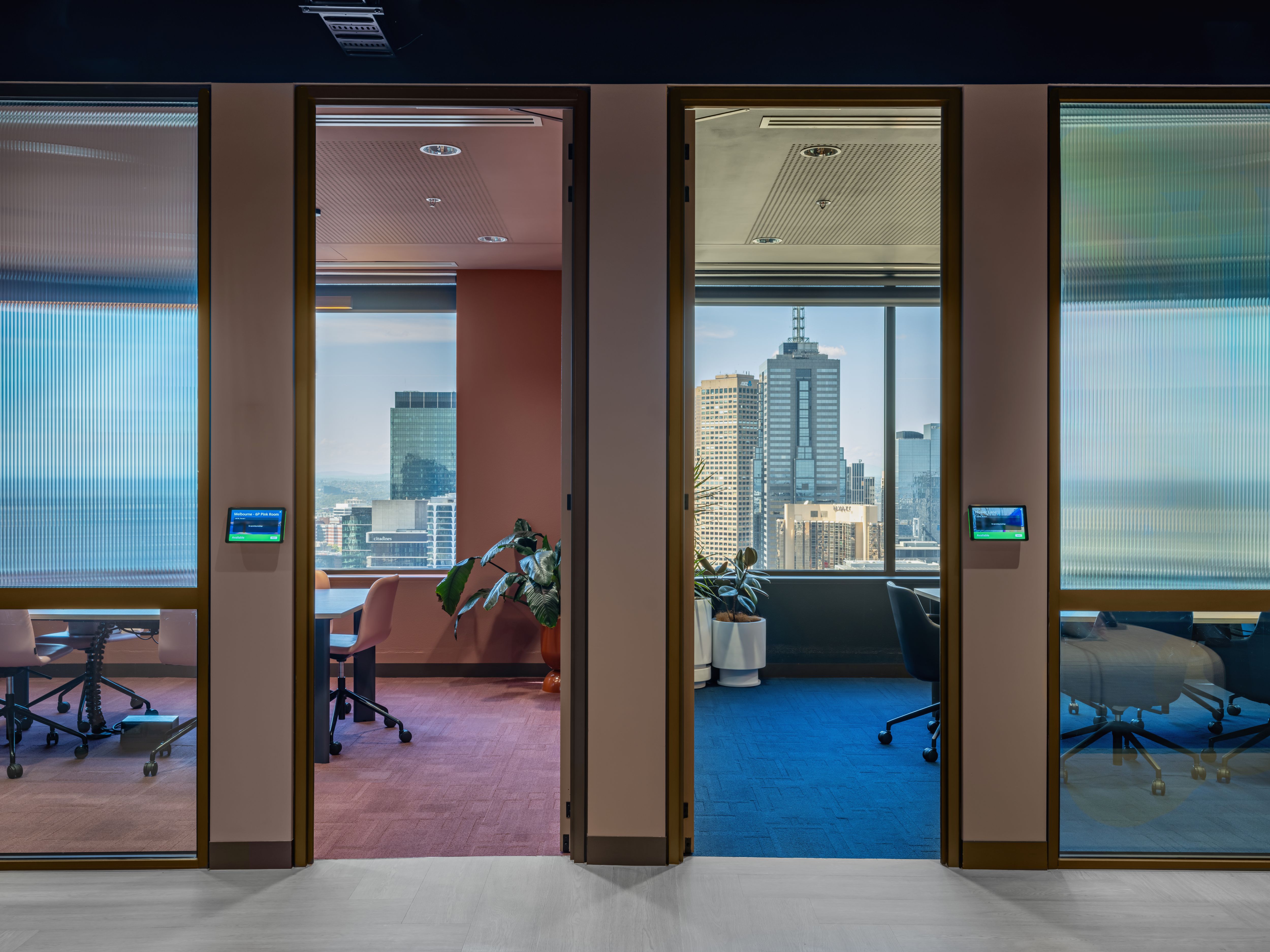
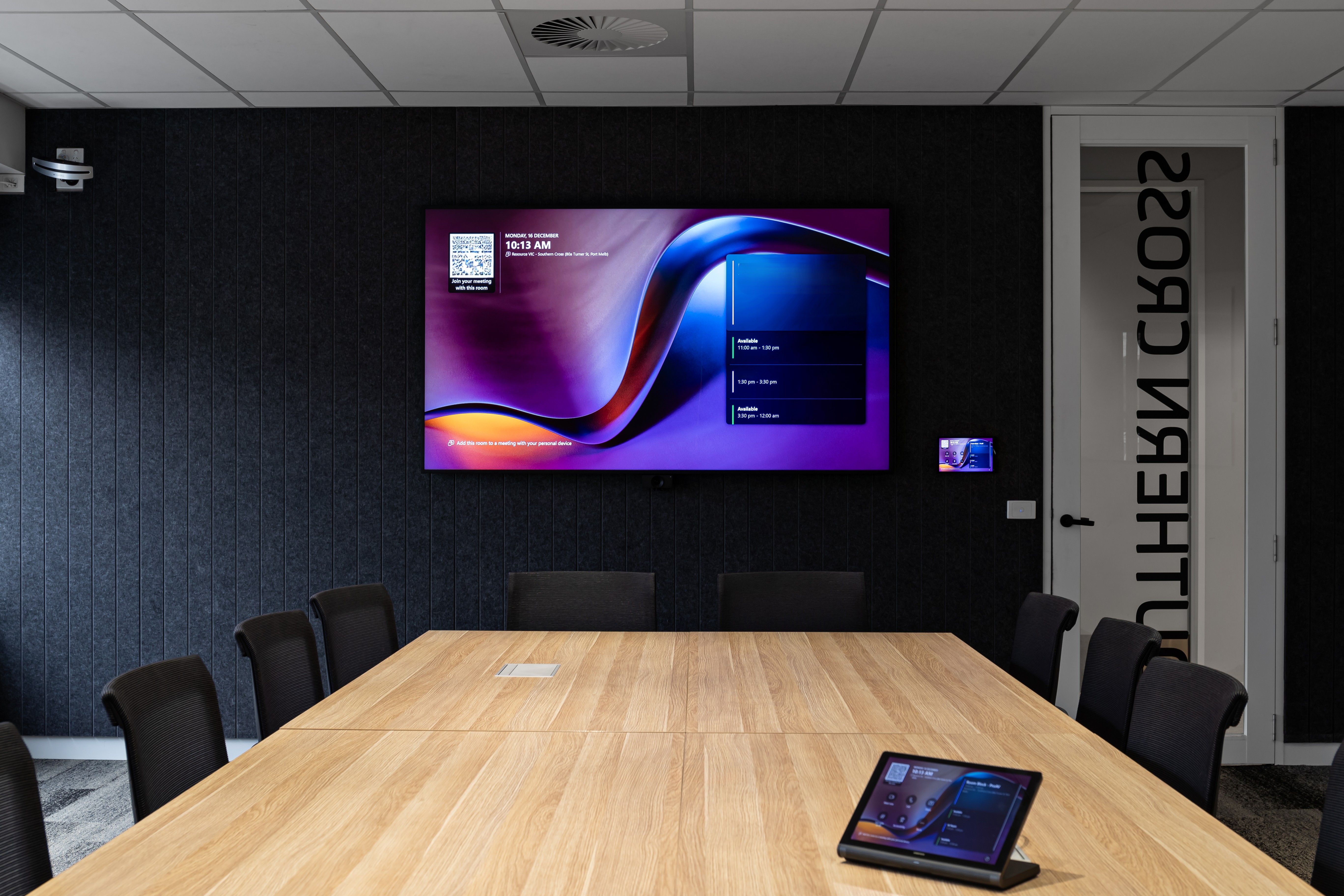
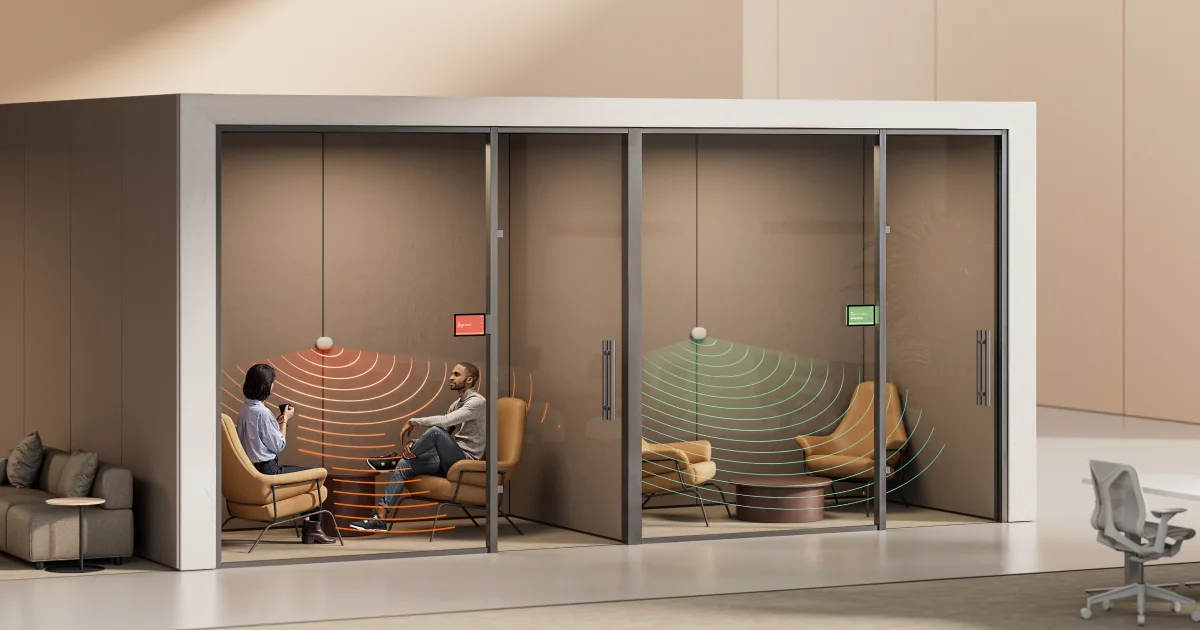
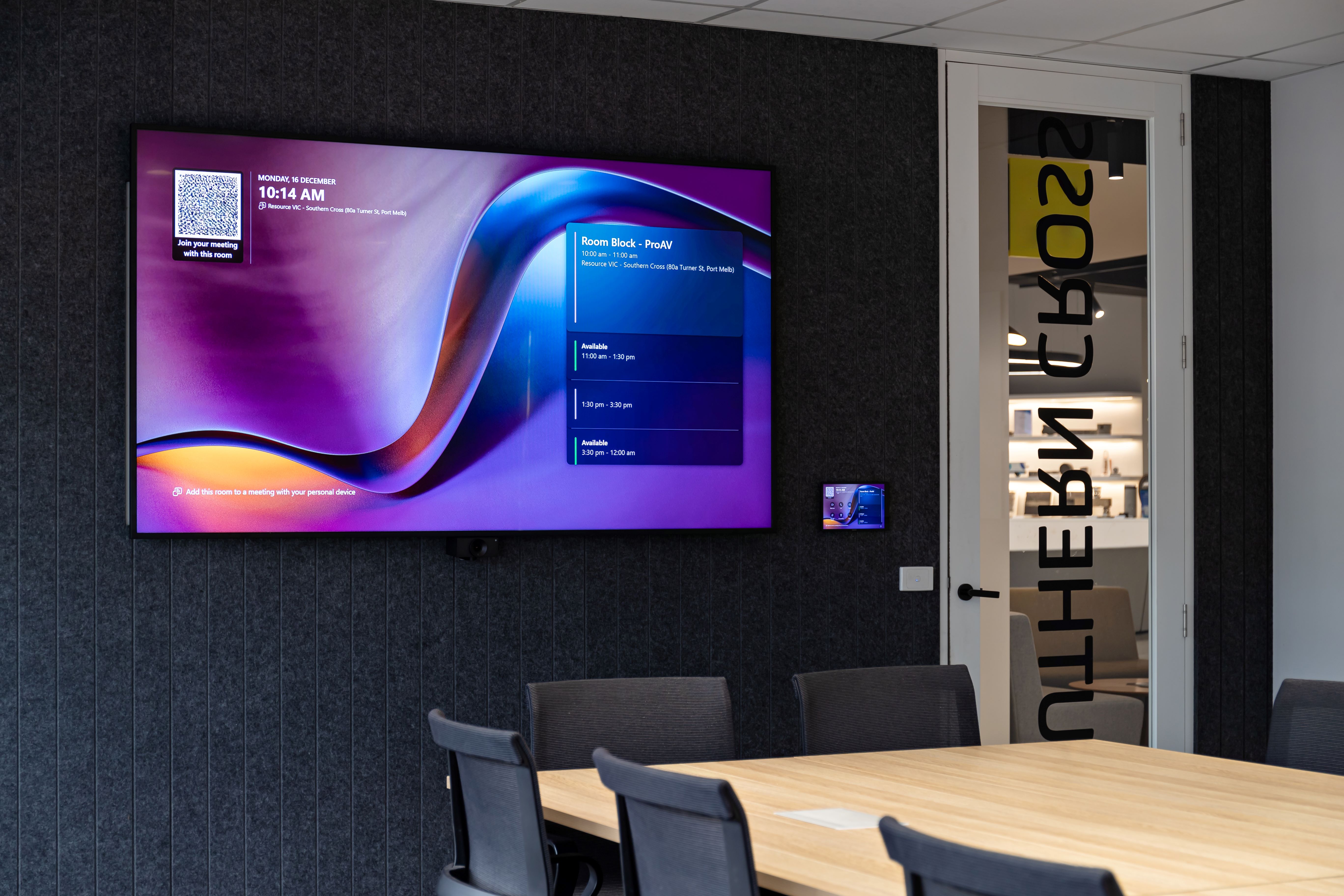
Room booking panels provide employees with visibility of room availability and scheduled meetings. With compatible occupancy sensors and workplace management systems, they can also support functions such as automated check-in and releasing unused reservations, depending on the configuration.
This can be particularly useful during peak office days, when meeting spaces are in high demand and unattended bookings may prevent other teams from accessing available rooms.
Connecting room bookings with occupancy insights
Platforms such as Microsoft Places allow organisations to manage meeting rooms and desks while accessing information about workplace usage.
Microsoft Places analytics can help workplace and facilities teams review reservation patterns, room demand and occupancy information where supported data is available.
For organisations using Microsoft Teams Rooms, the Teams Rooms Pro Management portal provides additional visibility into room usage, meeting activity and device health. Supported occupancy signals can contribute to a more complete picture of how meeting spaces are being used.
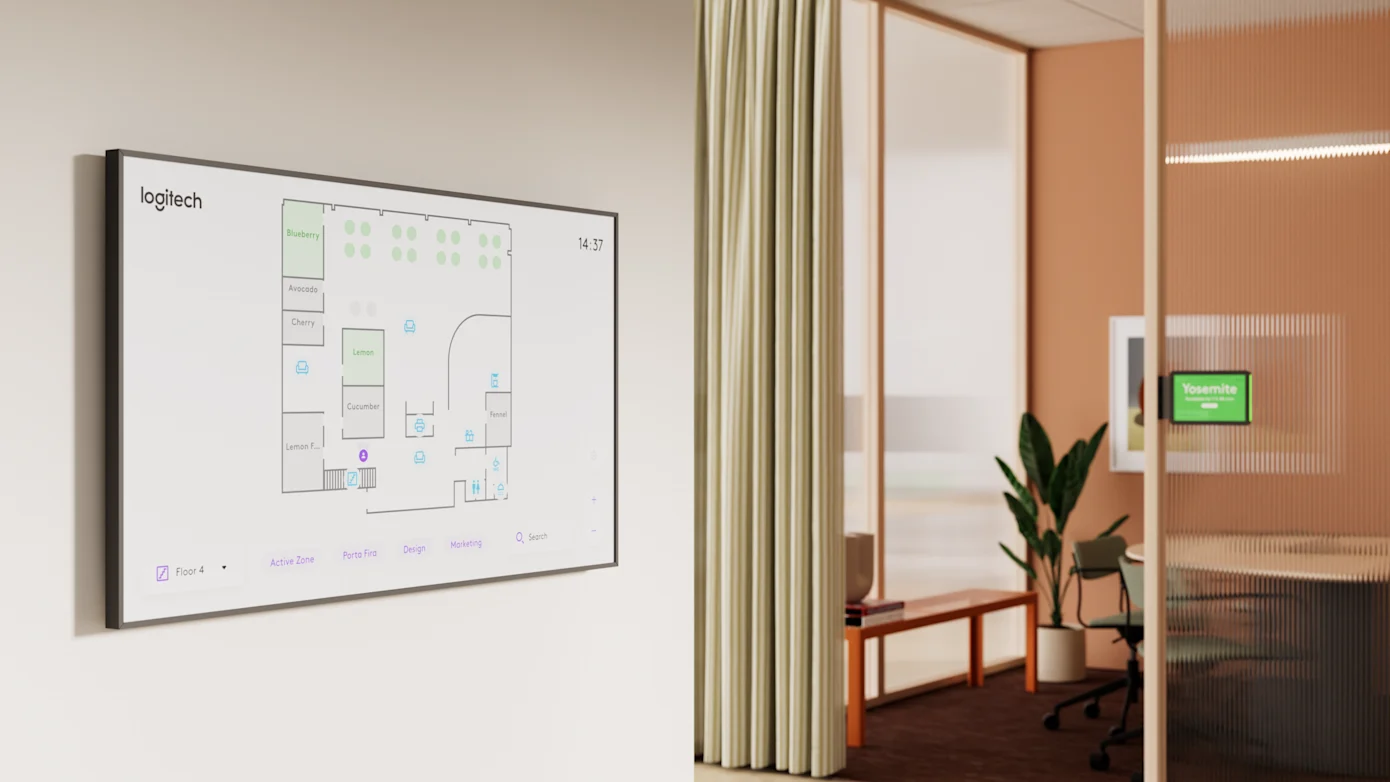
Other workplace experience platforms, such as Appspace, bring together room and desk booking, interactive floor plans and workplace management capabilities. Through compatible sensor integrations, these platforms can also provide occupancy information and support more informed space planning.
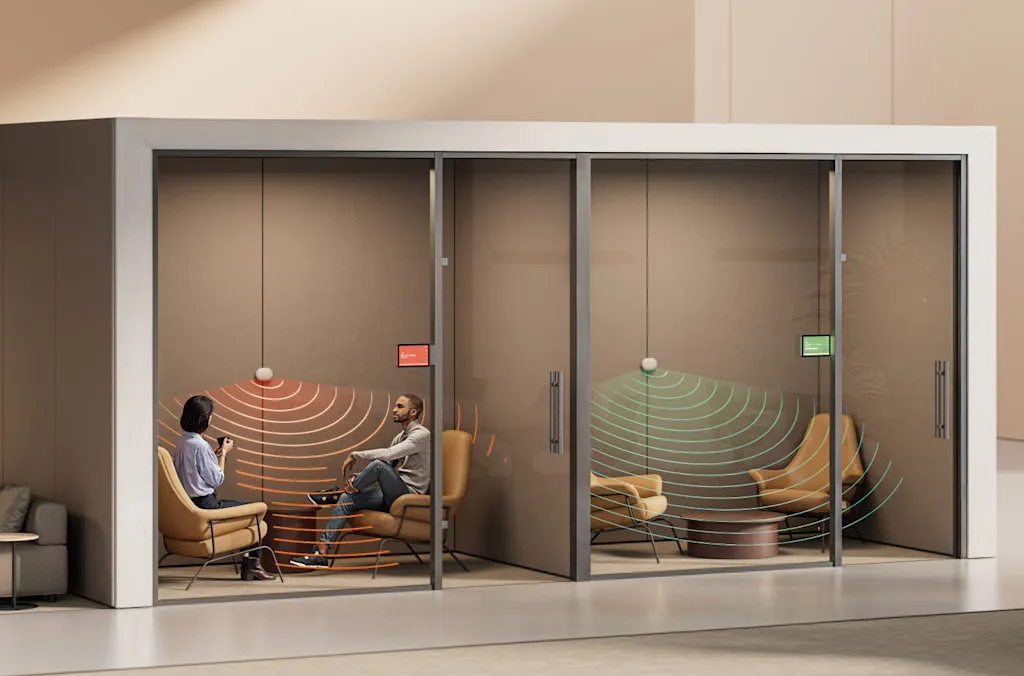
Occupancy and environmental sensors, including solutions such as Logitech Spot, provide additional information about room presence and environmental conditions.
When integrated with compatible workplace management systems, these technologies can help organisations compare planned room usage with actual activity.
Using workplace information to guide decisions
The information collected can help identify which rooms are frequently booked, where demand is concentrated and whether certain spaces are consistently underused.
For example, an organisation may find that smaller meeting rooms are regularly fully booked while larger spaces remain available. Desk booking and occupancy information may reveal similar patterns across different floors or office locations.
These insights can inform decisions about room sizes, furniture layouts, collaboration technology and future refurbishment priorities.
They can also help workplace teams review whether existing spaces are being used as intended before committing to additional meeting room capacity.
The choice of platform, booking panels and occupancy sensors should reflect the organisation's existing systems and reporting requirements. Integrations, licensing and available data will vary between solutions.
For workplace teams, the value lies in using reliable information to make better decisions about the spaces employees need and how those spaces should be equipped.
Supporting collaboration across locations
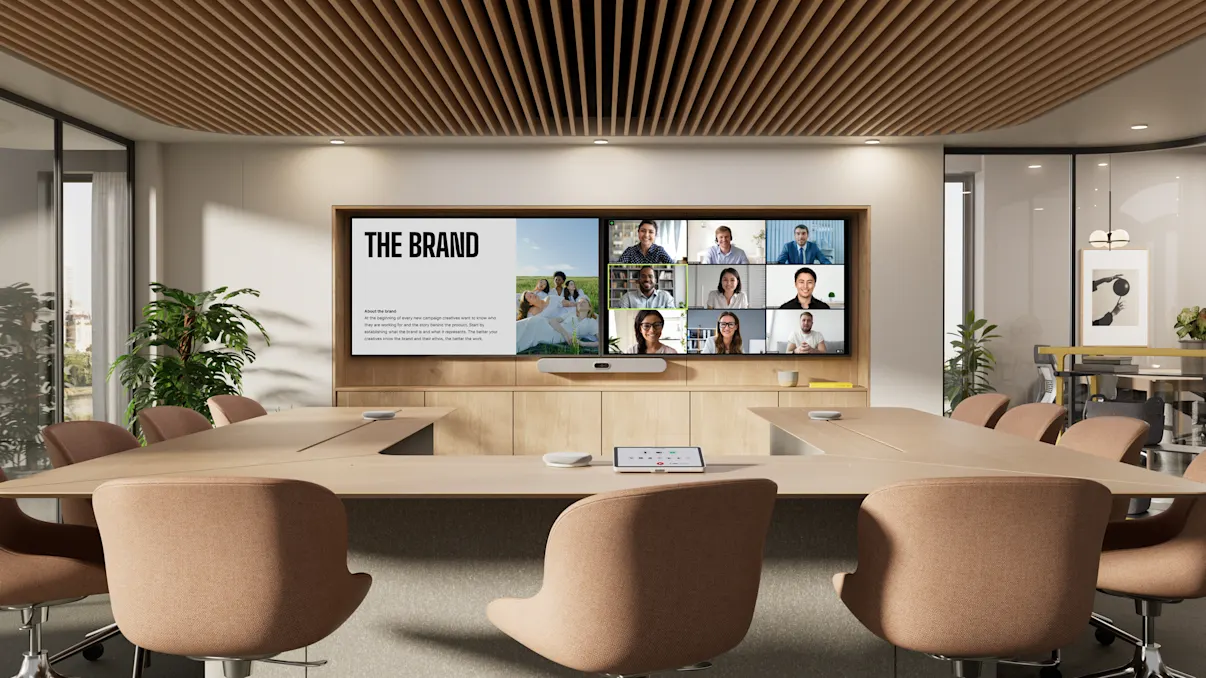
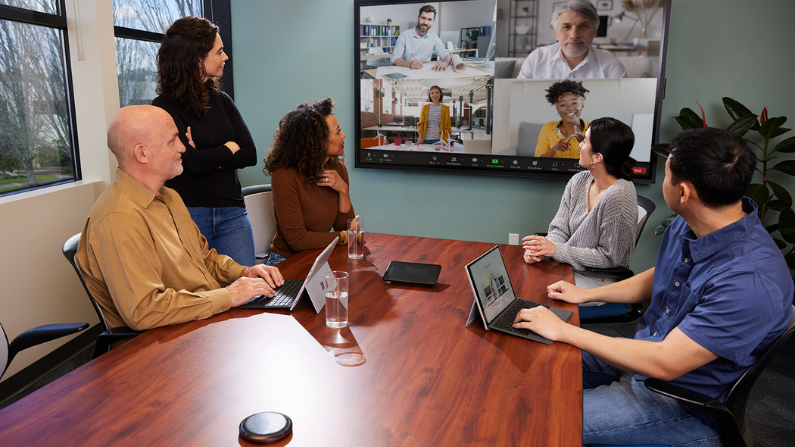
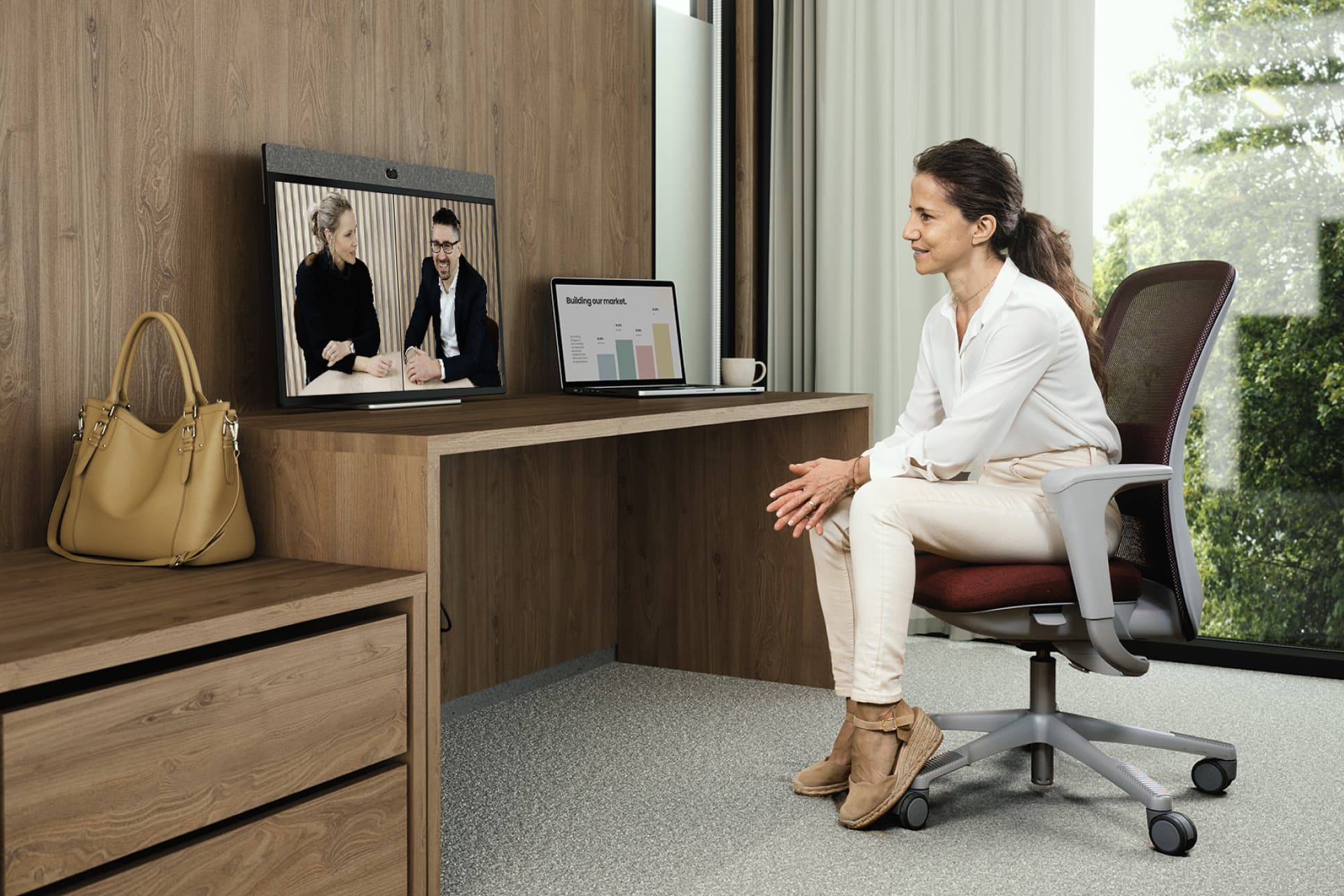
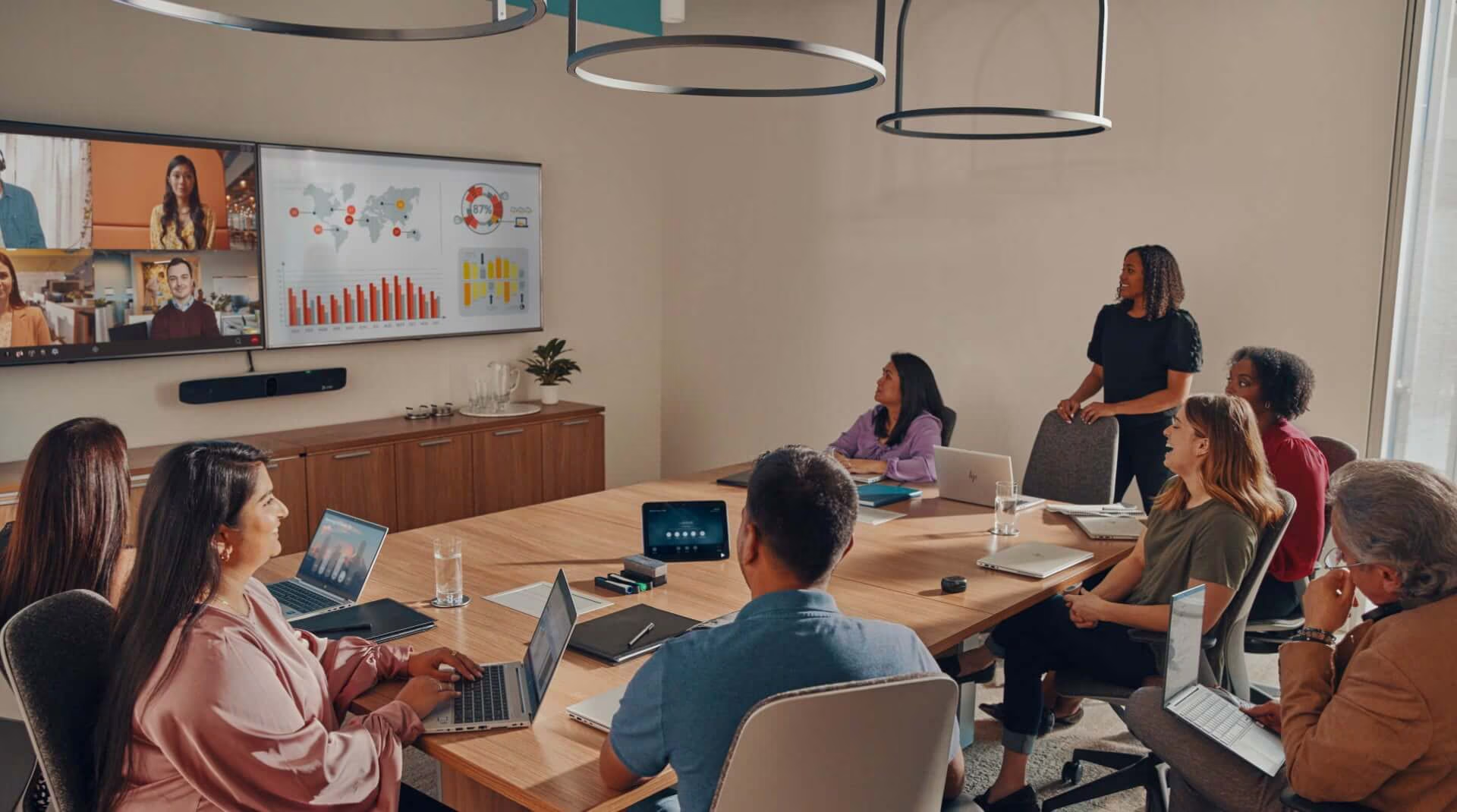
Even on busy office days, meetings frequently include participants joining from other offices, client sites or home.
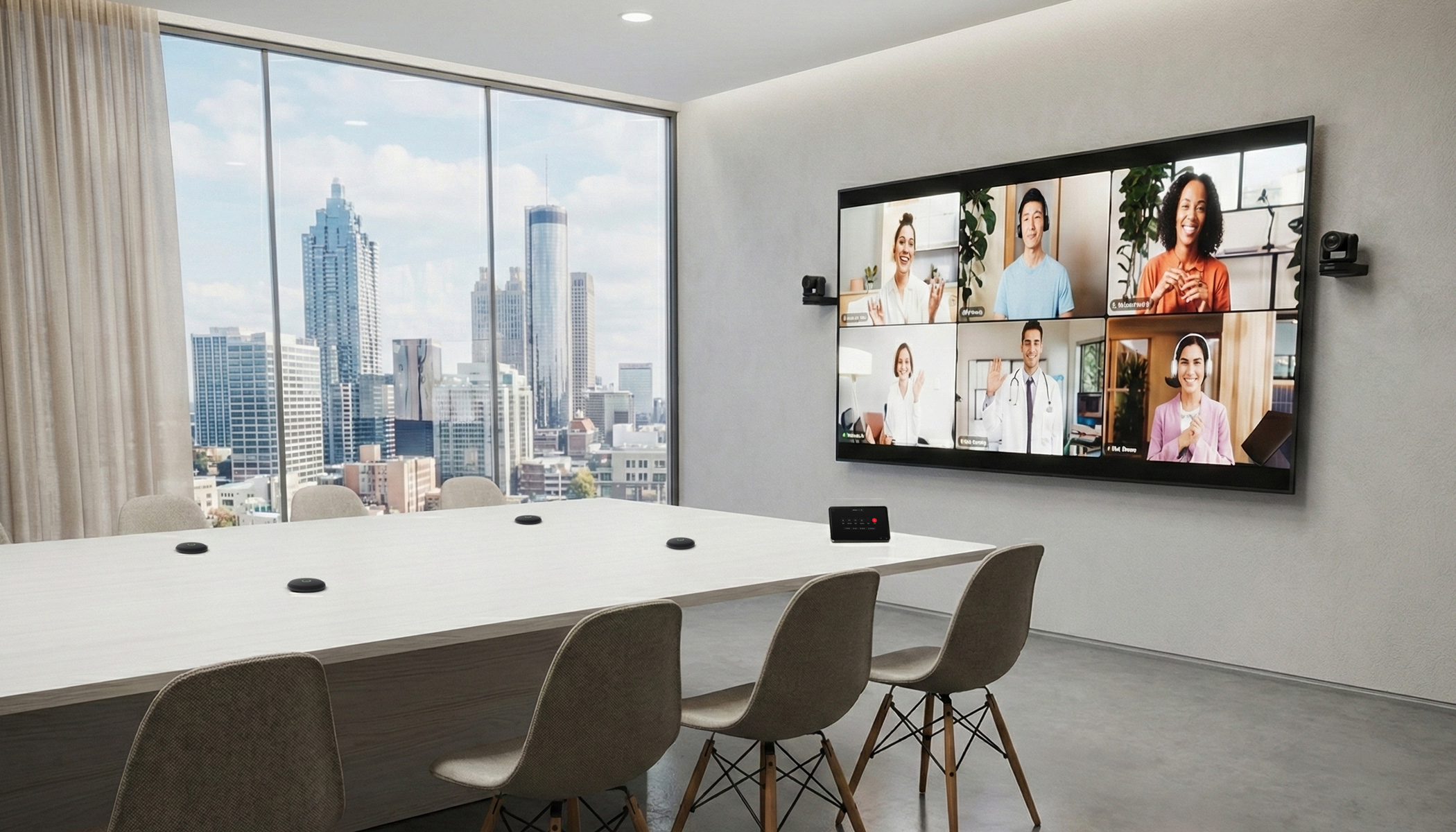
This places additional importance on speech clarity, camera framing, content sharing and the layout of collaboration spaces.
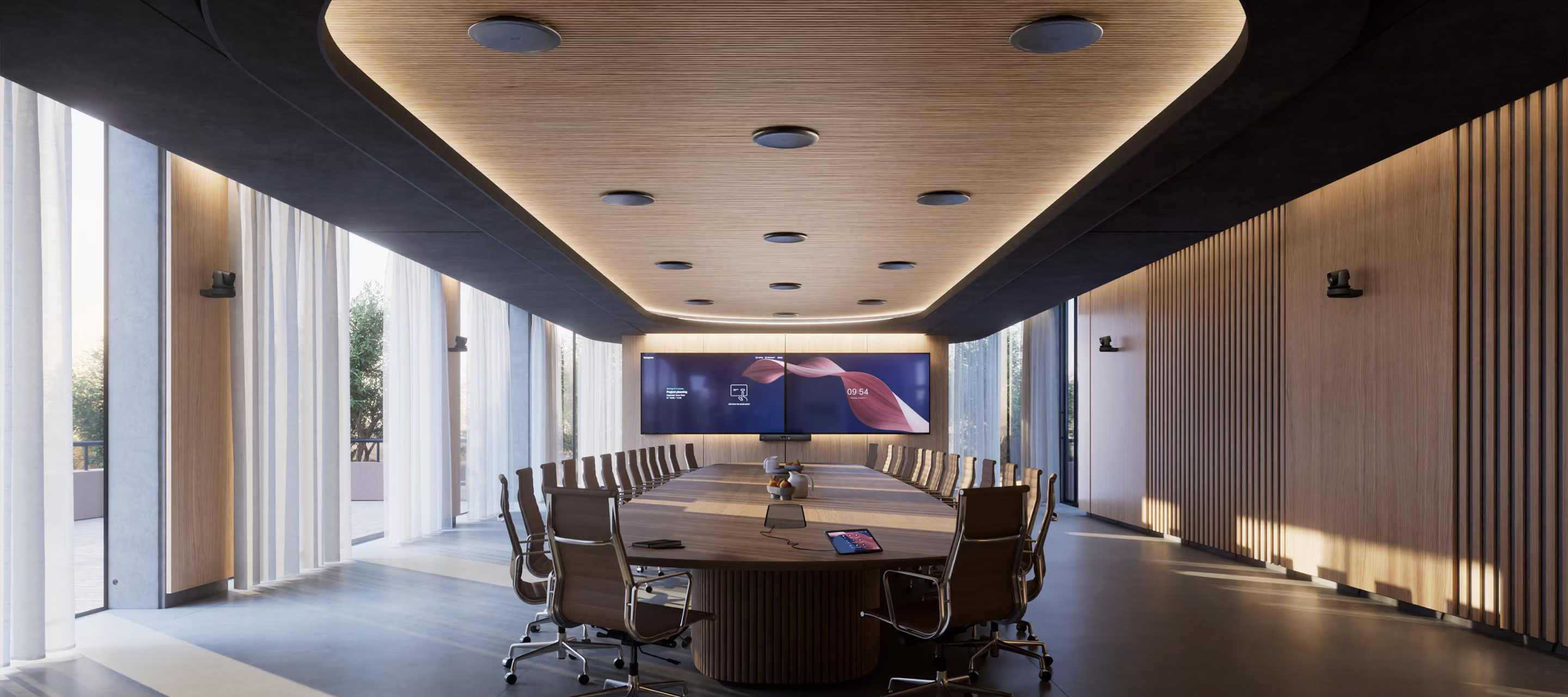
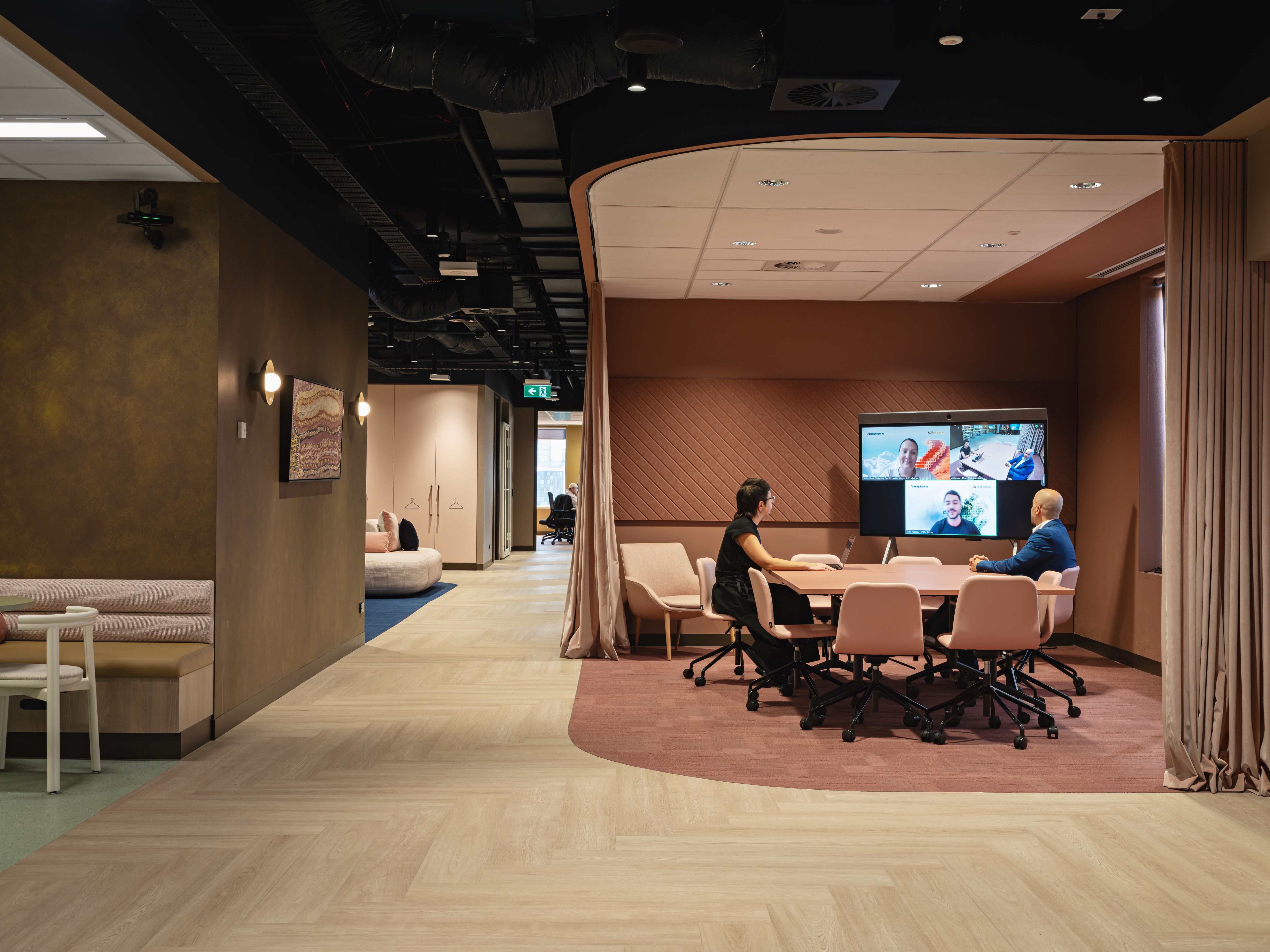
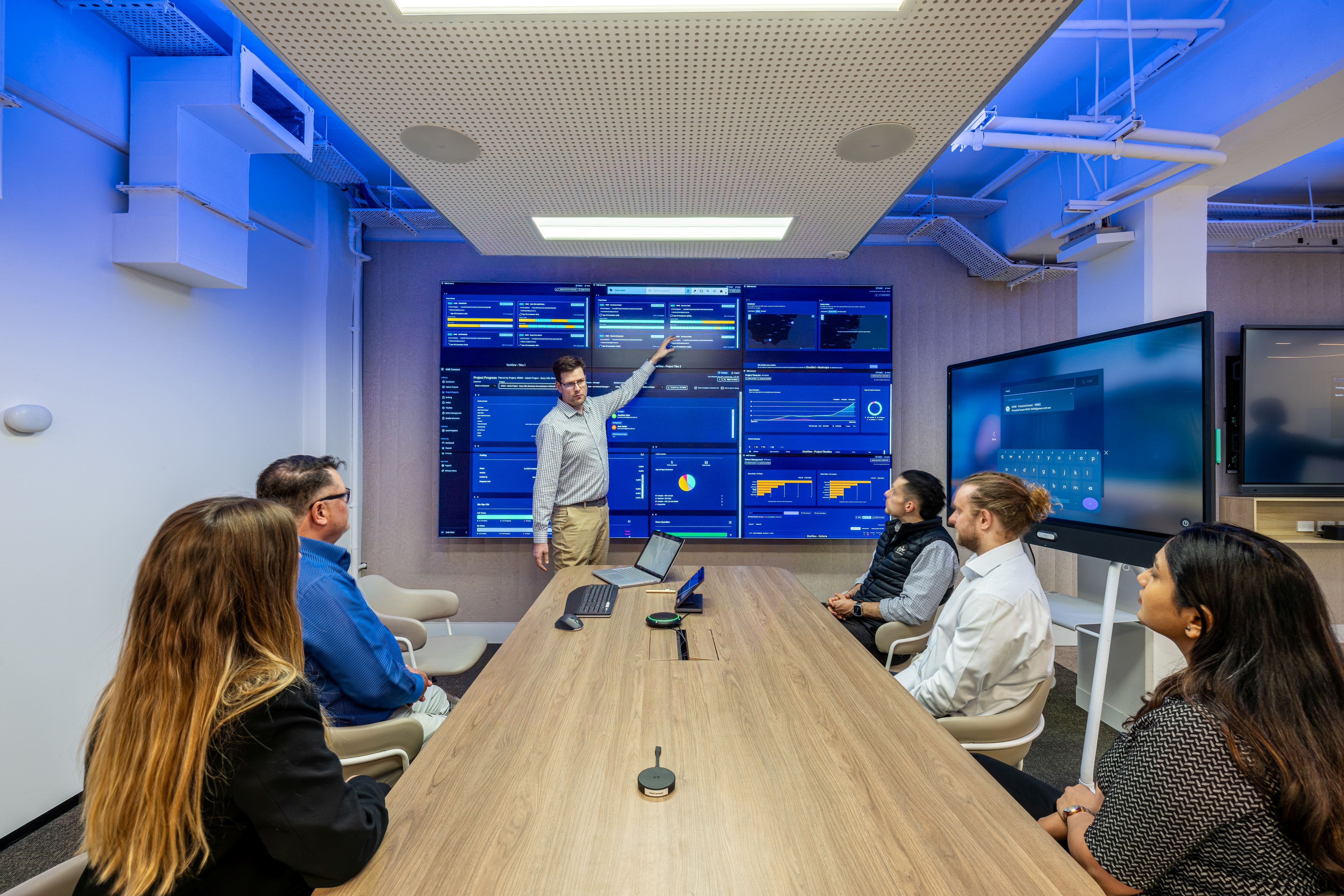
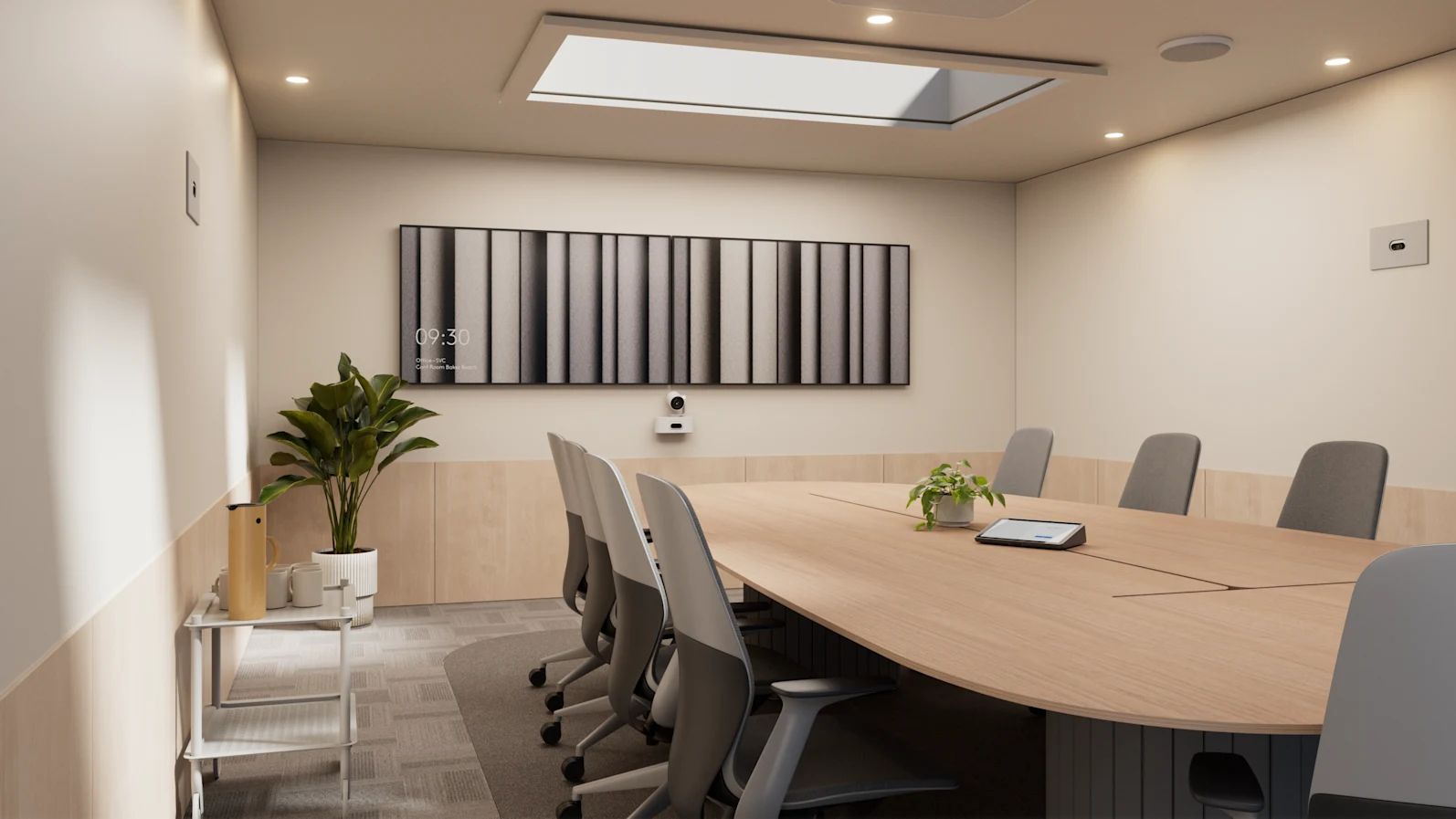
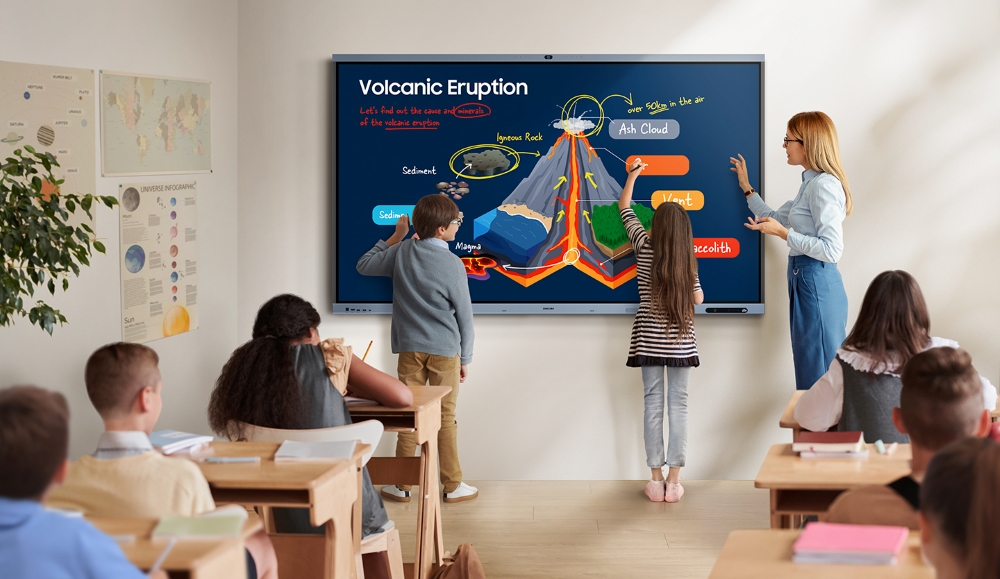
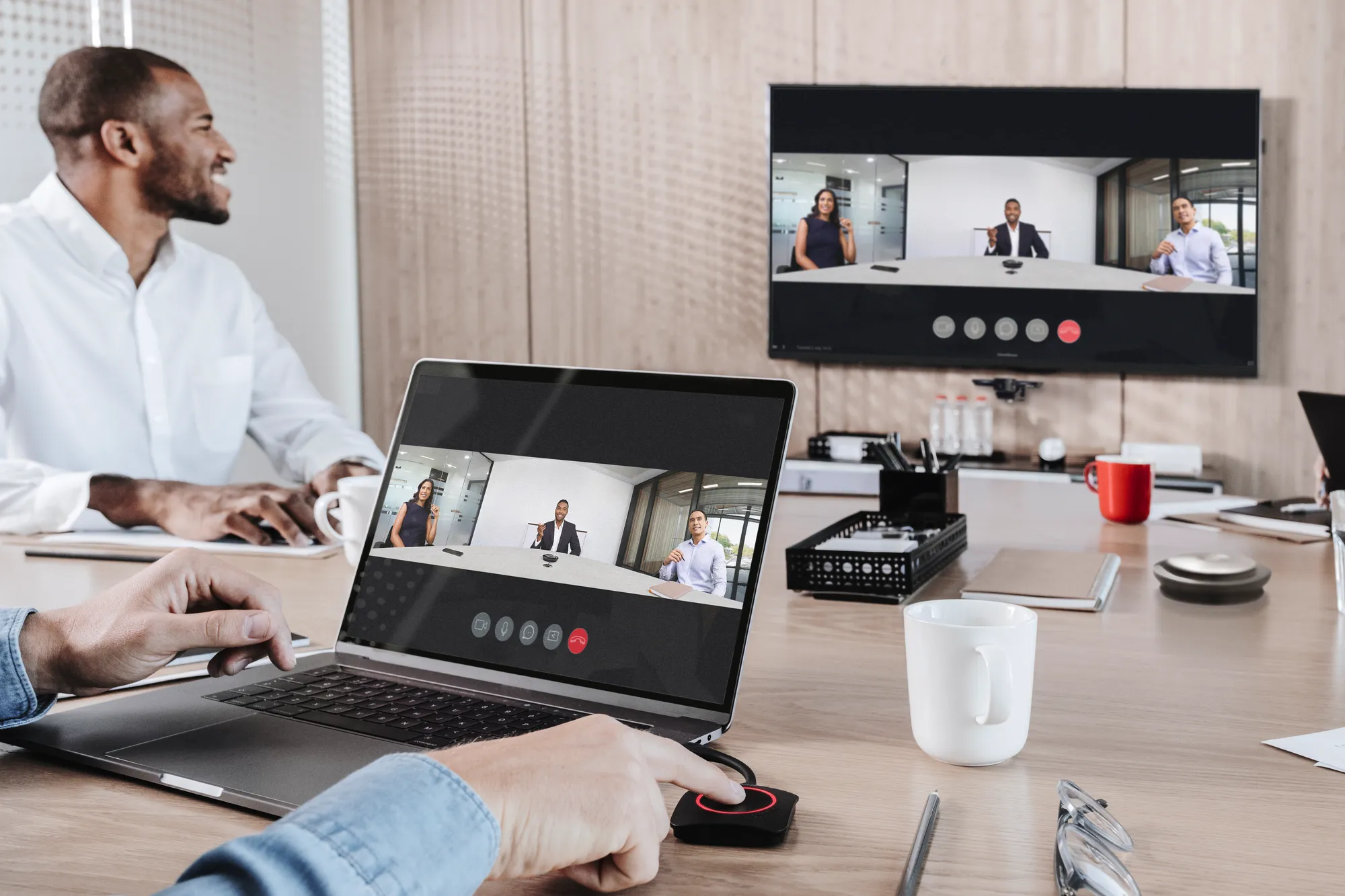
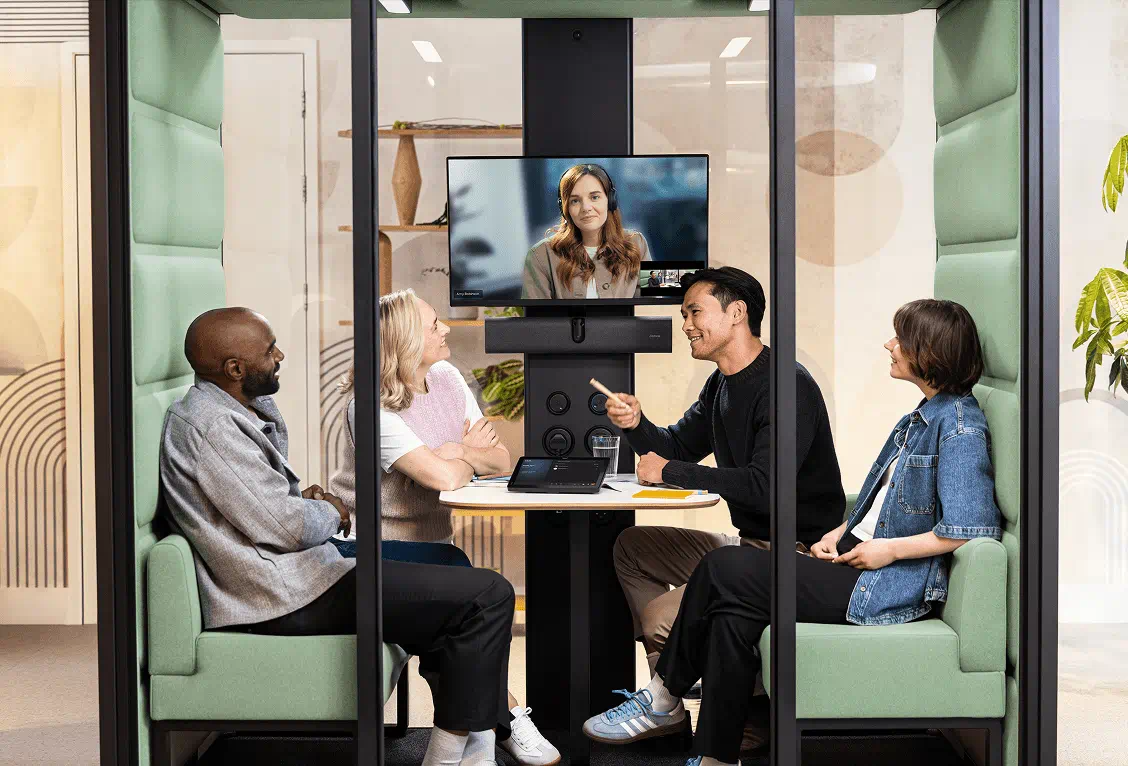
A workshop room may require technology that captures discussion across several tables. A smaller meeting room may need a straightforward way for employees and guests to join video calls. A project space may benefit from interactive displays or flexible presentation options.
Decisions about furniture, lighting, acoustics and technology should be considered together, particularly where rooms need to accommodate different activities throughout the day.
The aim is to provide appropriate spaces for the work taking place, with a familiar experience for employees moving between different rooms.
Planning improvements across the workplace
Workplace technology planning is often most useful when it begins before room layouts and equipment selections have been finalised.
An early review gives property, workplace, IT and facilities teams an opportunity to agree on space requirements, collaboration platforms, technology standards and operational considerations.
Where organisations are considering room booking systems, occupancy sensors or workplace analytics platforms, these requirements should be reviewed alongside meeting room design and IT infrastructure.
Early planning can help determine how the systems will exchange information, which insights will be available to workplace teams and how the technology will be managed and supported across the property portfolio.
This becomes particularly valuable when organisations are relocating, refurbishing existing offices or planning improvements across multiple locations.
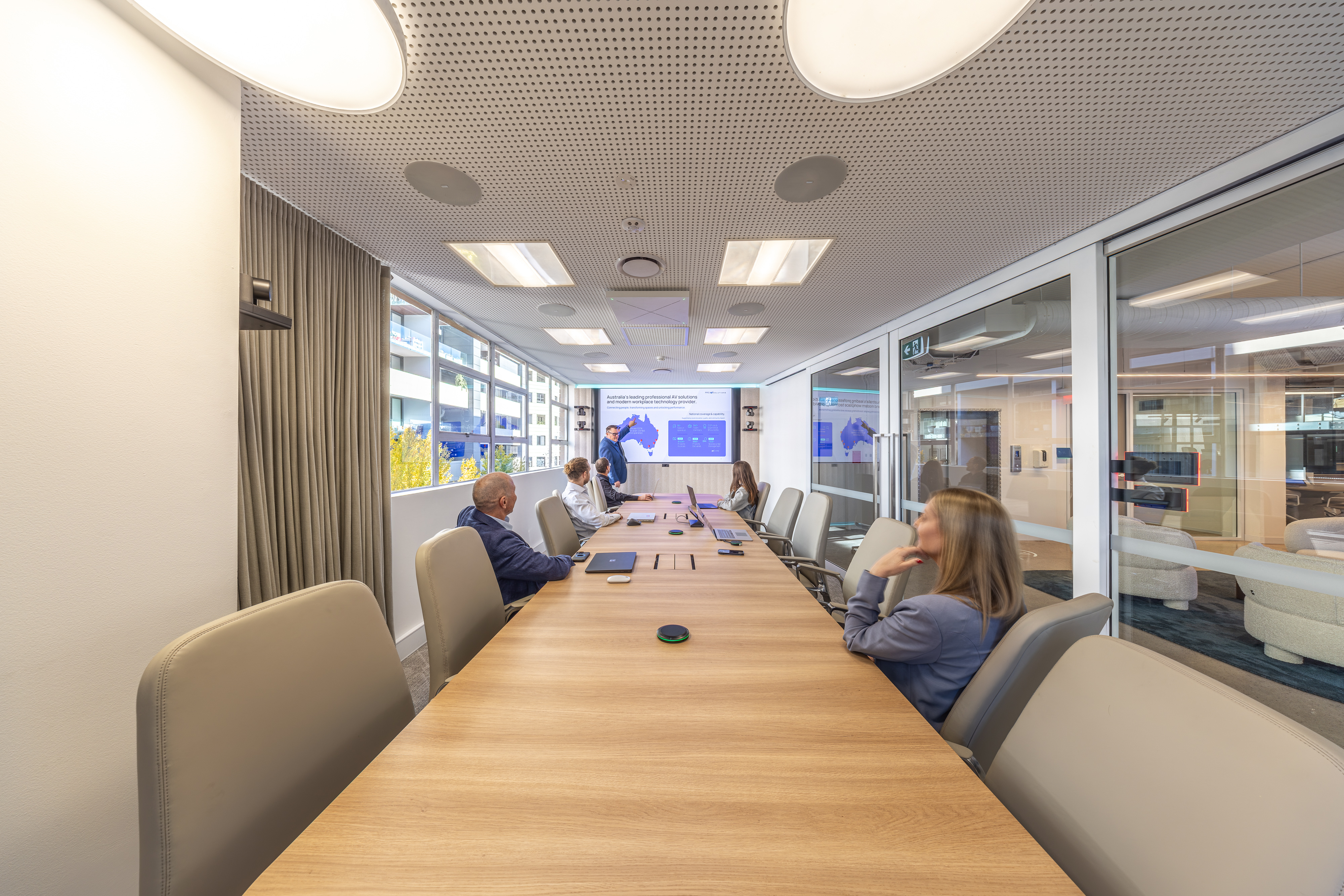
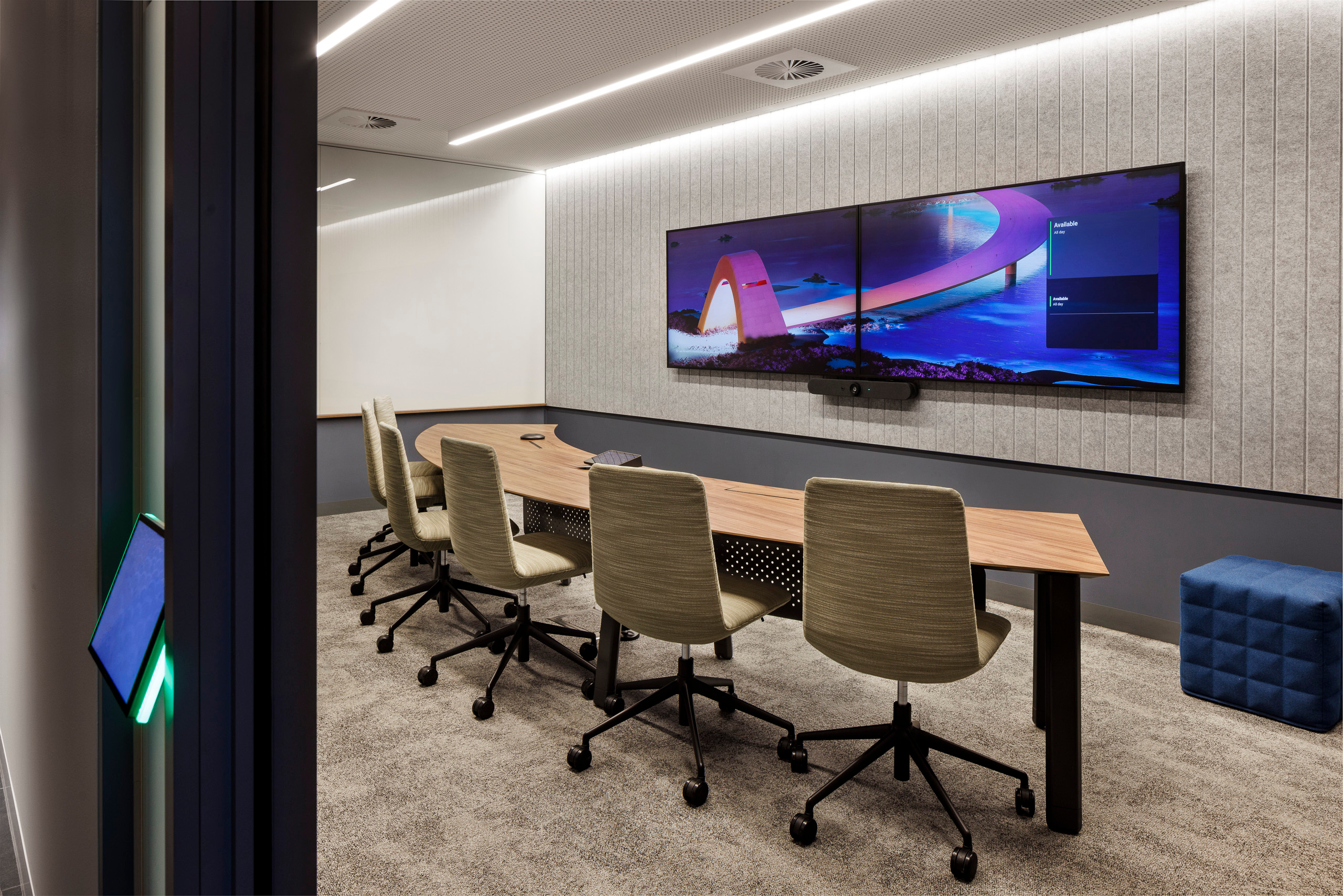
In the Grant Thornton Australia Sydney workplace project, Pro AV Solutions delivered audiovisual design, integration and commissioning across more than 40 spaces, including meeting rooms, boardrooms and flexible training environments.
The project adopted a consistent approach to video conferencing and room interaction across different space types, with Cisco Room Navigator panels supporting meeting room booking and visibility.
Projects of this nature demonstrate how collaboration technology and room booking systems can be considered together as part of the wider workplace design.
Reviewing your workplace requirements
Pro AV Solutions works with organisations across Australia to plan, design, deliver and support meeting rooms, collaboration spaces and connected workplace technology.
This includes helping customers evaluate room booking solutions, occupancy sensing, workplace management platforms and the technology required to support more informed space planning.
For organisations reviewing workplace utilisation or preparing an office upgrade, our Customer Solutions team can arrange an initial workshop to discuss current requirements, available solutions and opportunities to improve the use of existing spaces.
The session can also help identify how room standards, technology integration and workplace analytics can support future investment decisions.
Frequently asked questions
Why does peak office attendance matter for meeting room planning?
Peak attendance can concentrate demand for meeting rooms and collaboration spaces on particular days. Reviewing this demand can help organisations select appropriate room sizes, layouts and technology.
How can organisations improve meeting room utilisation?
Room booking information, occupancy sensors and workplace analytics platforms can help organisations understand how meeting spaces are used.
Solutions such as Microsoft Places, Appspace and compatible room booking systems can provide information about reservations, occupancy and demand, helping workplace teams review room availability, layouts and future space requirements.
What is the difference between room booking data and occupancy data?
Room booking data indicates when a space has been reserved. Occupancy data helps establish whether the space was actually used, based on available sensors or supported device signals.
Reviewing both can provide a more accurate understanding of workplace demand.
Can room booking panels automatically release unused rooms?
Some room booking systems support automated check-in and reservation release when integrated with compatible occupancy sensors or other supported signals. Availability depends on the platform, equipment, configuration and licensing.
What should be considered when upgrading collaboration spaces?
Organisations should review intended activities, room capacity, furniture, acoustics, lighting, hybrid meeting requirements, content sharing, workplace management technology and ongoing support.