Why AV and IT Alignment Matters in Workplace Technology Projects
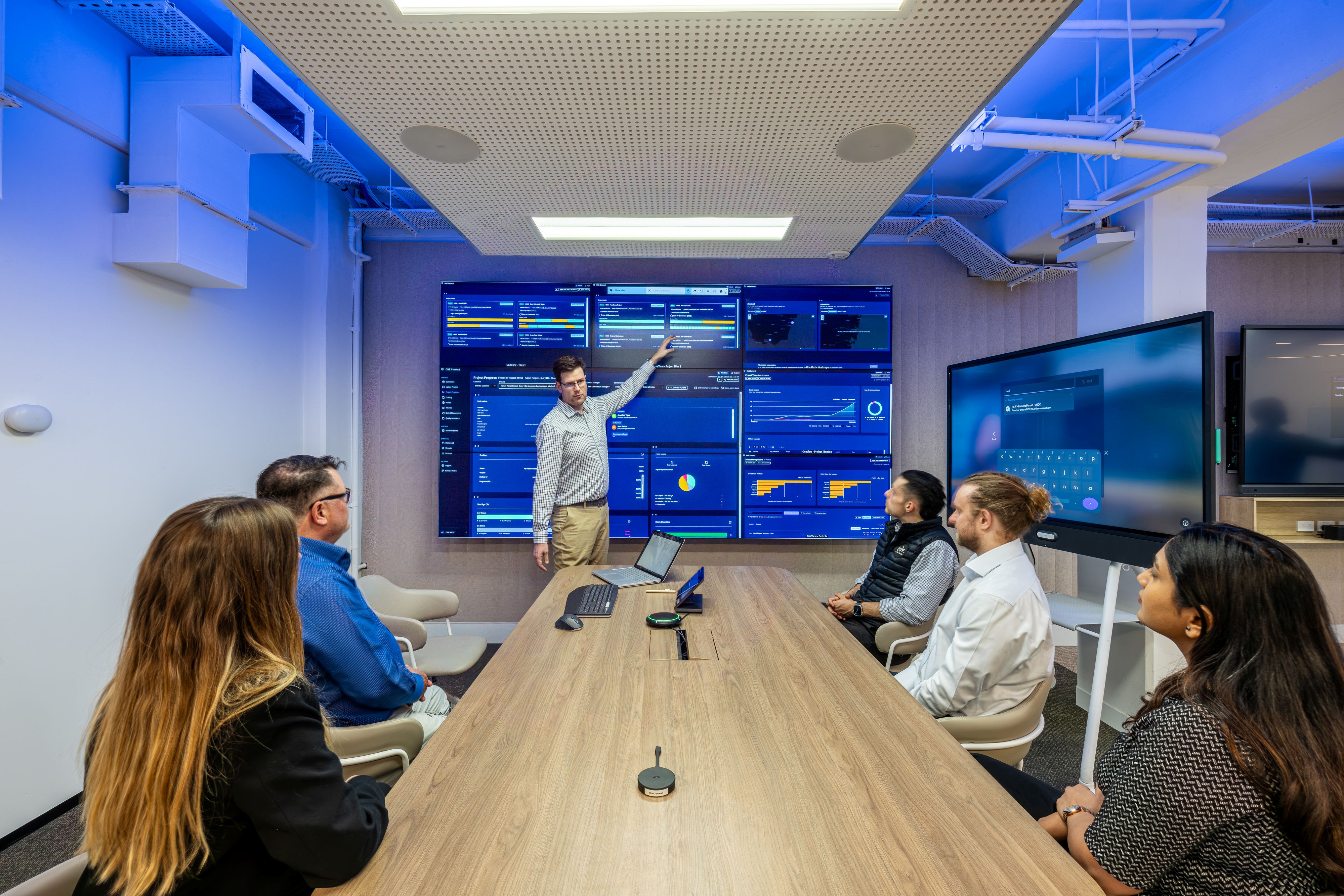
Workplace technology projects now involve more than the room itself.
A meeting room upgrade may include video conferencing, room booking, device management, network access, cybersecurity, user training, documentation and support. A boardroom, training room or collaboration space may also involve facilities teams, consultants, builders, workplace teams and executive stakeholders.
That makes early alignment between AV and IT important.
When platform requirements, network considerations, access approvals or support responsibilities are left too late, projects can become harder to deliver and harder to support after handover. This is especially relevant for organisations rolling out meeting rooms, collaboration spaces or workplace technology across multiple offices.
This article outlines the main areas AV and IT teams should align on before a workplace technology project moves into delivery.
Why AV and IT need to be aligned early
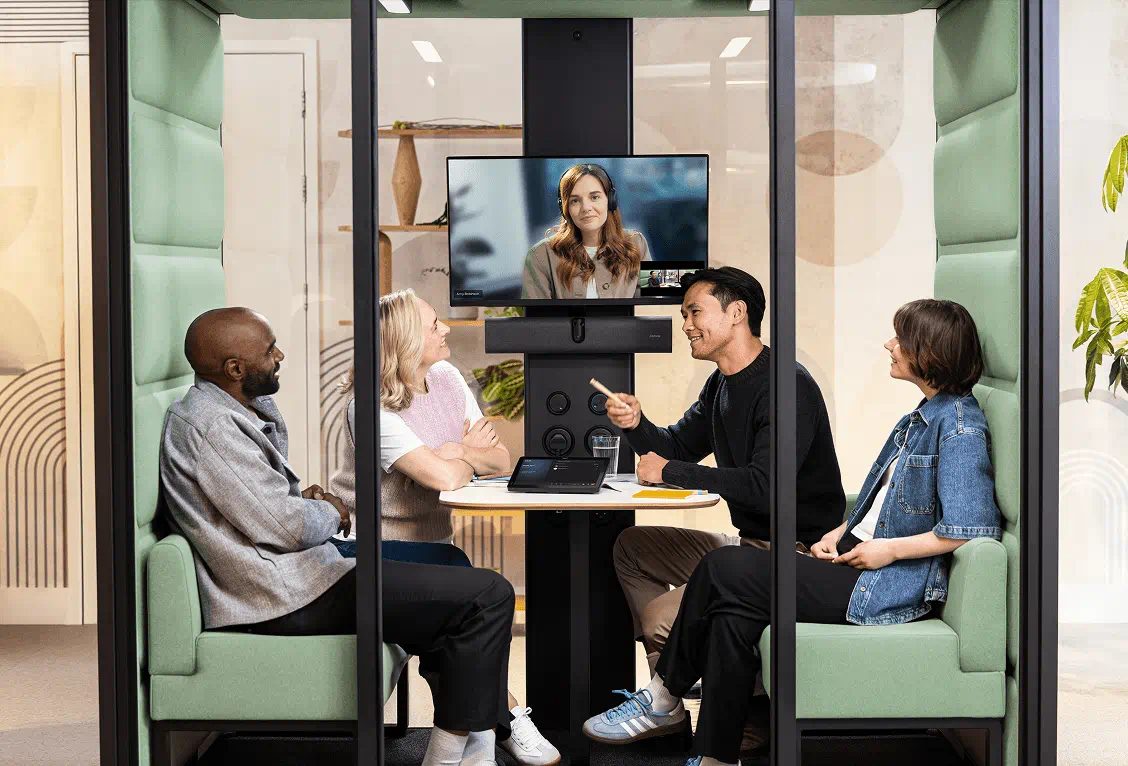
Meeting rooms and collaboration spaces now depend on a mix of AV hardware, software platforms and IT infrastructure.
A typical workplace technology project may involve video conferencing systems, cameras, microphones, speakers, displays, room booking panels, control systems, cloud-managed devices and support tools.
Many of these systems connect to the organisation’s network or depend on internal IT settings.
This means AV design decisions can affect IT requirements, and IT decisions can affect the user experience in the room.
Early alignment gives both teams a clearer view of what needs to be delivered, approved, configured and supported.
Where projects can become harder to manage
Workplace technology projects often become more difficult when key requirements are confirmed too late.
This may include network access, platform requirements, security approvals, room accounts, support responsibilities or documentation expectations.
These are not unusual requirements. They are part of most workplace technology projects.
The issue is timing.
If these items are only raised during installation, commissioning or handover, the project can slow down and internal teams may need to resolve issues under pressure.
A better process is to bring AV and IT together earlier, before the solution is finalised and before delivery begins.
Platform, network and security decisions should be visible early
Most workplace technology projects rely on collaboration platforms, network access and security settings from the beginning.
This may include how users join meetings, how room systems connect, how devices are managed and what level of access is required for support.
For many projects, these requirements are straightforward. For larger rooms, national rollouts or environments with stricter IT controls, they may need more planning.
The important point is that these decisions are visible early enough to inform the design, procurement and delivery process.
When AV and IT teams align before delivery begins, there is less risk of late changes around platform configuration, connectivity, access approvals or support arrangements.
Support and handover should be agreed before the room is in use
Support should not be left as a final project close-out item.
Once a room is being used, people need to know how to request help, who responds first and what information is available to support the system.
This is especially important for high-use meeting rooms, boardrooms, training spaces, client-facing rooms and multi-site workplace environments.
Clear handover documentation also gives internal teams a better understanding of what has been installed, how it connects and how it should be managed over time.
For organisations with multiple offices or sites, a consistent approach to documentation and support can make future rooms easier to maintain, upgrade and review.
Questions to ask before the project starts
Before starting a workplace technology project, AV and IT teams should ask:
- Which collaboration platforms need to be supported?
- Does the room need native platform capability, BYOD or both?
- Are network and security requirements clear?
- Who will manage room accounts and credentials?
- How will connected devices be managed over time?
- What support is required after handover?
- Who is the first point of contact for users?
- What documentation will internal teams receive?
- How will updates, changes and future support be handled?
- Does the same approach need to apply across other sites?
Where Pro AV Solutions fits
Pro AV Solutions works with organisations across Australia on AV integration, workplace technology, meeting rooms, boardrooms, project services and managed support.
For workplace technology projects, this includes helping AV, IT, workplace, facilities and construction teams align early on room requirements, network considerations, platform requirements, documentation and support. For organisations with multiple offices or sites, Pro AV Solutions can also support consistent workplace technology standards and national delivery across Australia.






.jpg)
.jpg)








.png)










.jpeg)




.avif)




.jpeg)


.webp)