From Meeting Room to Collaboration Space: What Workplace Teams Need to Consider
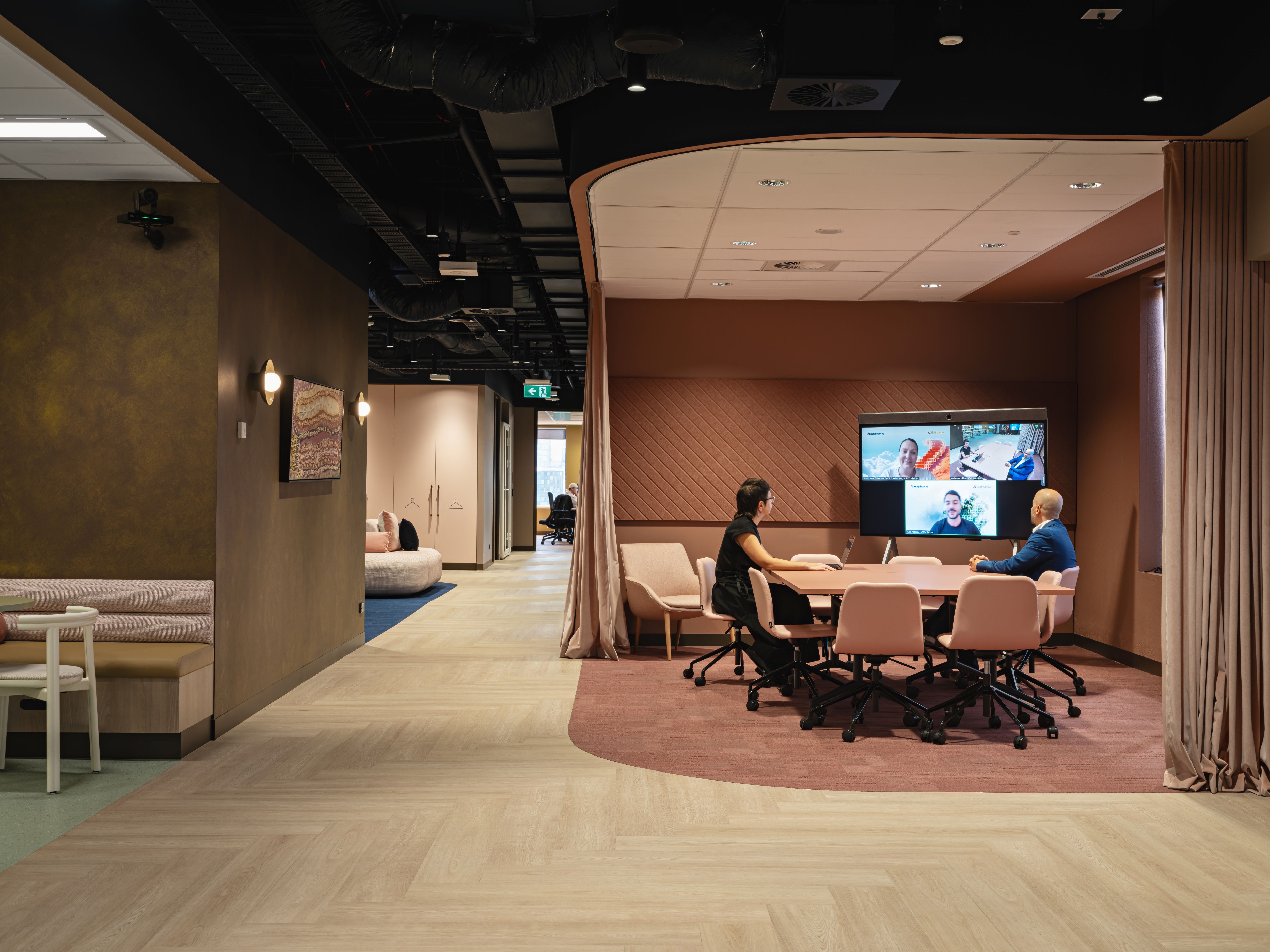
A lot of organisations are still working out what the office is for.
The answer is rarely “people sitting at desks five days a week”.
More often, the office is being used for work that benefits from being together: planning sessions, workshops, client meetings, training, project work and team conversations that are harder to run properly over a laptop.
That puts pressure on the spaces where collaboration happens.
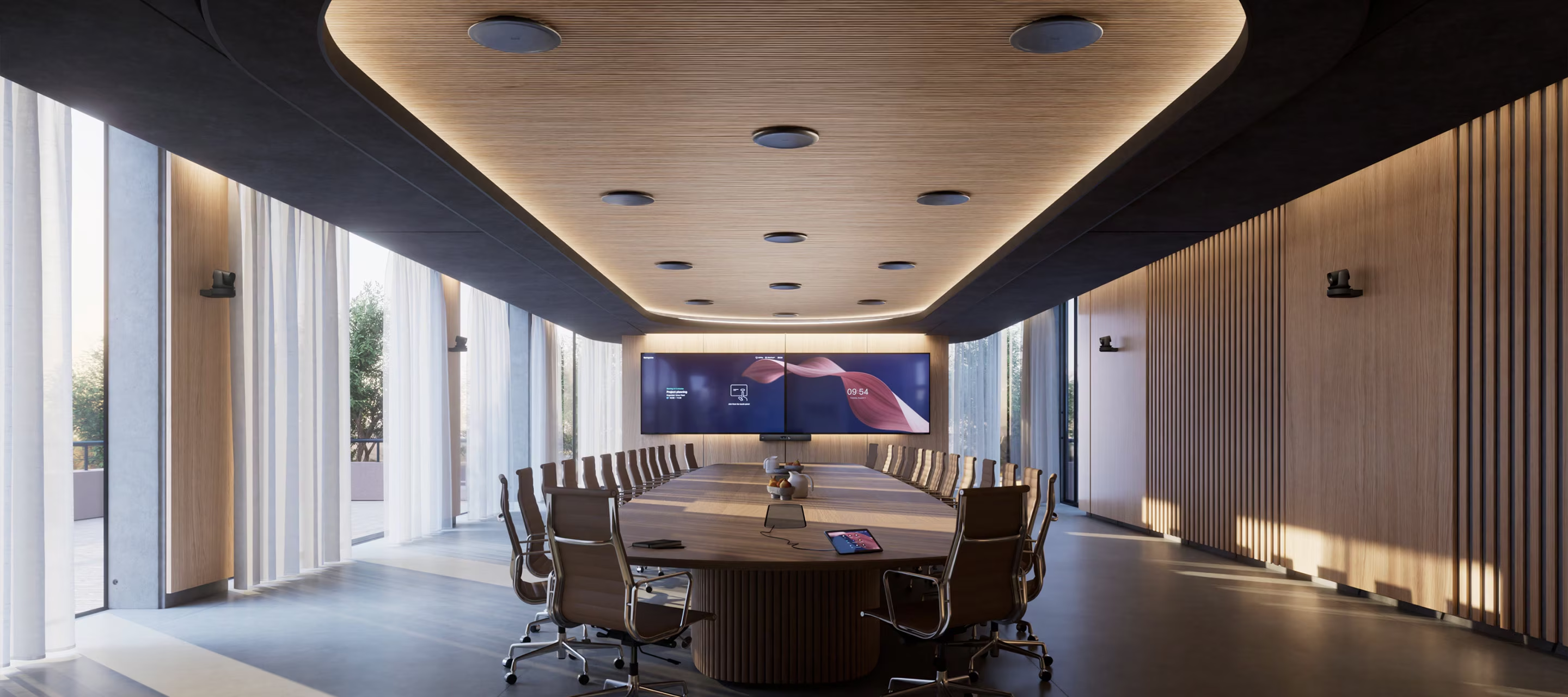
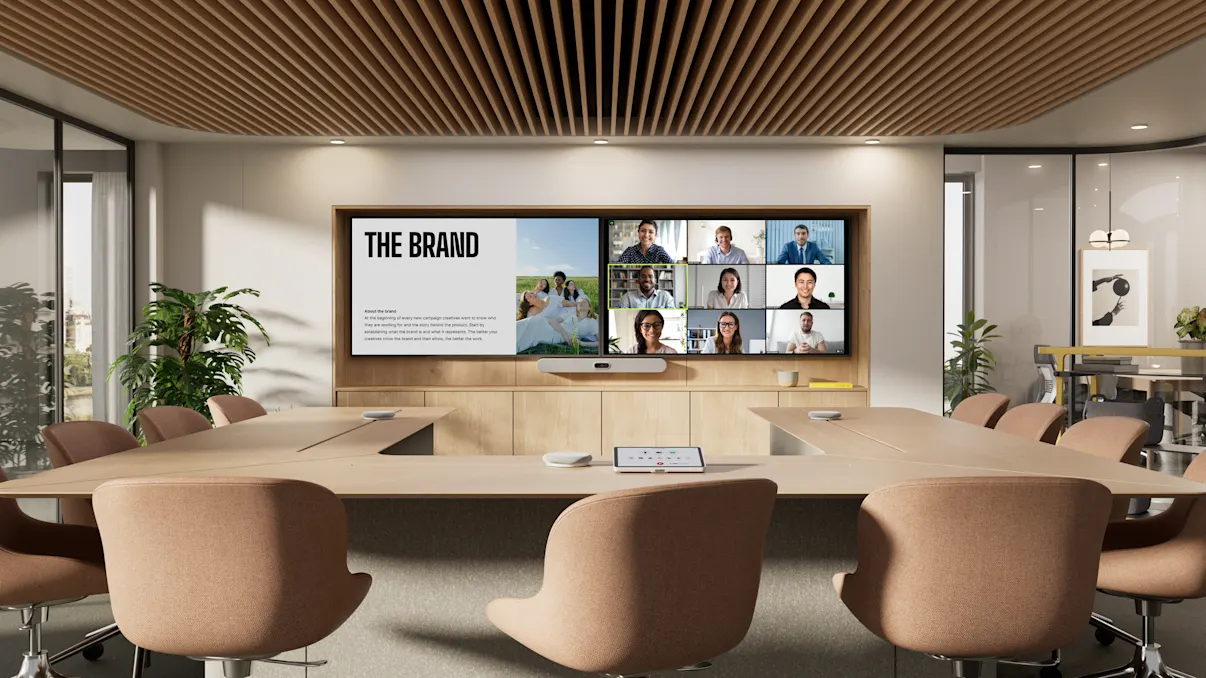
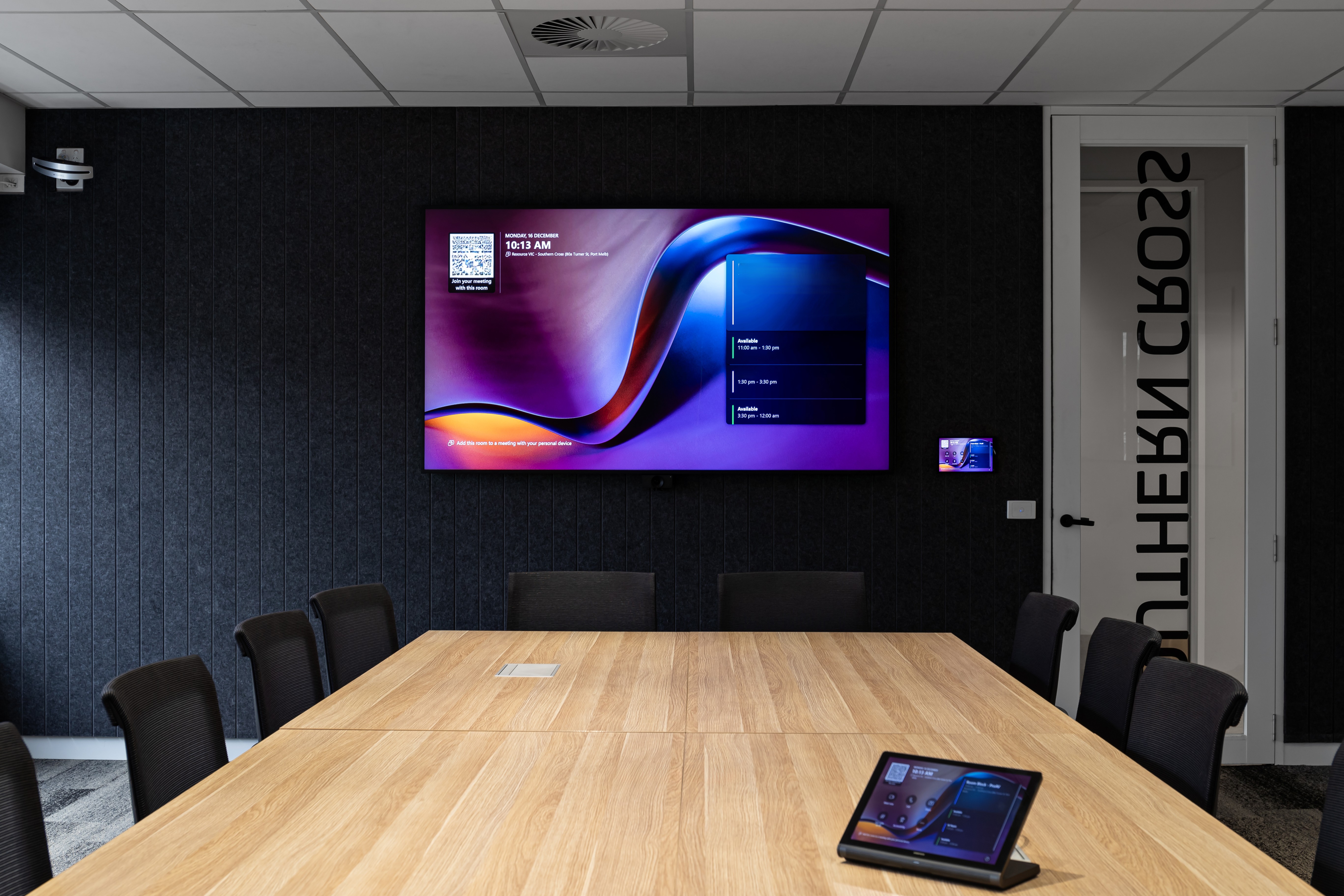
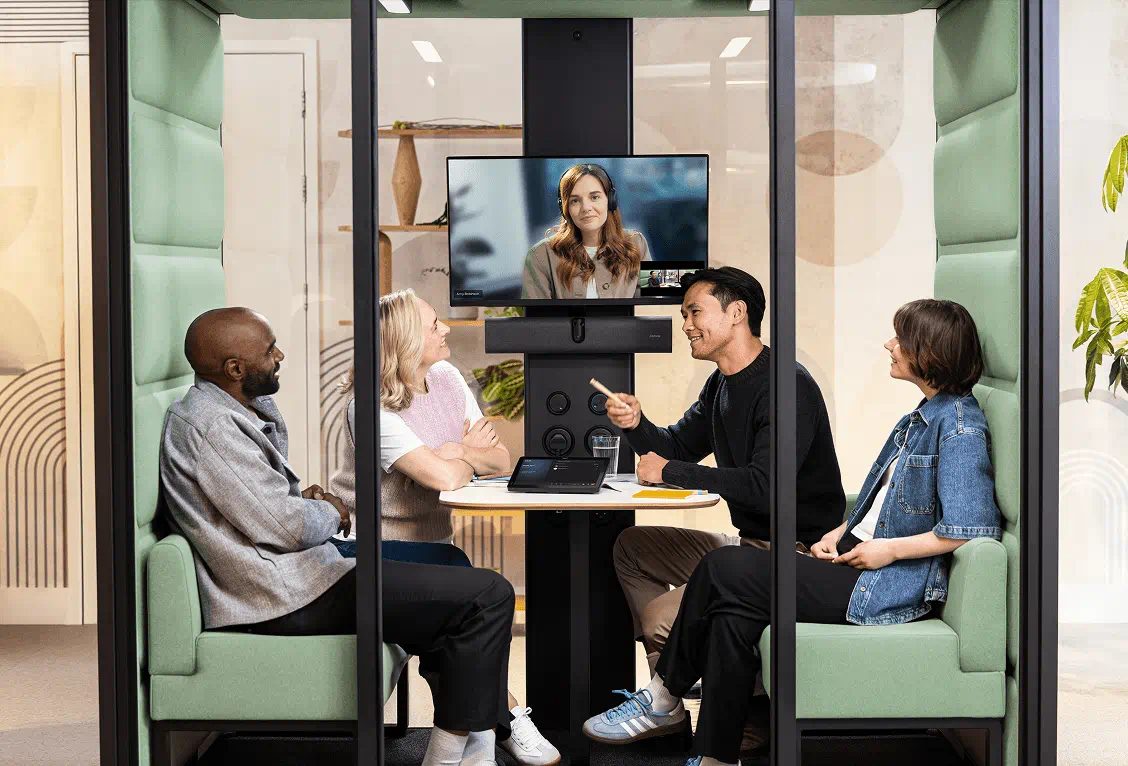
A meeting room with a screen and a camera might be enough for a quick call. It may not be enough for a workshop with people in the room and others joining remotely. A project space may need flexible content sharing. A training room may need better audio coverage. A boardroom may need a more controlled experience for guests, executives and remote participants.
The point is to understand what each space is expected to support before decisions are made.
The office is being used more deliberately
Hybrid work has made office attendance more intentional for many organisations.
People may not come in every day, but when they do, there is often a specific reason. They are meeting clients, working through a problem with colleagues, joining a planning session, attending training, presenting to stakeholders or spending time with their team.
This makes collaboration spaces more important to the workplace experience.
The room needs to support the work people came in to do. If the space is difficult to use, if audio is unclear, if content sharing is awkward or if remote participants struggle to follow the discussion, the value of being together is reduced.
For organisations investing in workplace technology, this is where planning needs to start.
Collaboration now includes remote participants
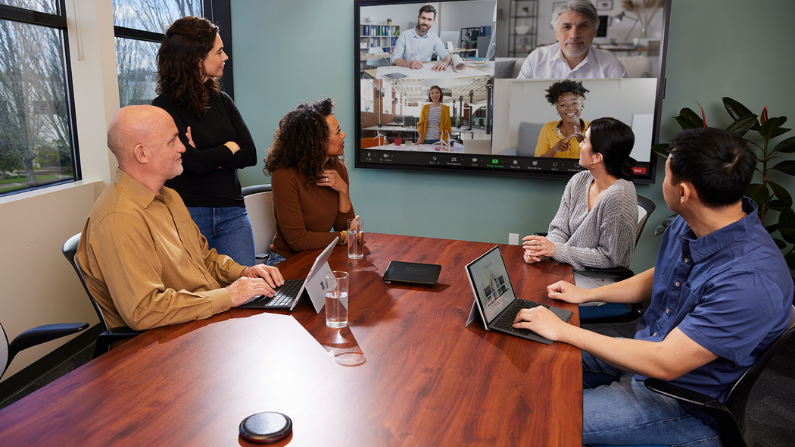
Even when more people are in the office, collaboration is rarely limited to the people in the room.
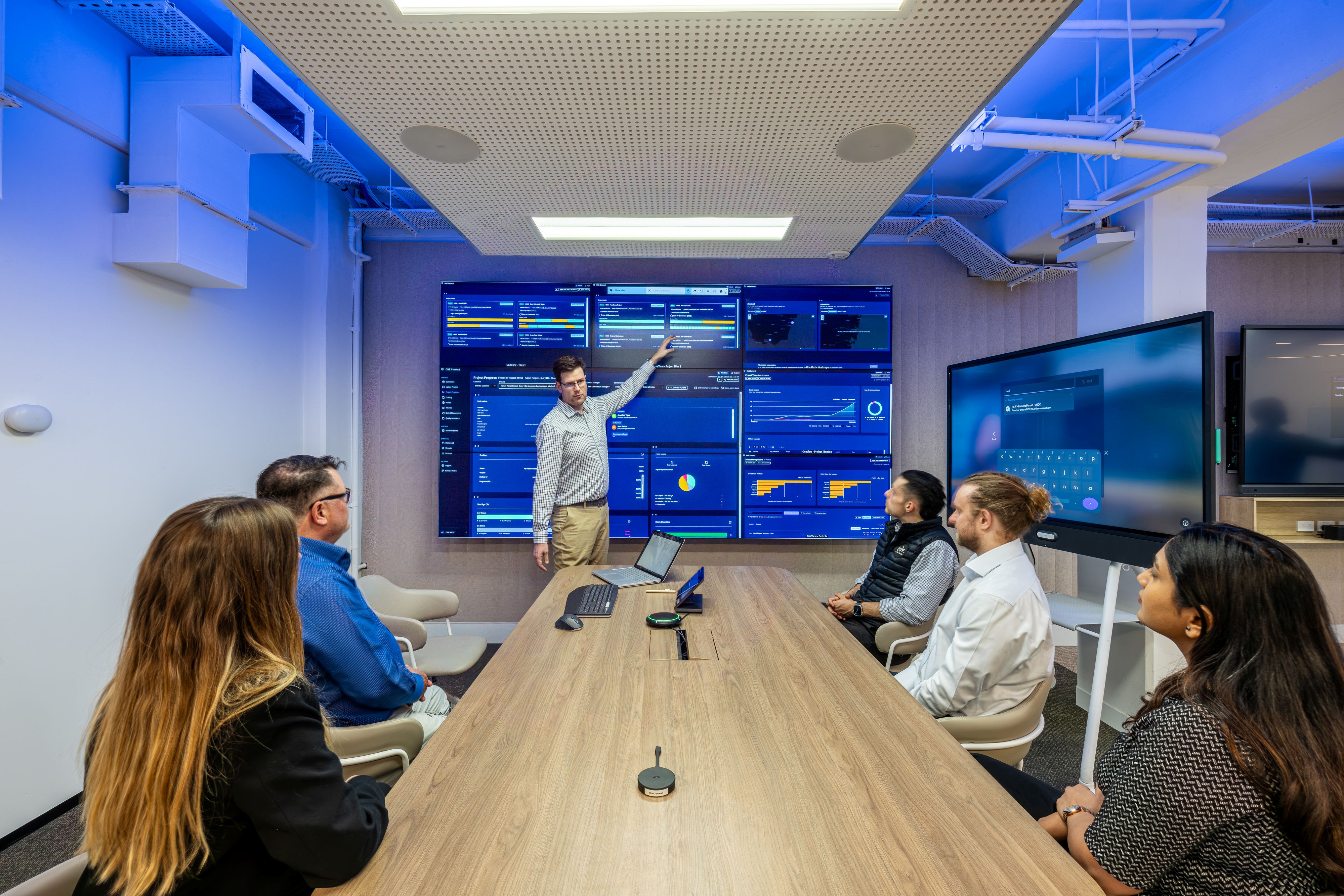
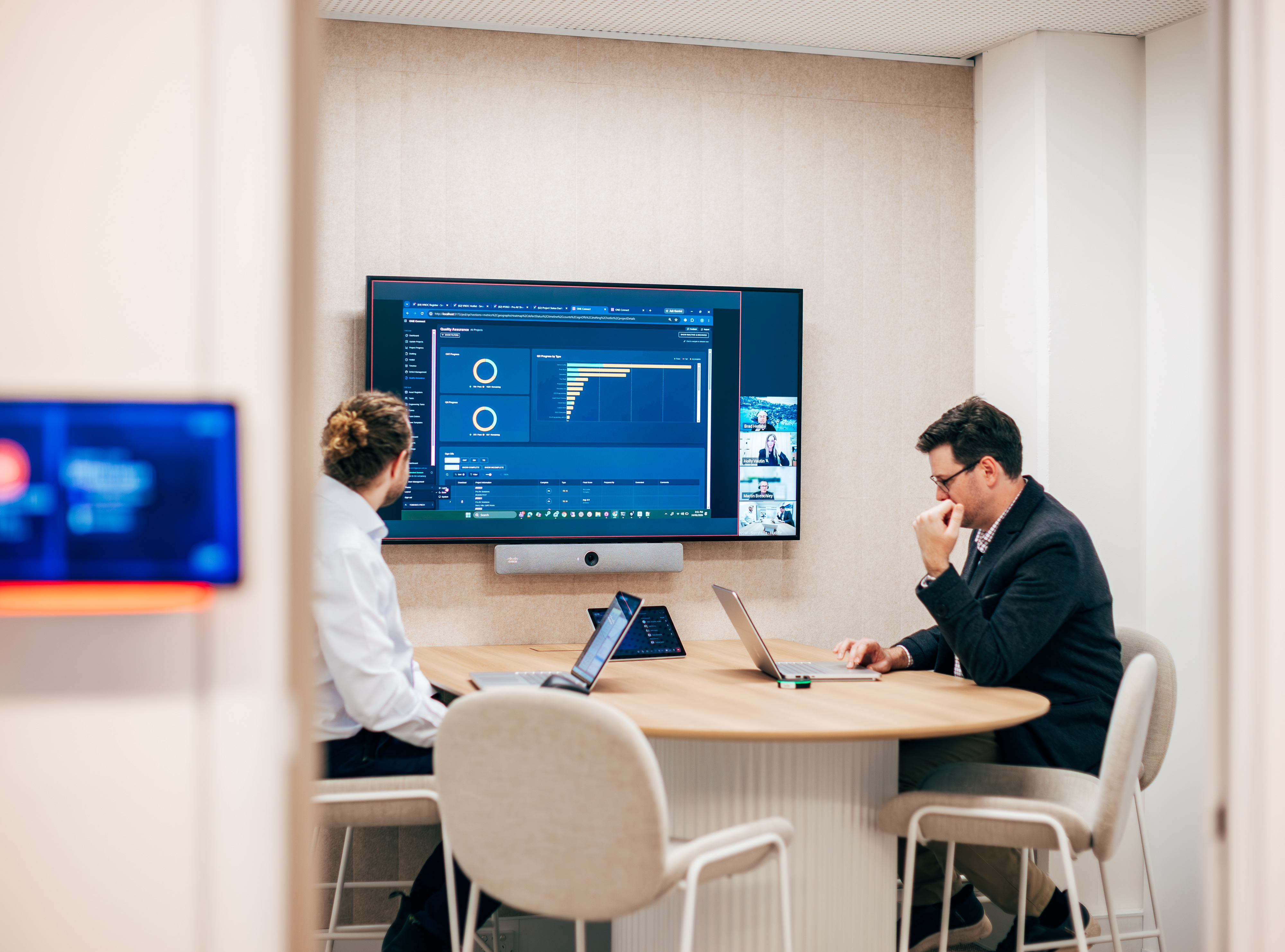
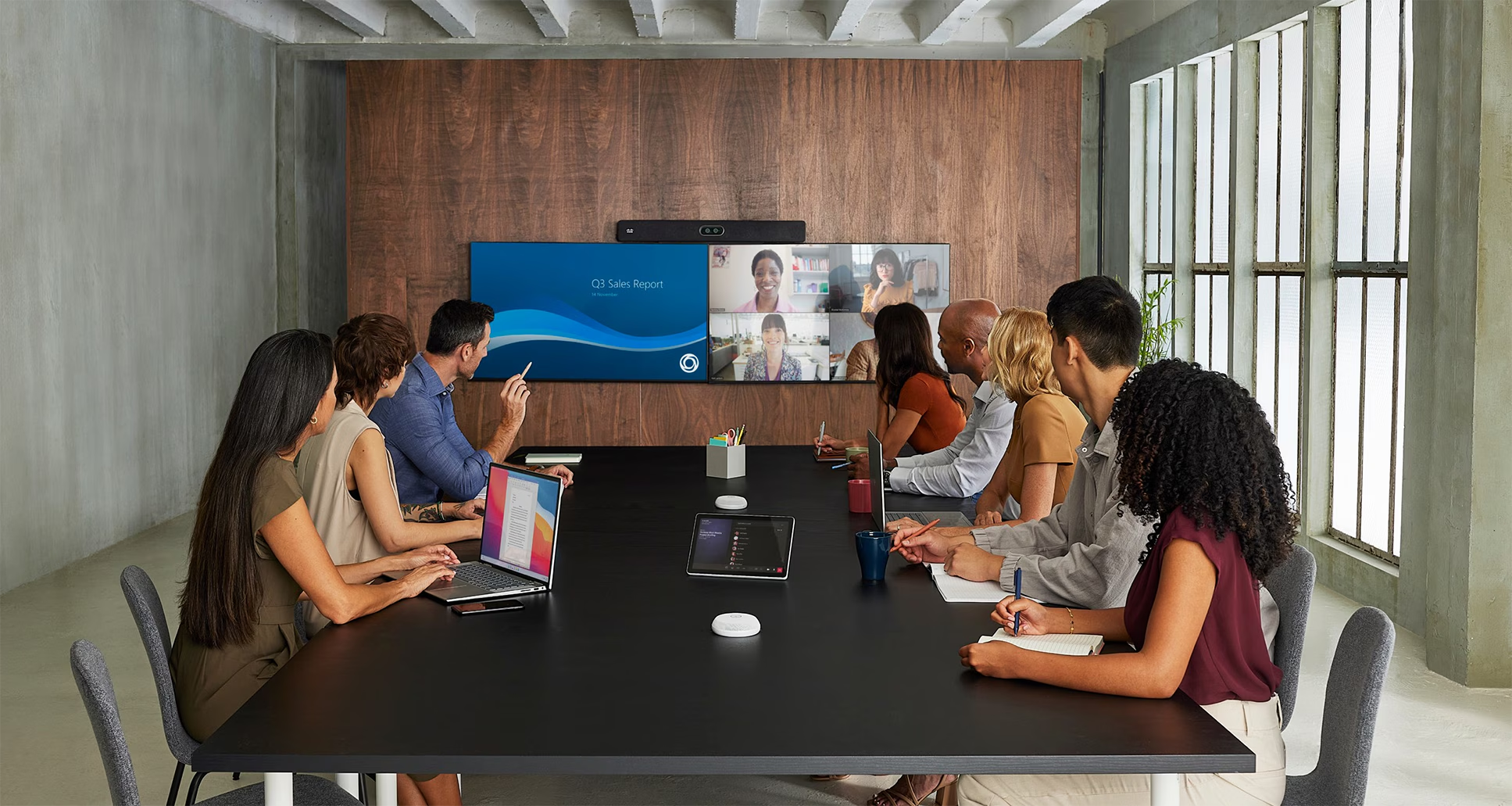
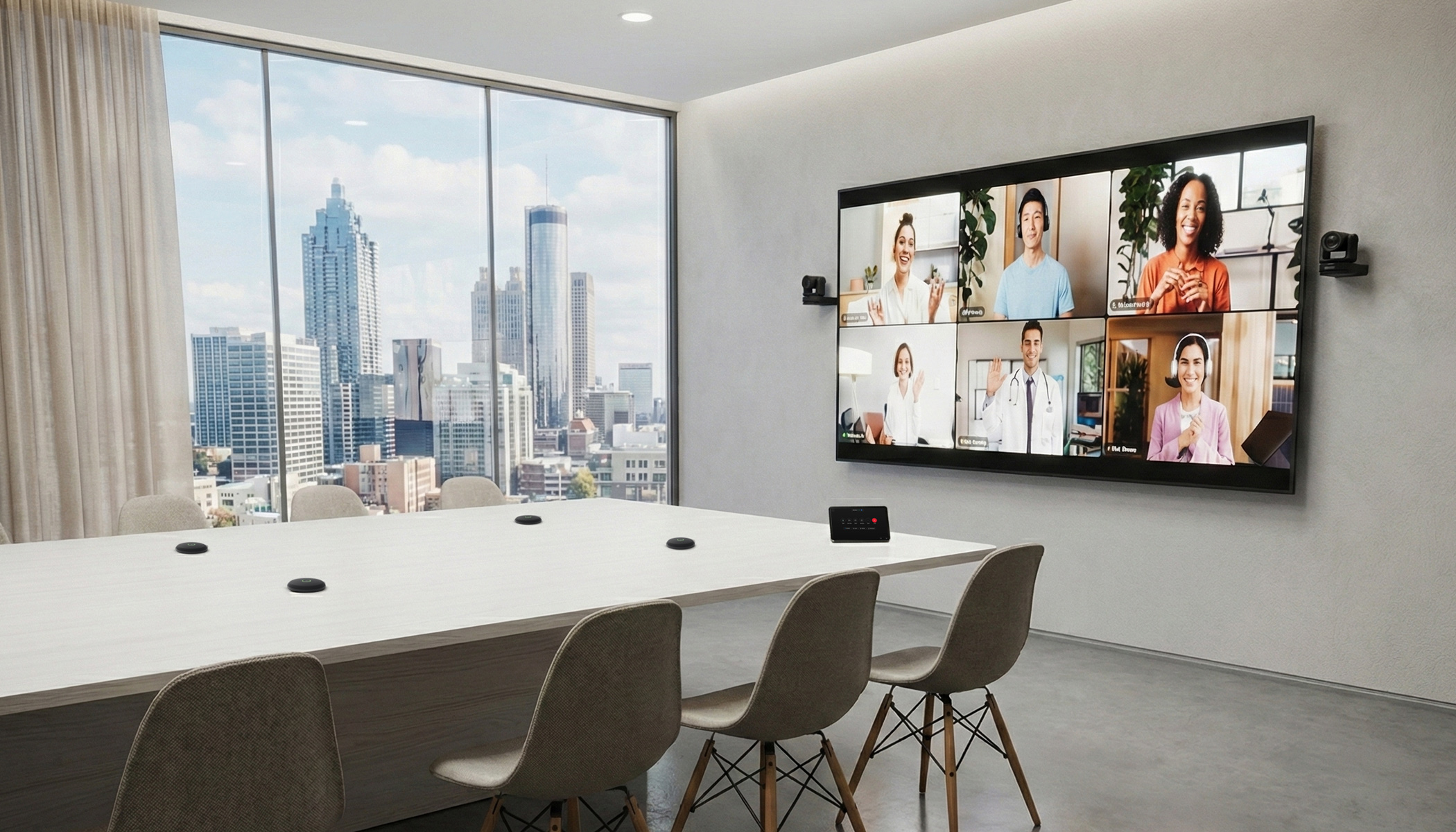
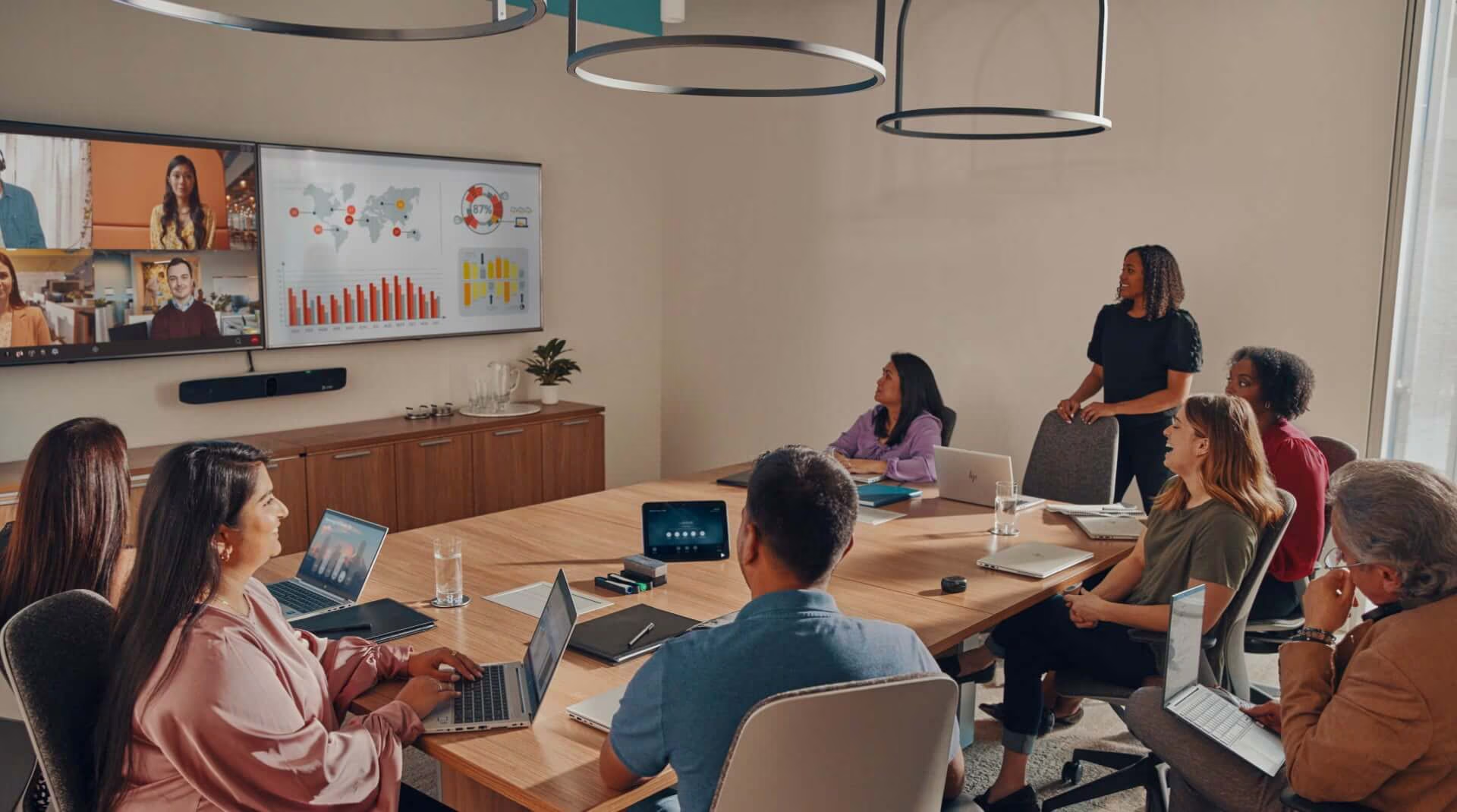
A workshop may include someone working from home. A client session may include people from another city. A project meeting may include teams across different offices. A leadership update may need to include people who cannot attend in person.
Cisco’s 2025 Global Hybrid Work Study describes the office as a hub for collaboration, social interaction and team building, while also highlighting the importance of collaboration technology, networking and security foundations in hybrid work environments.
This does not mean every space needs complex technology.
It means each collaboration space should be planned around both groups: people in the room and people joining remotely.
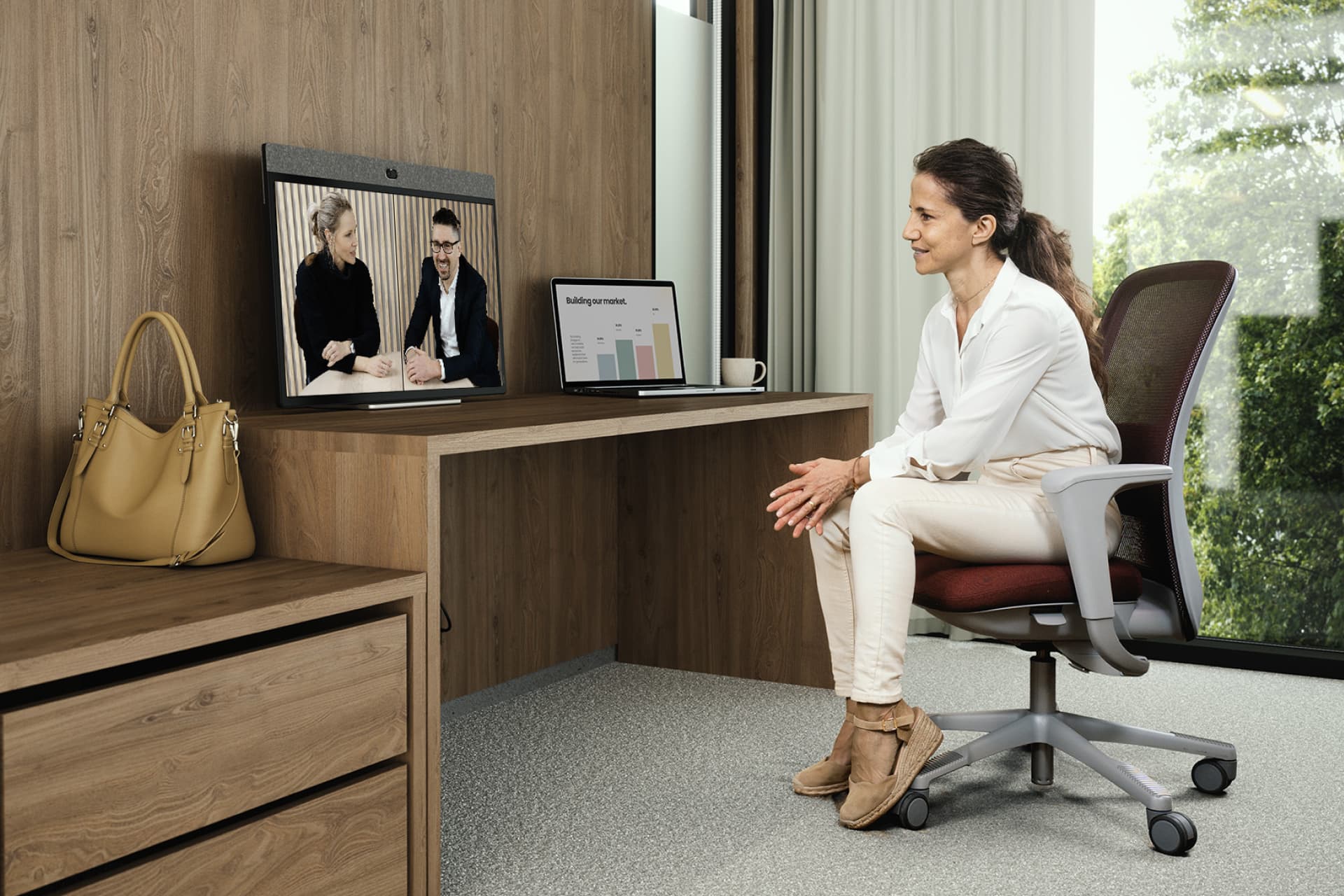
Remote participants need to hear the discussion, see the right people, follow shared content and contribute without feeling disconnected from the room.
Start with the type of collaboration
Before selecting technology, it helps to define the type of work the space will support.
A collaboration space may be used for:
- team meetings
- workshops
- project planning
- client presentations
- training sessions
- executive discussions
- hybrid meetings
- informal problem-solving
- design reviews
- town hall or all-hands sessions
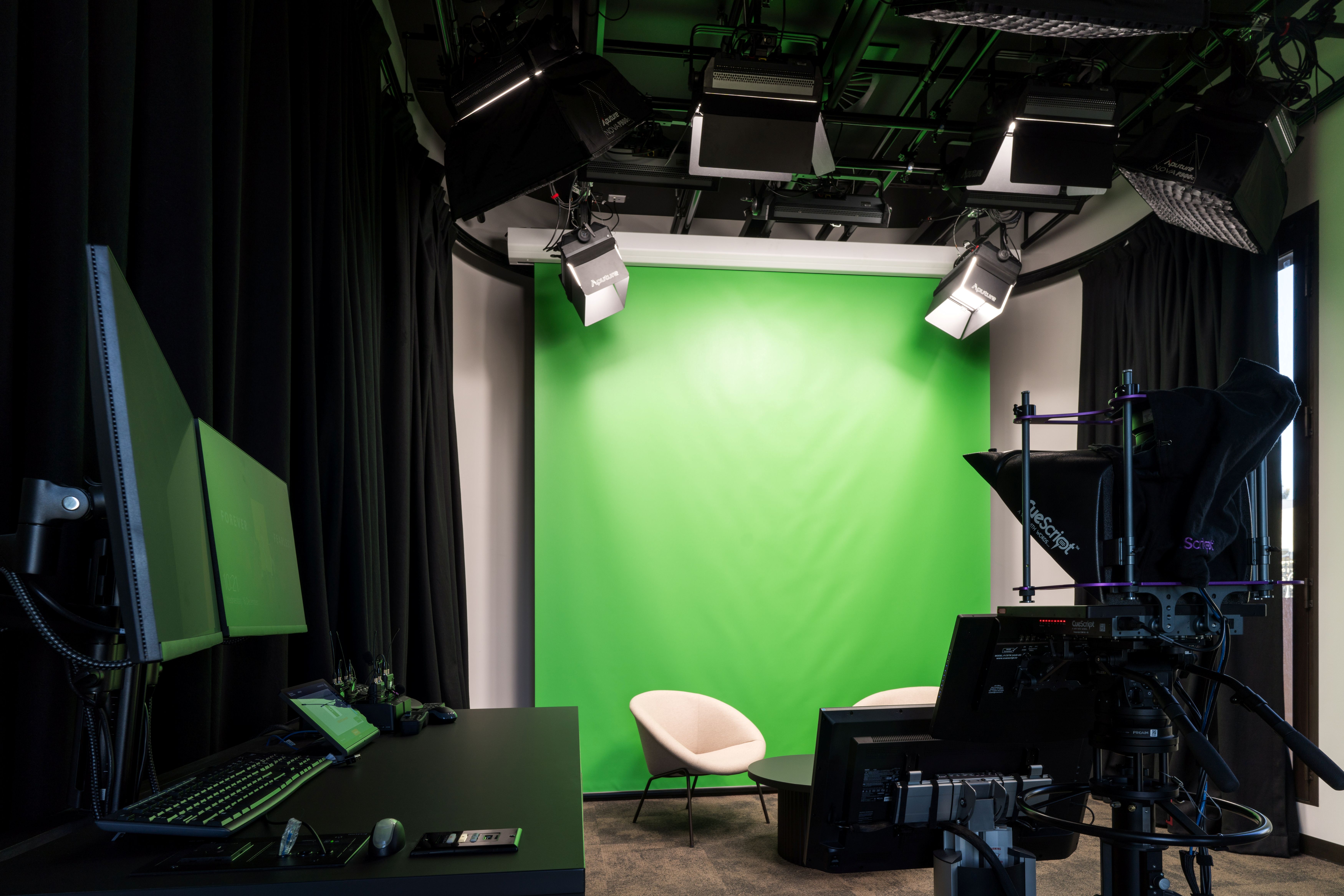
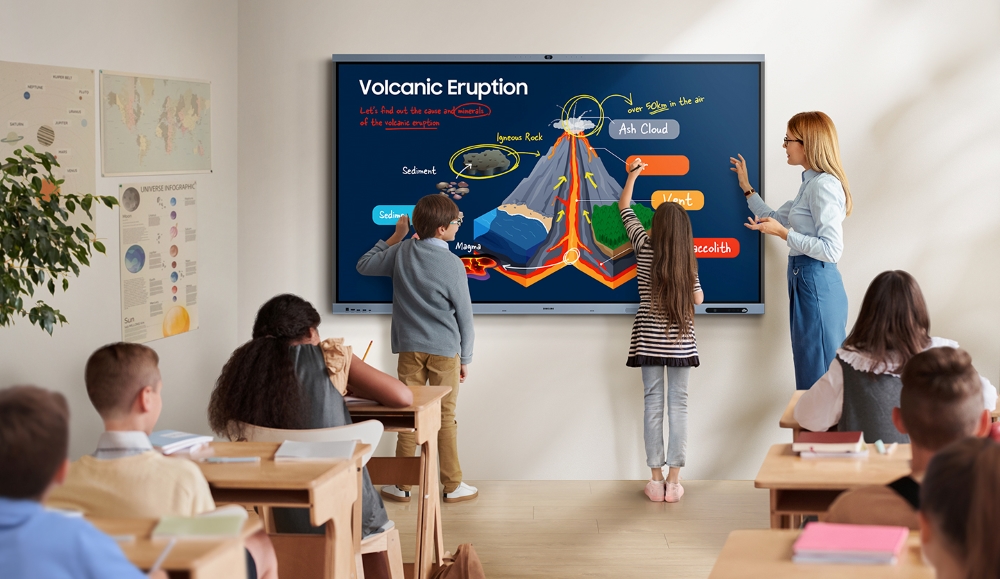
Each activity places different demands on the room. For example, a workshop may need flexible furniture, writable surfaces, strong audio capture and simple content sharing from multiple people. A client presentation may need a cleaner display setup, reliable guest connectivity and simple controls. A training room may need presenter audio, audience participation and recording or streaming options.
Audio affects who can participate
In collaboration spaces, audio is closely linked to inclusion.
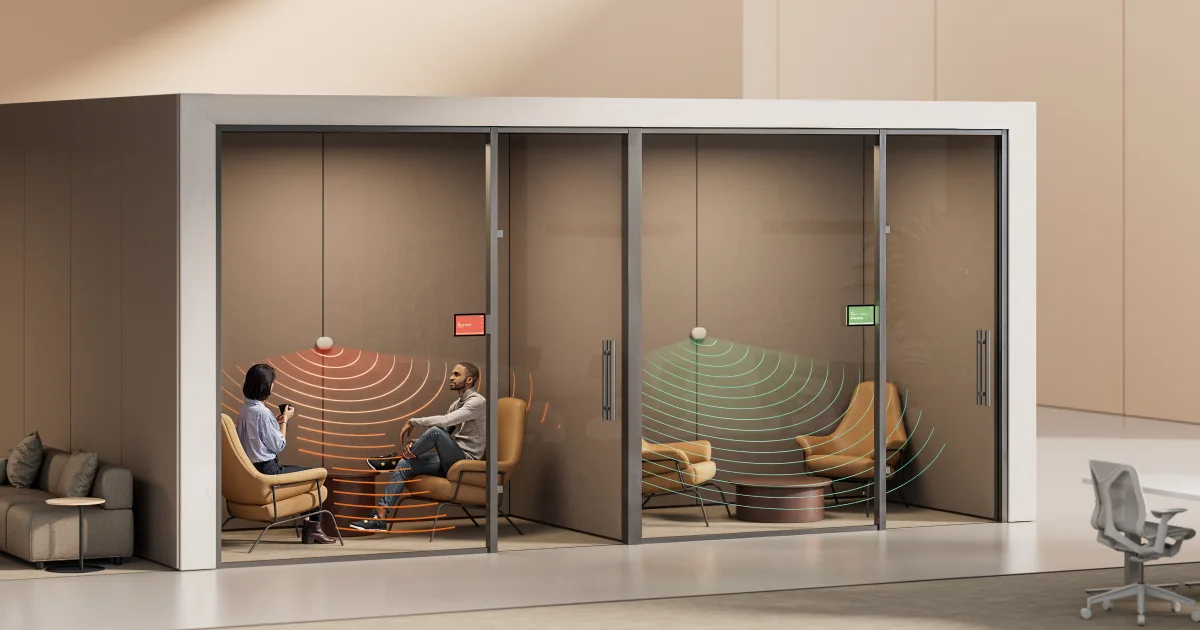
People joining remotely need to hear the full conversation, not only the person closest to the microphone. They need to hear questions from the room, comments from quieter participants and discussion across the table.
If the audio only captures part of the room, some people become harder to include.
This is especially important in workshops, planning sessions, training rooms and boardrooms, where the value often comes from group discussion rather than a single presenter.
Audio planning should consider:
- where people will sit
- who is likely to speak
- whether people will move around
- whether quieter voices will be captured
- how questions from the room will be heard
- how remote participants will hear side discussions
- how background noise or room acoustics may affect the experience
Camera framing helps people feel included
Camera placement is also part of the collaboration experience.
For remote participants, the camera view is often their main connection to the room. If they can only see one person, a wide empty table or people from an awkward angle, it becomes harder to follow the discussion and understand who is contributing.
Good camera framing helps remote participants read the room.
They can see who is speaking, understand group reactions and feel more connected to the conversation.
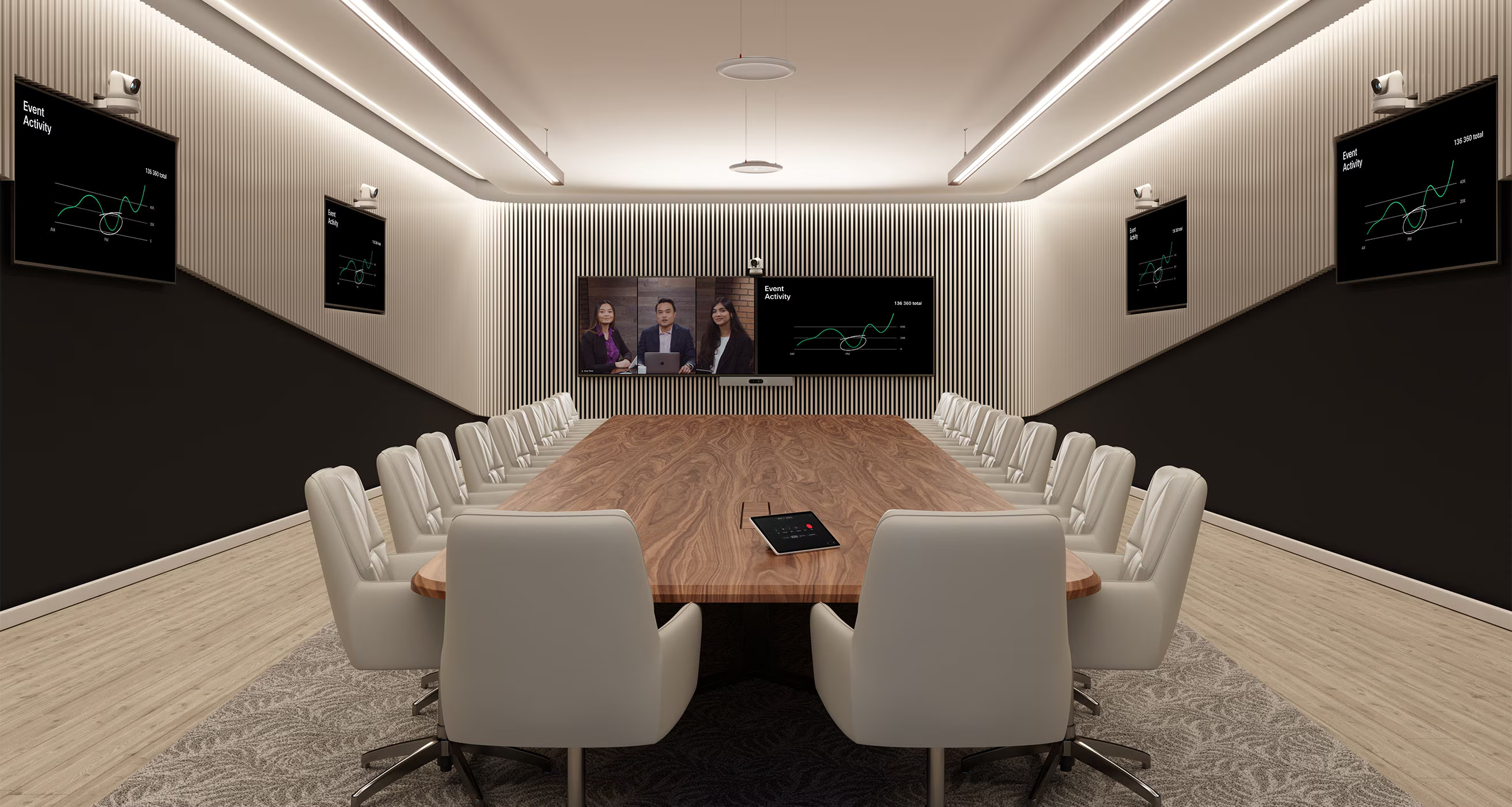
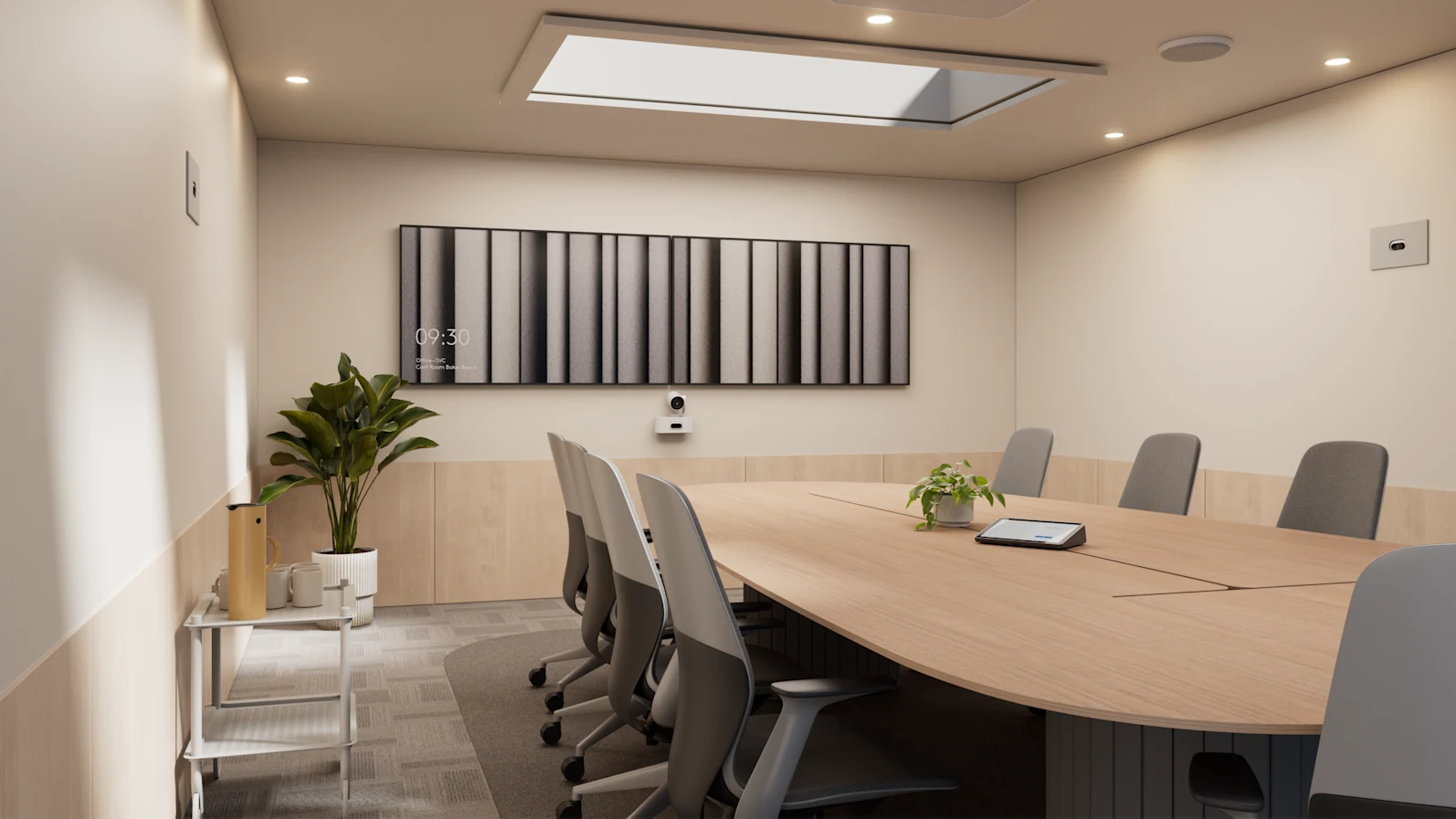
Different spaces may need different approaches. A small room may work well with a single camera. A boardroom may need framing that captures people around the table. A training room may need to show the presenter and the audience. A project room may need to show people working around shared content.
Camera planning should consider:
- who needs to be visible
- where people will sit or stand
- whether the room needs speaker framing
- whether group framing is required
- whether whiteboards or displays need to be visible
- how remote participants will follow discussion in the room
- whether the camera view supports equal participation
Content sharing needs to be simple
Collaboration often depends on people sharing work quickly. That may include presentations, documents, dashboards, drawings, design files, video or live project information. If the room makes this difficult, the session slows down.
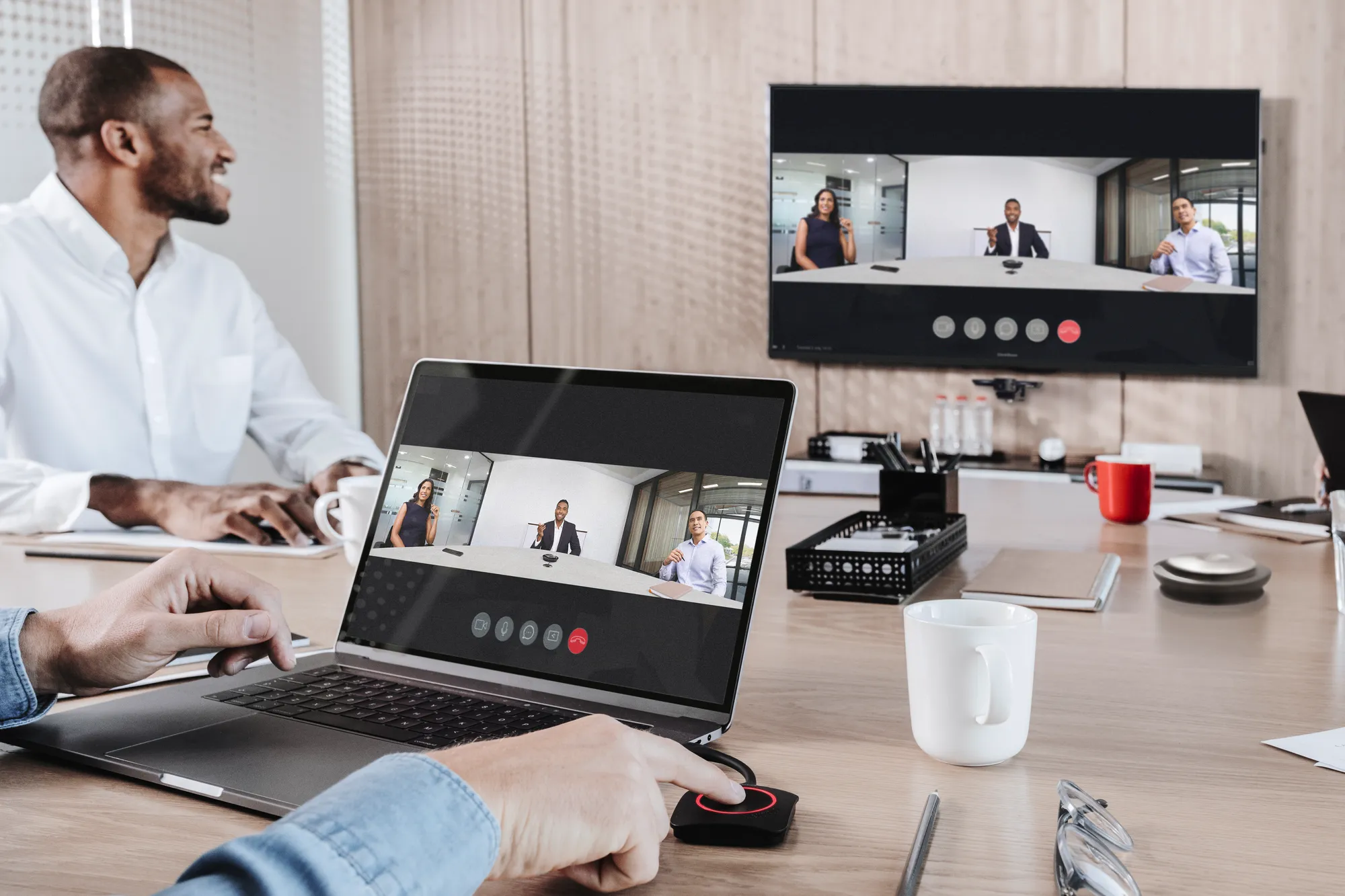
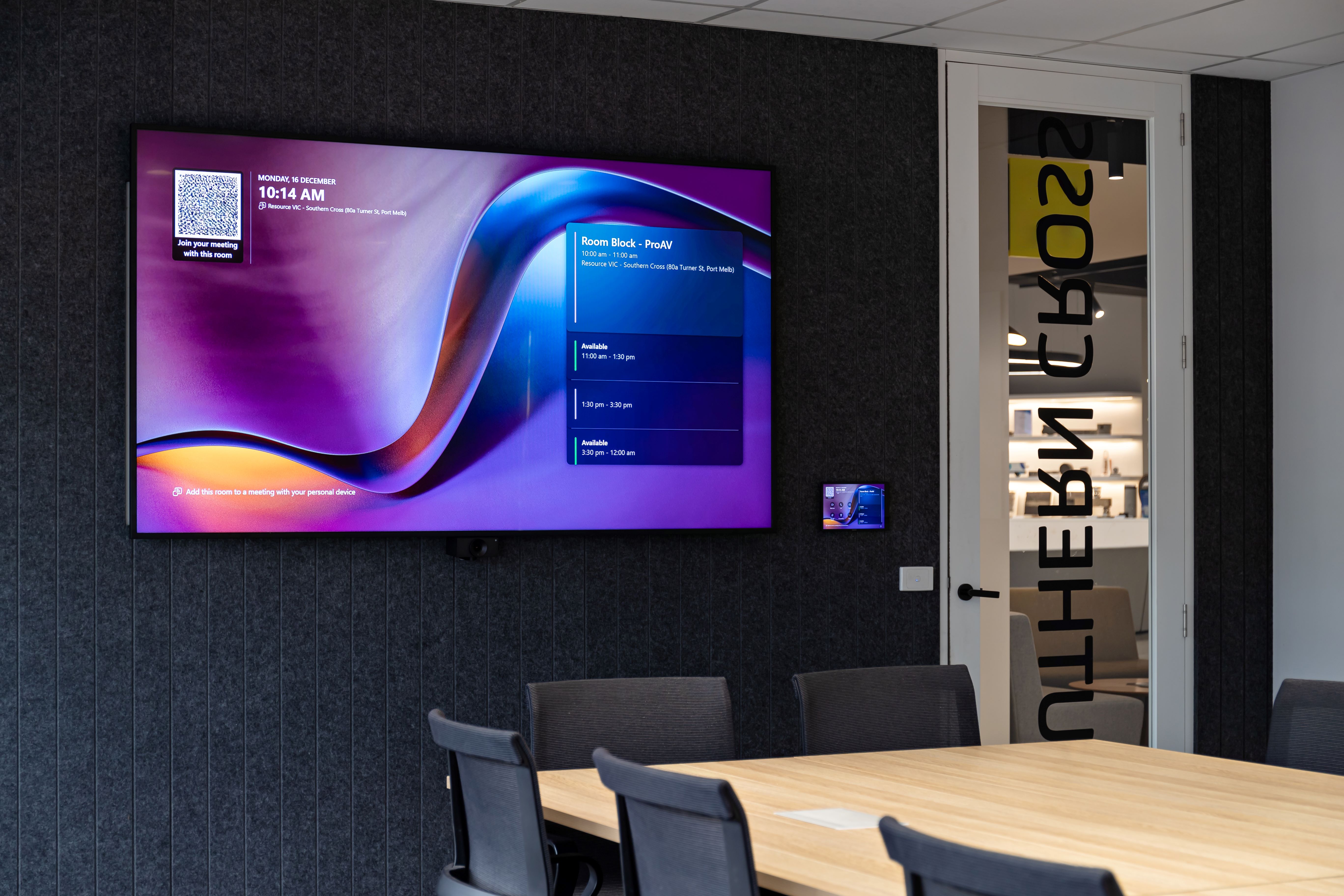
Workplace teams should consider how people will share content, whether guests need to connect, whether wireless presentation is required, whether multiple people need to present and how shared content will appear for remote participants.
People should be able to walk in, connect and share without needing detailed instructions.
Room layout and technology need to be planned together
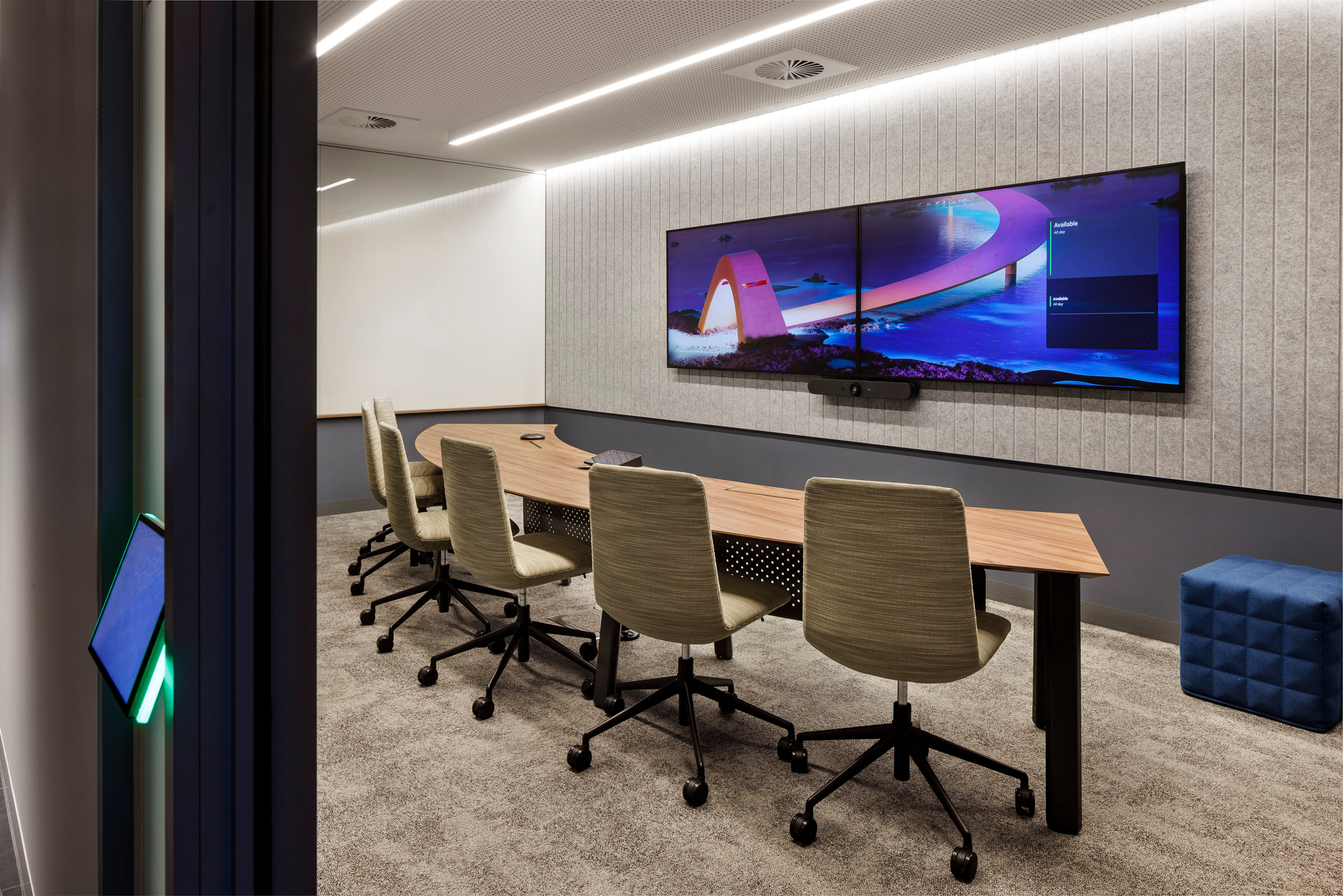
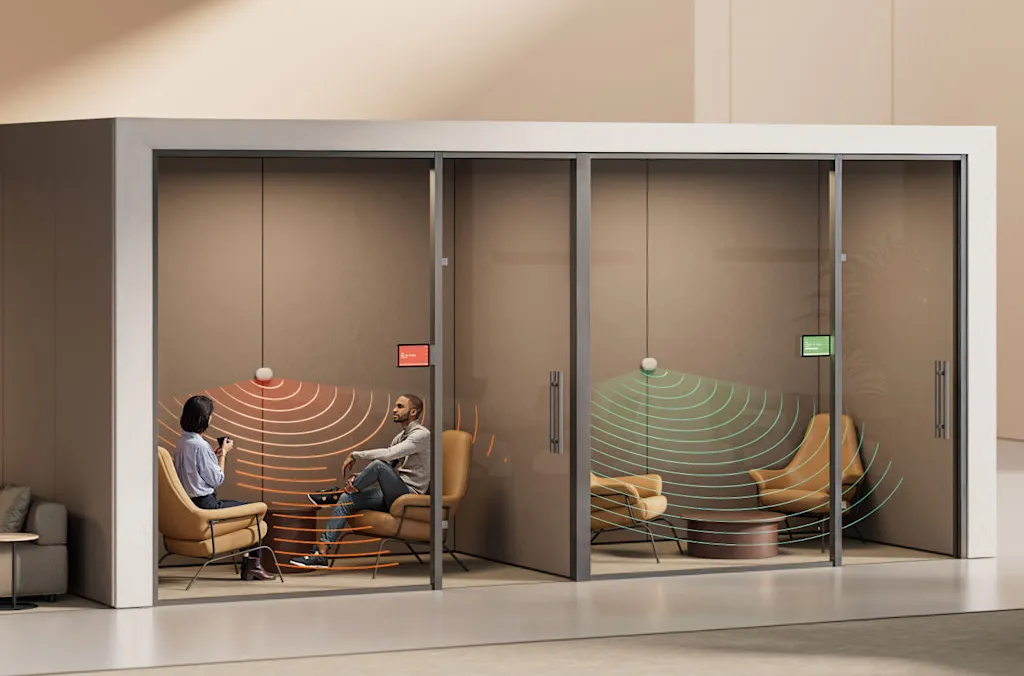
A collaboration space is affected by more than AV equipment. Furniture, lighting, acoustics, screen position, camera angles, table shape and room size all influence how well the space works.
A room may look good on a floor plan but still be difficult to use if people cannot see the screen properly, microphones do not capture the discussion, lighting affects the camera, or the layout makes it hard for remote participants to follow the session.
For workplace projects, AV planning should be part of the room planning process early enough to influence the result.
This is especially important for rooms that will support workshops, training, client sessions or senior meetings.
Not every collaboration space needs the same setup
A national workplace portfolio may include many different collaboration spaces.
A useful workplace technology standard should define the purpose of each space and the experience it needs to support.
Support should reflect how the space is used
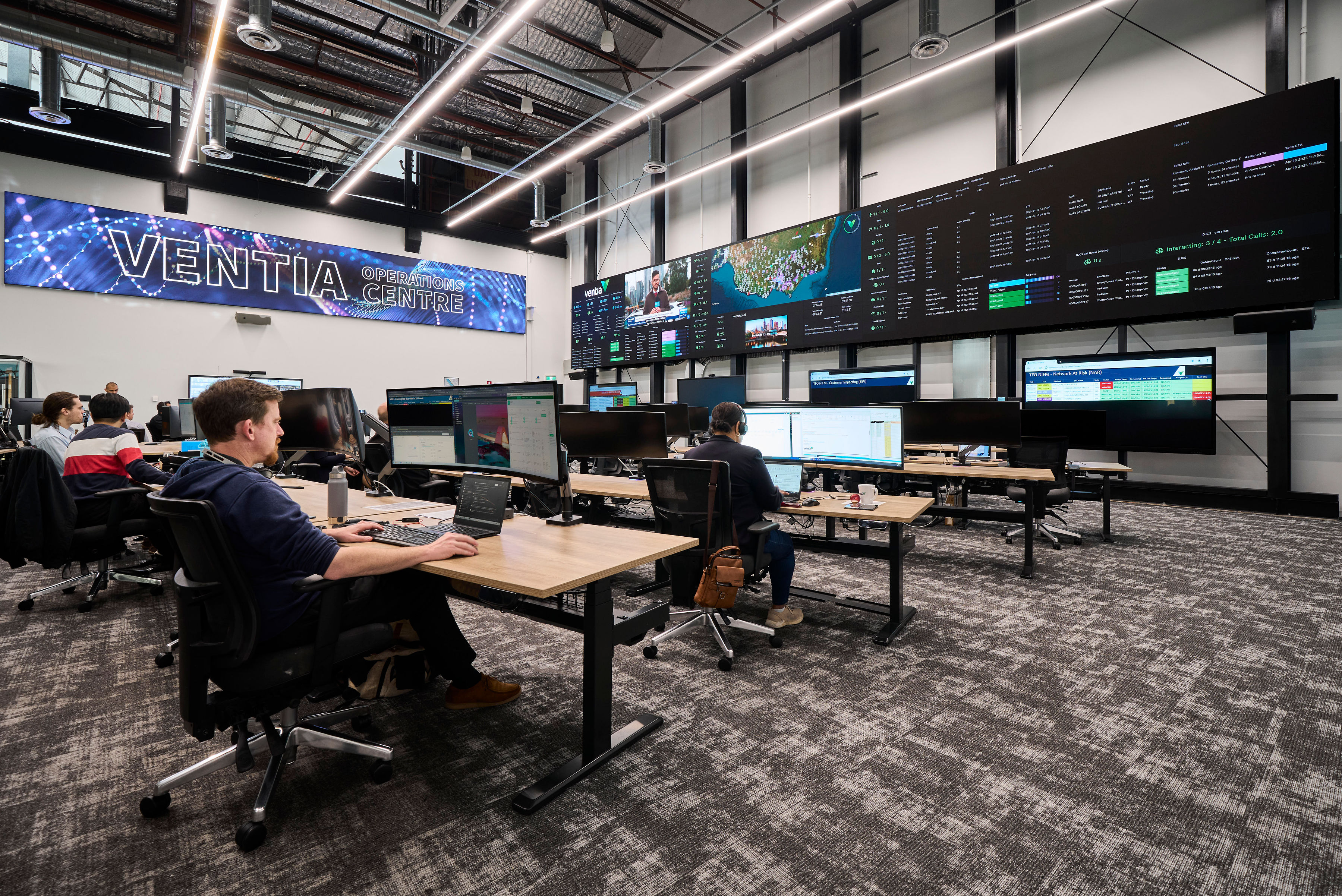
Collaboration spaces often carry more business value than their size suggests. Before handover, organisations should define who owns support, how users request help, what can be resolved remotely, when on-site support is required and which spaces need priority response.






.jpg)
.jpg)









.png)








.jpeg)





.avif)




.jpeg)


.webp)