AV Support in the Workplace - What happens when the project is complete?
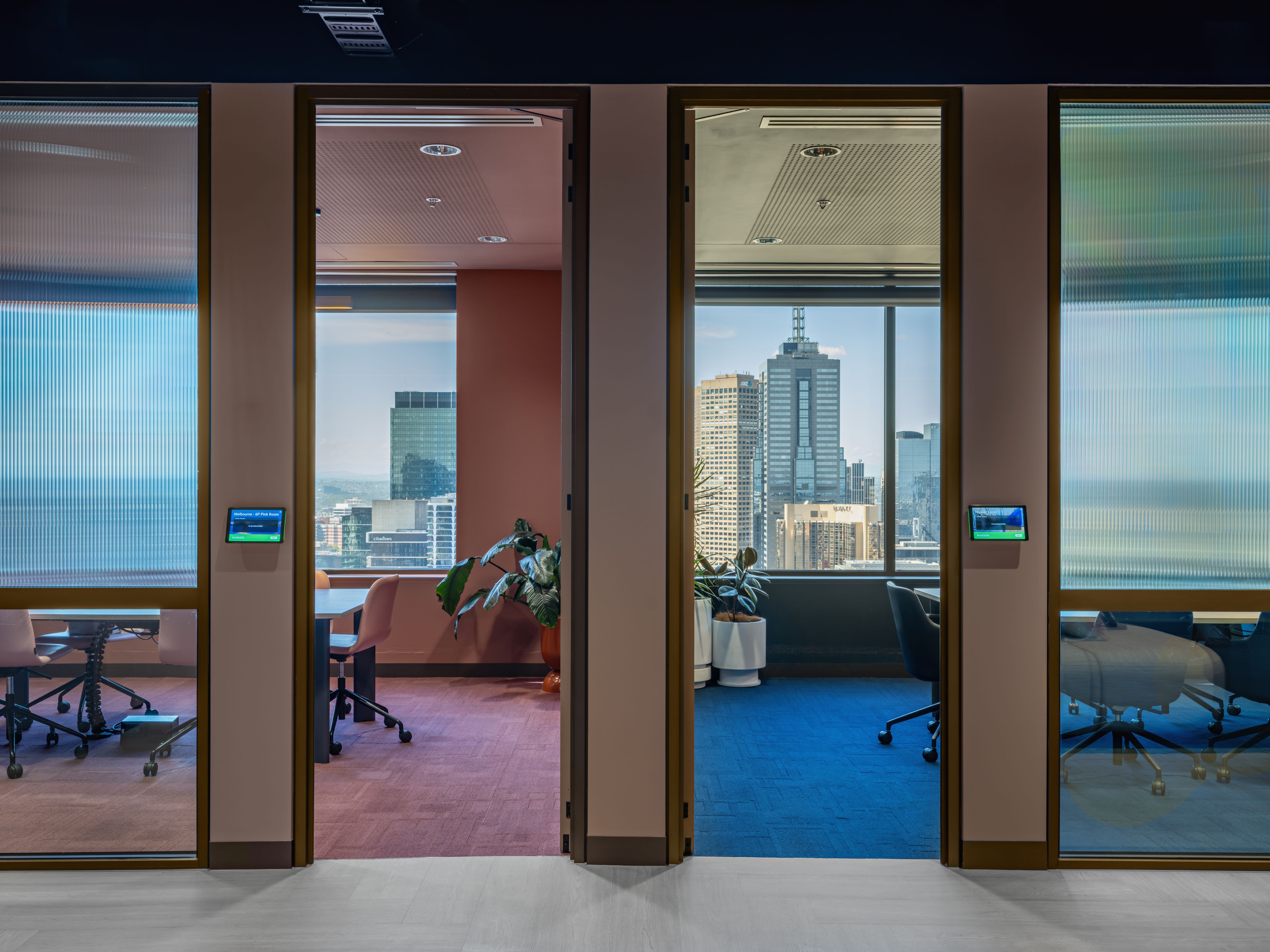
A practical guide to meeting room performance after AV handover
Most AV projects have a clear delivery point.
The room has been installed. The system has been tested. The displays, cameras, microphones, speakers, control panels and conferencing platforms are working. The walkthrough is complete. The room is handed over.
That is an important milestone, but it is not the end of the room’s working life.
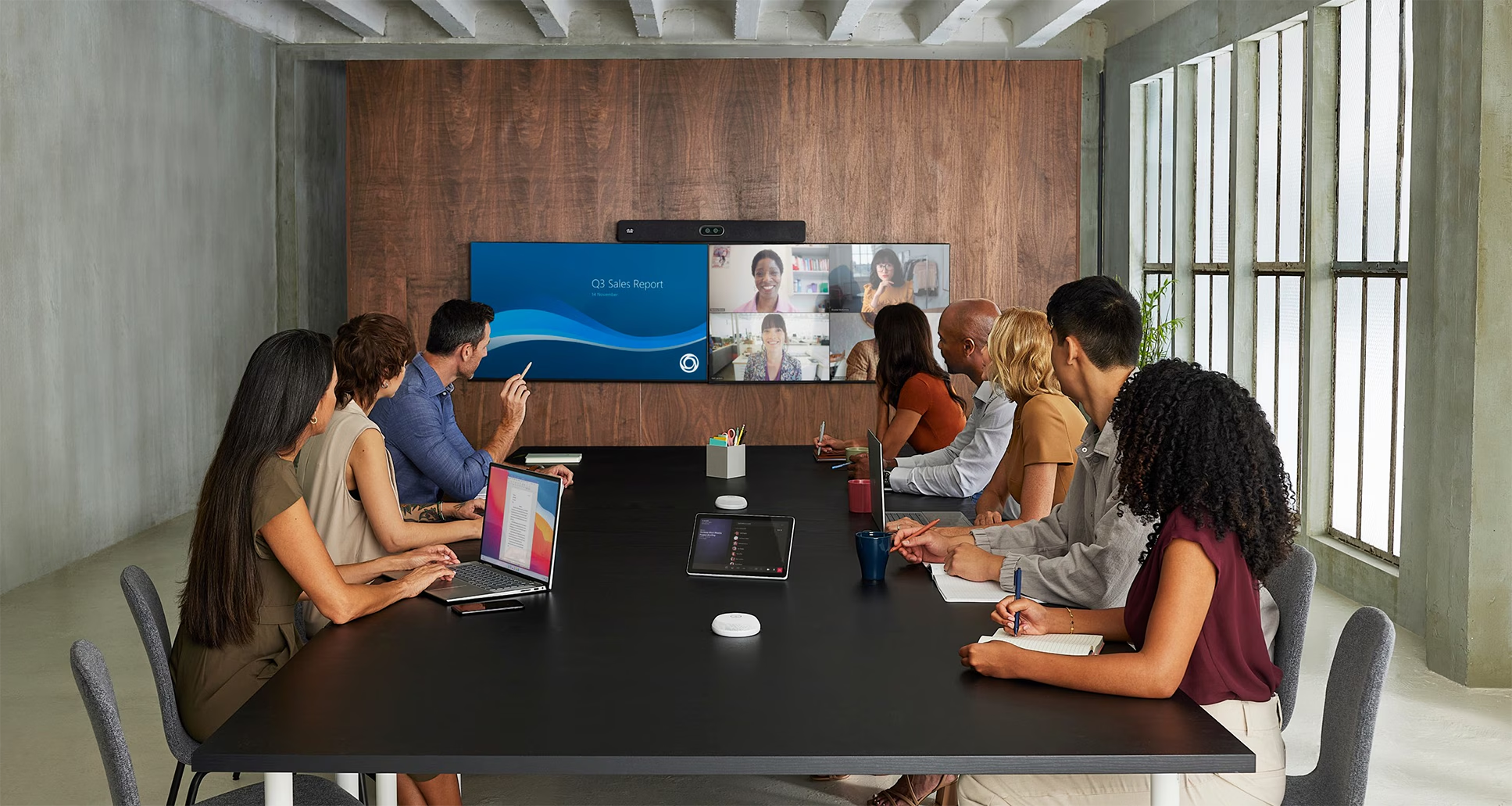
For the organisation, this is the point where the room moves from project delivery into everyday use. People start using it for hybrid meetings, client presentations, workshops, training sessions, board meetings and internal collaboration.
That is when the room is tested in a different way.
Not by the project team.
Not during a scheduled walkthrough.
Not when everyone is expecting a demonstration.
By the people who use the space every day.
A completed AV project should not only be judged by how the room looks at handover. It should also be judged by how well the room keeps working over time.
For organisations investing in meeting room technology, MicrosoftTeams Rooms, boardrooms, training rooms or connected workplace environments, the post-handover stage deserves more attention.
What happens after AV handover?
After AV handover, the room moves from installation into operation.
This stage can include user training, room support, preventative maintenance, issue reporting, device monitoring, firmware and software updates, warranty management, usage review and lifecycle planning.
A handover pack is useful, but it is only the starting point. It confirms what was installed and tested at completion. It does not automatically show how the room performs after weeks or months of real use.
That is the part many organisations need to manage more deliberately.
The room is live. Now what?
Office space is being measured more closely than it was a few years ago.
Hybrid work has changed how people use workplaces. Organisations are looking more carefully at utilisation, employee experience, real estate efficiency and the value of shared spaces.
JLL’s 2024 Future of Work Survey found that more than 60% of respondents expect workplace utilisation to increase over the next five years, while organisations remain focused on workplace efficiency and smarter use of real estate portfolios.
That has a direct impact on meeting rooms.
When people come into the office, many of the most important moments happen in shared spaces: meetings, workshops, client presentations, planning sessions, training and collaboration.
If those rooms are difficult to use, unreliable or poorly supported, the issue becomes visible quickly. It affects the meeting experience, the employee experience and the confidence people have in the workplace.
Meeting room performance now sits across workplace experience, technology, facilities and operations.
A room may look finished at handover, but once people start using it, the real measure is whether it is easy to use, reliable, supported and visible to the teams responsible for keeping the workplace running.
Handover is not the same as long-term performance
A proper AV handover should give the client clear information about what has been installed, how the system works, what has been tested, what is covered under warranty and how support will be handled.
This may include equipment lists, room instructions, warranty information, support contacts, system notes and relevant project documentation.
Commissioning and verification are important. AVIXA’s Audiovisual Systems Performance Verification standard provides a framework for determining which elements of an AV system need to be verified, when verification should happen in the project delivery cycle, what criteria should be used and how reporting should be managed.
That kind of process helps confirm the room has been delivered properly.
But handover only captures one point in time.
A room can pass handover and still create issues later if people are not confident using it, device updates are missed, the same support issue keeps appearing, equipment reaches end of life without a plan, or no one is reviewing room usage and performance.
Meeting rooms are now managed technology environments
Modern meeting rooms are connected environments.
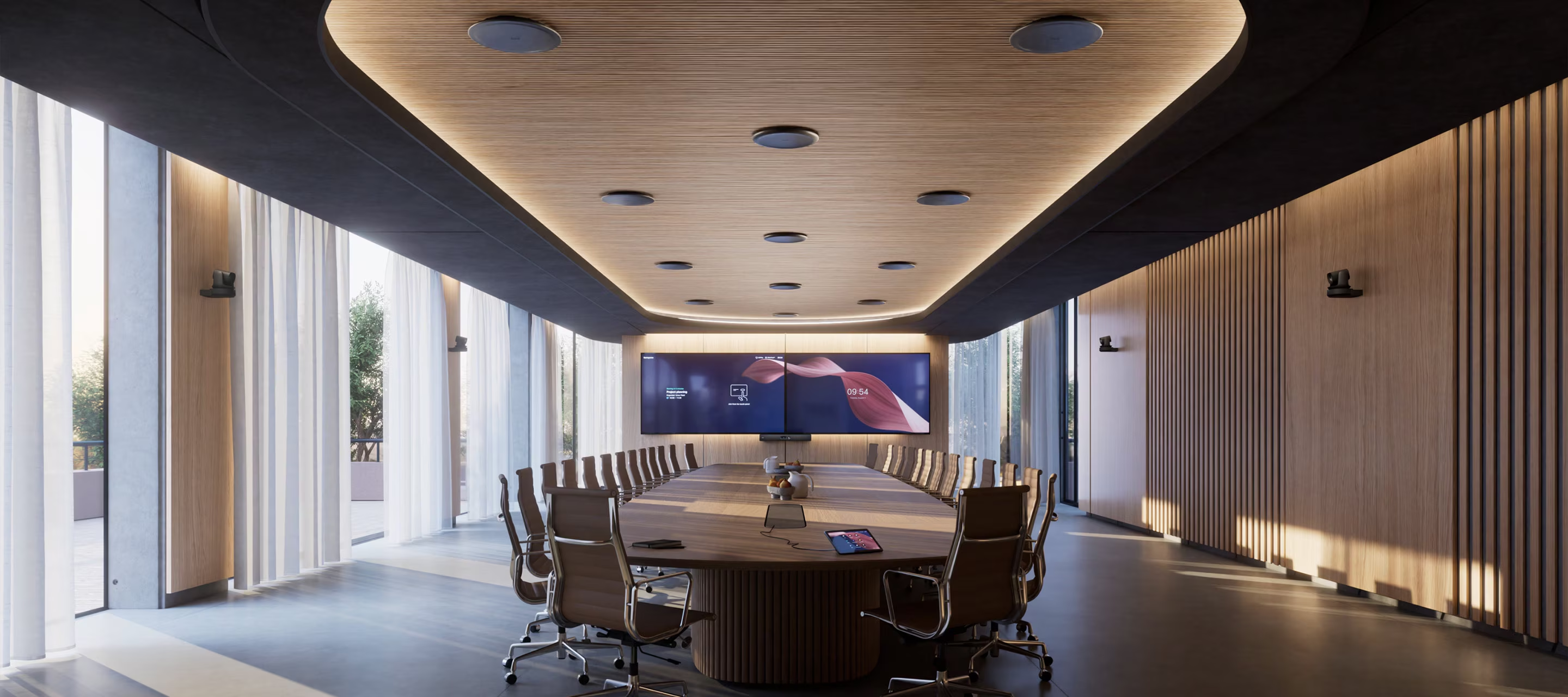
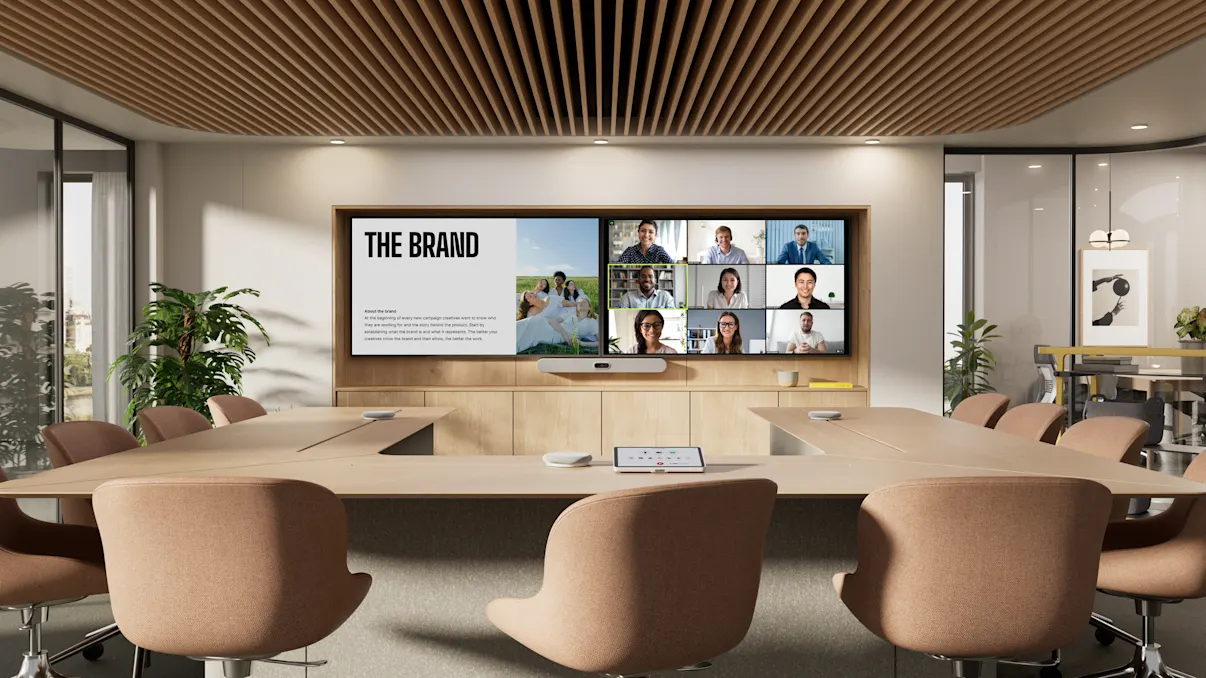
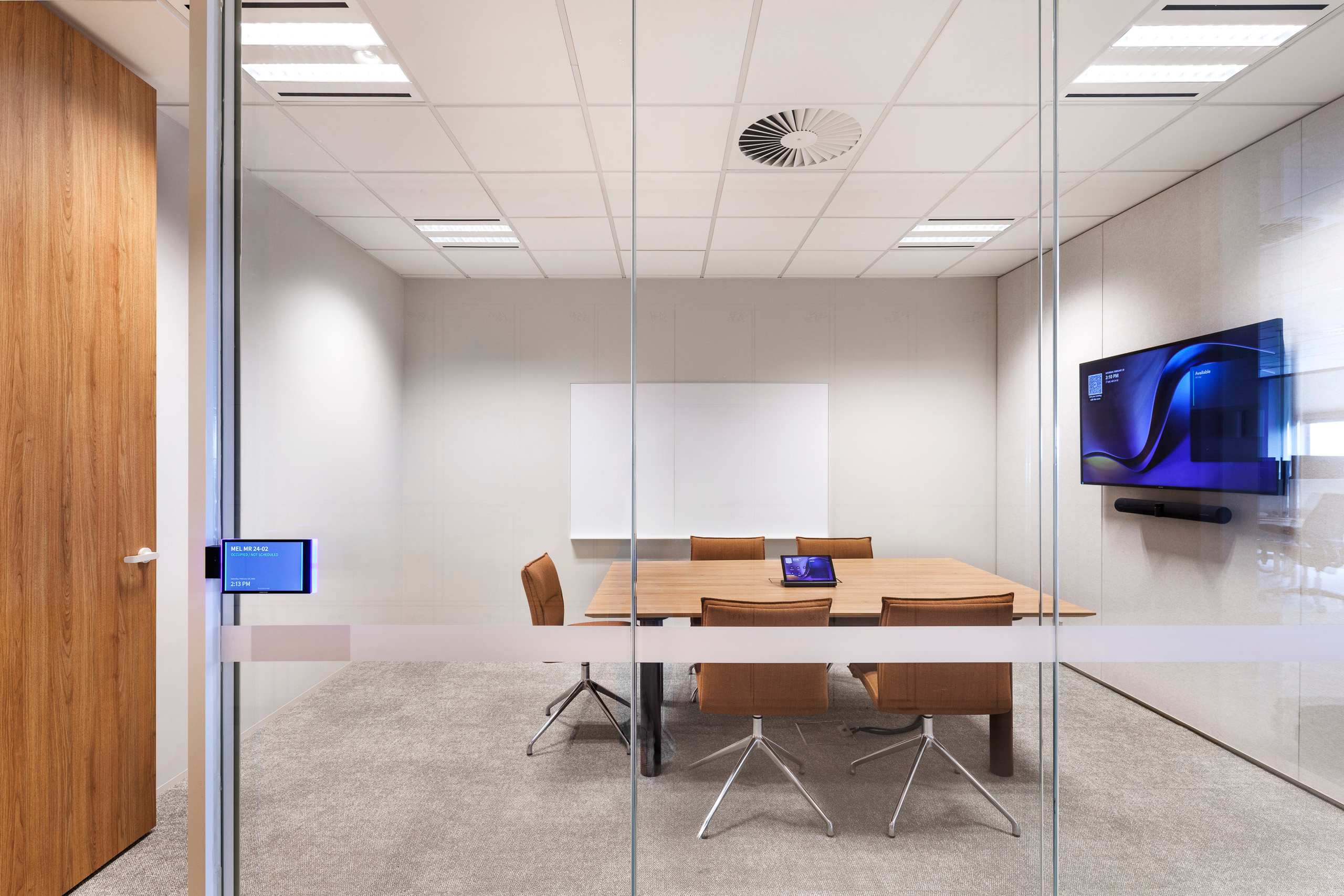
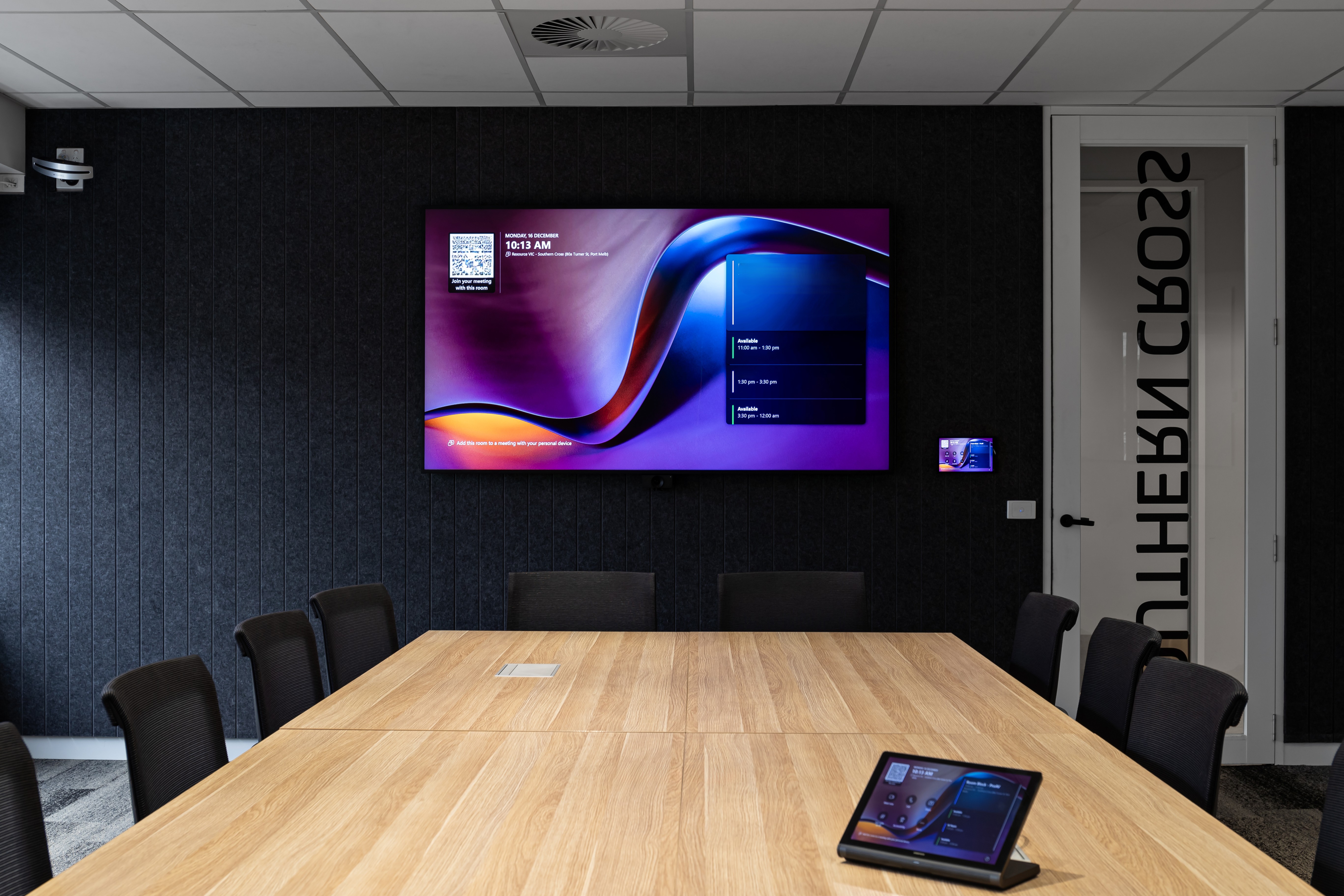
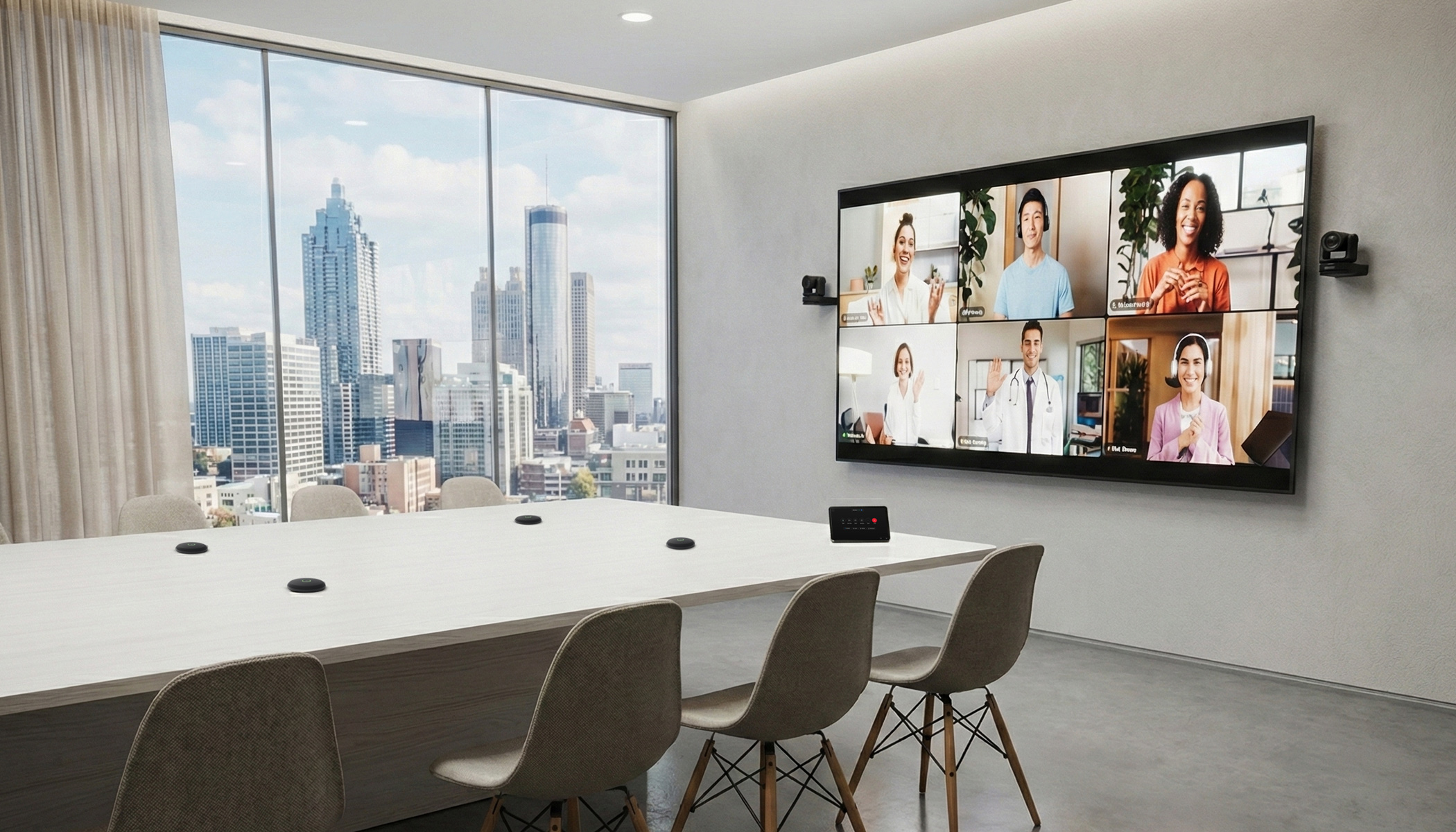
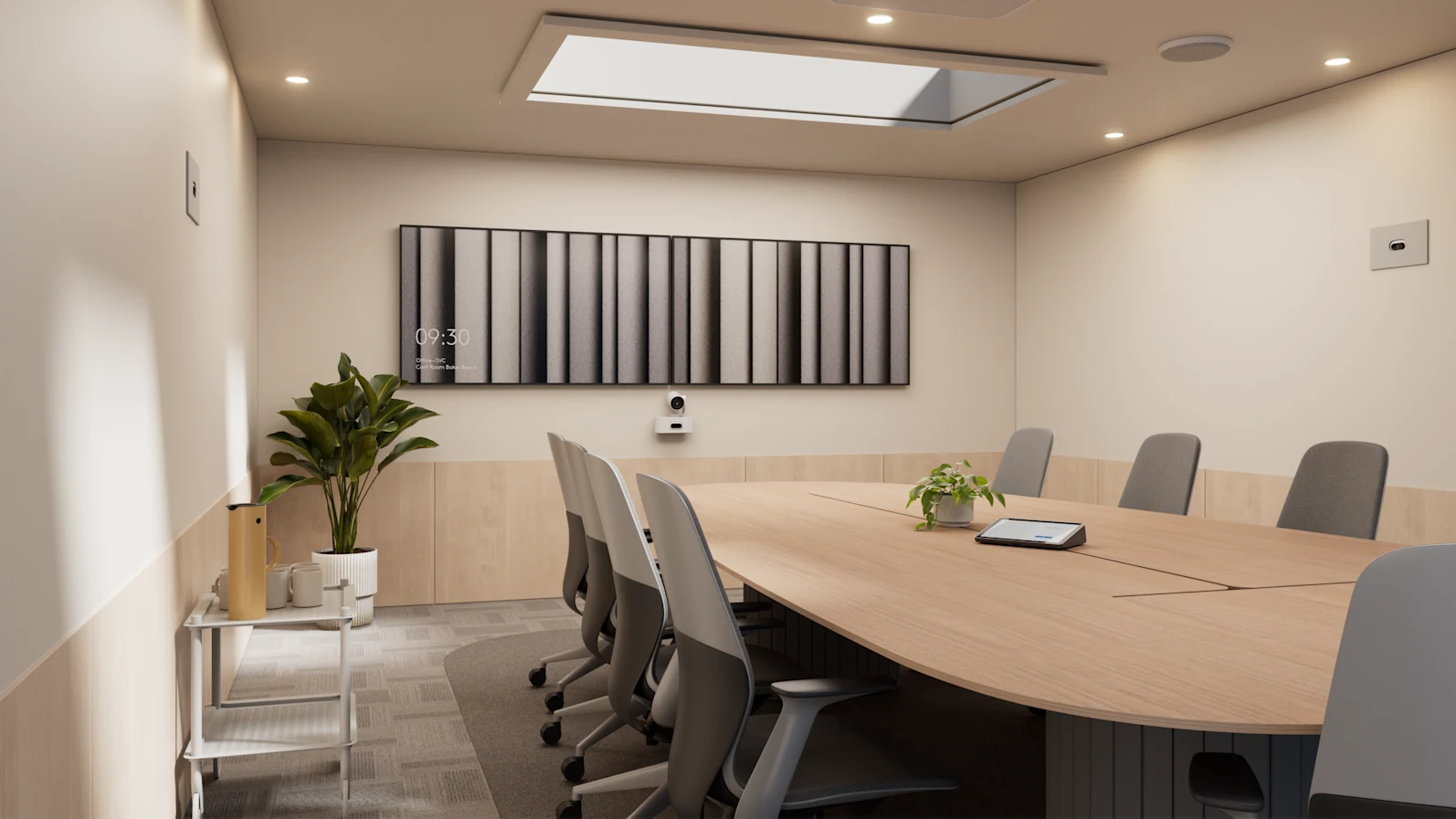
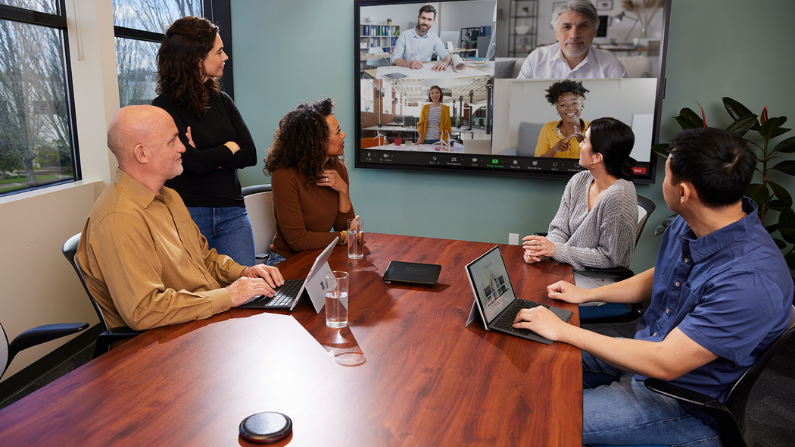
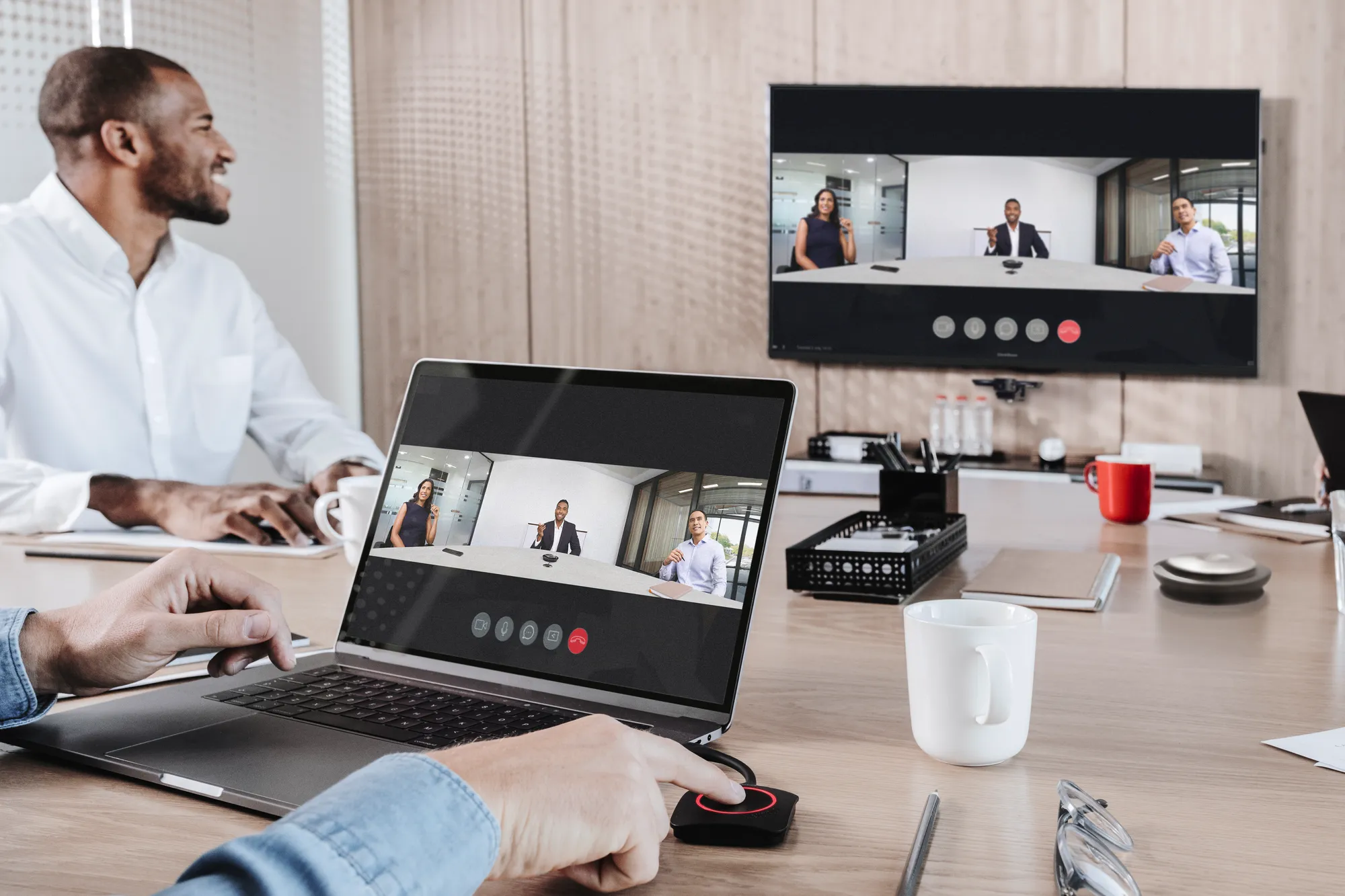
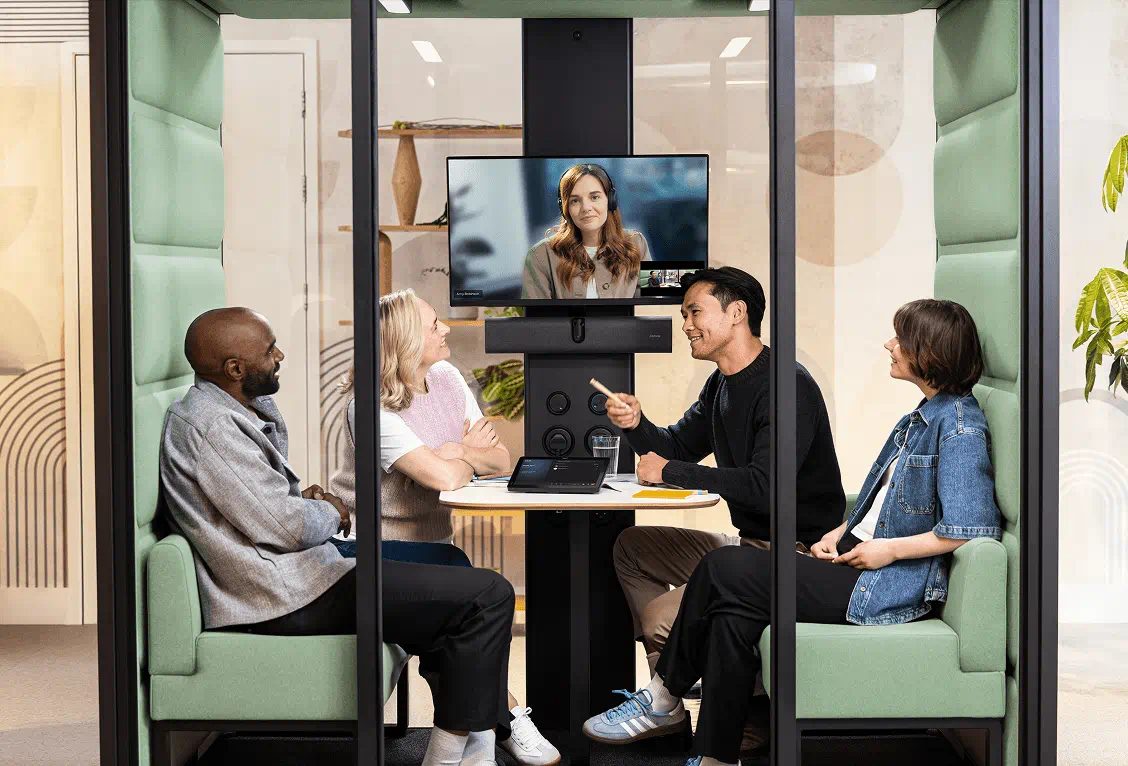
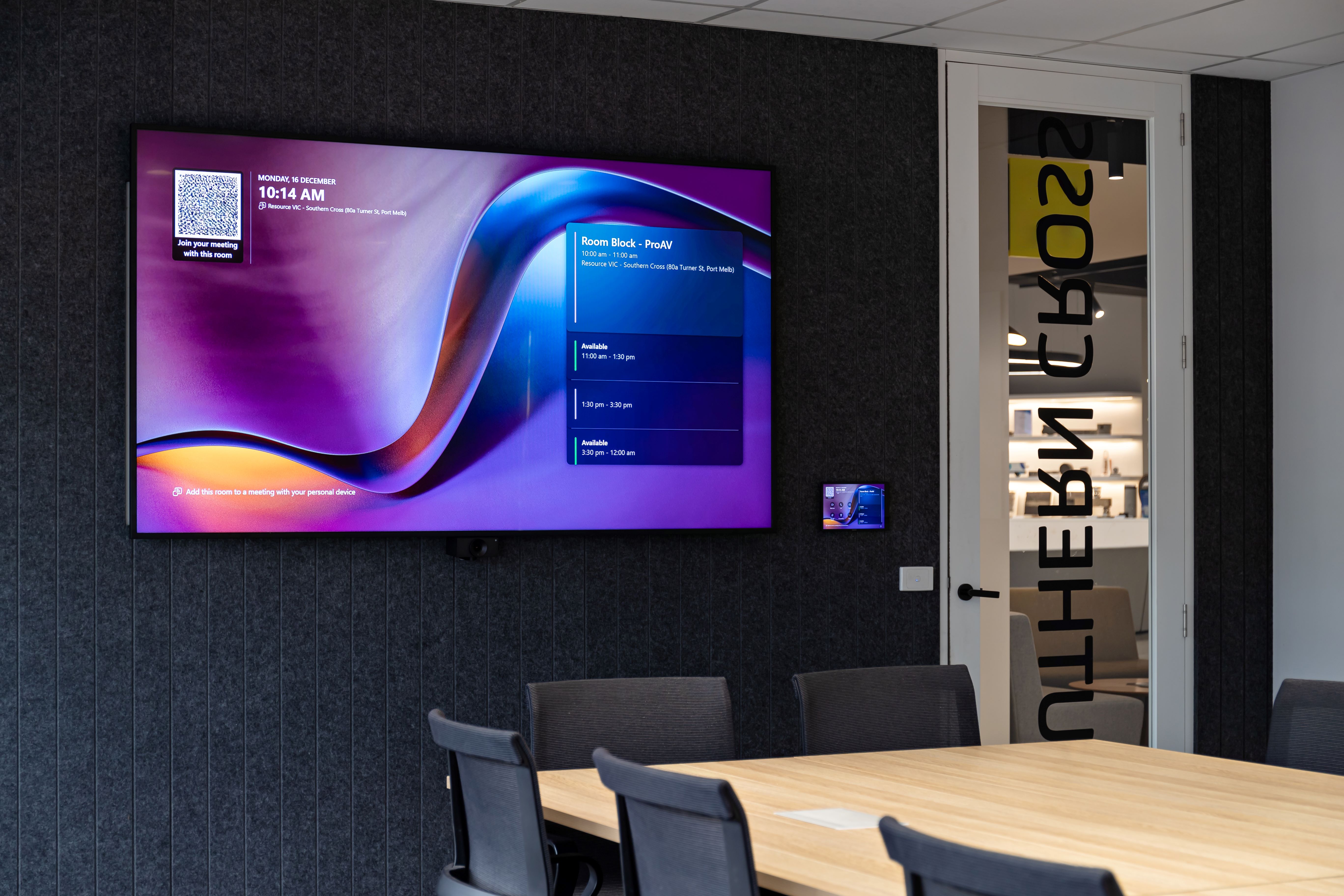
A typical room may include video conferencing platforms, cameras, microphones, speakers, displays, control interfaces, room booking panels, wireless presentation, network-connected devices and monitoring tools.
That makes the room more capable, but it also makes it part of a broader technology environment.
Microsoft Teams Rooms is a good example. Microsoft states that Teams Rooms Pro Management includes room health monitoring to detect problems with room systems or peripherals, and its portal provides a view of meeting room health to support monitoring practices.
This is where the role of AV support has changed.
Meeting room support is now closer to device management, platform support and workplace operations than traditional room maintenance alone.
The room is no longer just a physical space with equipment inside it, but a connected environment that needs to be visible, supported and maintained after handover.
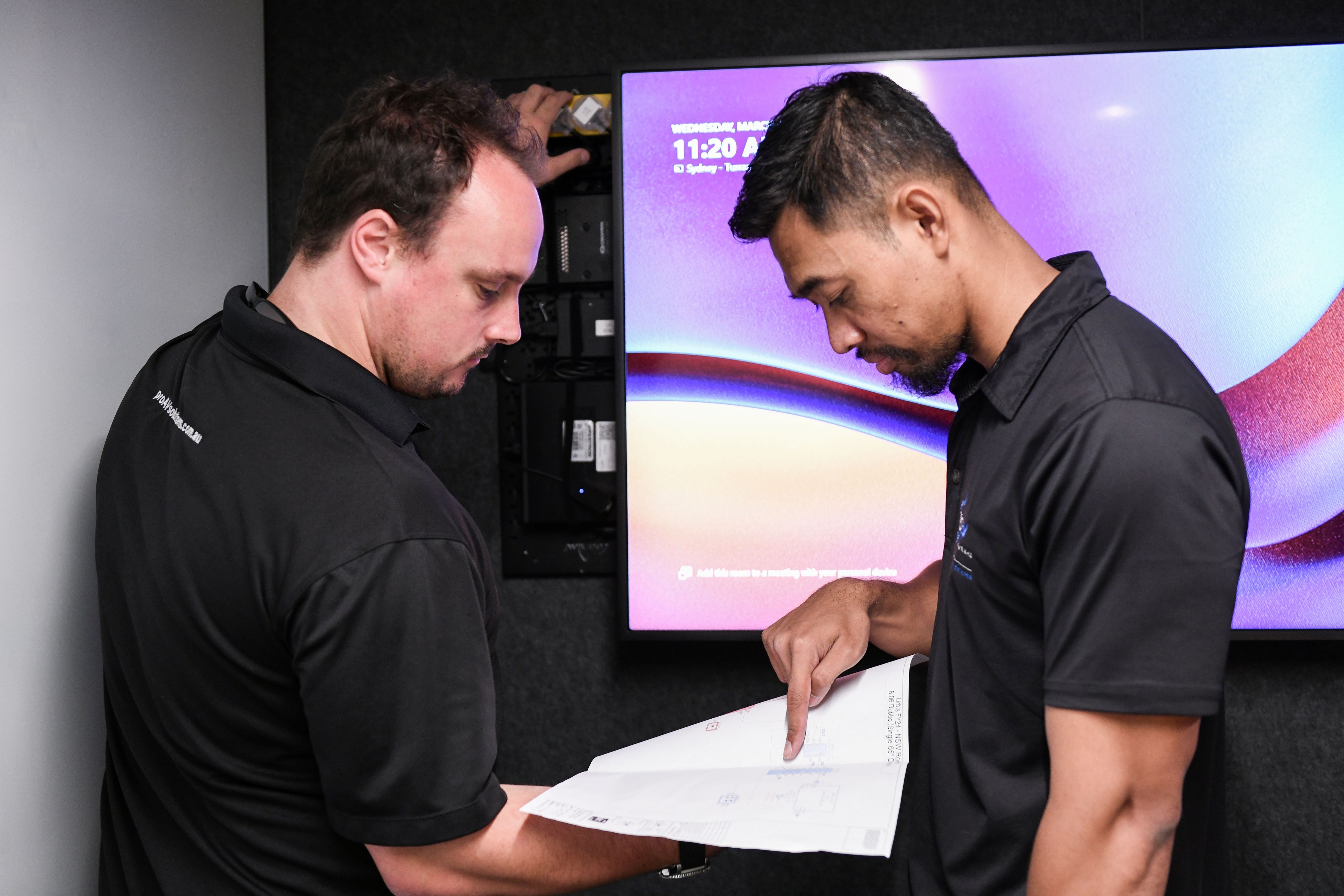
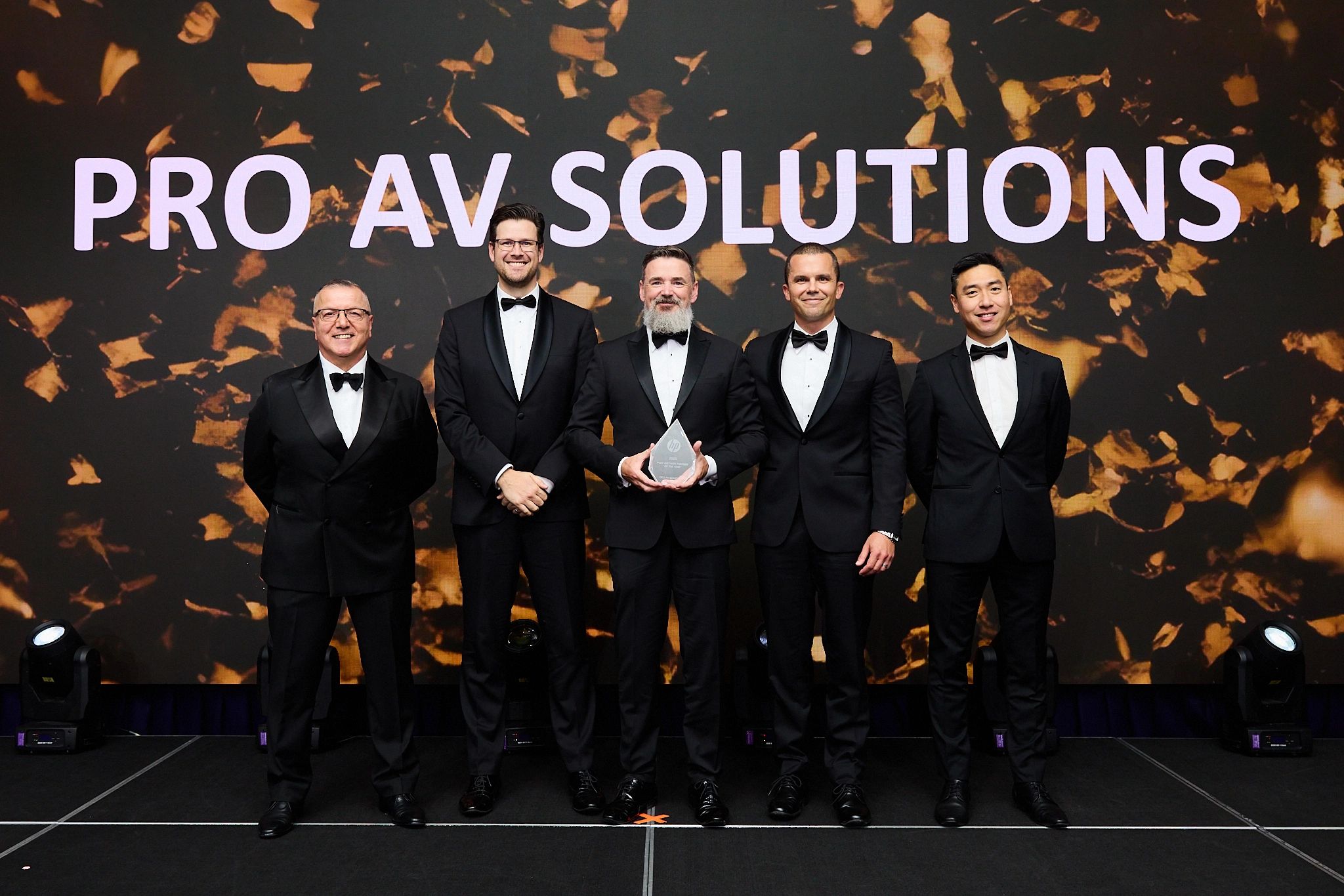
Pro AV Solutions supports this through Managed Services and AV Support, helping organisations maintain and support audiovisual technology across connected workplaces.
The questions after handover are different
During project delivery, the questions are usually about installation.
Has the equipment arrived?
Is the room ready?
Has the system been tested?
Has the client completed the walkthrough?
Is the space ready to hand over?
After handover, the questions change.
Which rooms are being used most?
Which rooms are underused?
Which rooms generate the most support issues?
Are users reporting the same problems repeatedly?
Are devices online, updated and healthy?
Is the room still suitable for the way people work now?
Is there a clear process for support, maintenance and upgrades?
What the data can show
Data is becoming more useful in workplace technology because it helps teams move beyond assumptions.
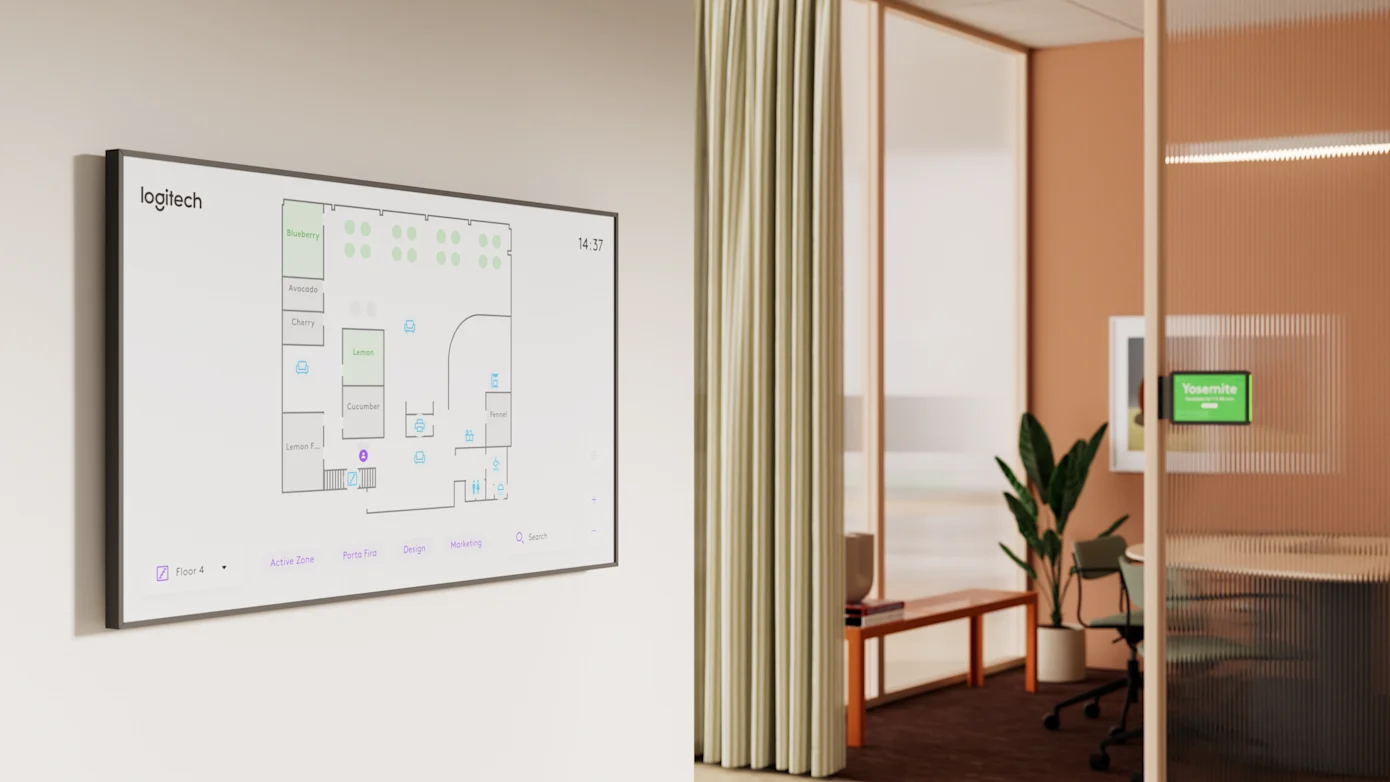
Room data can include utilisation, booking behaviour, occupancy, device health, call quality, support tickets, maintenance history, recurring issues, asset age and end-of-life status.
A room that creates repeated support tickets may not only need another service visit. It may need a design review, user training, a device replacement, a network check, an update process or a clearer support model.
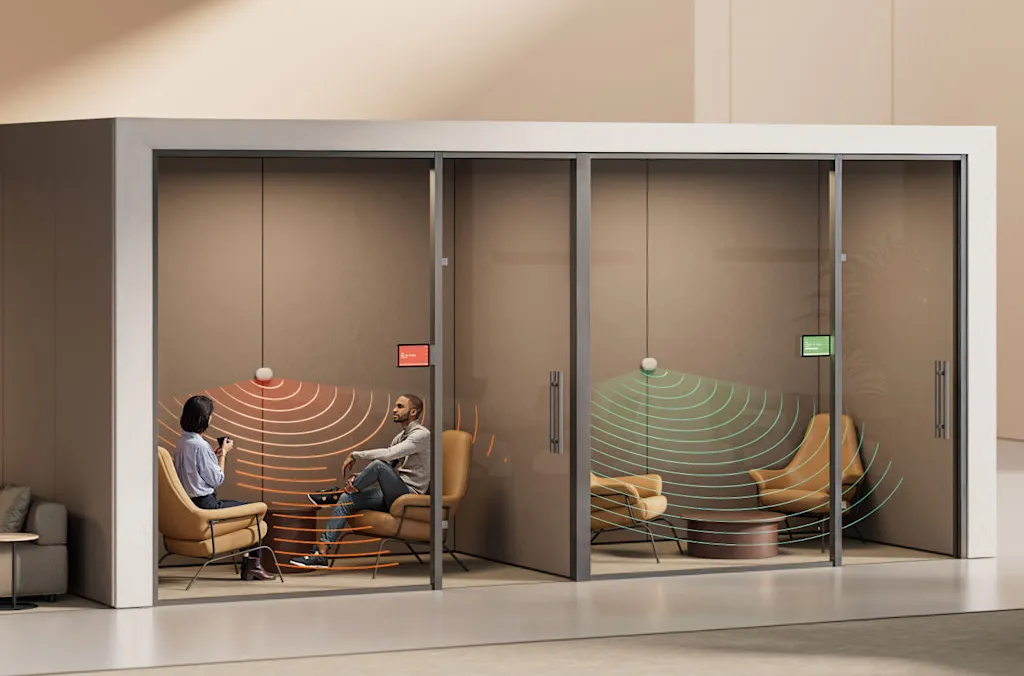
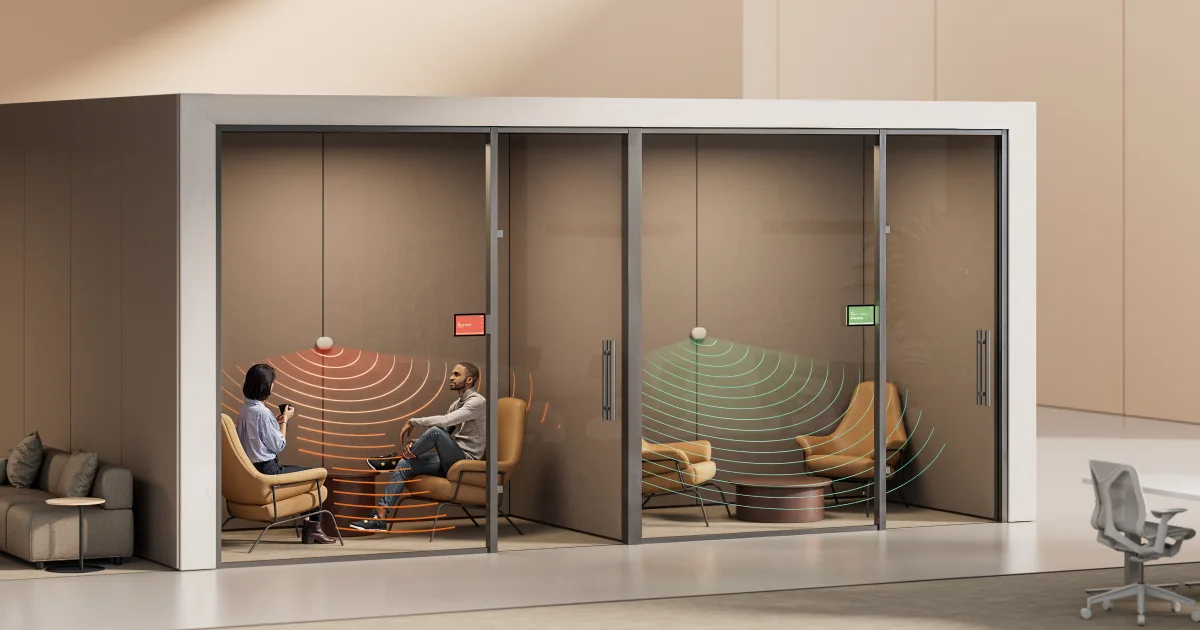
Logitech Spot is one example of how the workplace technology market is moving in this direction. It works as a workplace sensor that tracks room usage and office health to support smarter workplace decisions.
The broader signal is clear: workplace technology is becoming more measurable, and meeting rooms are part of that shift.
Maintenance should reflect room importance
Not every meeting room needs the same support model.
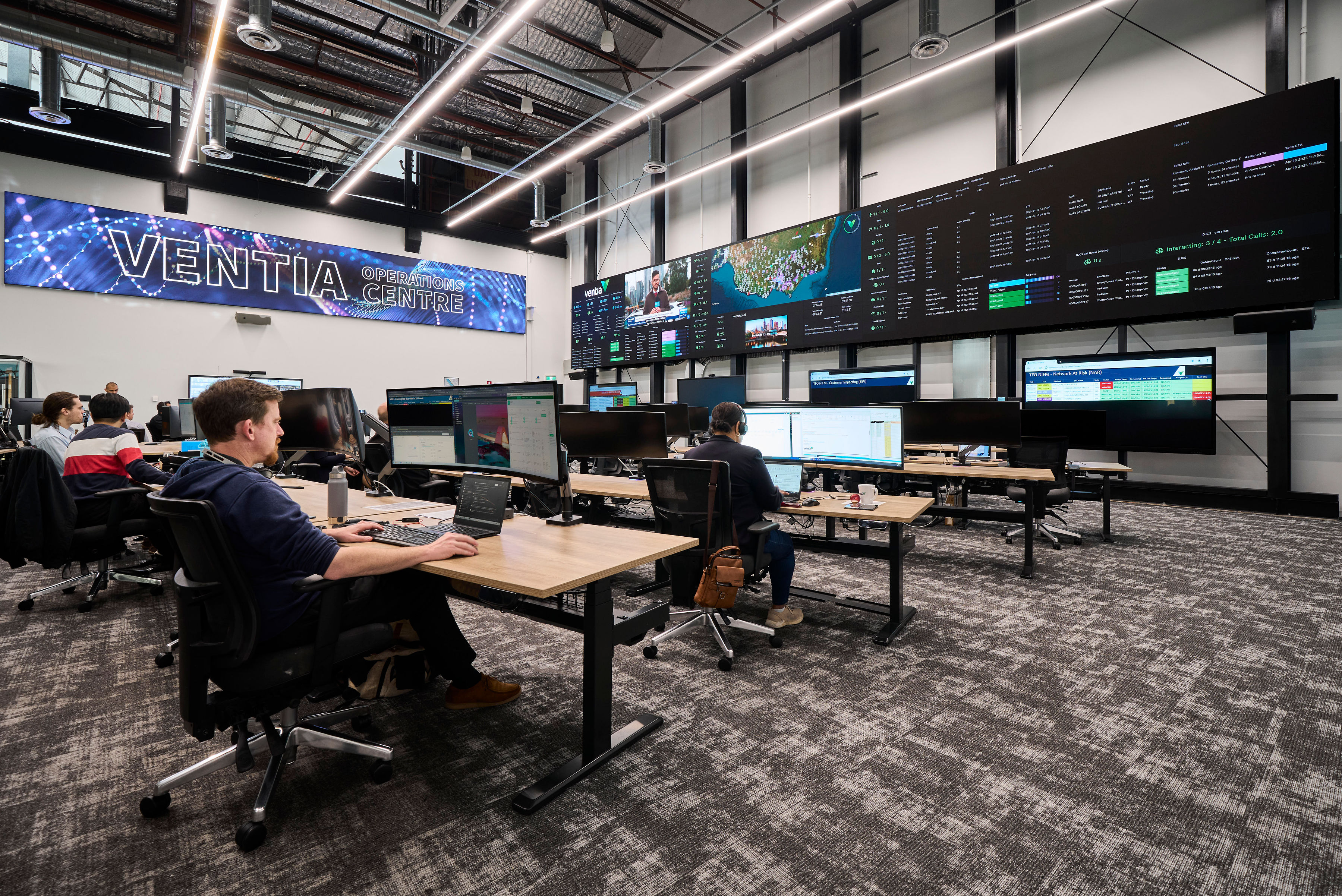
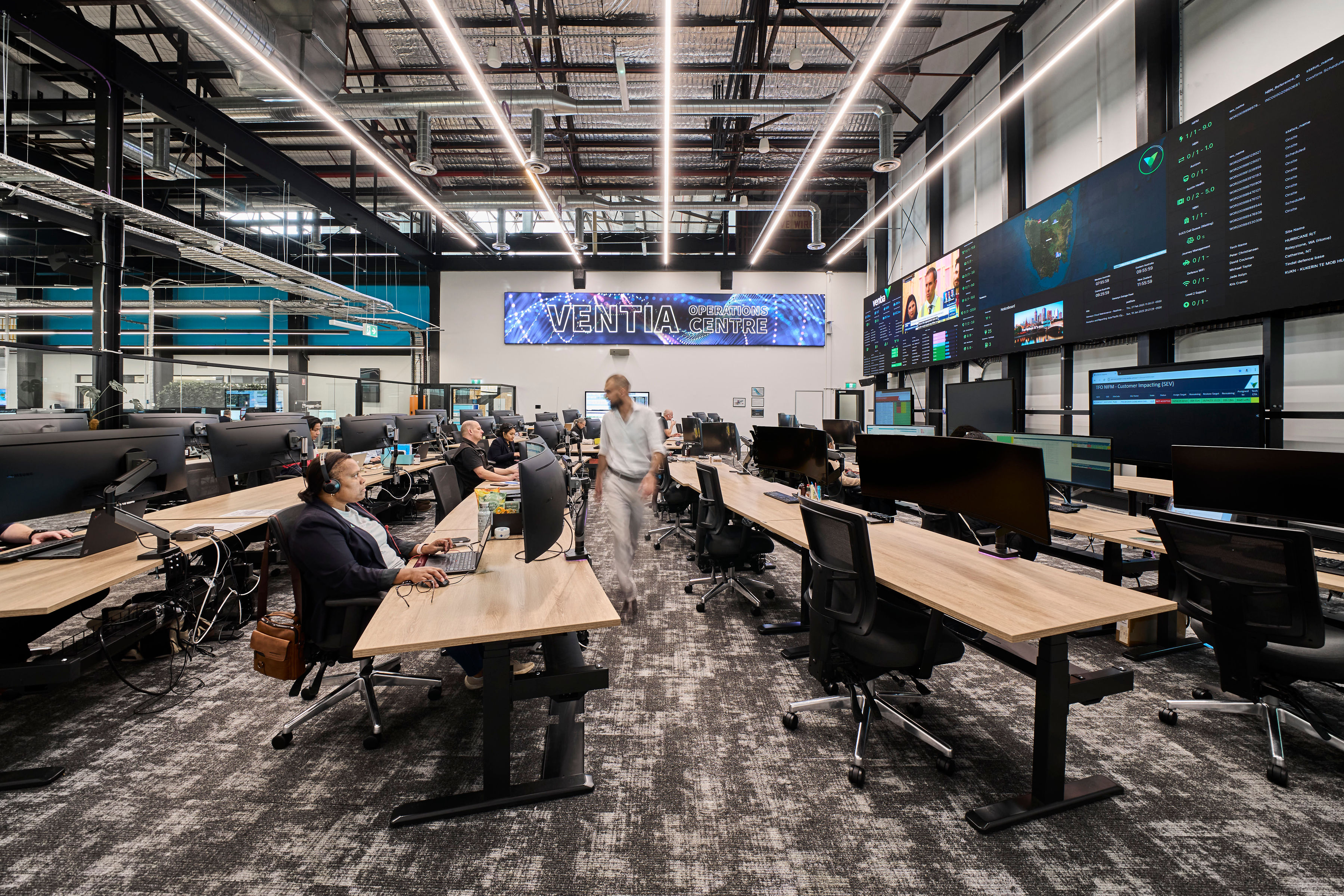
A small internal meeting room does not carry the same business risk as a boardroom, executive briefing space, training room, client-facing suite or operations centre.
The maintenance model should reflect room usage, business importance and the impact if the room fails.
An AV project is not complete in a meaningful sense just because the room has been handed over.
The installation may be complete. The room may look finished. The documentation may be provided.
But the business value of that room is proven over time.
A meeting room needs to keep working through daily use, platform updates, user changes, maintenance cycles and shifting workplace needs.
Download the Meeting Room Performance Checklist
Once an AV project is handed over, the room becomes part of everyday workplace operations. This checklist helps you review the practical details that can affect long-term performance, from user readiness and support pathways to maintenance, room data and lifecycle planning.
Use it to check whether your meeting spaces are set up not just to work on day one, but to keep working over time.
Download here.




.jpg)
.jpg)






.png)








.jpeg)




.avif)




.jpeg)


.webp)