Cisco MX Replacement Guide for Modern Meeting Rooms
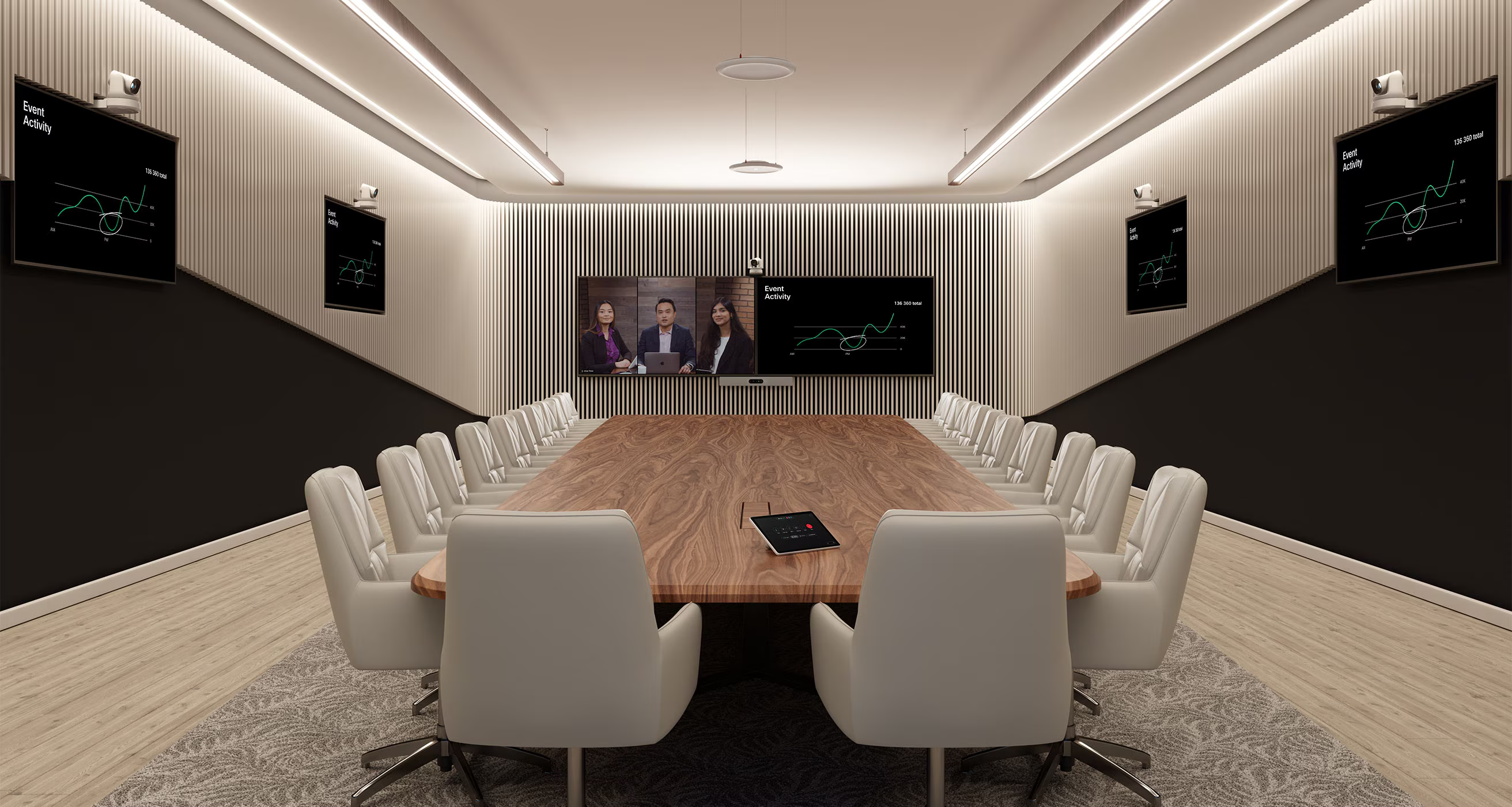
Many organisations still rely on Cisco TelePresence MX Series rooms that were excellent in their time. These integrated video conferencing systems helped standardise meeting experiences across offices, boardrooms and team spaces. But meeting expectations have changed. Hybrid work, user experience, device management, platform interoperability, supportability and long-term lifecycle planning now play a much bigger role in how meeting rooms are designed and maintained.
For many Cisco MX Series systems, lifecycle planning is now a live issue. Some common models, including the Cisco TelePresence MX200 G2, MX300 G2, MX700 and MX800, have reached end-of-support milestones. Exact status should always be checked by model, configuration and support arrangement, but many organisations are now asking the same question: what should replace these rooms, and how should that upgrade be planned?
Quick answer: what should replace Cisco MX Series systems?
There is no universal one-for-one replacement for every Cisco MX Series room. The right Cisco MX replacement depends on the room size, layout, display requirements, camera coverage, microphone coverage, acoustic conditions, collaboration platform, existing infrastructure and support model. Current Cisco options to assess may include Cisco Room Bar, Cisco Room Bar Pro, Cisco Room Kit EQ and Cisco Room Kit Pro or Pro G2, depending on the room. The best approach is to assess the complete room environment, not just the codec or screen.
Why Cisco MX rooms are coming up for review
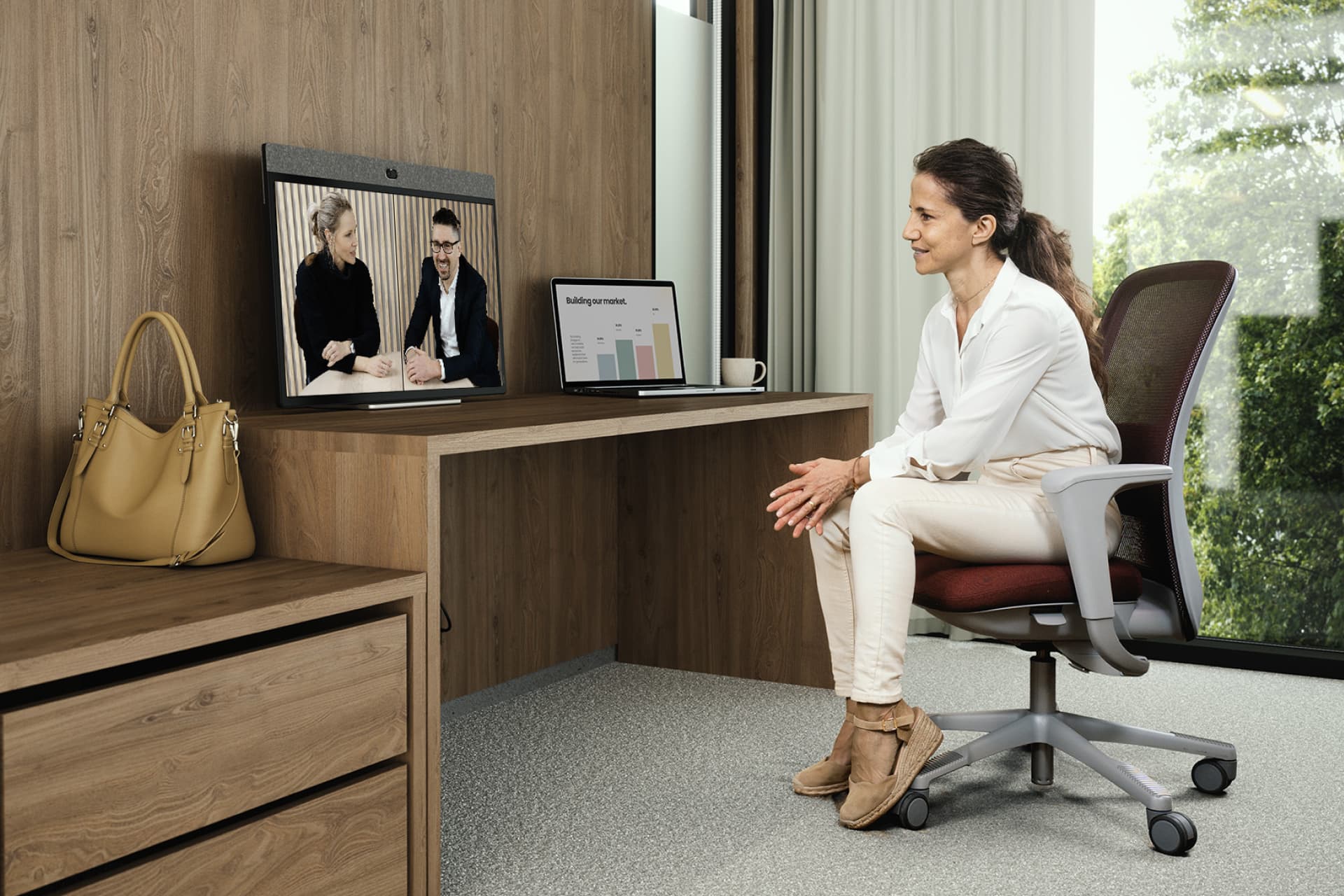
Cisco MX rooms were designed as integrated meeting room systems. For many organisations, that was their strength: display, camera, speakers, microphone, codec and control were delivered as a consistent room experience.
The challenge today is not simply that the technology is older. It is that the surrounding workplace environment has moved on. Users now expect meetings to start quickly, work across platforms, frame participants clearly, support remote attendees properly and provide a consistent experience from room to room.
IT and workplace teams are also being asked to manage meeting rooms more like an enterprise technology estate. That means visibility, monitoring, analytics, security posture, software currency, support contracts, lifecycle planning and national deployment standards all matter.
For organisations with multiple MX rooms across offices, the risk is not only technical failure. It is inconsistency. One room may still work well, another may have audio issues, another may be difficult to support, and another may not align with current collaboration standards.
Which Cisco MX models are organisations likely to be replacing?
Common legacy Cisco MX systems still found in meeting room estates include:
- Cisco TelePresence MX200 G2
- Cisco TelePresence MX300 and MX300 G2
- Cisco TelePresence MX700
- Cisco TelePresence MX800
These systems may be located in small meeting rooms, medium team rooms, larger collaboration spaces, executive boardrooms or rooms originally designed around integrated single-screen or dual-screen video conferencing.
For some organisations, the first step is not choosing the new device. It is creating a current-state register of what exists: model, room type, display setup, mounting approach, network connection, power, cabling, furniture, acoustic conditions, control interface and support status.
What has changed since the MX era?
The meeting room has become a more complex workplace technology environment.
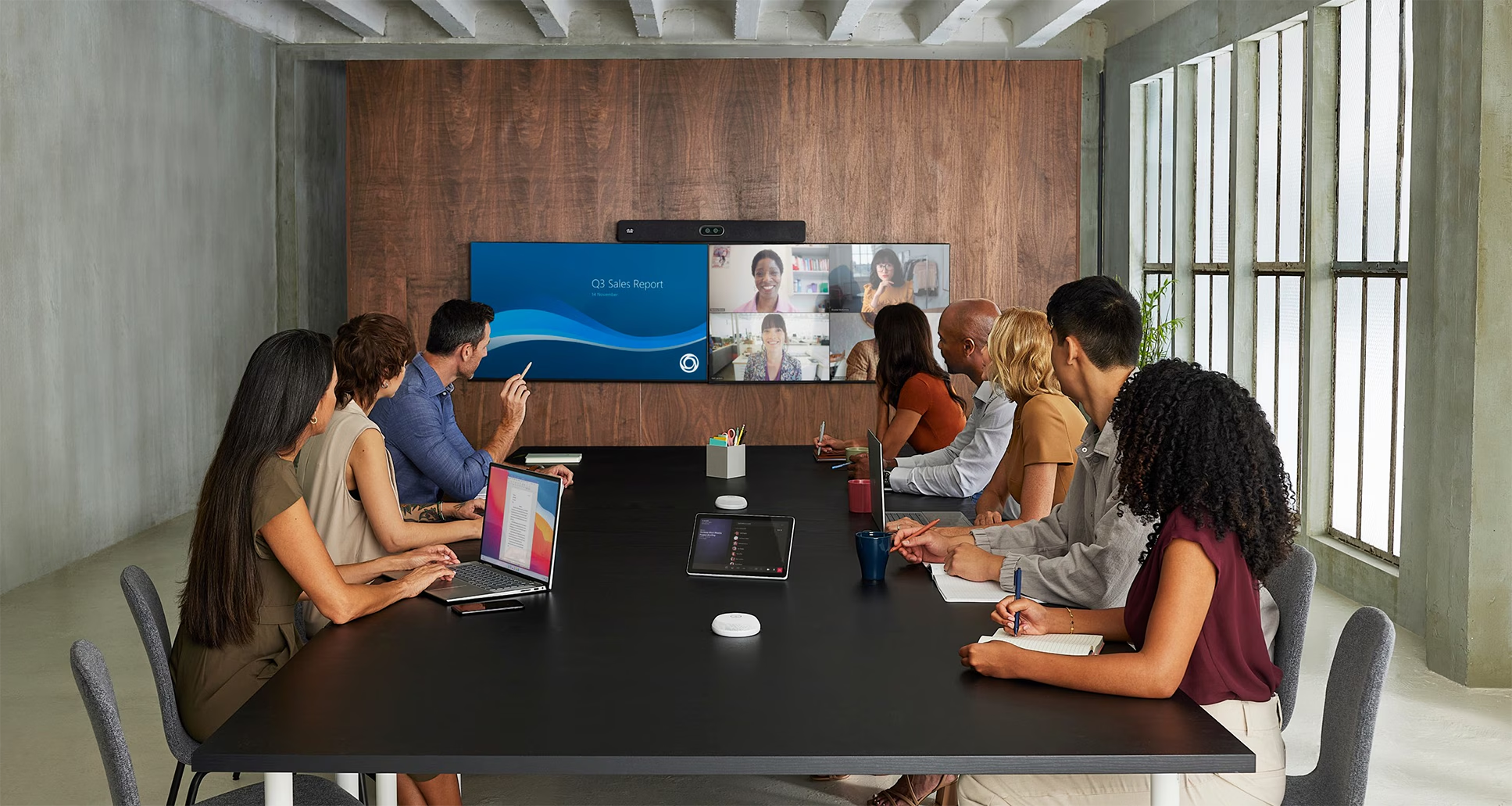
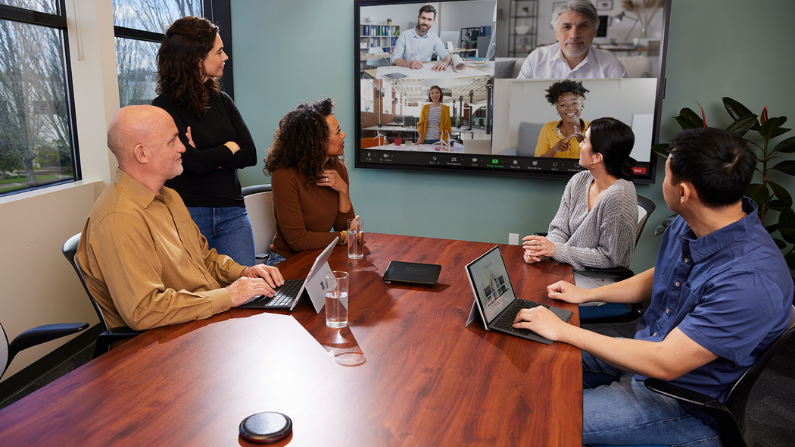
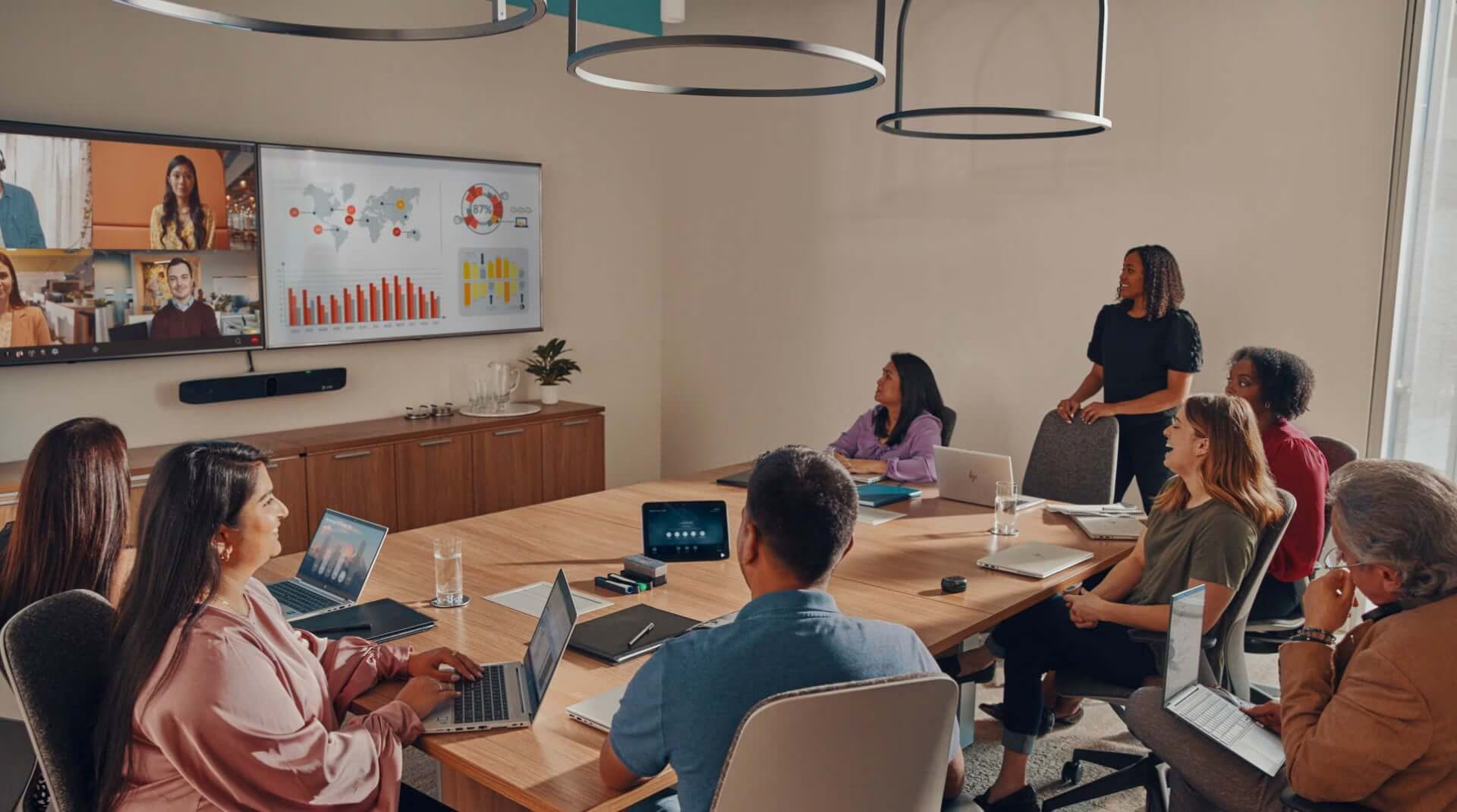
Modern rooms need to support more than point-to-point video. They may need to work with Webex, Microsoft Teams, Zoom, Google Meet, wireless sharing, BYOD workflows, room booking, environmental data, remote monitoring and workplace analytics.
Management has also changed. Organisations now expect stronger visibility across their room technology estate, with the ability to monitor devices, manage updates, troubleshoot issues, review usage patterns and support rooms remotely where possible.
That is why a Cisco MX Series upgrade should be treated as a meeting room modernisation project, not just a hardware swap.
Modern Cisco options for different room types
Current Cisco collaboration options should be assessed against each room’s purpose.
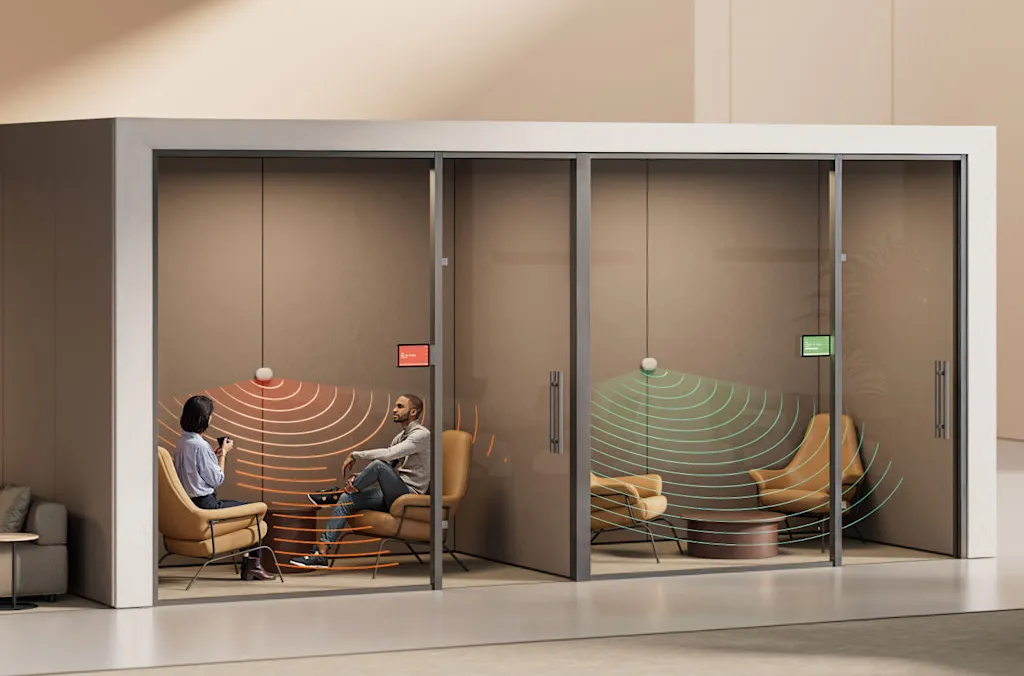
For smaller rooms and huddle spaces, Cisco Room Bar may be appropriate to assess. It provides a compact room solution for smaller collaboration spaces where simplicity, consistency and ease of use are important.
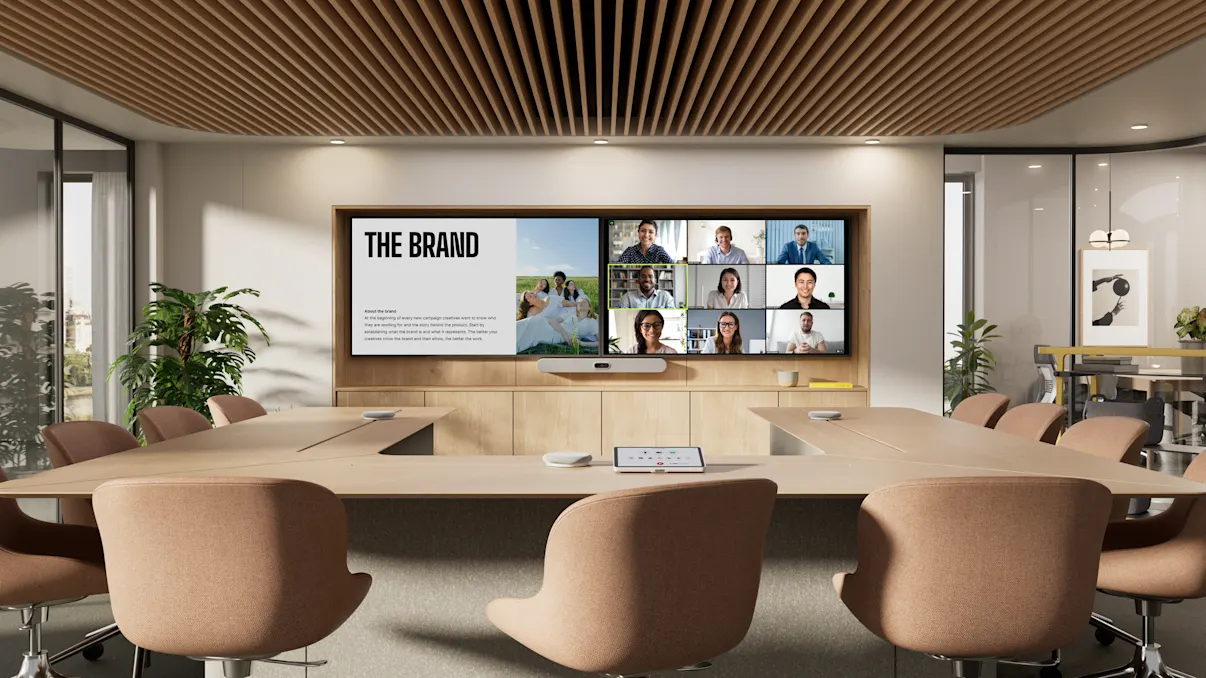
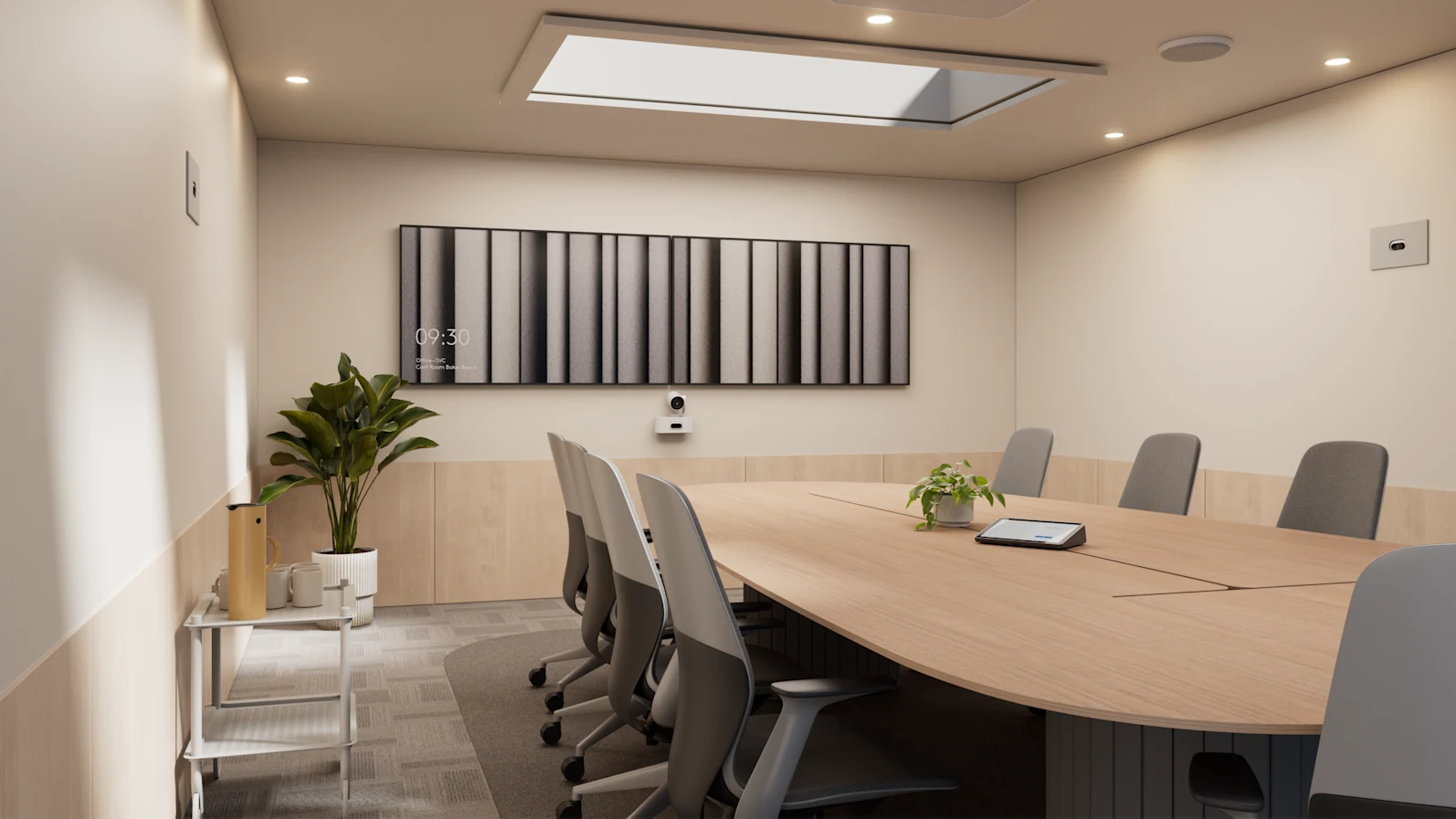
For medium rooms, Cisco Room Bar Pro is often part of the conversation. It can suit spaces where organisations want an integrated video bar approach, while still supporting a more capable meeting experience for hybrid work.
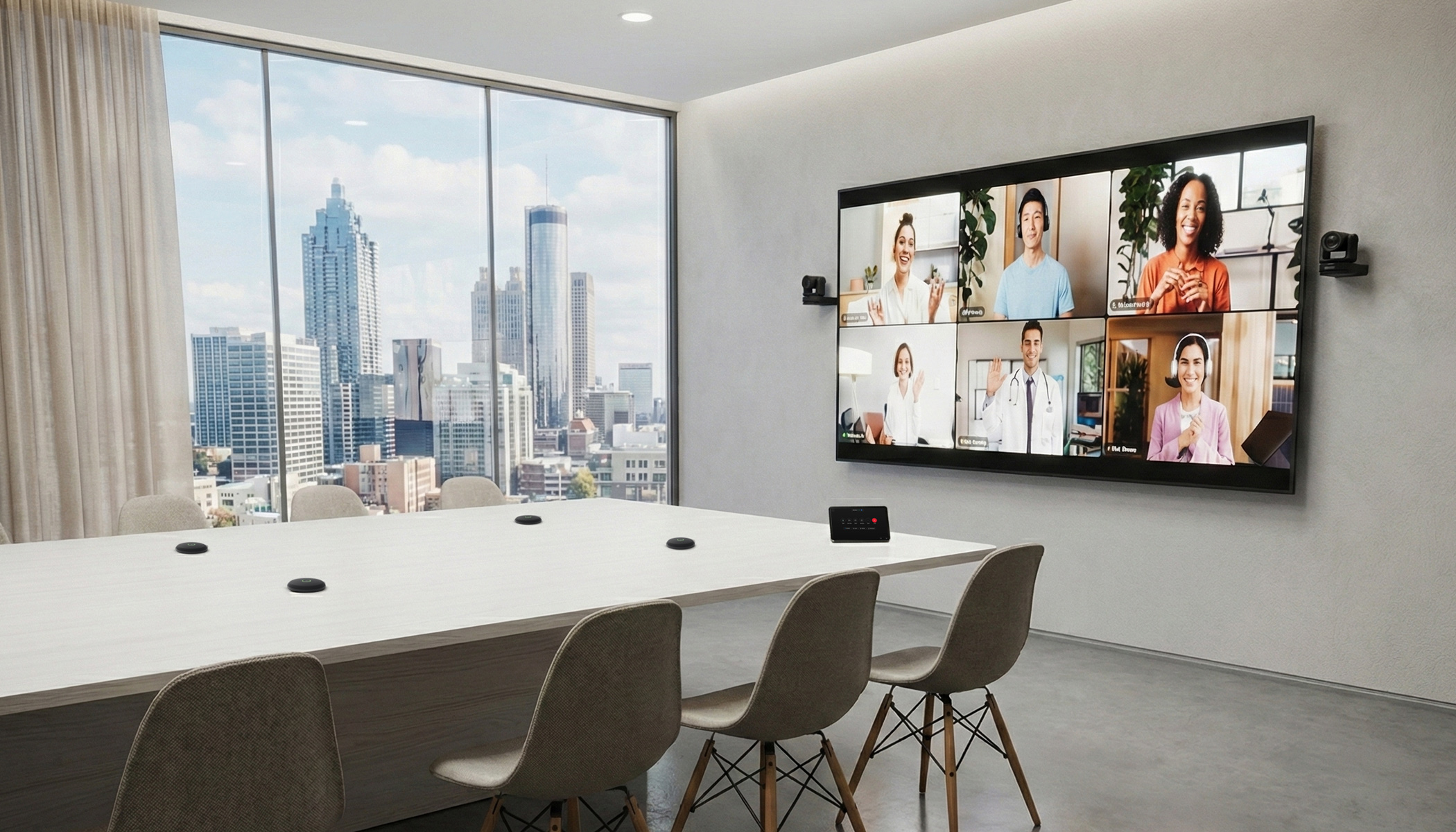
For larger rooms, training spaces and boardrooms, Cisco Room Kit EQ or Cisco Room Kit Pro / Pro G2 may be more suitable to assess. These solutions are typically considered where the room requires external displays, microphones, speakers, cameras or more complex AV integration.
Cisco MX replacement pathway comparison
Why replacement is not always a simple one-for-one decision
A like-for-like replacement can be tempting, especially when the room has been working for years. But MX rooms were integrated systems. Replacing them usually raises broader questions.
Should the new room be single-screen or dual-screen? Should the display size change? Should the camera sit above or below the display? Does the table shape still work for hybrid meetings? Is the room too reflective? Can remote participants hear everyone clearly? Does the room need Microsoft Teams Rooms, native Webex, Zoom interoperability or a BYOD workflow?
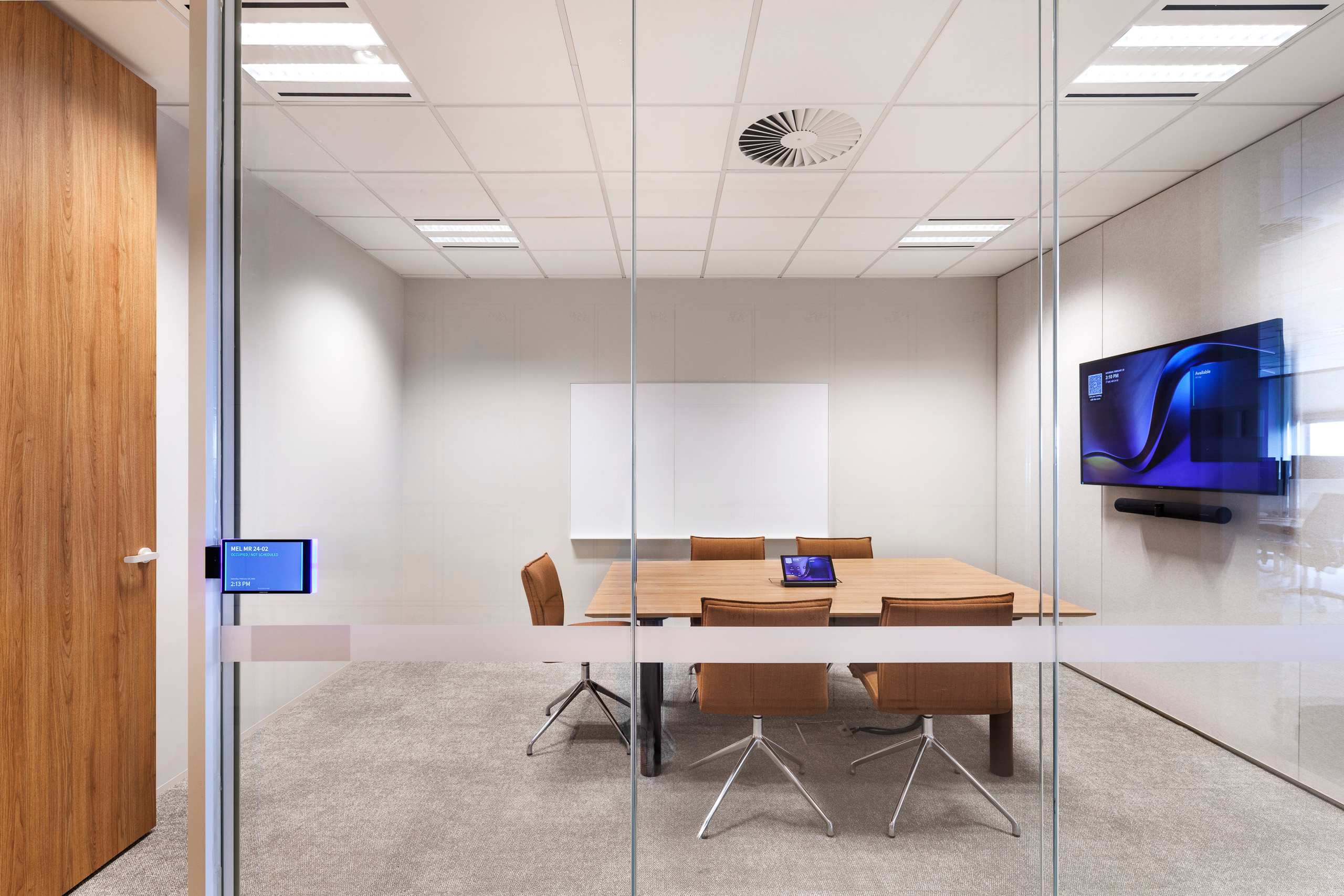
There are also practical constraints. Wall loading, glass walls, power locations, network ports, cable paths, furniture and room booking panels can all influence the right upgrade pathway.
This is where a room-by-room assessment matters. The goal is to create a meeting room that is easier to use, easier to support and designed with lifecycle and supportability in mind.
The physical room matters as much as the device
A meeting room device can only perform within the limits of the room around it.
Camera performance depends on sightlines, room depth, participant position and display placement. Audio quality depends on microphone coverage, table size, ceiling height, reflective surfaces, HVAC noise and room acoustics. Usability depends on control location, cable access, room booking, screen visibility and whether the experience is familiar from one room to the next.
For workplace, property, facilities and IT teams, this is why Cisco MX replacement planning should include both technology and environment. The best outcome is usually a standardised room design framework, with enough flexibility to suit different room types.
From Legacy MX Rooms to Modern Meeting Spaces
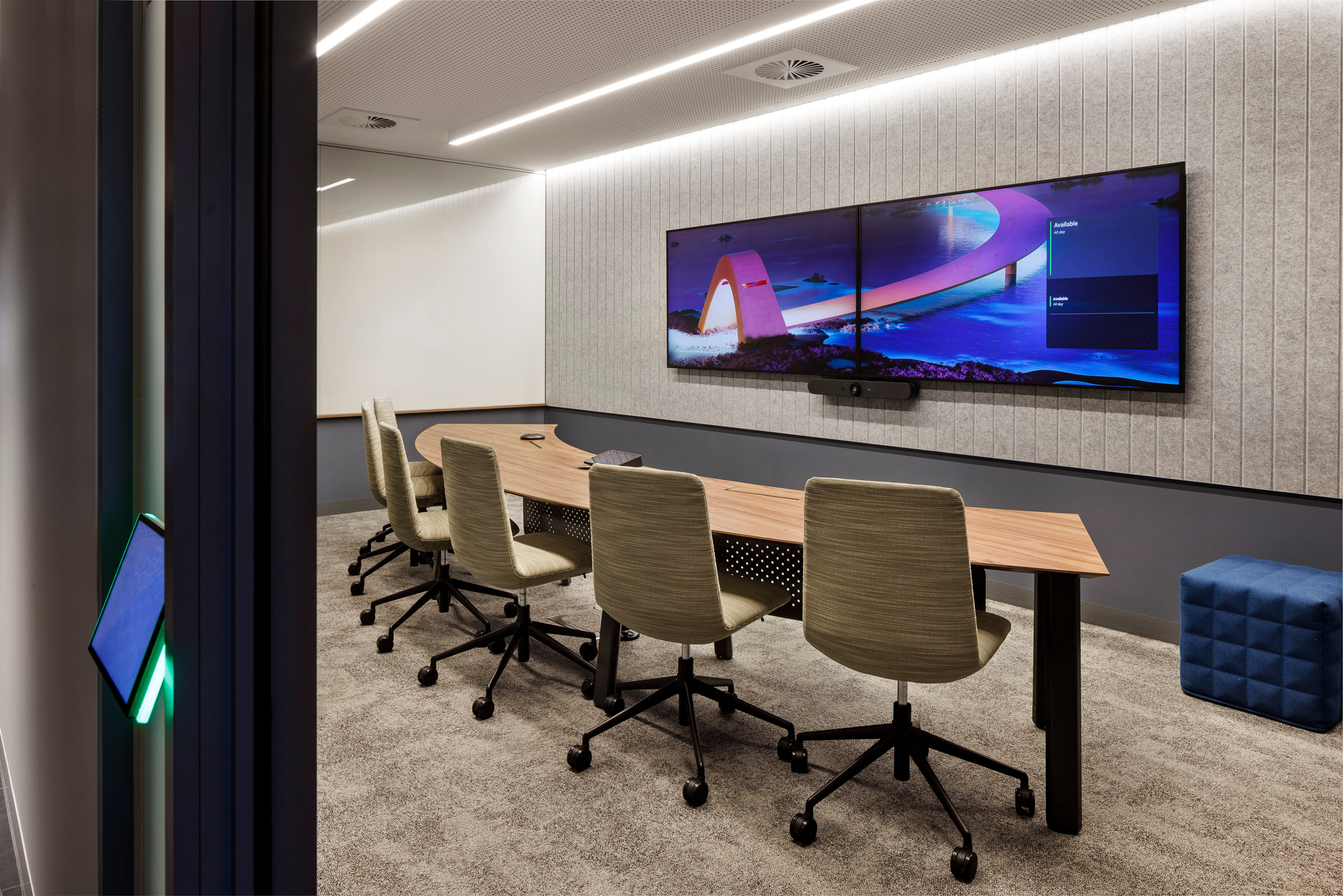
Cisco MX rooms were integrated systems, so replacing them is rarely just a matter of changing the collaboration device. The display, camera position, speaker coverage, microphone pickup, mounting structure, cable pathways, furniture layout and control interface all contribute to the final meeting experience.
This is especially important in rooms where the MX system was built into the physical environment. A room may have been designed around a particular screen size, wall position, table shape or camera height. Simply removing the old system and installing a new device without reviewing the room can create issues with sightlines, audio coverage, usability or consistency.
In some cases, structured replacement systems such as Ashton Bentley’s ABMX Display Mount range may provide a practical option for organisations looking to move from legacy Cisco MX rooms to current Cisco collaboration solutions while maintaining a clean, integrated physical environment. This type of approach can be useful where the objective is to simplify installation, preserve a polished room aesthetic and create a more repeatable upgrade pathway.
For organisations with multiple MX rooms, this creates an opportunity to move from ad hoc replacement to a more consistent workplace technology standard.
A practical Cisco MX upgrade checklist
Before replacing Cisco MX rooms, assess:
- Room size, capacity and primary use case
- Single-screen versus dual-screen requirements
- Display size, placement, height and mounting constraints
- Camera coverage, sightlines and participant framing
- Microphone coverage, speaker coverage and acoustic conditions
- Webex, Microsoft Teams, Zoom, Google Meet and interoperability requirements
- BYOD requirements and cable access
- Network, cabling, power and mounting constraints
- Room booking, control interface and accessibility
- Consistency across room types and office locations
- Remote monitoring, analytics, support and lifecycle management
- Documentation, handover and user experience testing
- Multi-site deployment requirements across offices or regions
How Pro AV Solutions can help
Pro AV Solutions helps organisations approach Cisco meeting room upgrades as part of a broader workplace technology lifecycle.
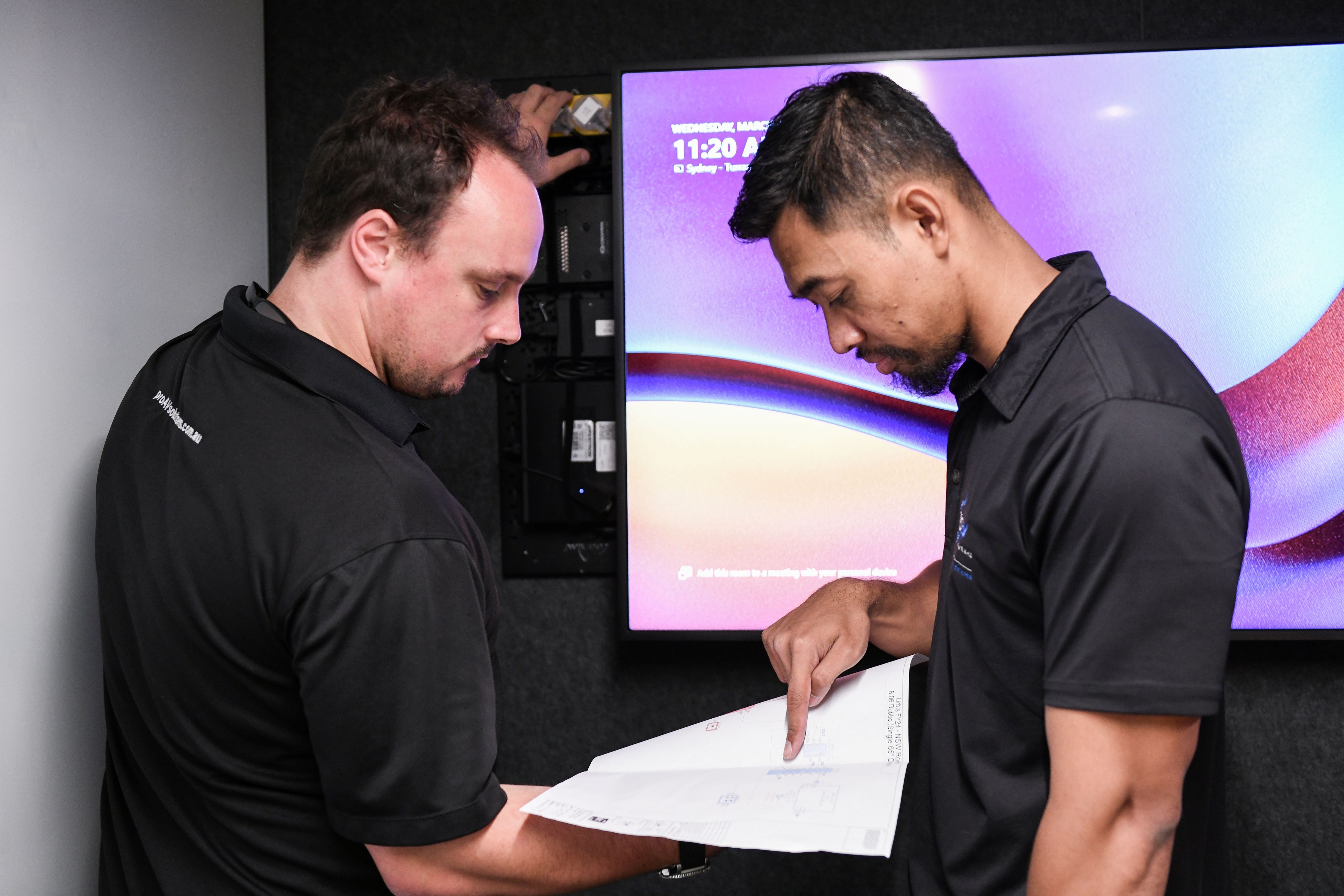
That can include meeting room estate audits, current-state documentation, Cisco room design standards, upgrade pathway recommendations, pilot rooms, proof-of-concept spaces and deployment across single-site or multi-site environments.
The process may also include integration with existing AV, network and workplace systems, user experience testing, documentation, handover, managed services, monitoring and ongoing lifecycle planning.
For organisations with multiple Cisco MX rooms, this approach helps reduce risk. It creates a clearer view of what needs to be replaced now, what can be staged over time, where standards should be created, and how rooms will be supported after handover.
If you have Cisco MX rooms in your workplace and are starting to plan what comes next, Pro AV Solutions can help assess your current environment and design a practical upgrade pathway.




.jpg)
.jpg)







.png)










.jpeg)





.avif)




.jpeg)


.webp)