Logitech: From Hybrid Work to Smarter Workplace Design
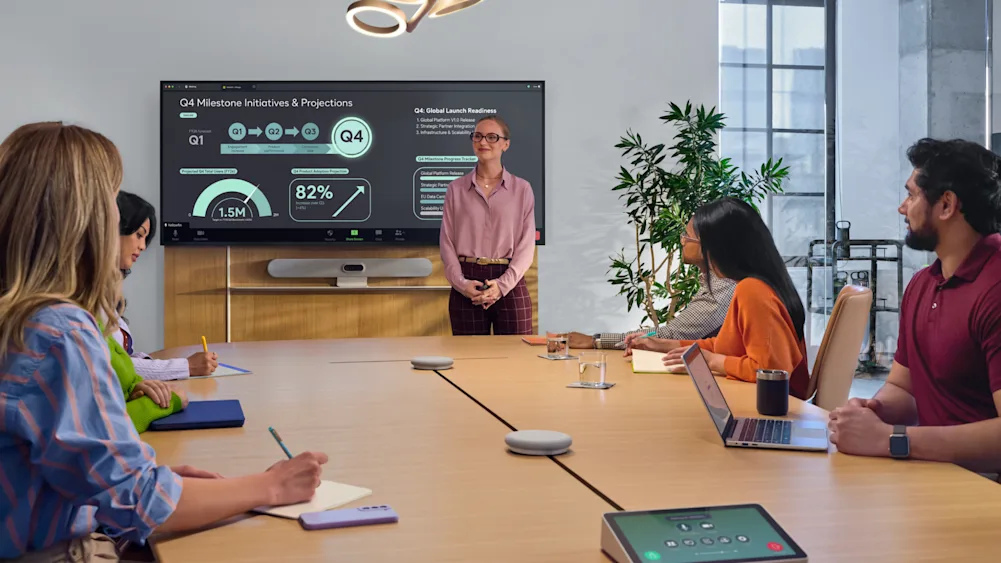
Hybrid work is now an established part of Australian working life. The challenge for organisations is making collaboration work consistently across offices, meeting rooms, home workspaces and everywhere in between.
As working patterns evolve, organisations are also looking for better information to guide decisions about office space, collaboration technology and sustainability.
How common is hybrid work in Australia?
According to Australian Bureau of Statistics data from August 2025, 36% of employed Australians usually worked from home. Around one-third of these employees worked remotely one or two days a week.
The pattern is particularly strong in office-based roles, with 59% of managers and professionals usually working from home, compared with 21% across other occupations.
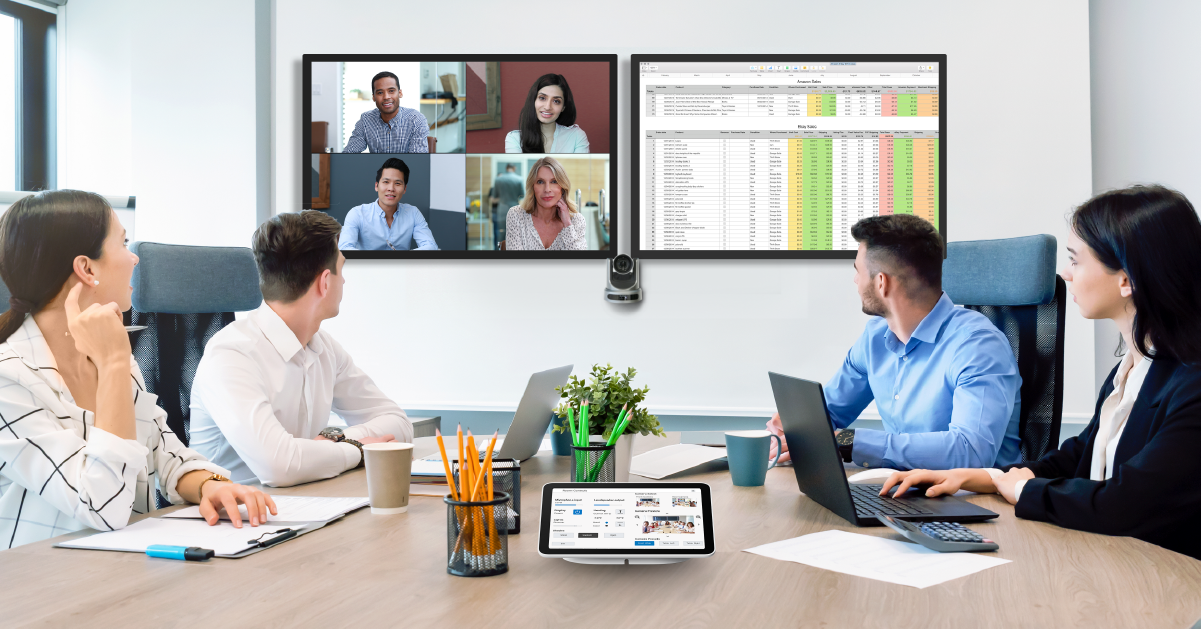
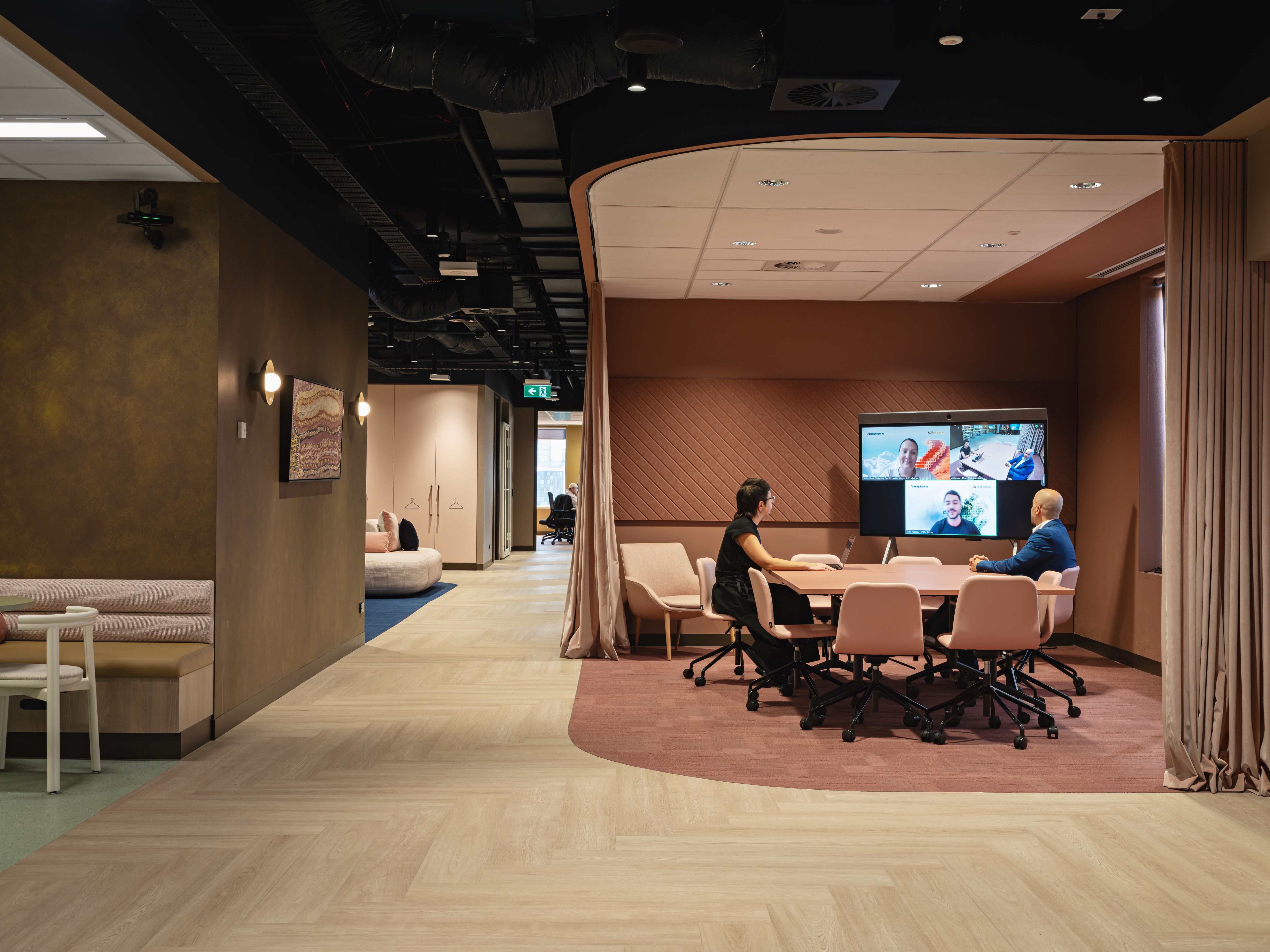
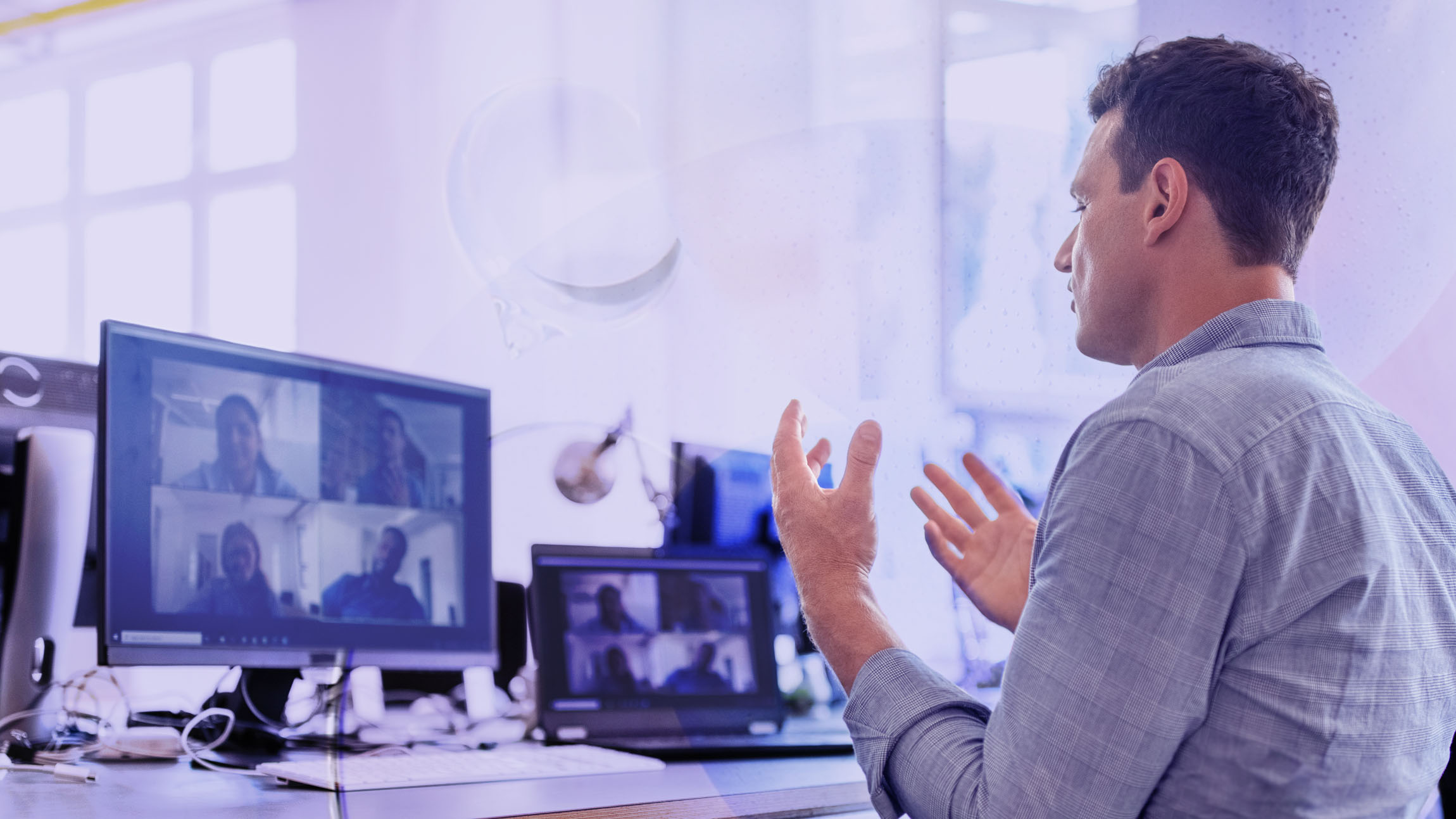
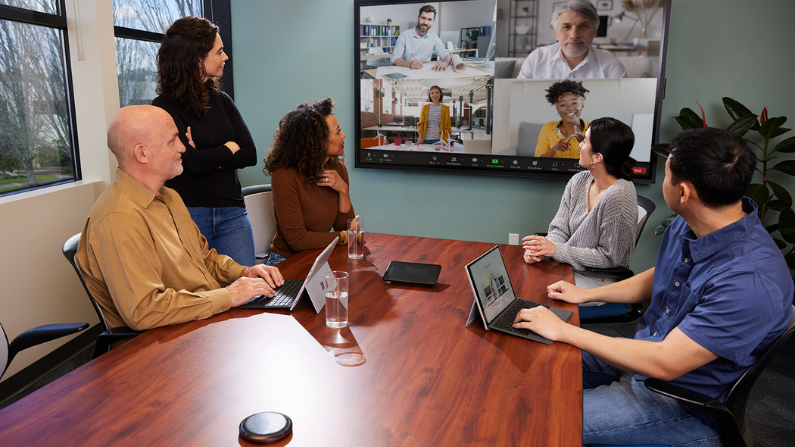
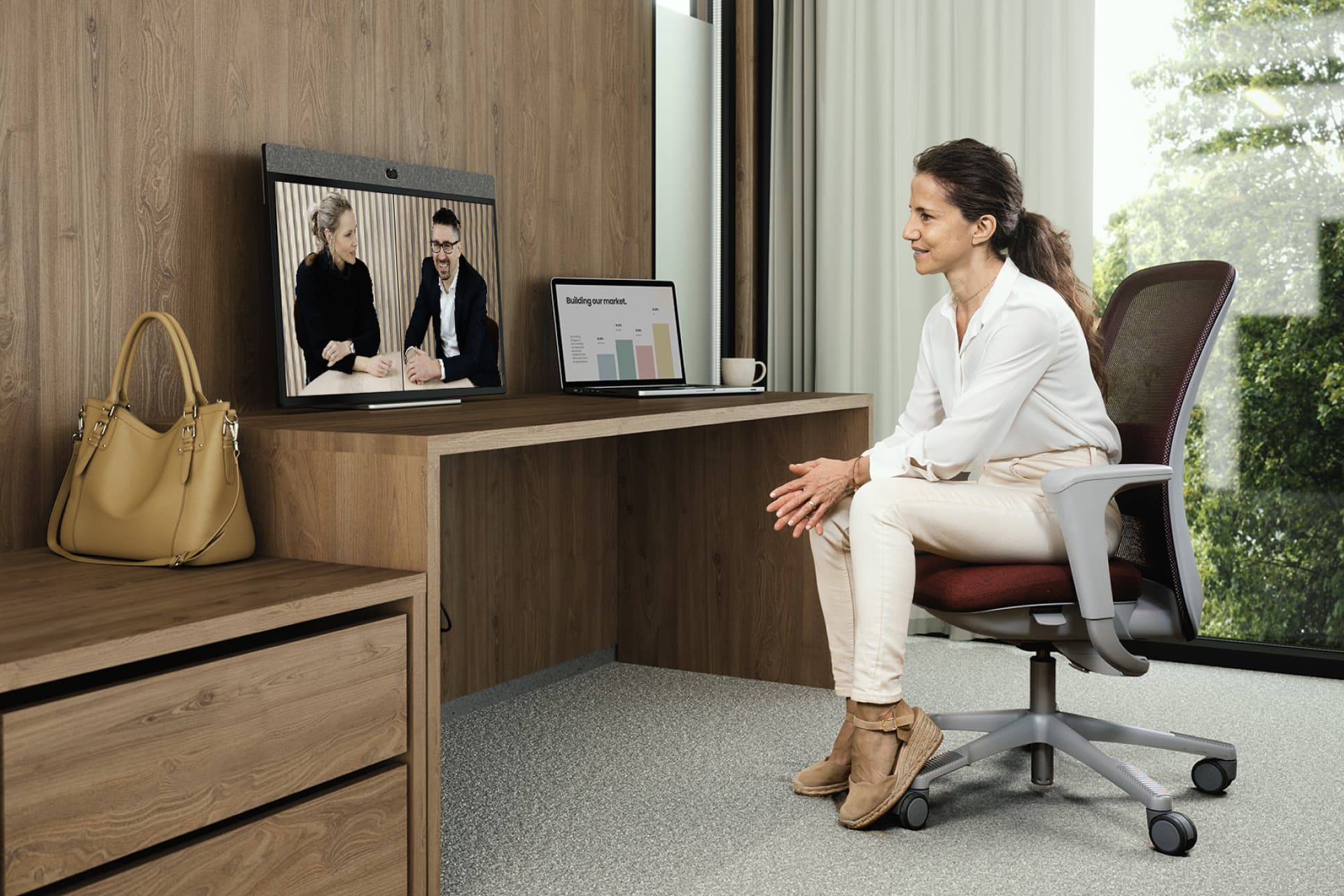
For organisations, this means employees may join meetings from home, the office or while travelling, sometimes all within the same week. Supporting these different working environments has become an important part of workplace technology planning.
How can organisations make hybrid meetings consistent across different locations?
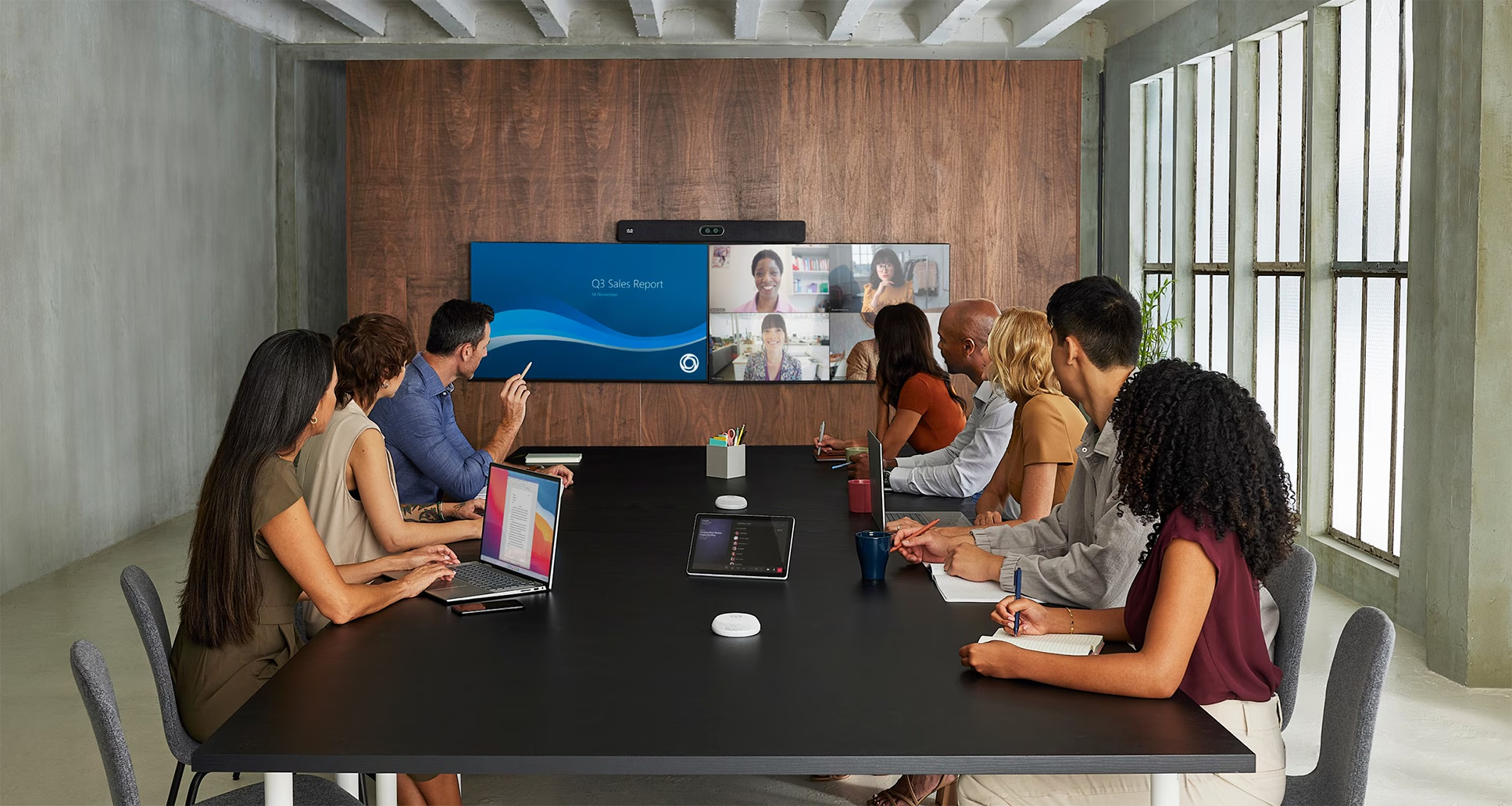
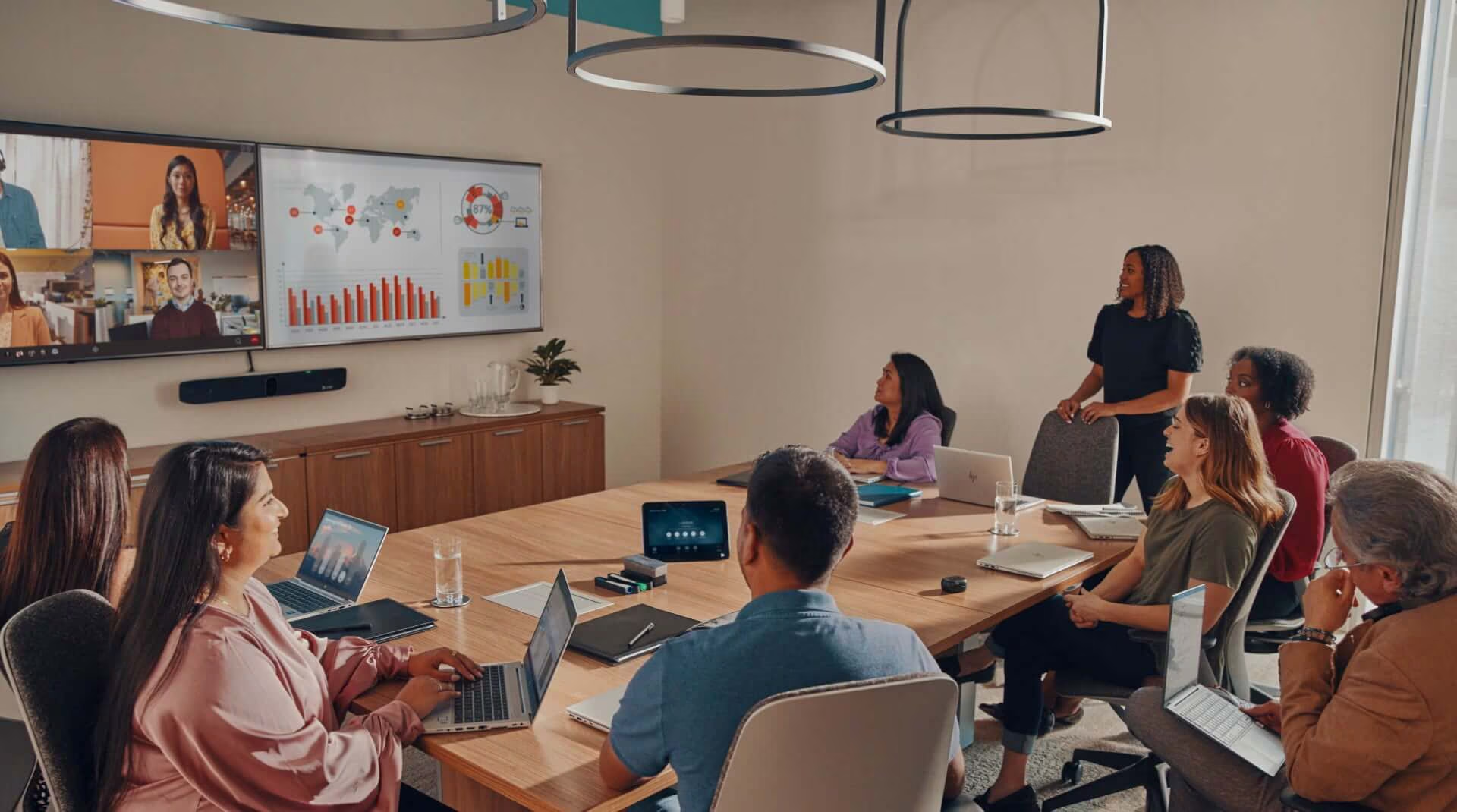
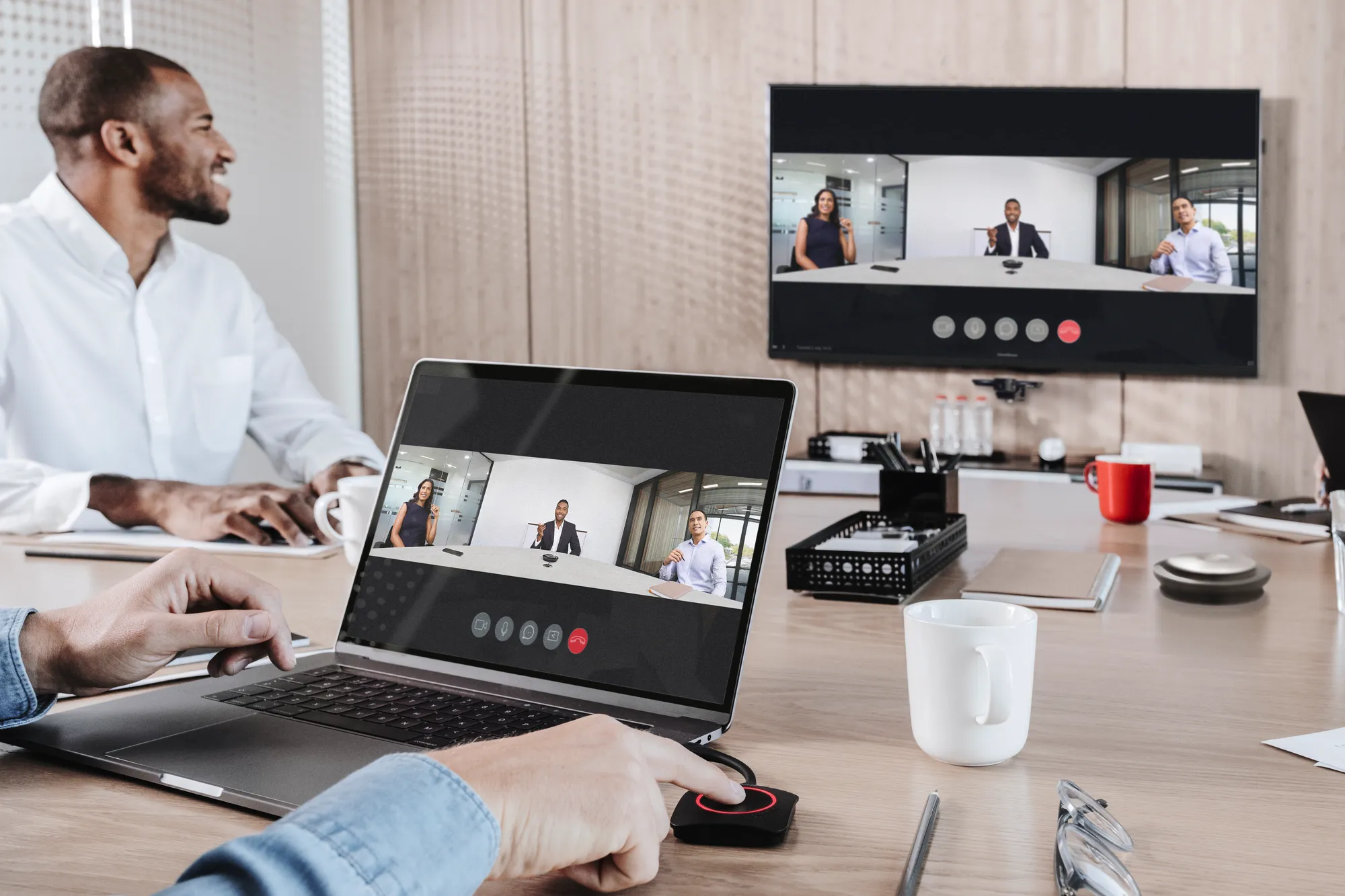
A salesperson joining a call from an airport has different requirements from a team gathered in a meeting room. Yet both expect familiar tools, reliable audio and video, and a straightforward way to collaborate.
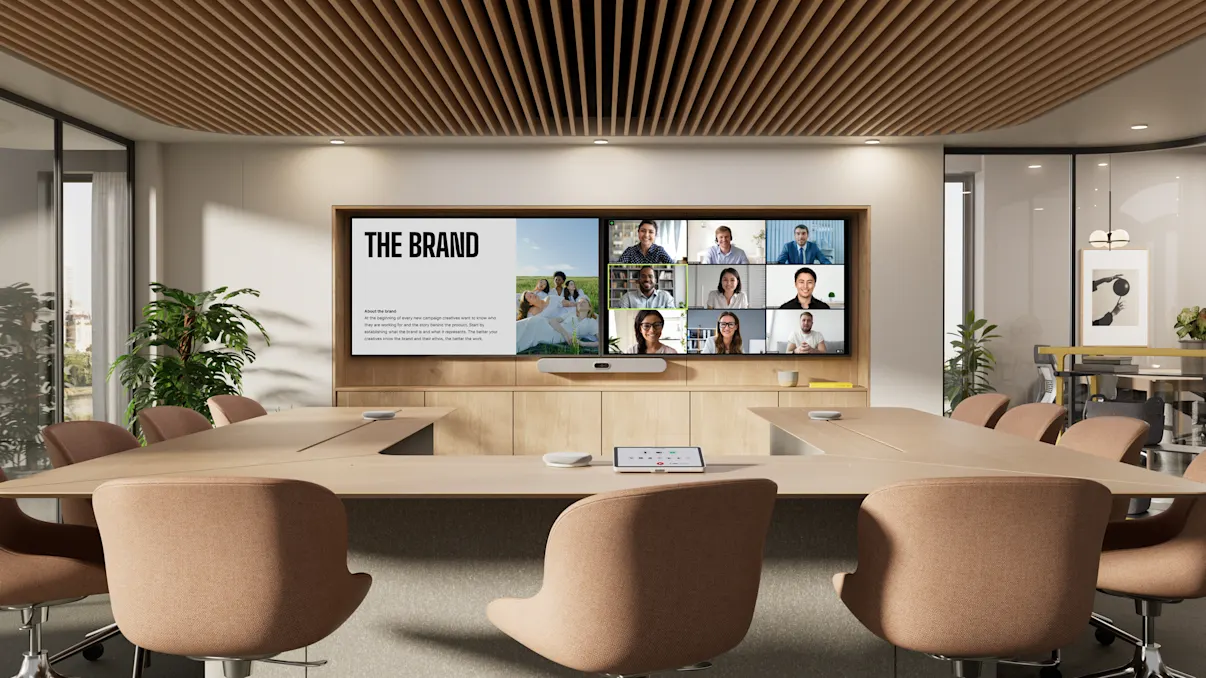
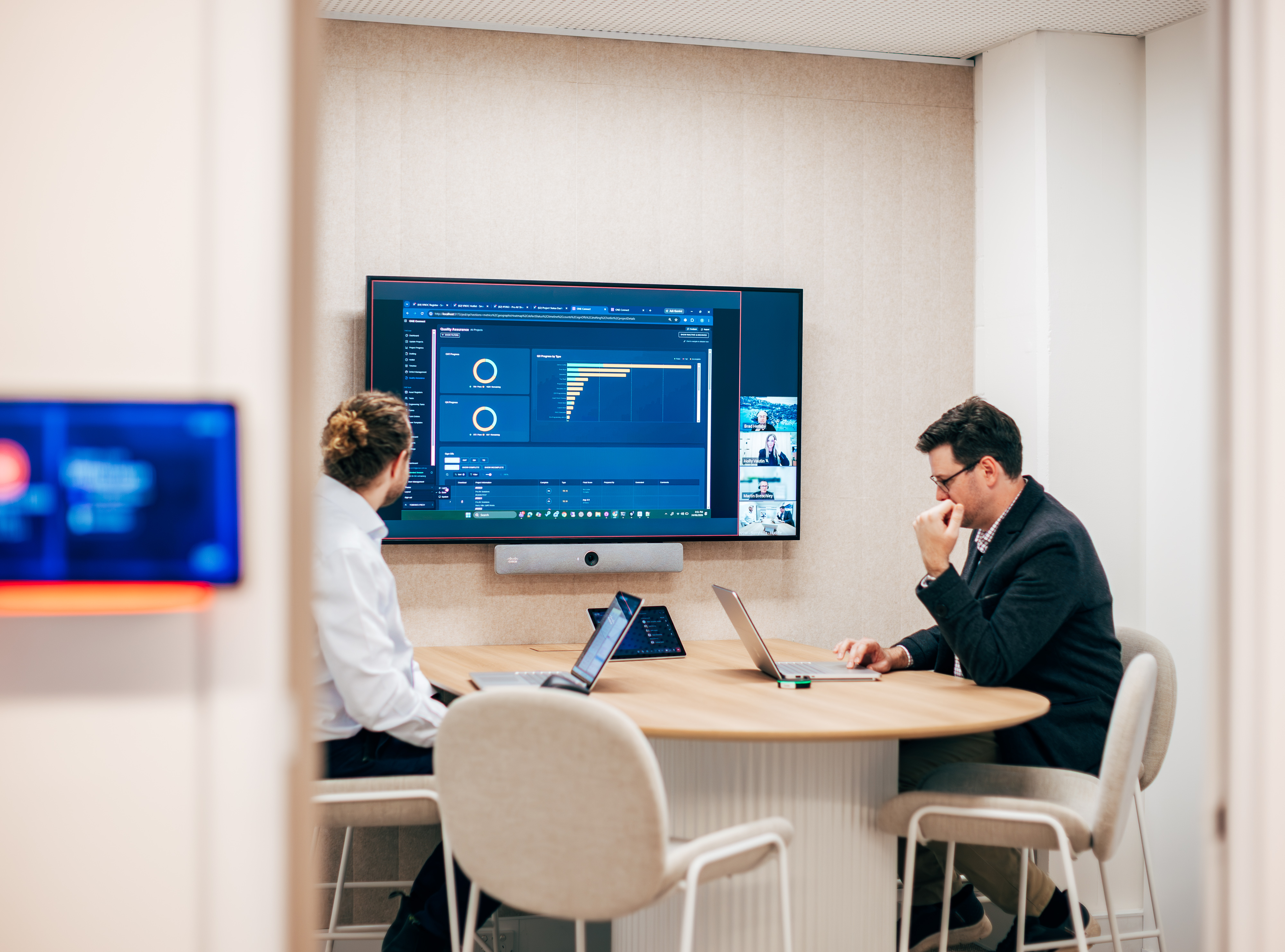
Delivering that consistency means selecting technology suited to different working environments while maintaining compatibility with established collaboration platforms such as Microsoft Teams, Zoom and Google Meet.
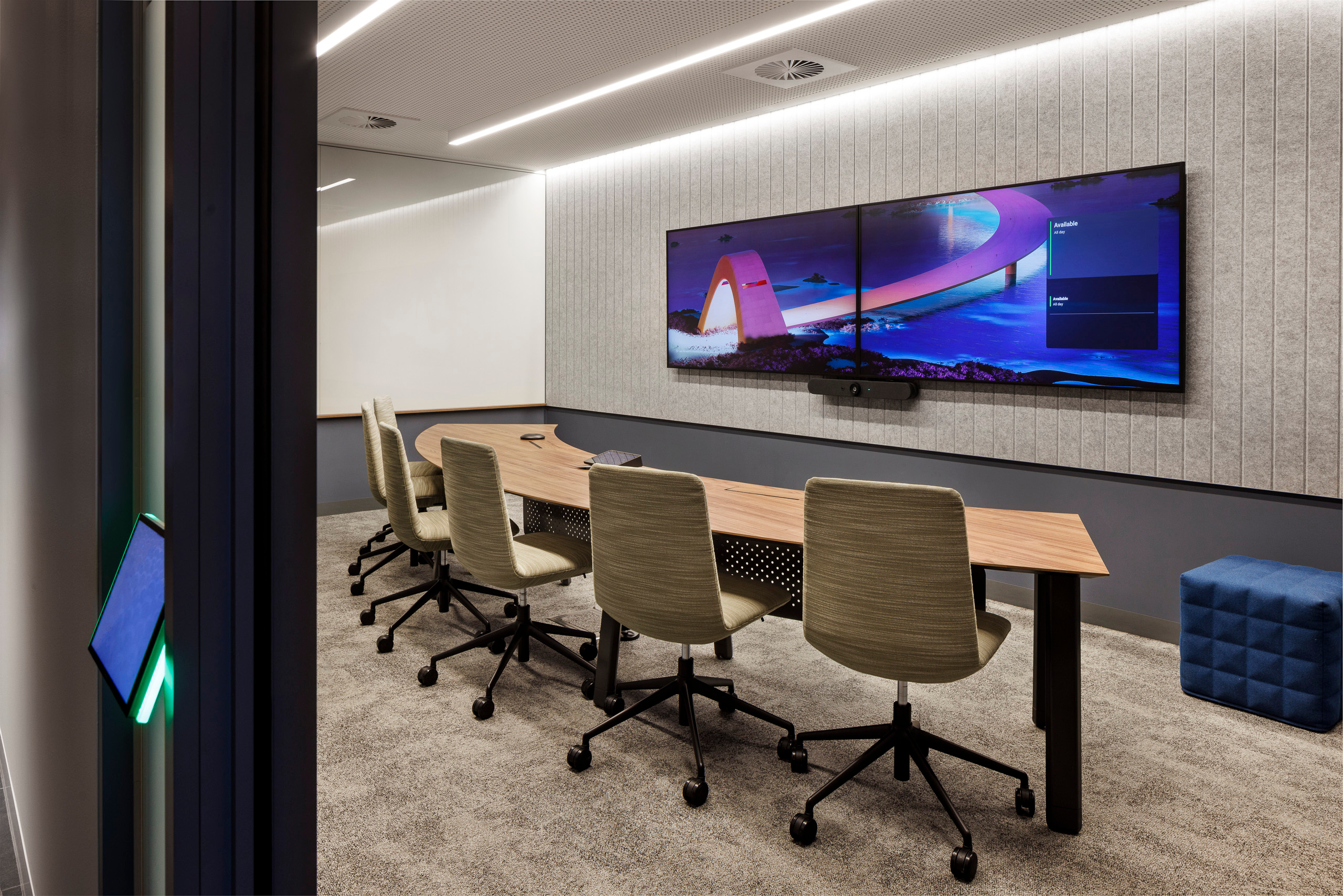
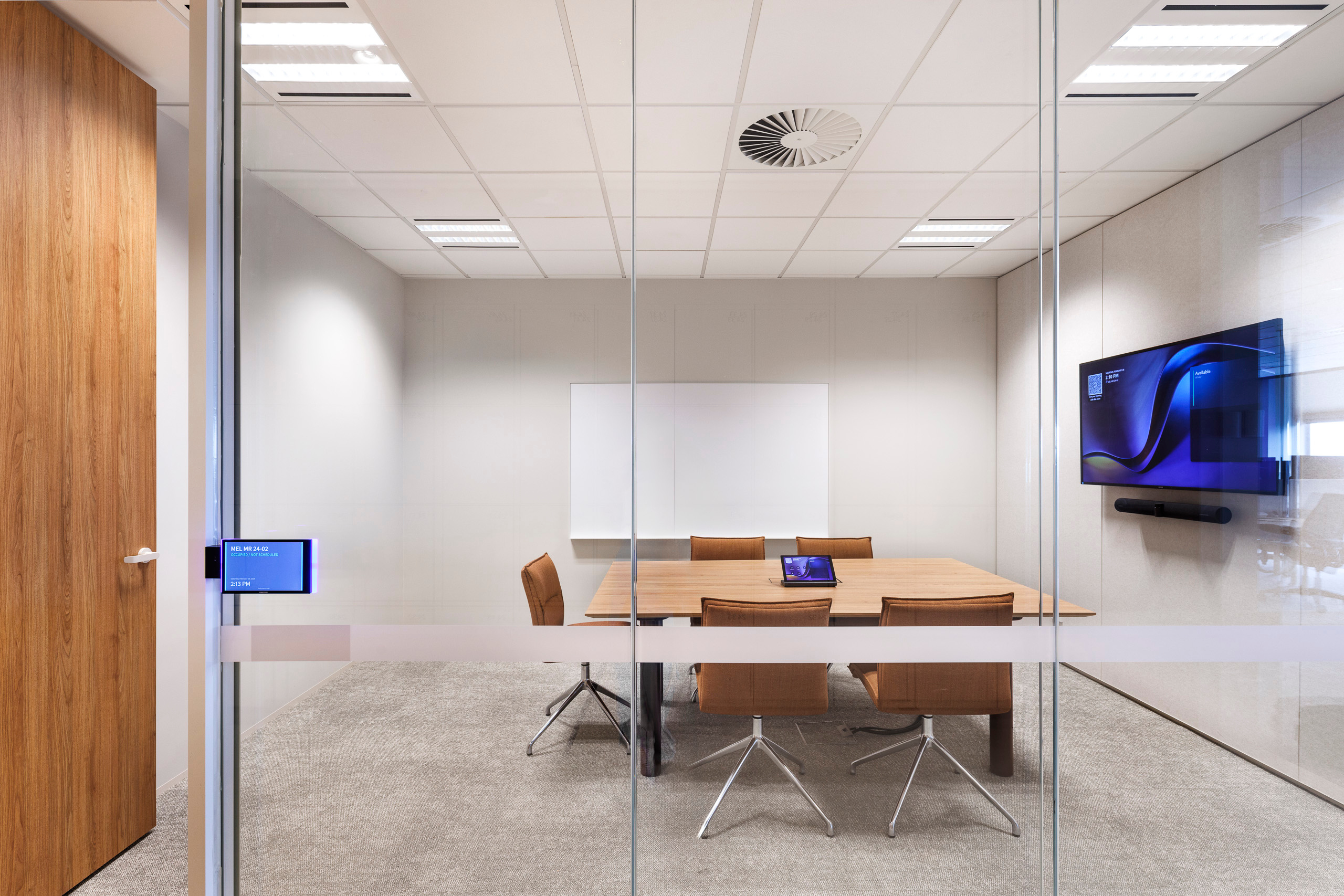
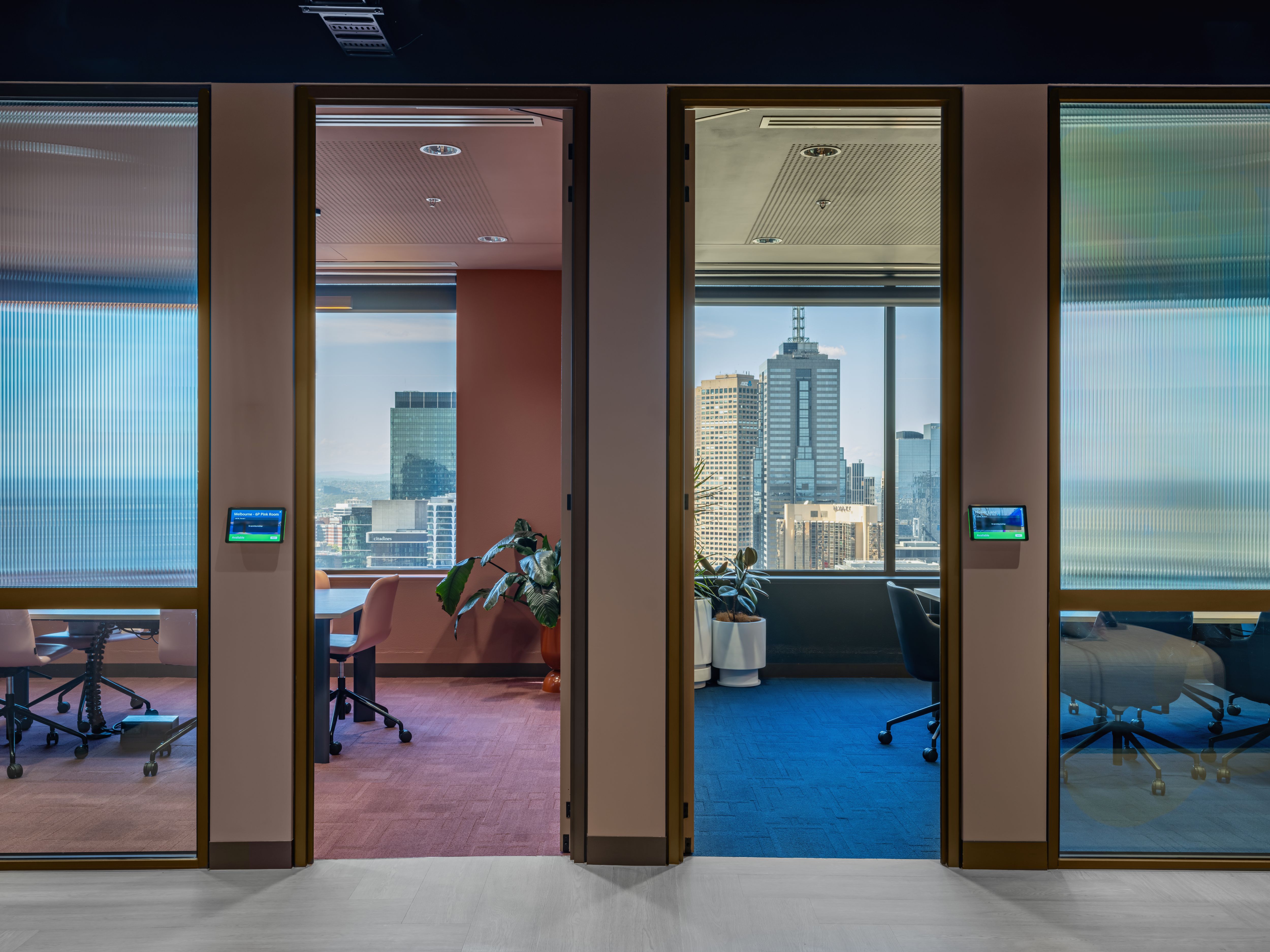
Logitech supports this through a range of personal and meeting room devices, with certified configurations available for different platforms.
The aim is to provide a familiar meeting experience without assuming that everyone works in the same location or uses the same equipment.
How can meeting room data inform decisions about office space and technology?
Beyond the meeting experience, organisations are increasingly interested in understanding how their spaces are actually being used.
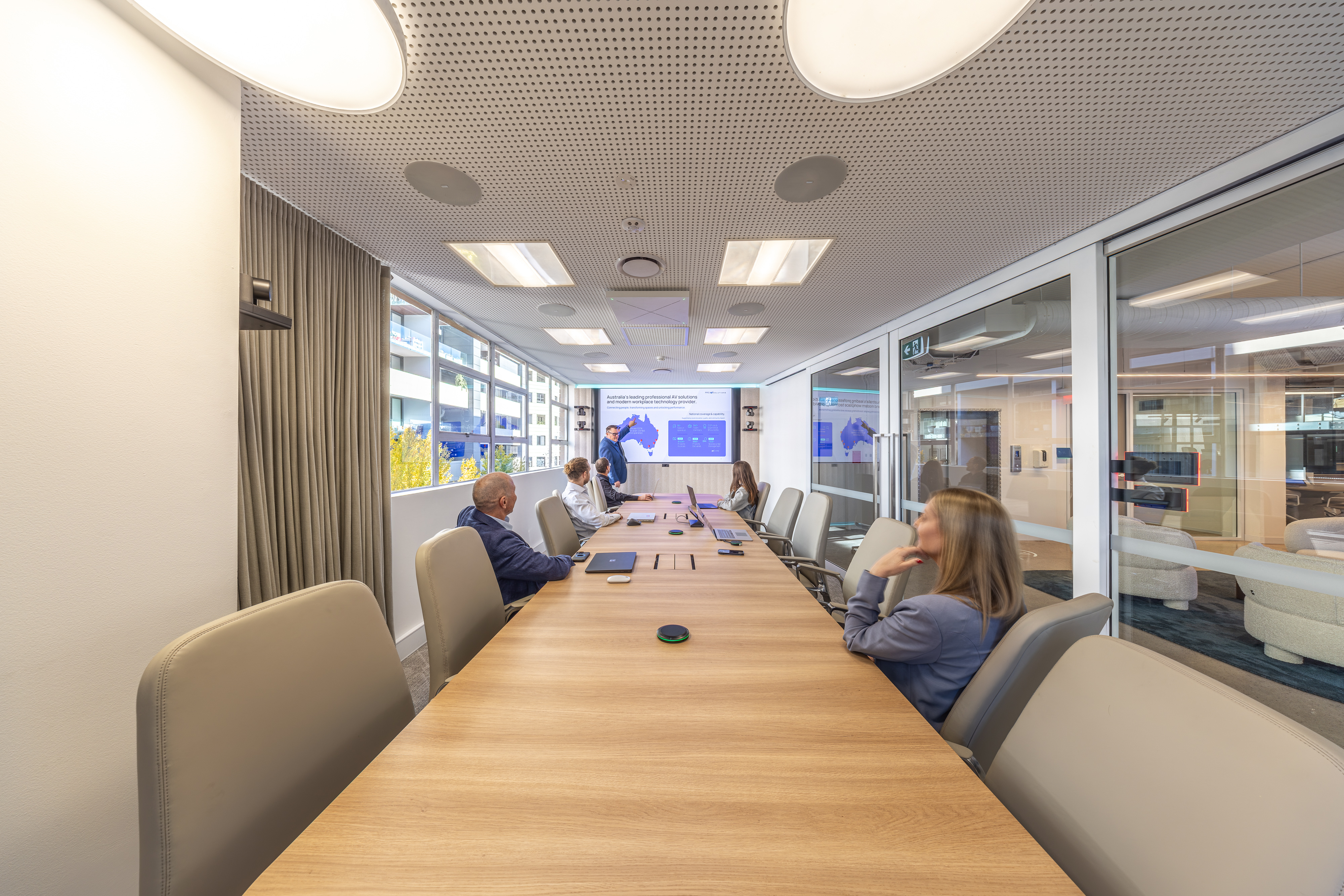
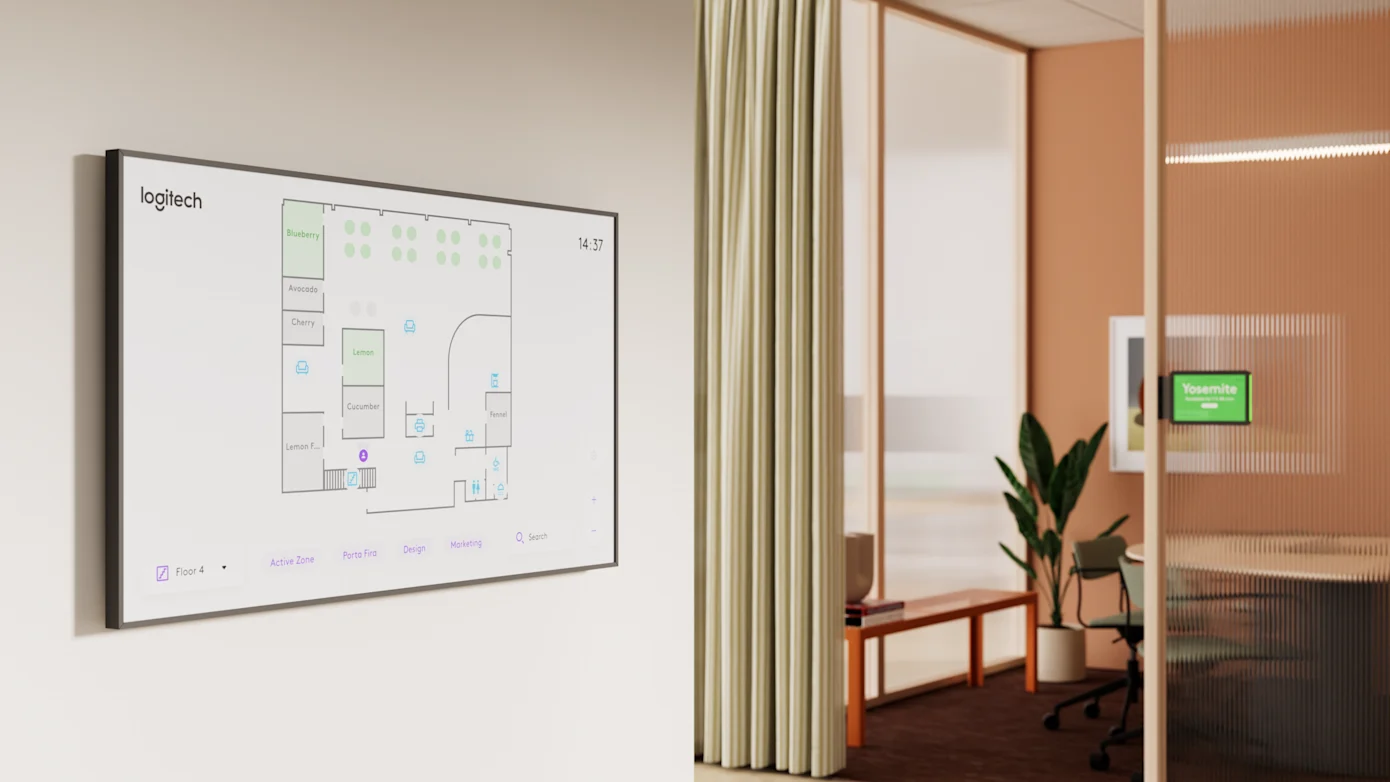
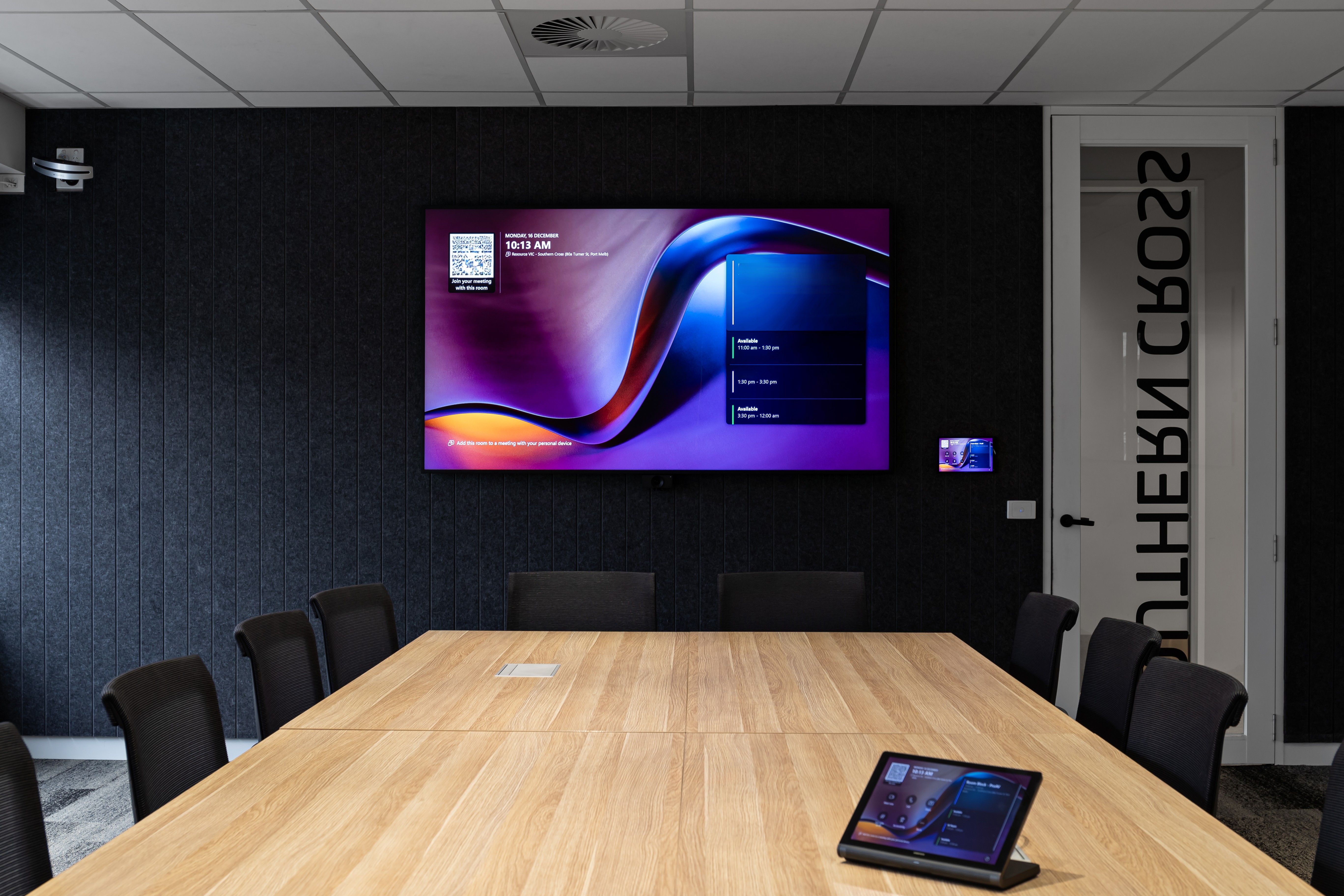
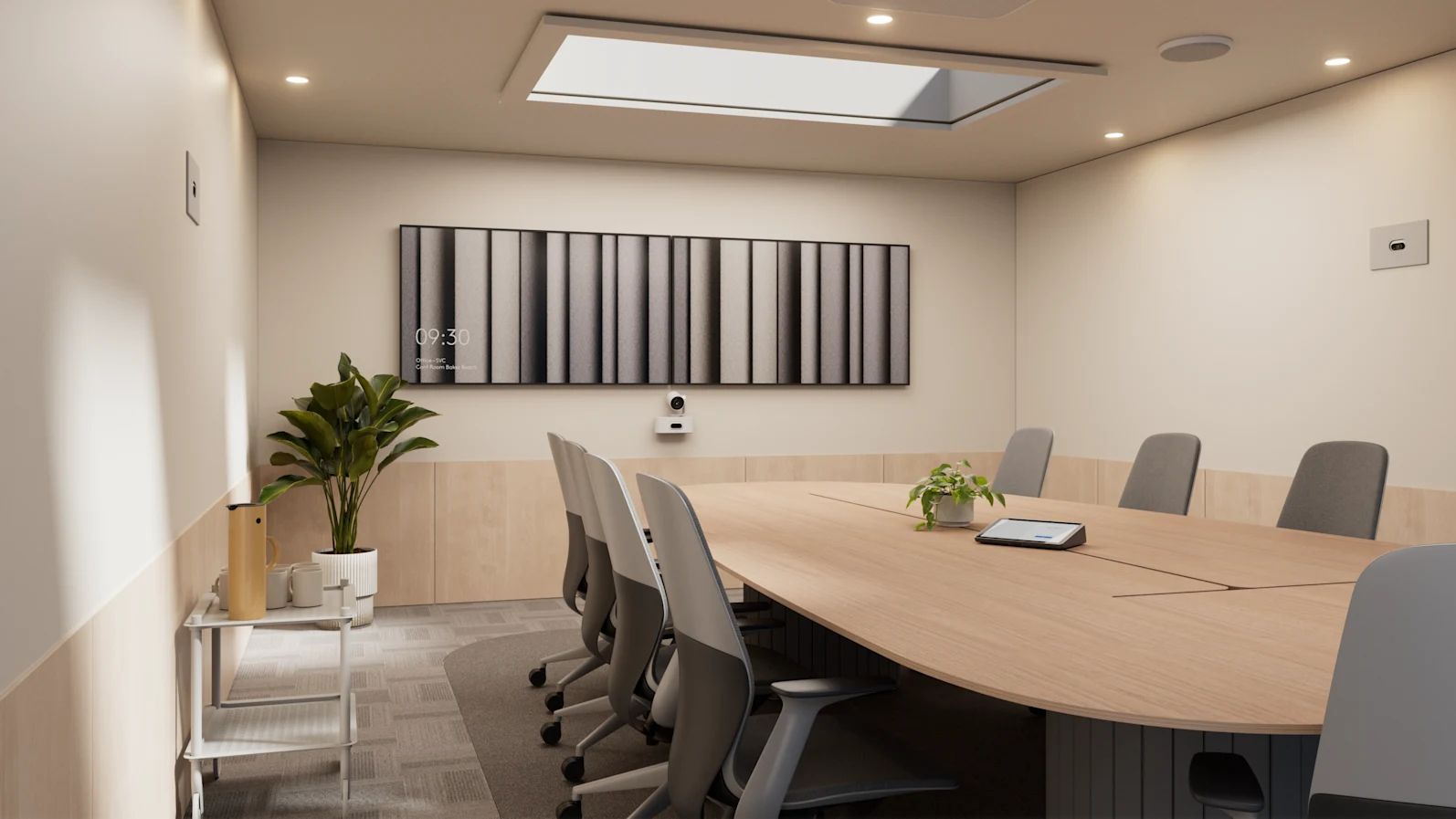
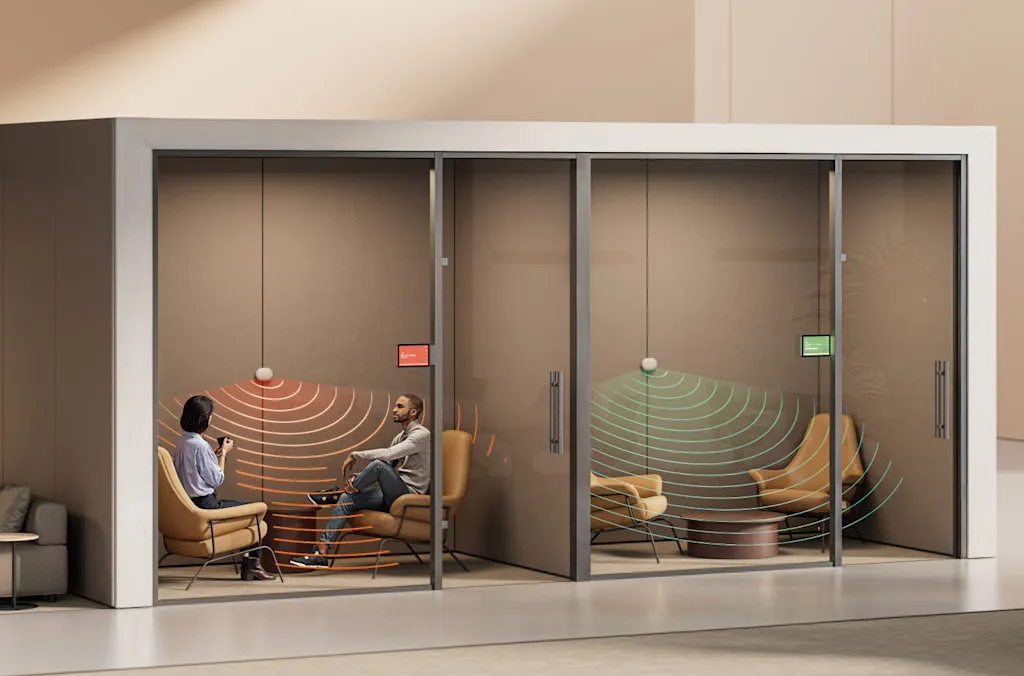
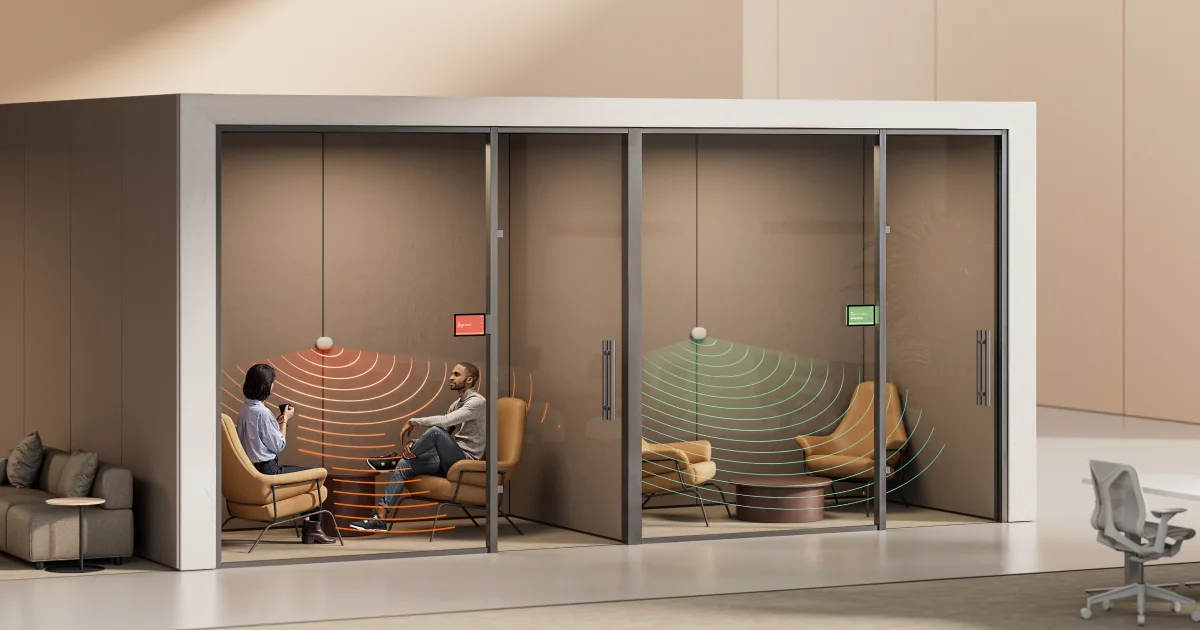
Through Logitech Sync, IT and facilities teams can access room usage and occupancy insights from supported devices, helping identify which meeting rooms are regularly occupied, which are underutilised and whether spaces are being used as intended.
Products such as Logitech Rally Bar 2 also incorporate environmental sensors measuring temperature, humidity and carbon dioxide levels, providing additional information about room conditions.
These insights can help organisations make more informed decisions about office layouts, room design and technology investments. Rather than relying solely on assumptions about how employees use the workplace, teams can assess actual usage patterns and plan accordingly.
Sustainability is another consideration. Understanding when and how spaces are occupied can help organisations identify opportunities to manage resources more efficiently, including reviewing power-saving settings on supported devices.
This makes workplace technology planning a broader conversation than simply choosing a camera or video bar for each room.
What video setups are best suited to larger, more flexible spaces like town halls and training rooms?
While smaller meeting rooms have become relatively straightforward to equip, larger and more flexible environments present different challenges.
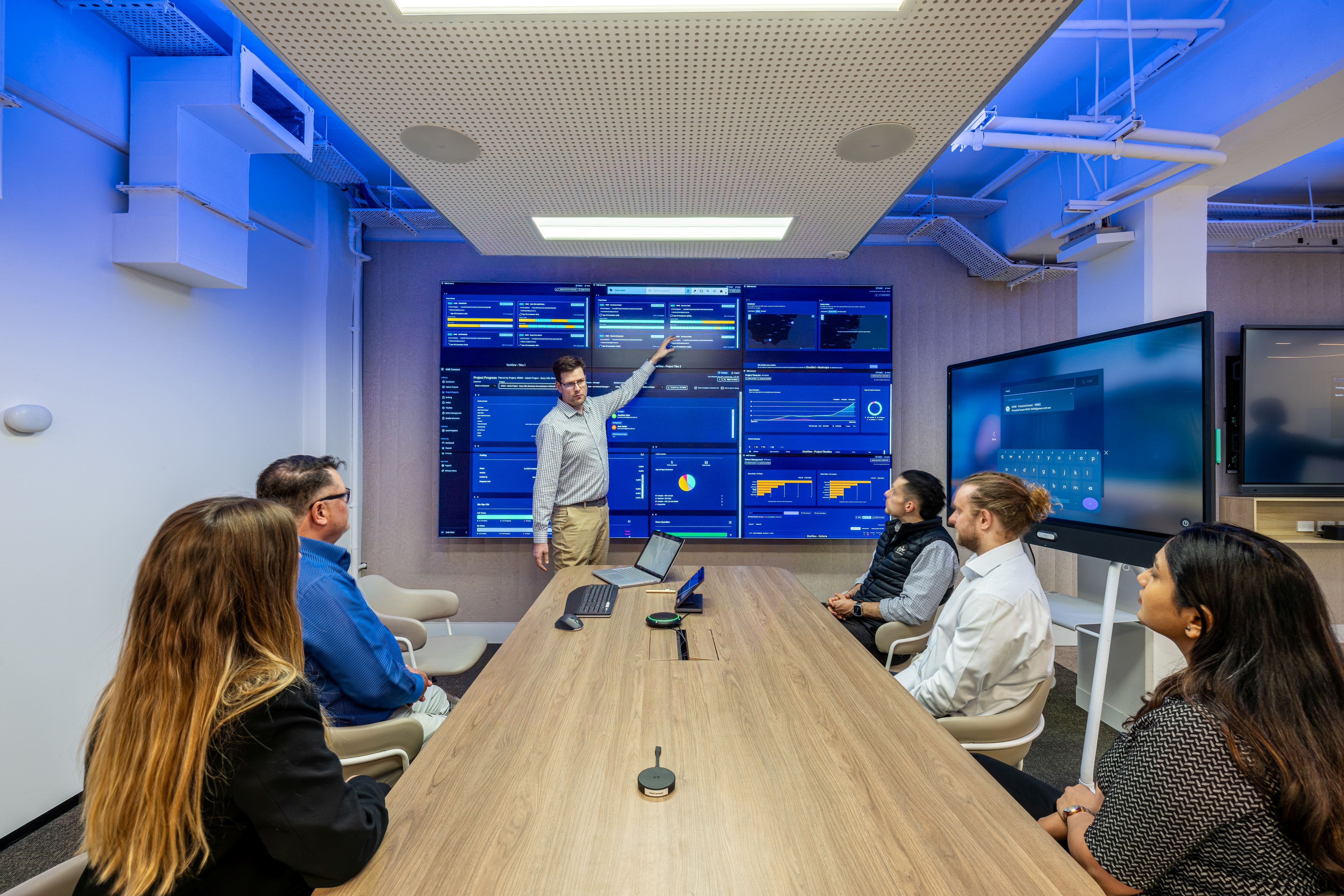
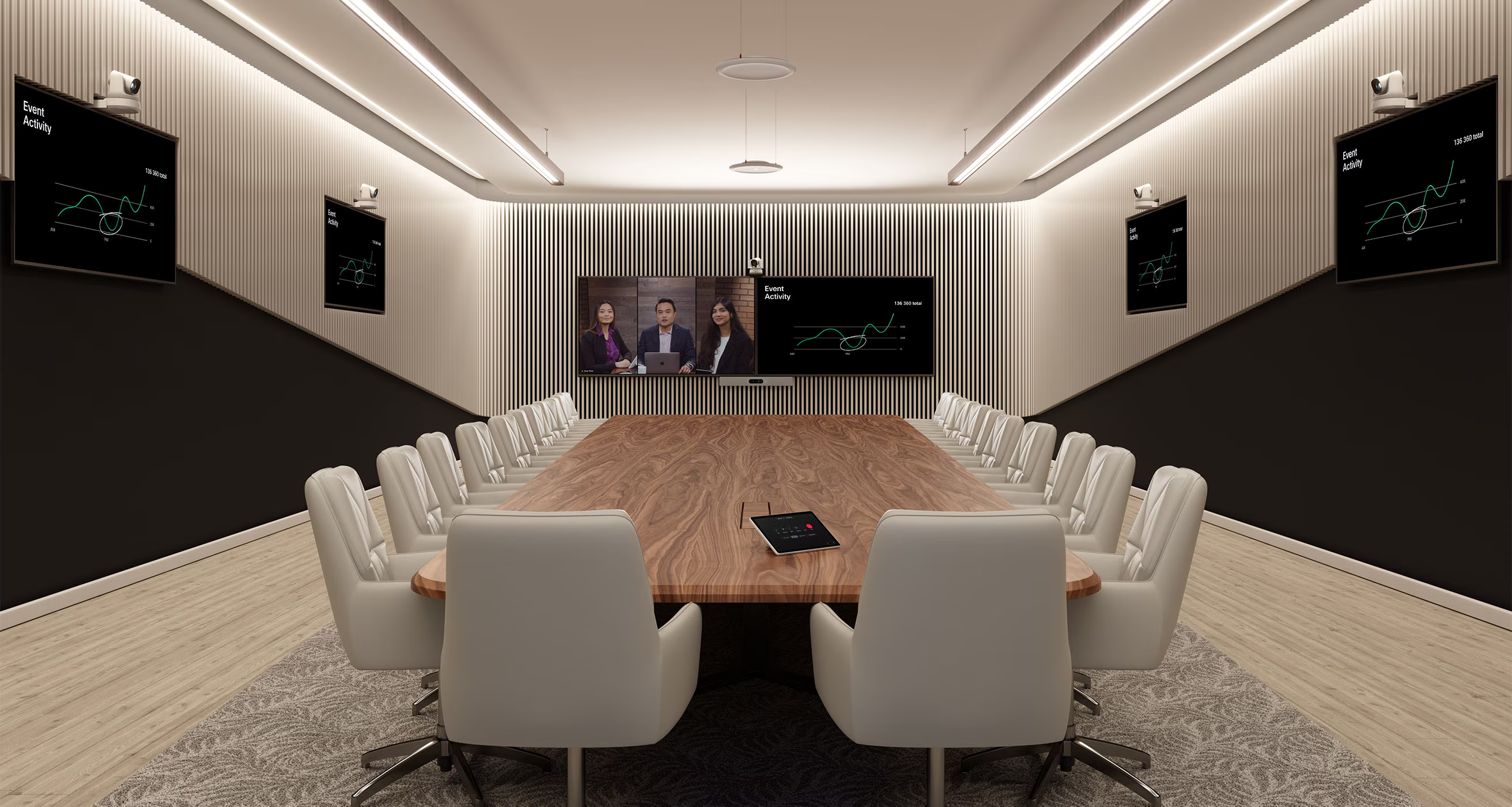
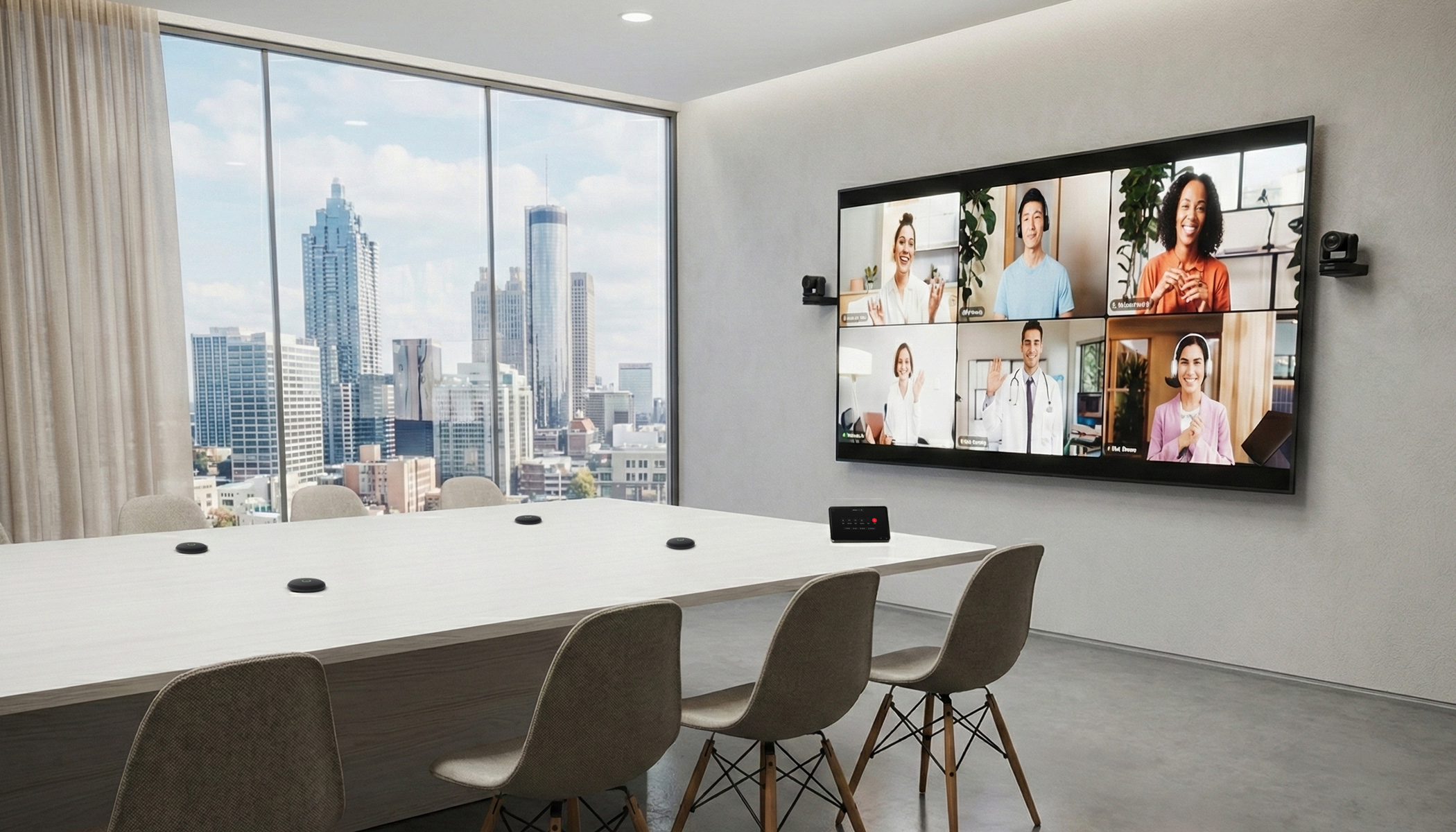
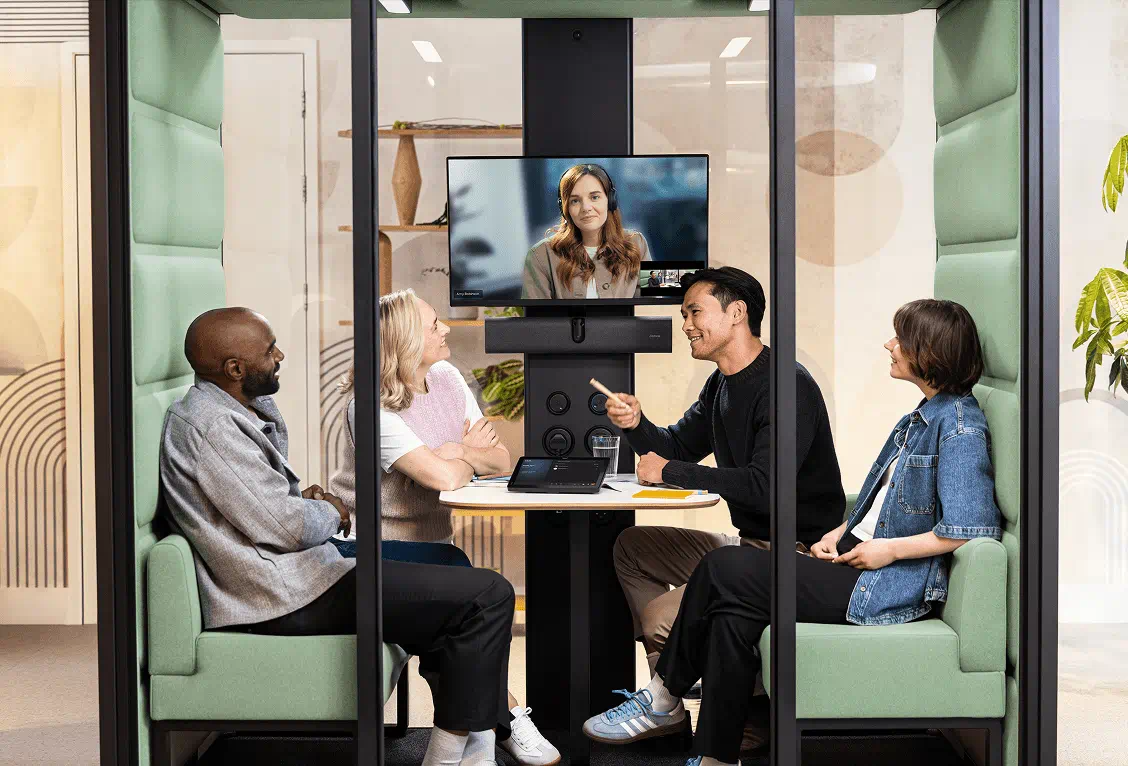
Town halls, training rooms and multipurpose spaces require cameras that can adapt to changing layouts, different numbers of participants and movement throughout the room.
Logitech's Rally AI Camera and Rally AI Camera Pro are designed for these environments. Both use RightSight 2 AI-powered framing to detect participants and adjust the camera view, helping remote attendees follow conversations and presentations more naturally.
These capabilities can simplify the video conferencing experience in larger spaces while reducing the need for manual camera adjustments.
What does the future hold for workplace meeting room design?
As collaboration platforms introduce new AI capabilities, meeting room technology will continue to evolve. However, choosing the right equipment is only one part of creating an effective workplace.
Organisations also need to consider how devices will be managed, how meeting spaces can accommodate changing work patterns and how workplace information can support better operational decisions.
For IT, workplace and facilities teams, this means taking a more connected approach to collaboration, space planning and long-term technology investment.
The goal remains straightforward: reliable meeting experiences, better-informed workplace decisions and technology that adapts to the way people work.