AV smart building systems: why workplace technology now belongs in building operations
AV smart building systems now influence how people use and experience commercial buildings. Meeting rooms, collaboration devices, digital signage, booking panels, sensors and workplace platforms all contribute to the daily operation of a workplace.
For Australian organisations, AV should sit inside the broader building conversation. It affects how people find rooms, join meetings, receive information, navigate shared spaces and understand what is happening across a site. When planned well, AV also gives IT, facilities and workplace teams better visibility across the technology estate.
AV smart building systems connect the workplace experience
AV smart building systems are not only about technical integration. They are about how a building works for the people using it.
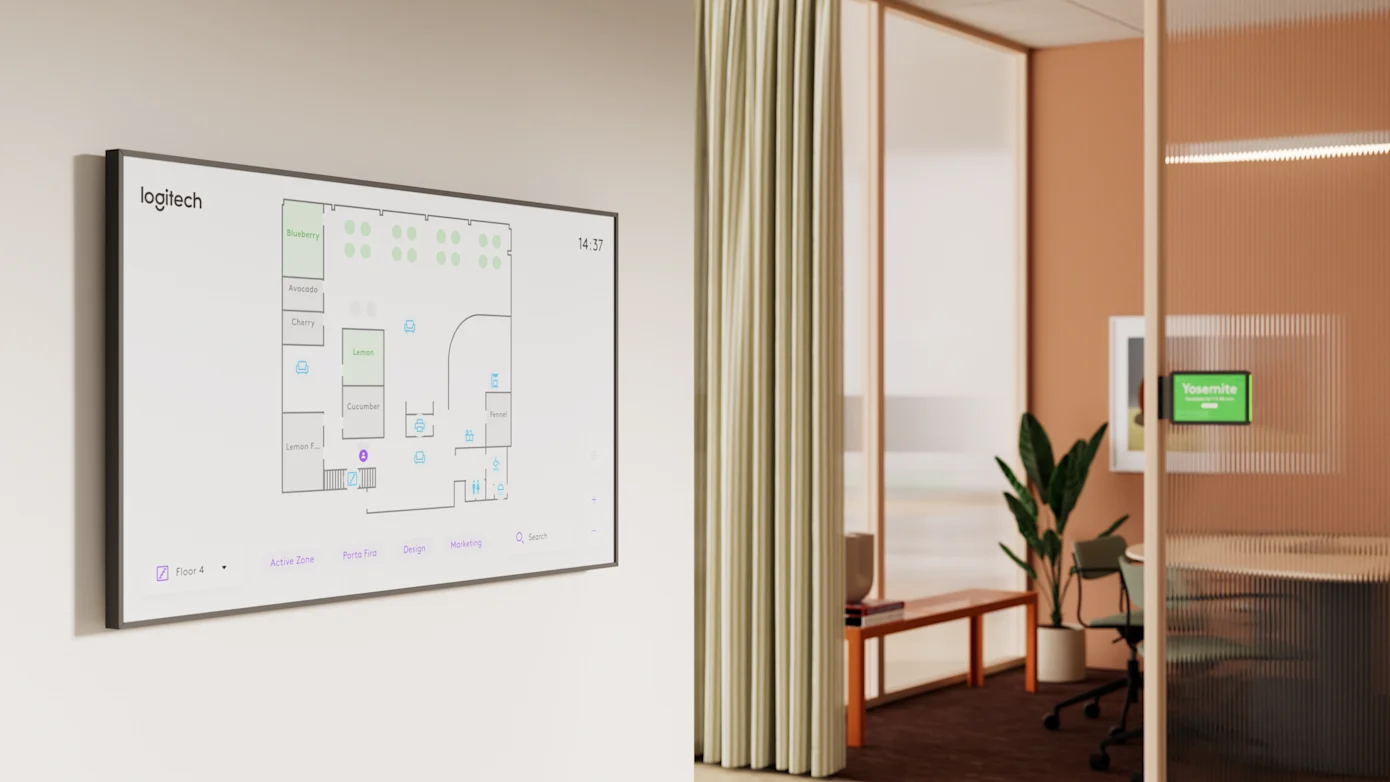
A person entering a workplace may check a digital sign, follow wayfinding, book a room, join a Teams or Webex meeting, use a room panel, present to a display, or attend a town hall in a shared space. All of those interactions sit within the AV and workplace technology layer.
If that layer is inconsistent, the building feels harder to use. If signage is outdated, meetings are unreliable, rooms are difficult to book or collaboration spaces vary too much from floor to floor, the workplace loses confidence.
That makes AV a building operations issue, not only a project delivery issue.
Meeting rooms have become operating environments
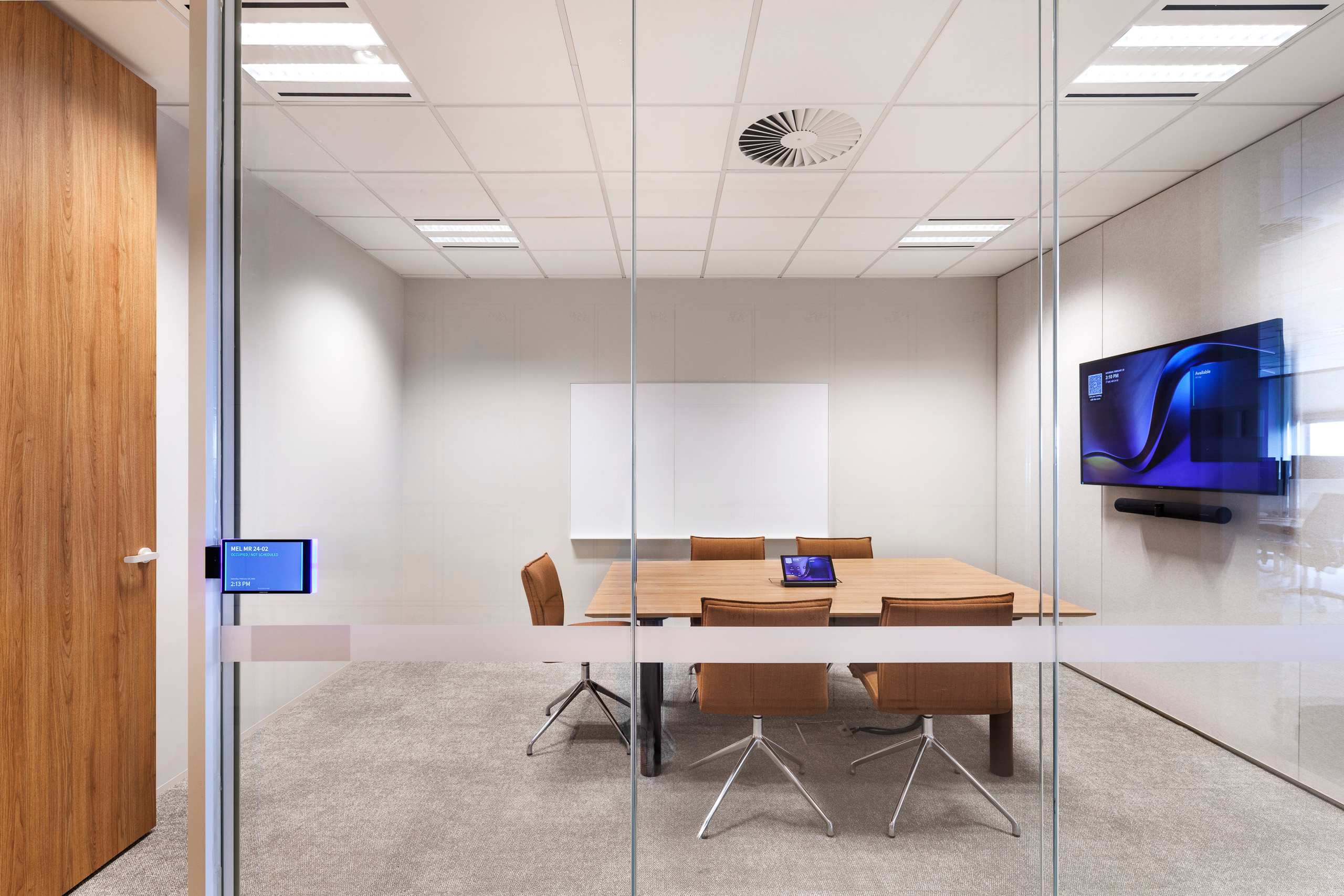
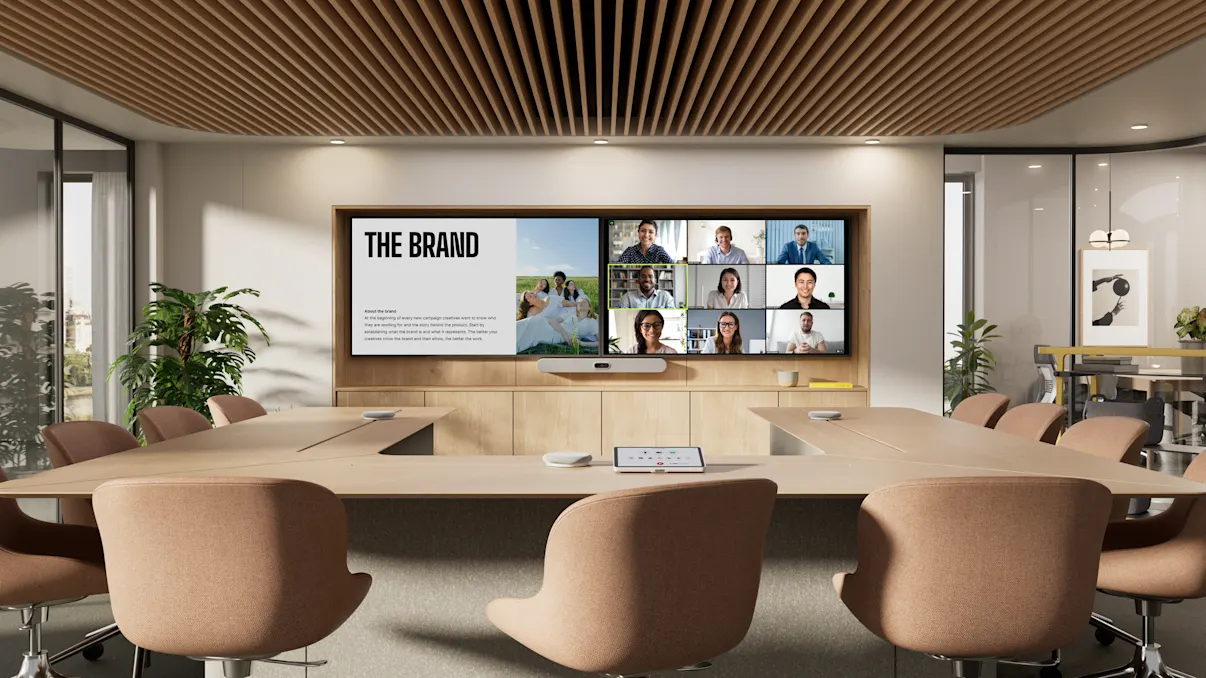
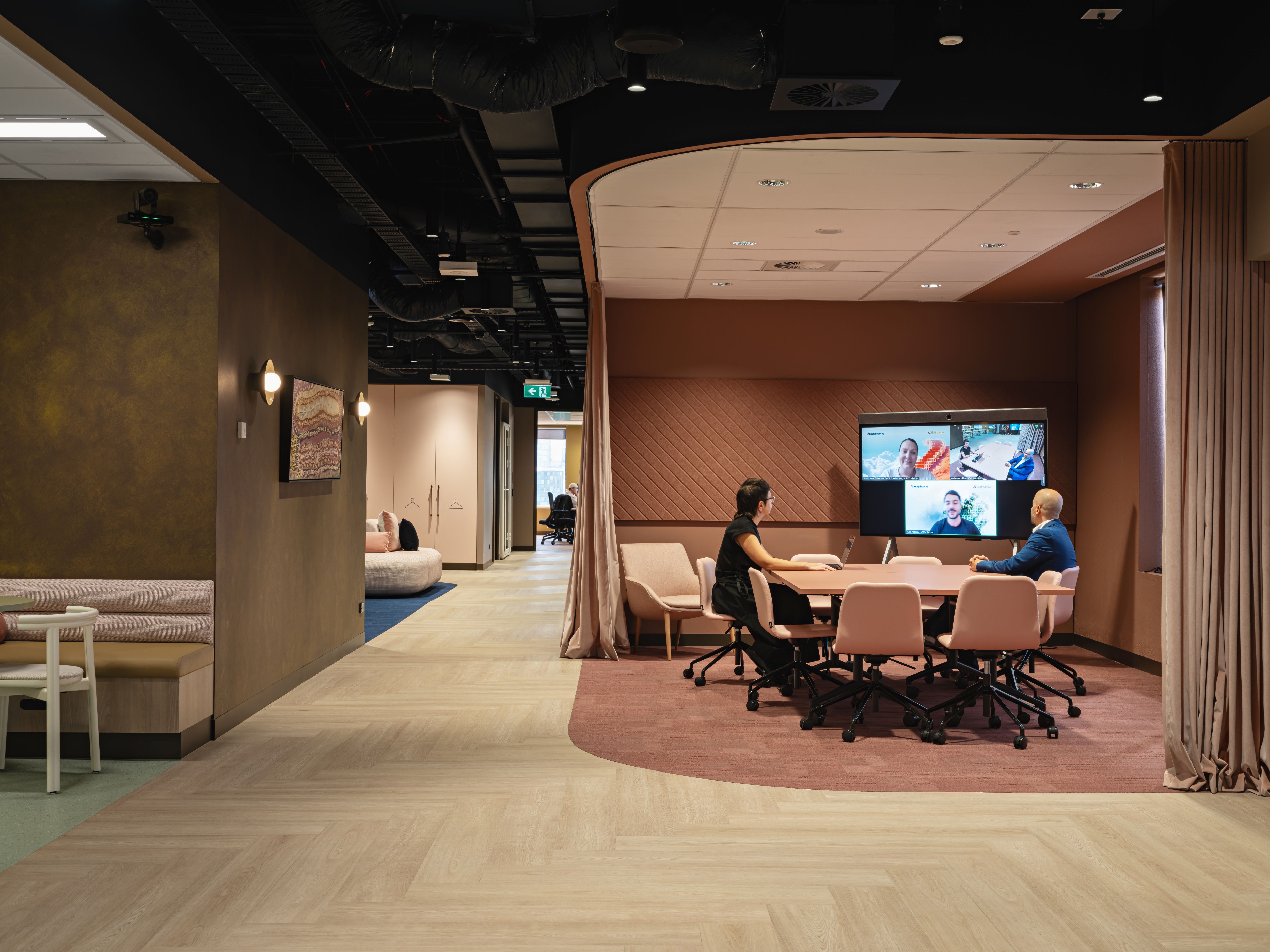
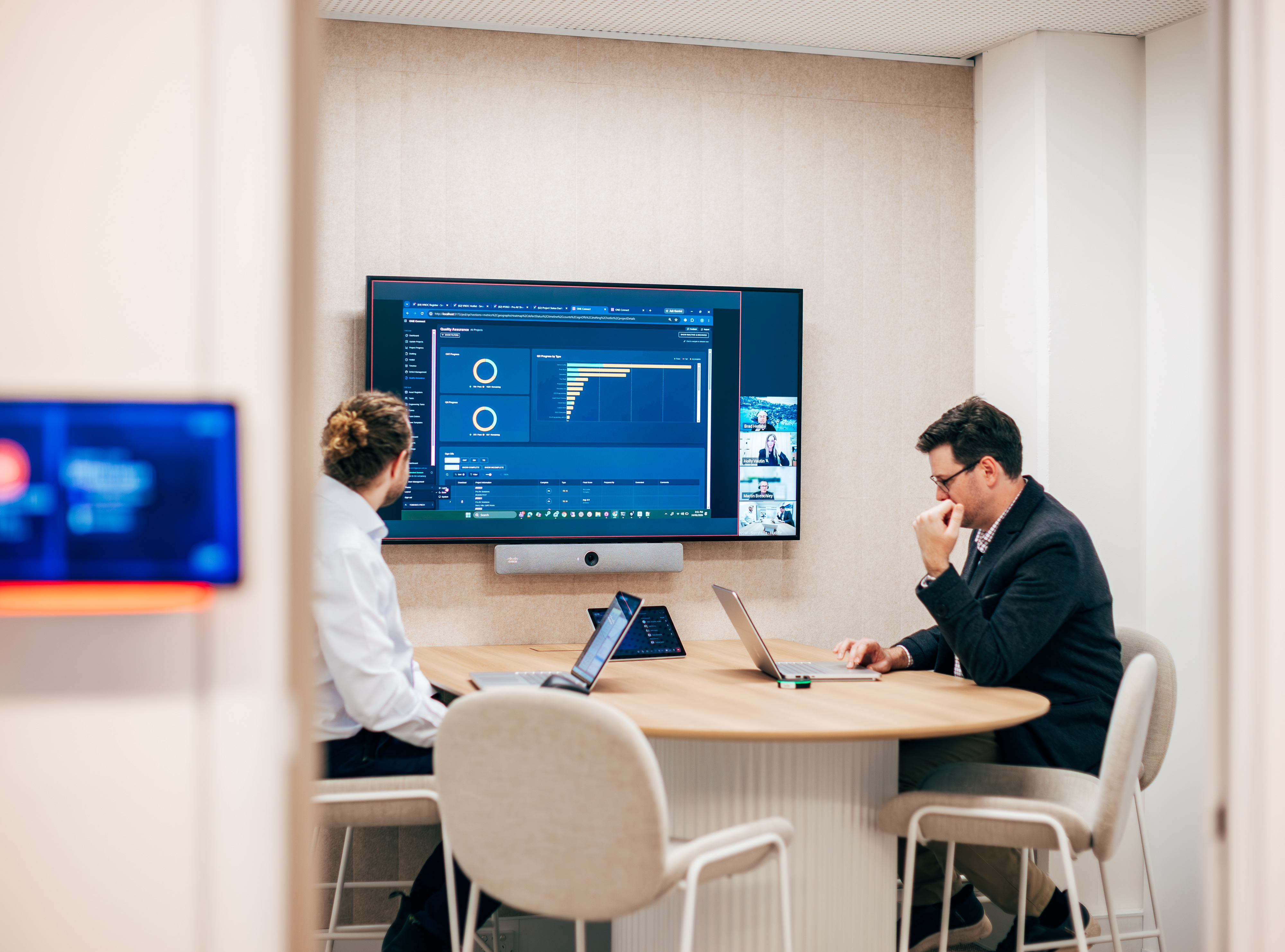
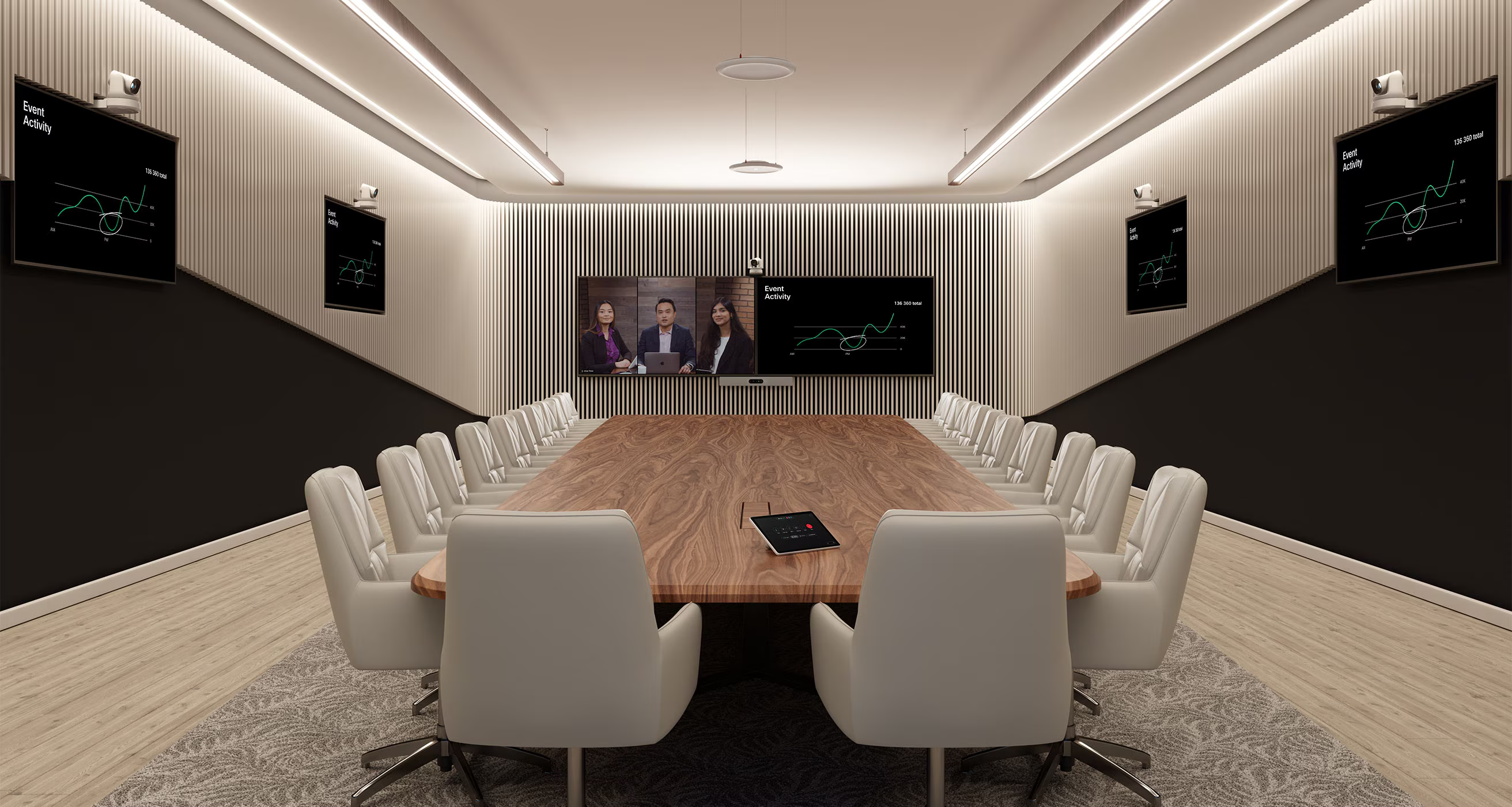
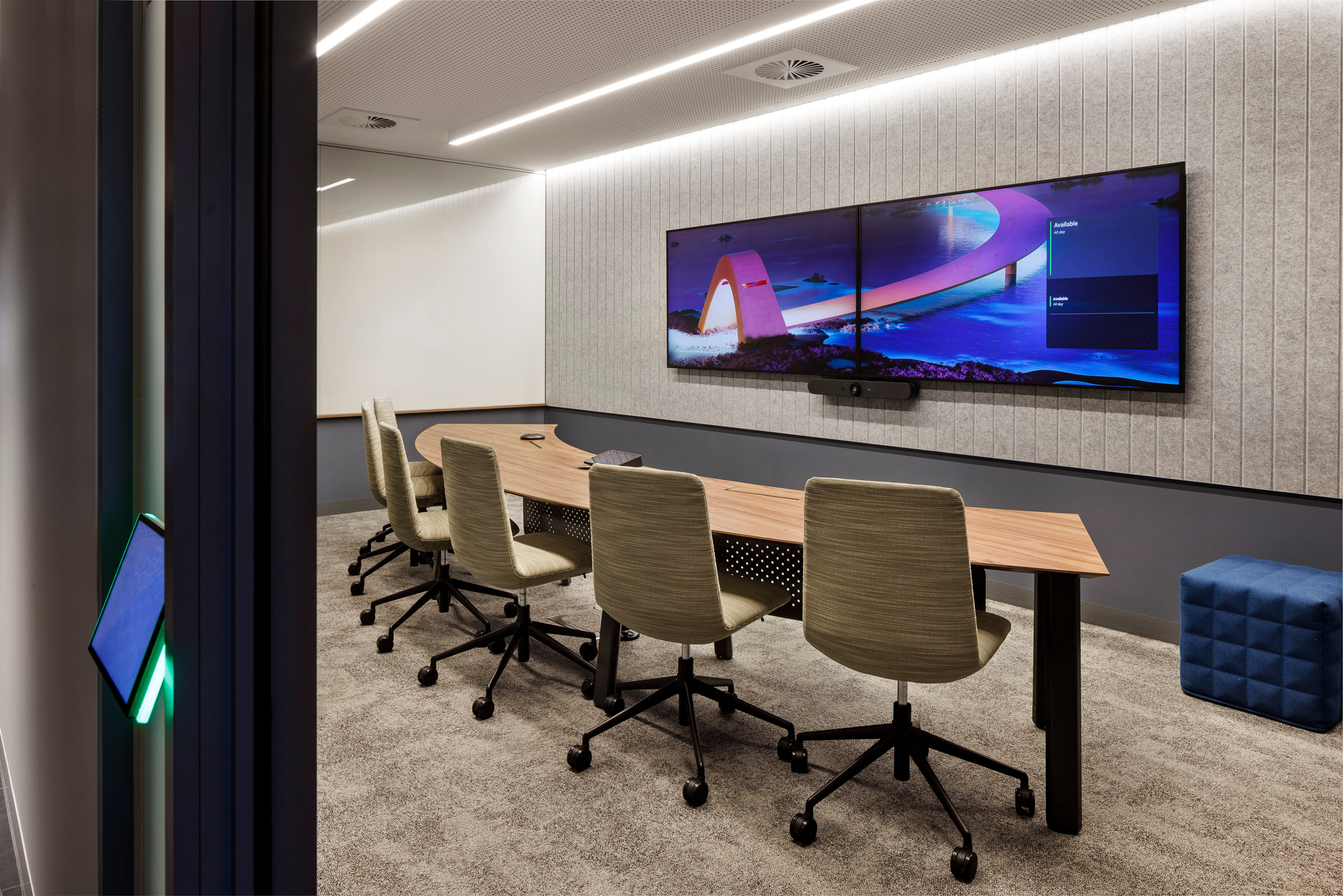
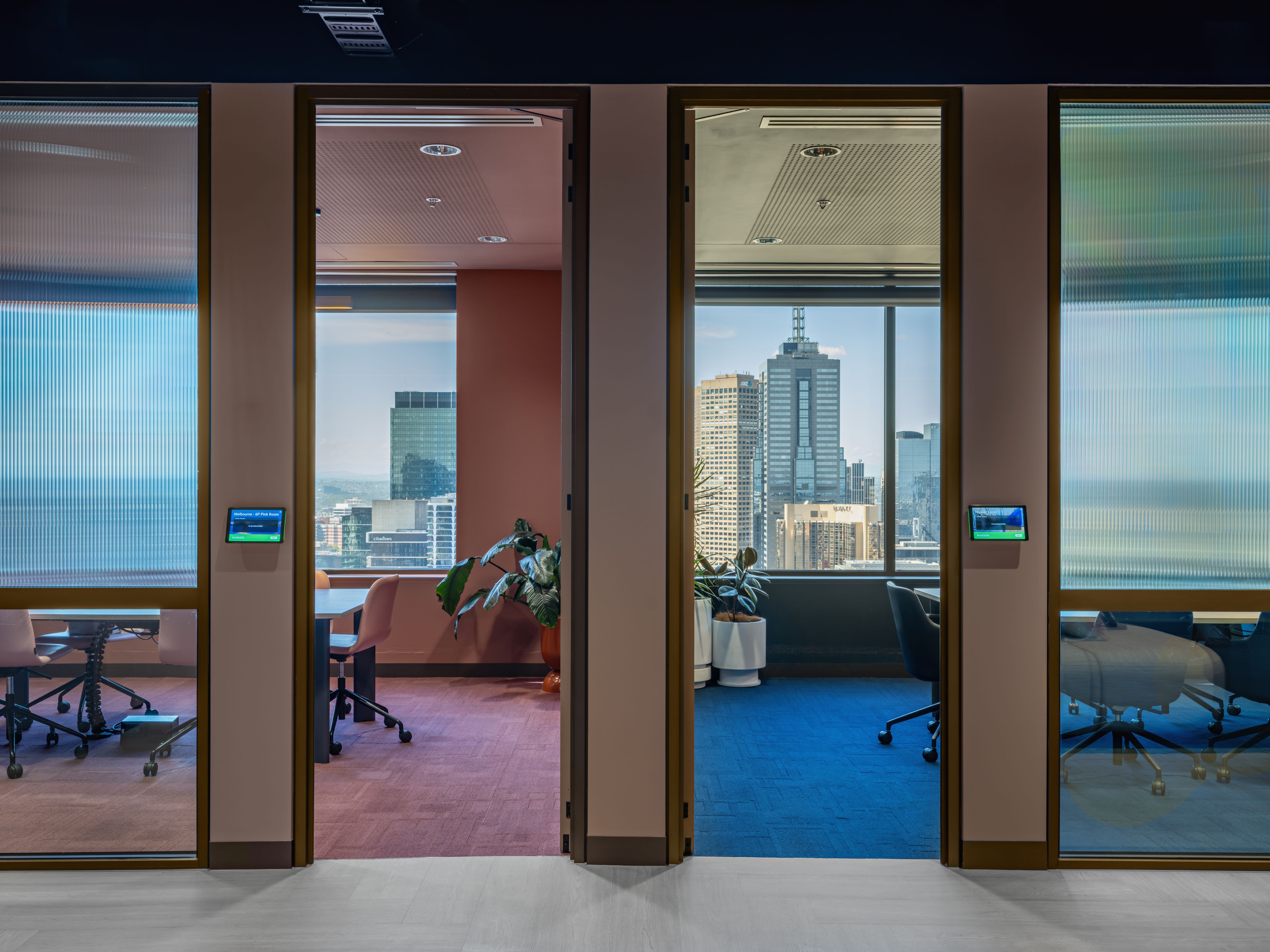
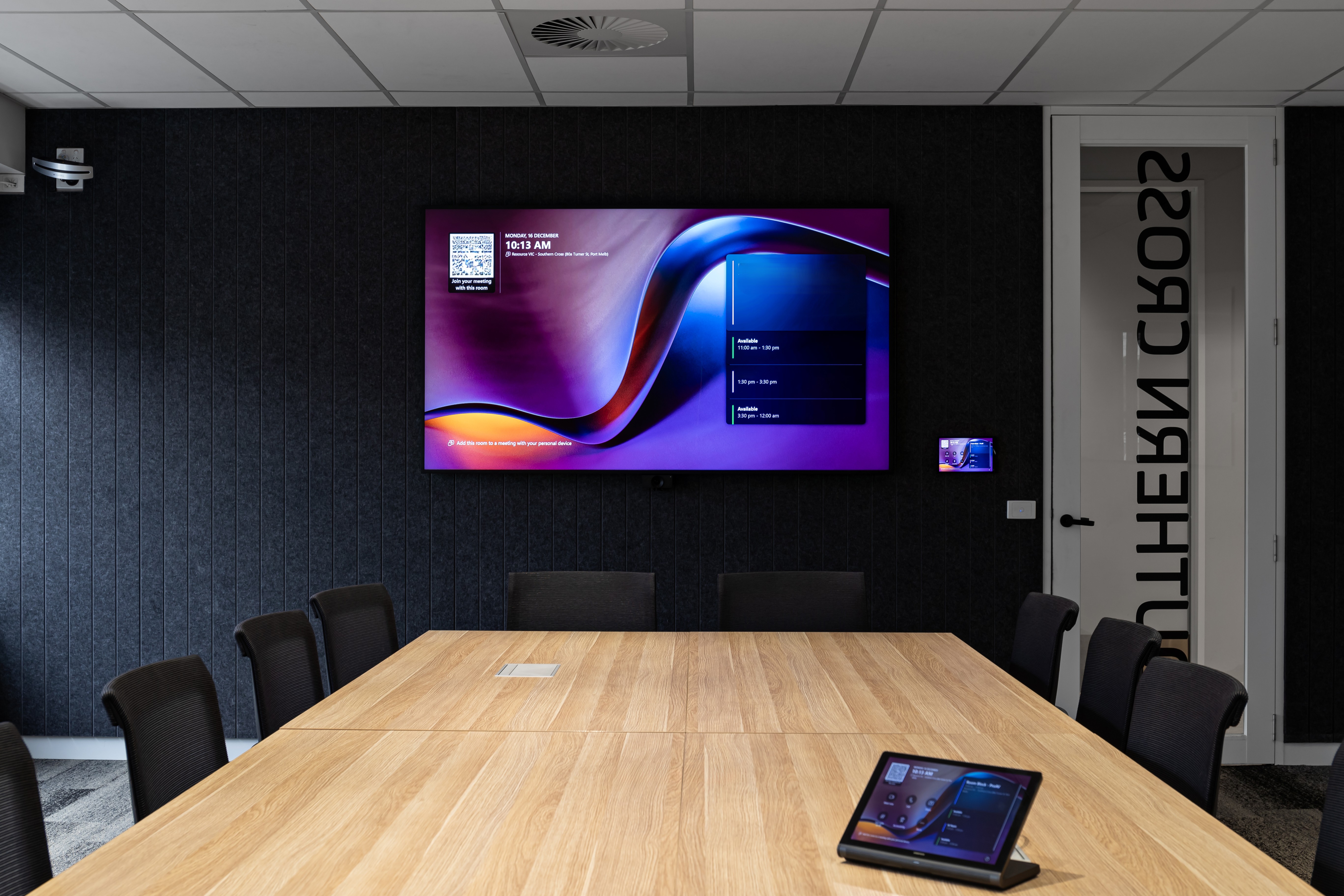
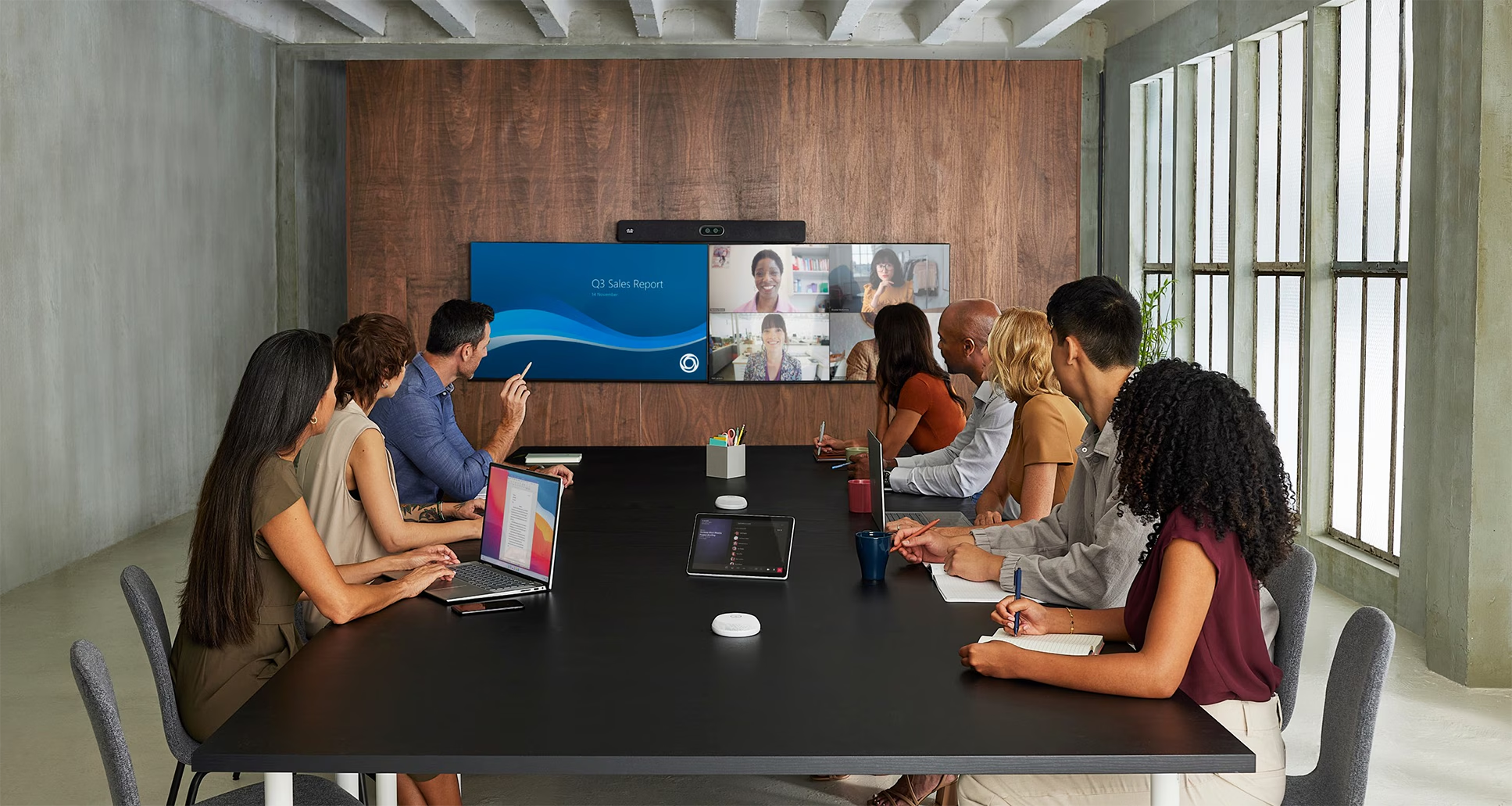
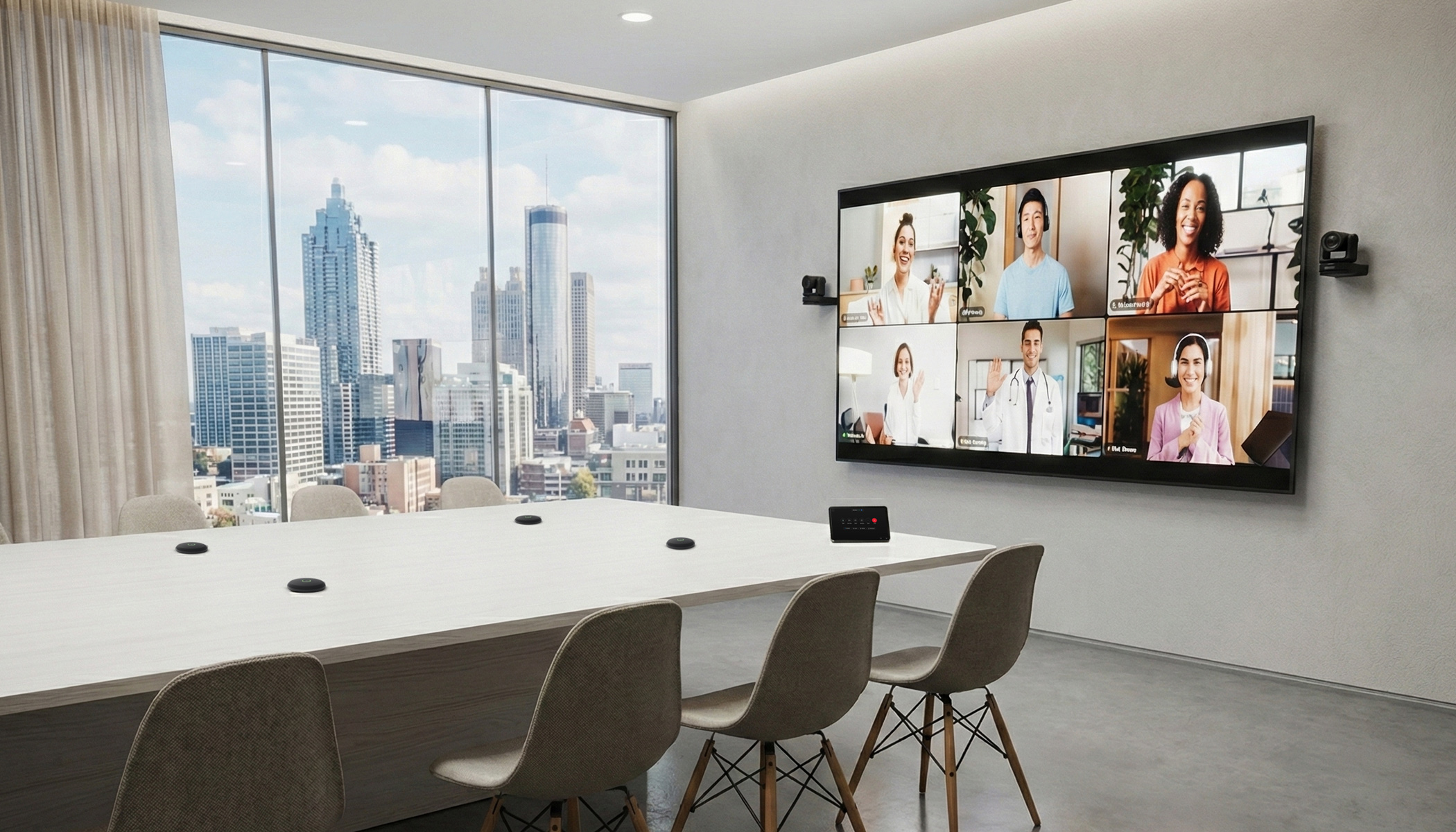
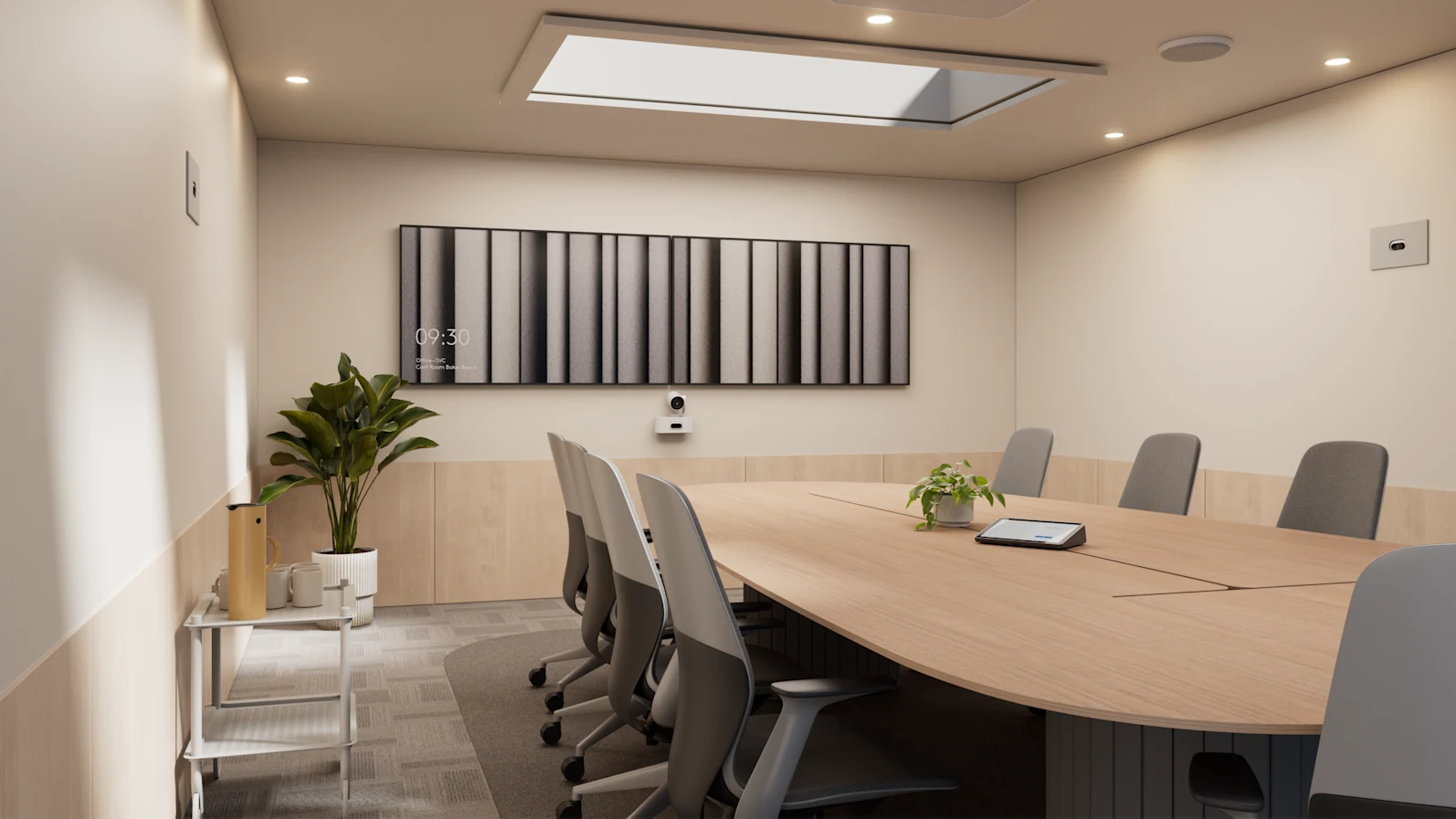
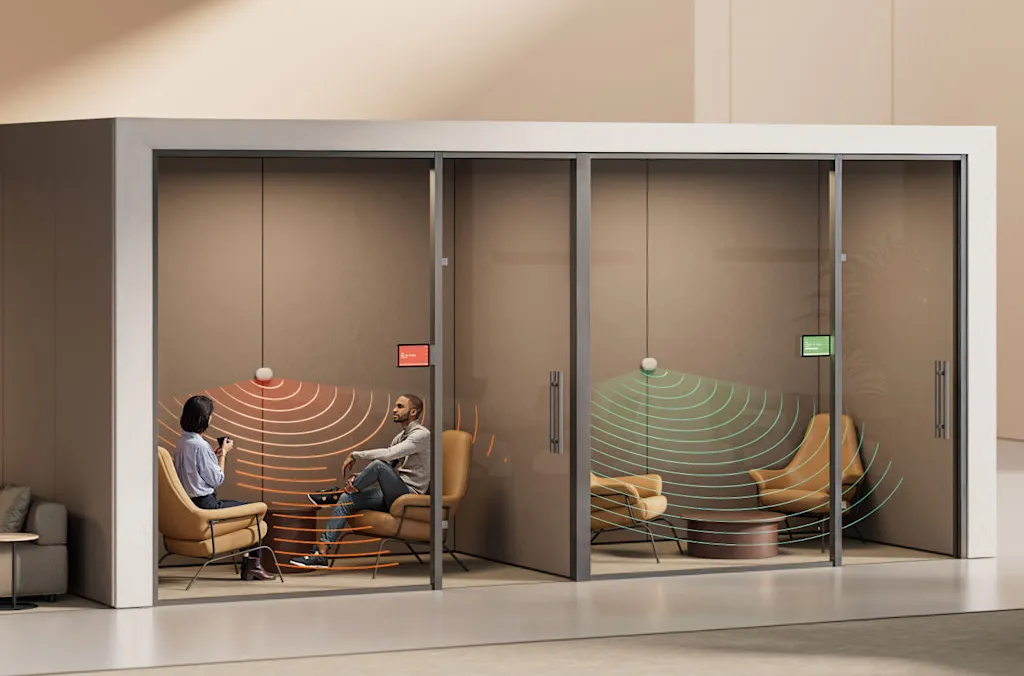
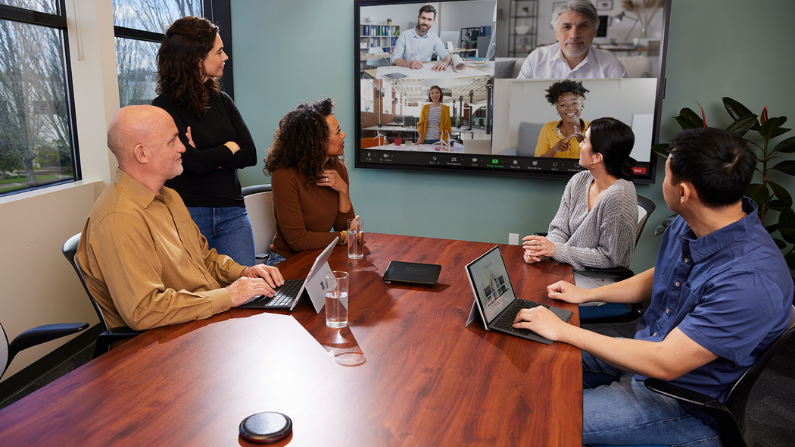
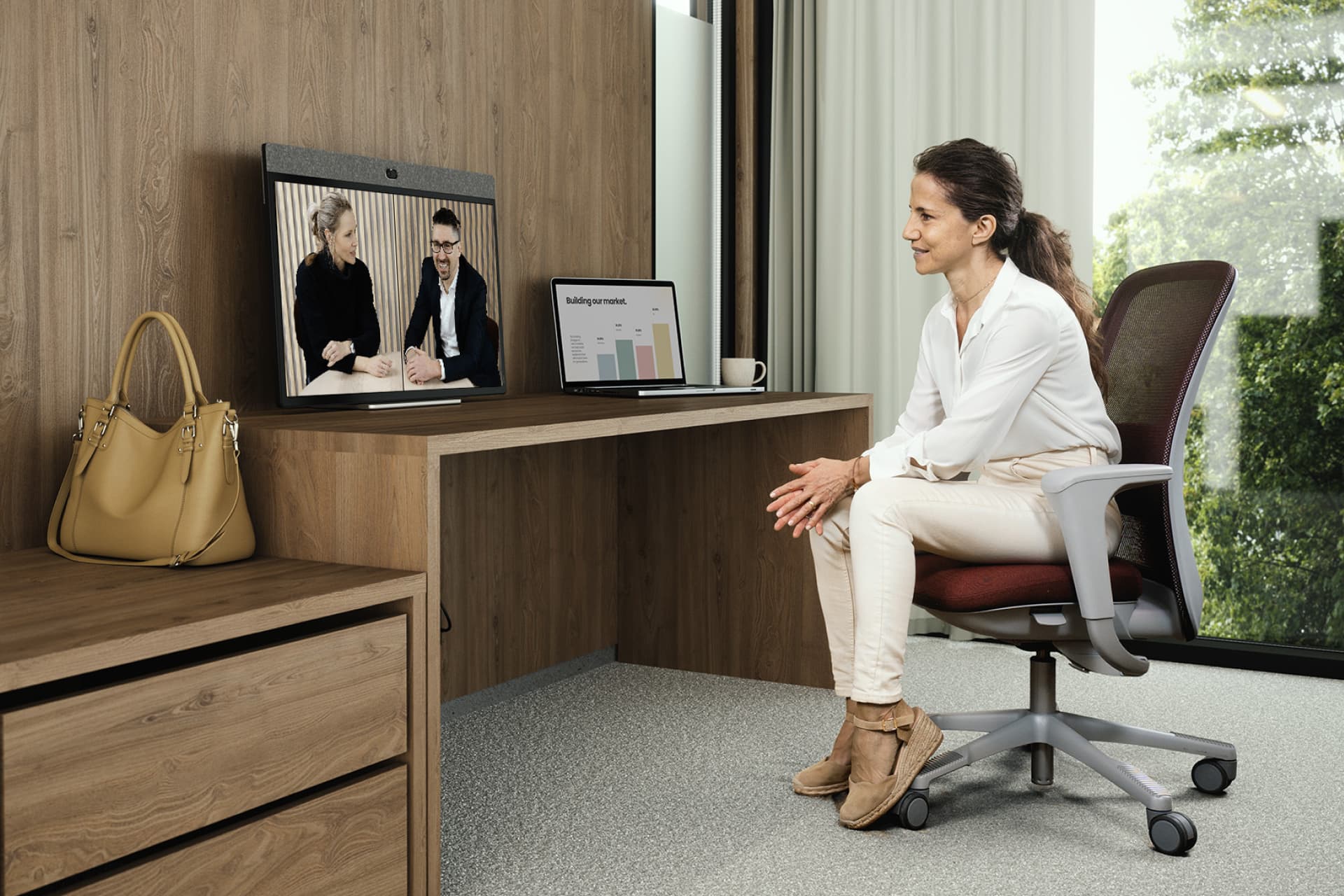
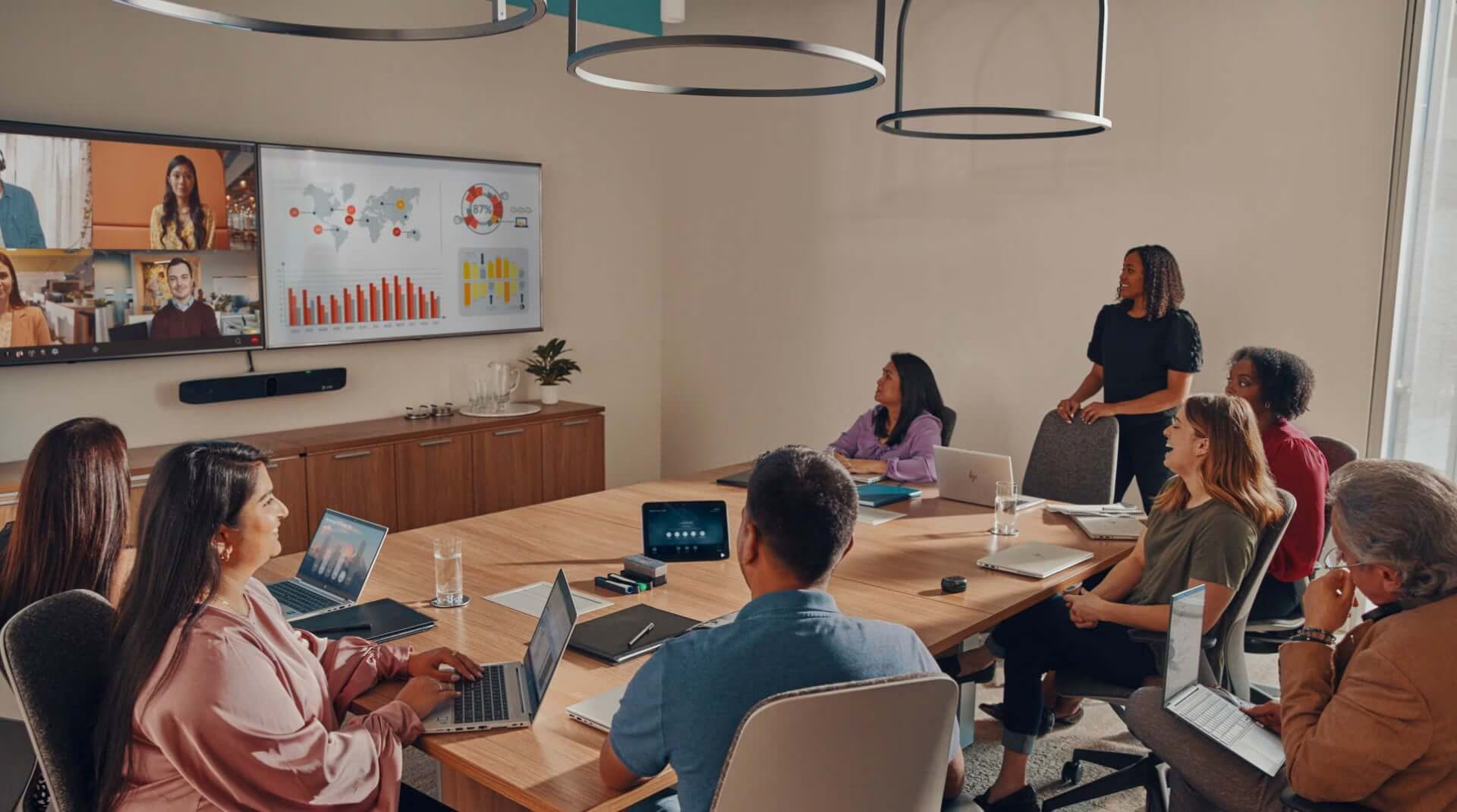
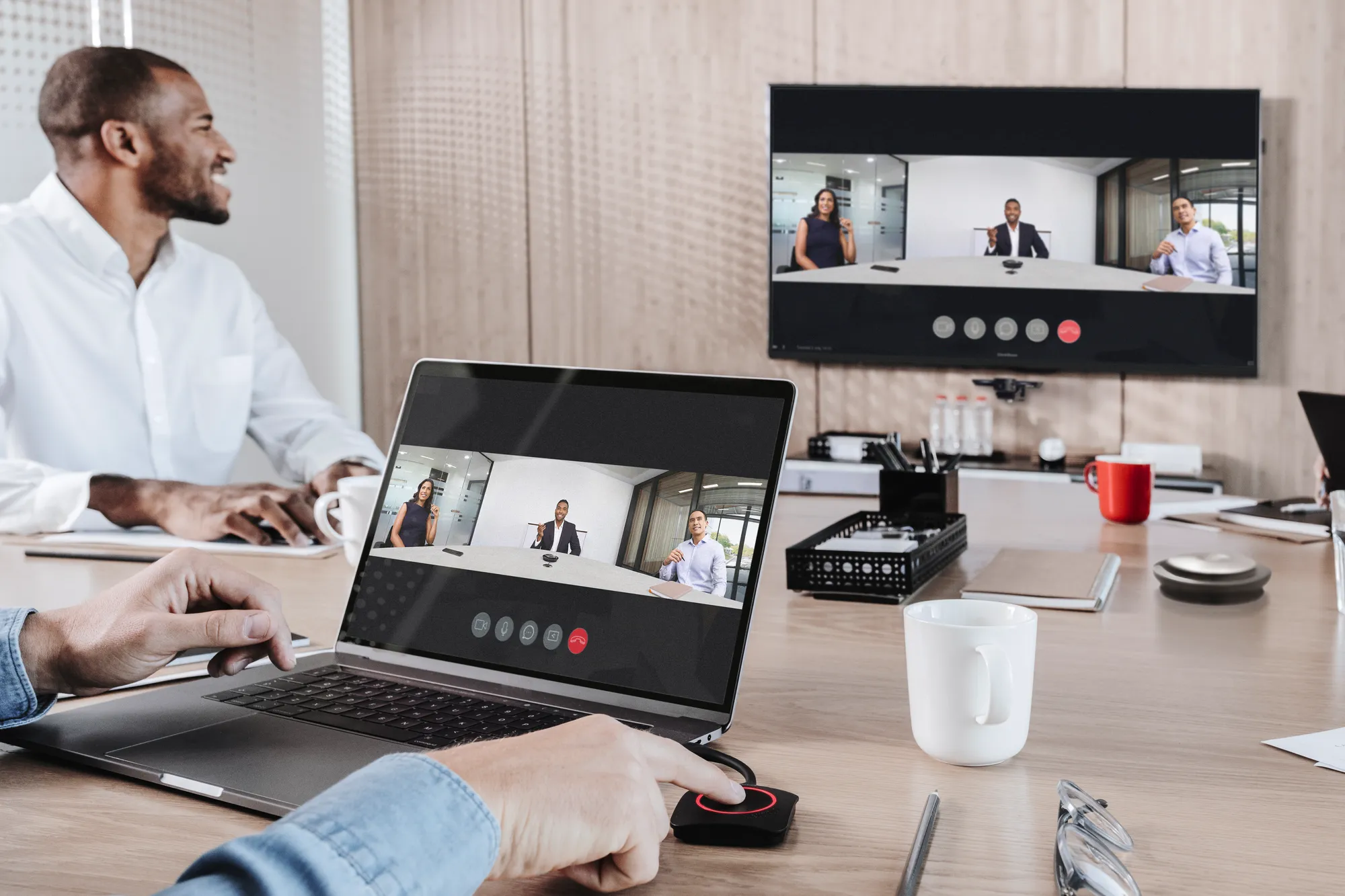
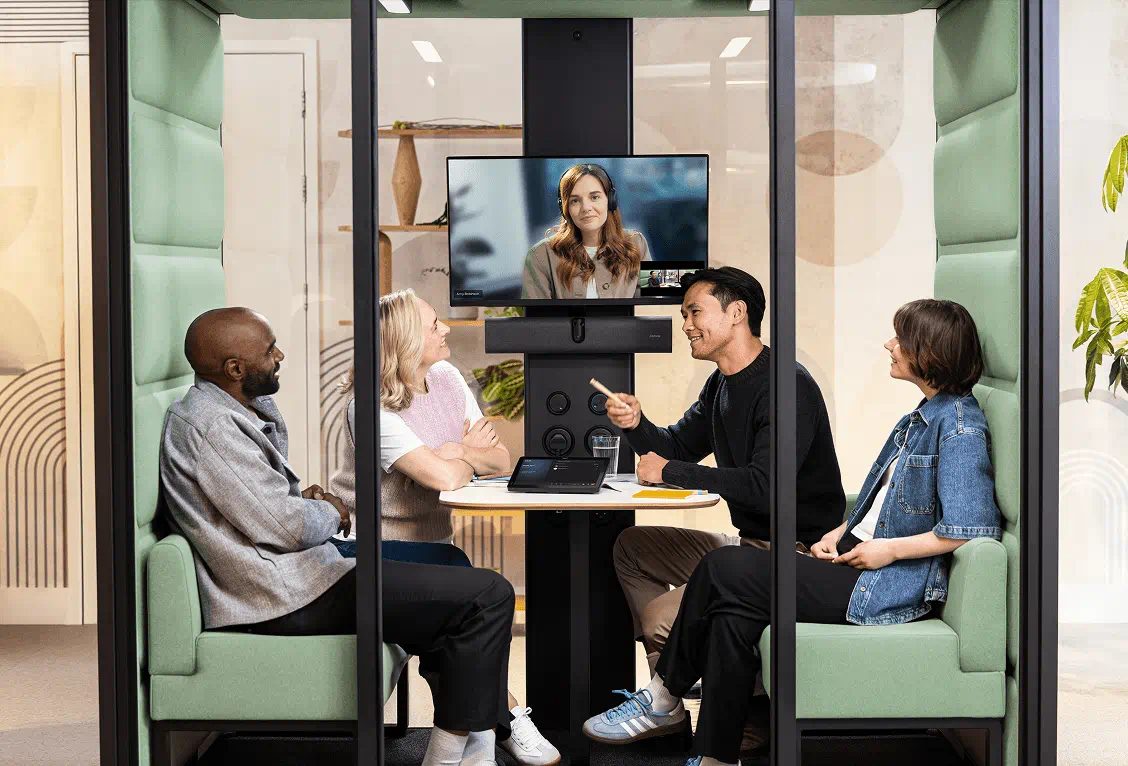
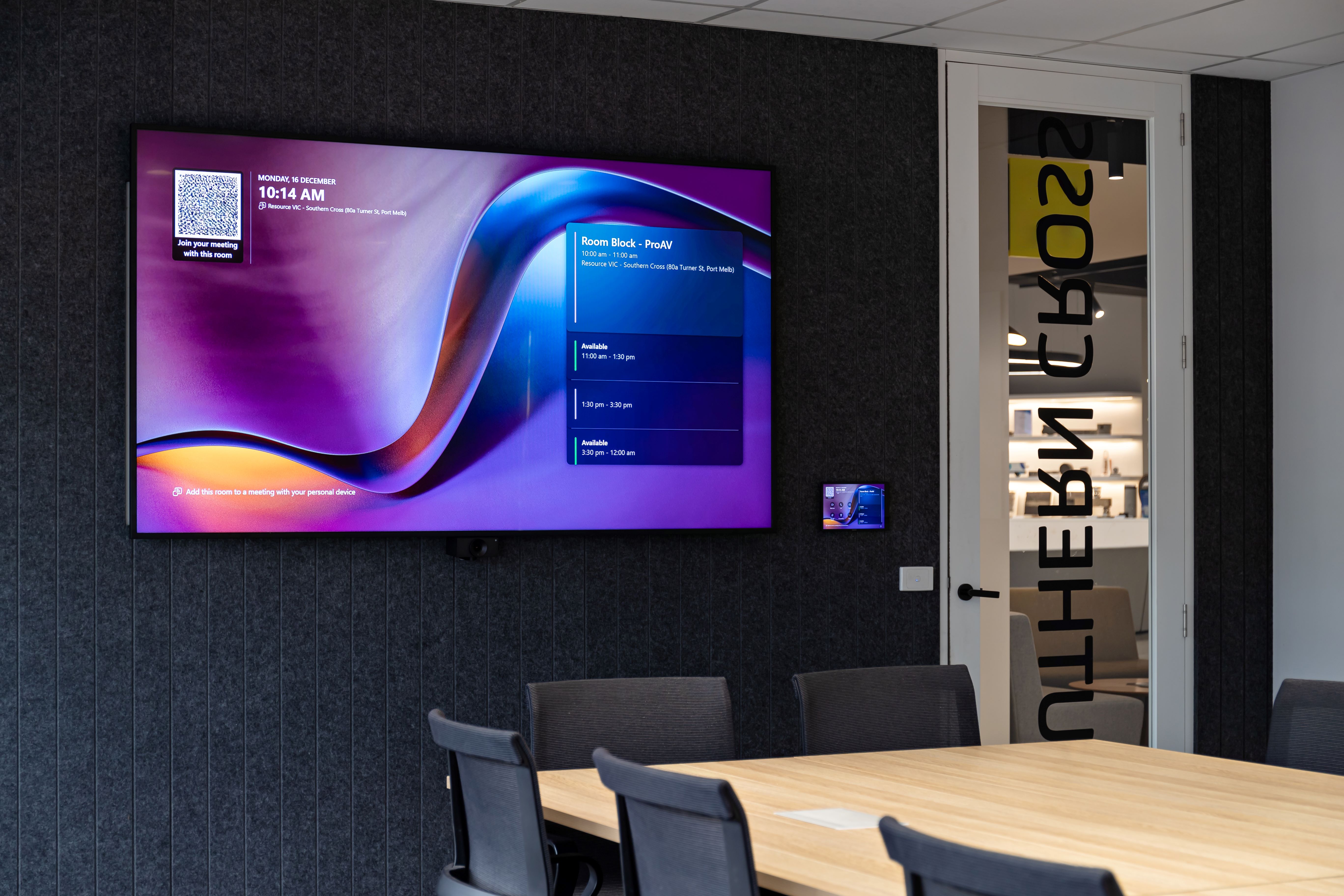
A modern meeting room combines physical space, collaboration technology, network connectivity, room booking, audio, video, control, support and sometimes sensing. That makes it one of the clearest examples of AV becoming part of the building operating system.
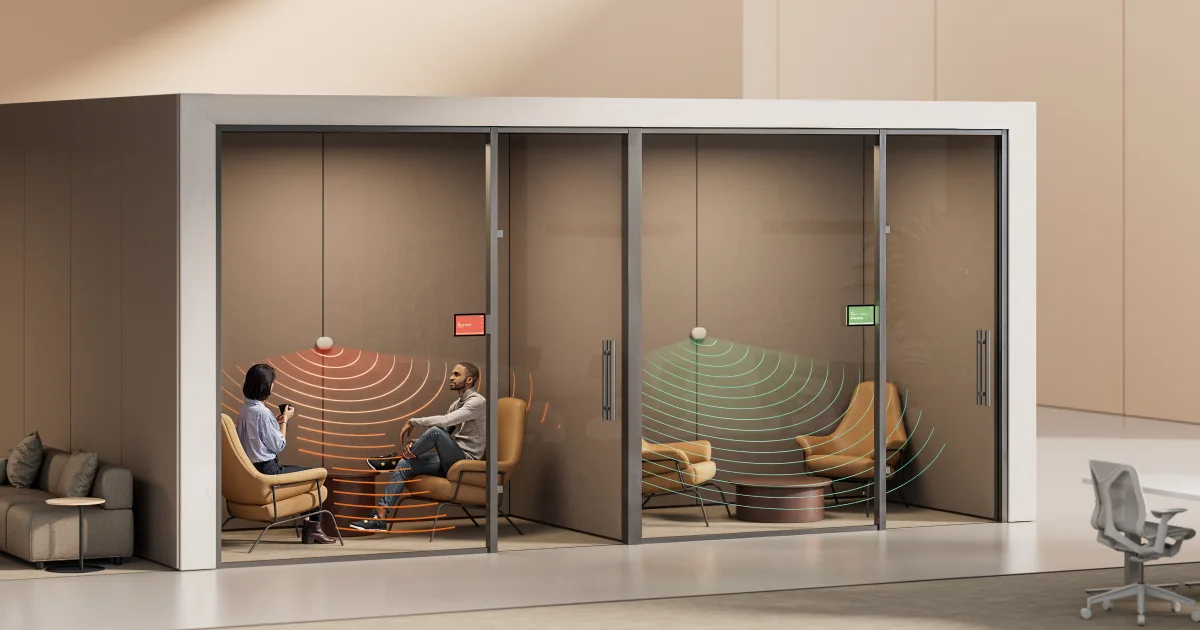
Cisco Room devices and Control Hub can support workplace visibility across rooms and devices. Microsoft Teams Rooms Pro Management gives IT teams a way to monitor and manage Teams Rooms environments. Logitech Spot can add presence and environmental sensing to spaces where organisations want clearer information about occupancy and room conditions. Crestron XiO Cloud supports management of connected AV devices across rooms and locations.
The value of these platforms depends on how they are used. They should not create disconnected data streams. They should support practical decisions about room availability, support, utilisation, lifecycle and standards.
Digital signage as a building communication layer
Digital signage often gets treated as a display network. In practice, it can become one of the most useful communication layers in a building.
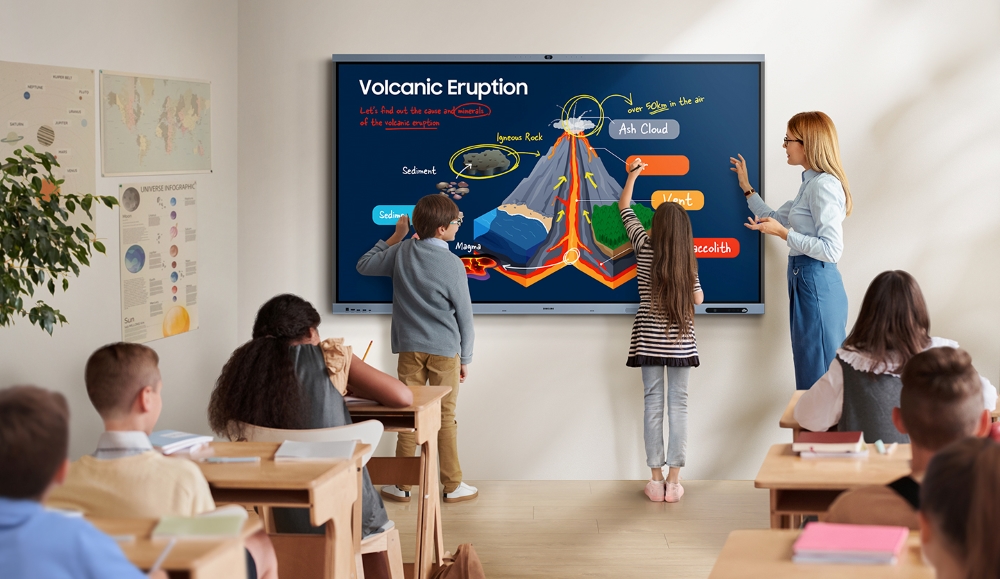
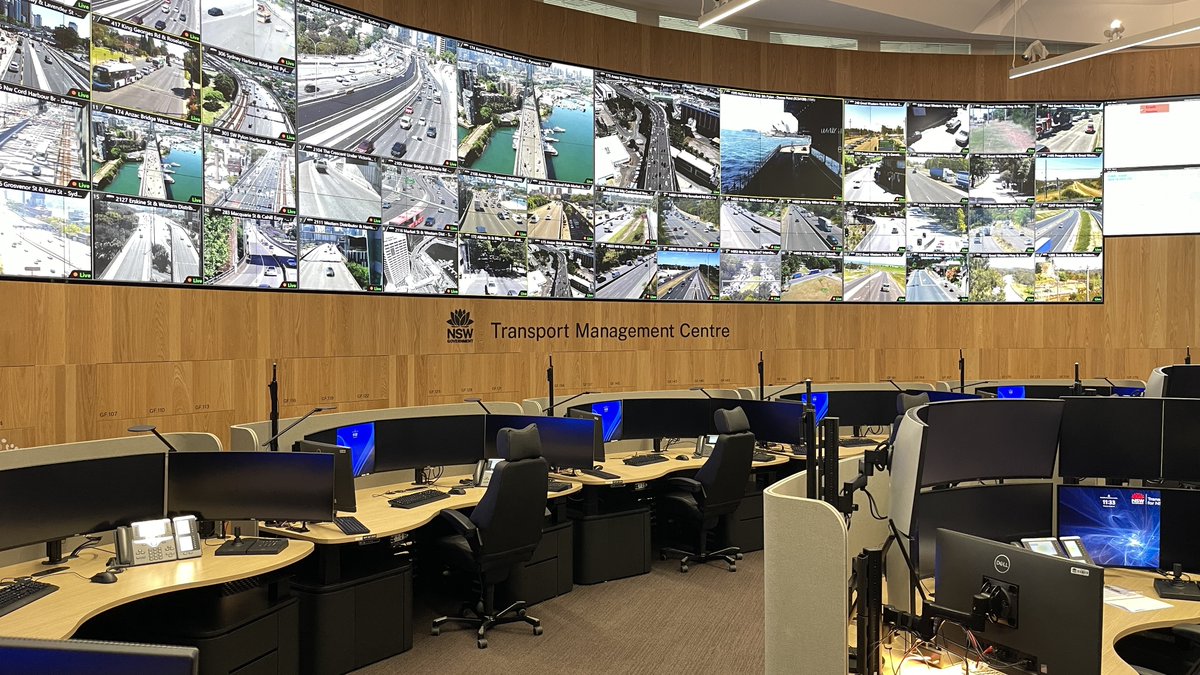
A well-managed signage network can support visitor information, workplace updates, event promotion, safety messaging, wayfinding, regional announcements and operational notices. In universities, healthcare, government, corporate campuses and large commercial offices, signage can help people understand the building faster.
The risk comes when signage has no ownership. Screens become outdated. Content becomes inconsistent. Local teams create workarounds. The network loses credibility.
For signage to contribute to smart building operations, organisations need clear governance. That includes content ownership, approval processes, scheduling, device management, accessibility considerations and a lifecycle plan for the displays and players behind the network.
Building data should include the AV estate
Smart building conversations often focus on base building systems such as energy, lighting, access, air quality and building management. Those systems are critical, but they do not describe the full workplace experience.
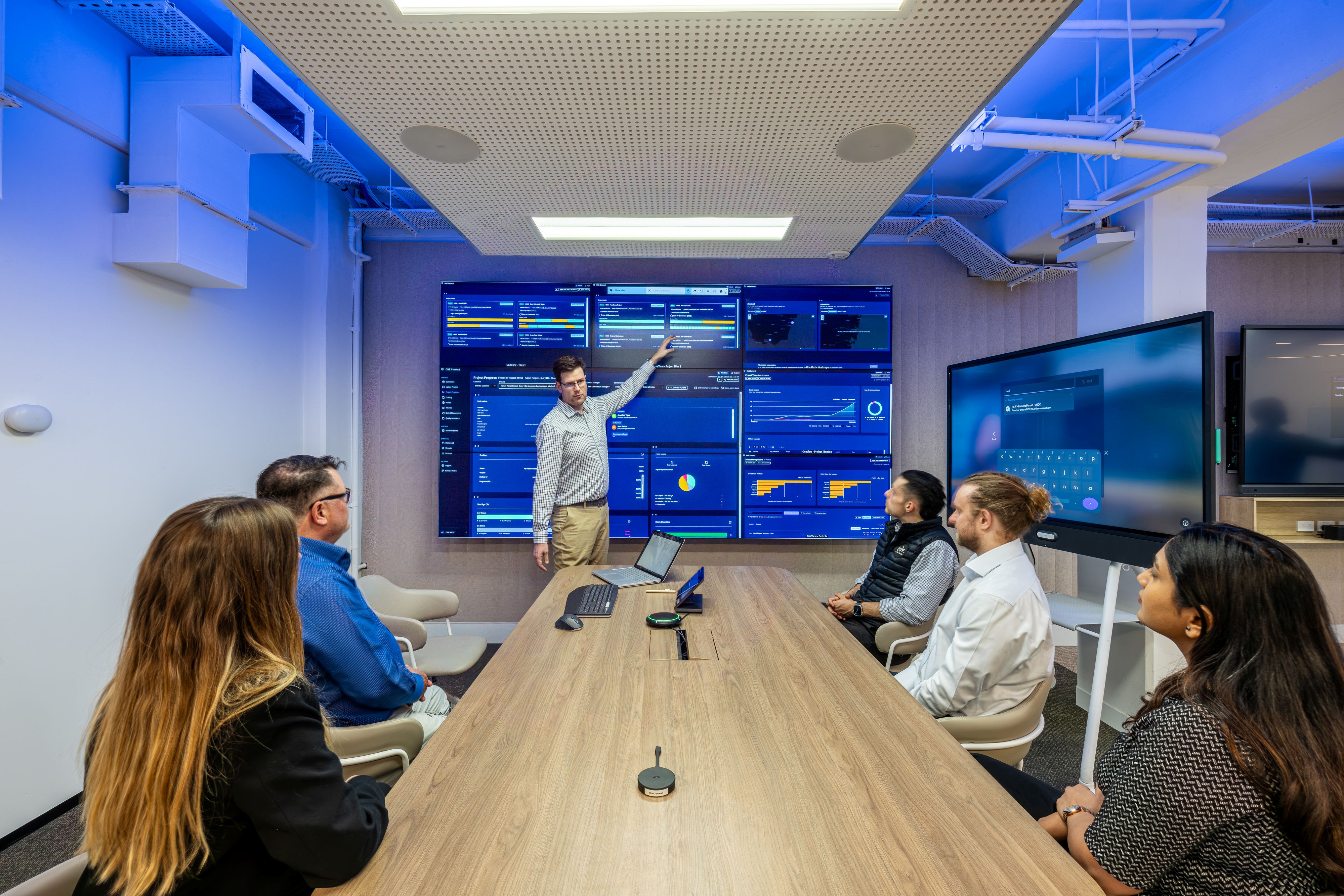
AV adds another view. It can help teams understand which collaboration spaces are used, which devices need attention, which signage endpoints are offline, which rooms generate support demand and which room standards need review.
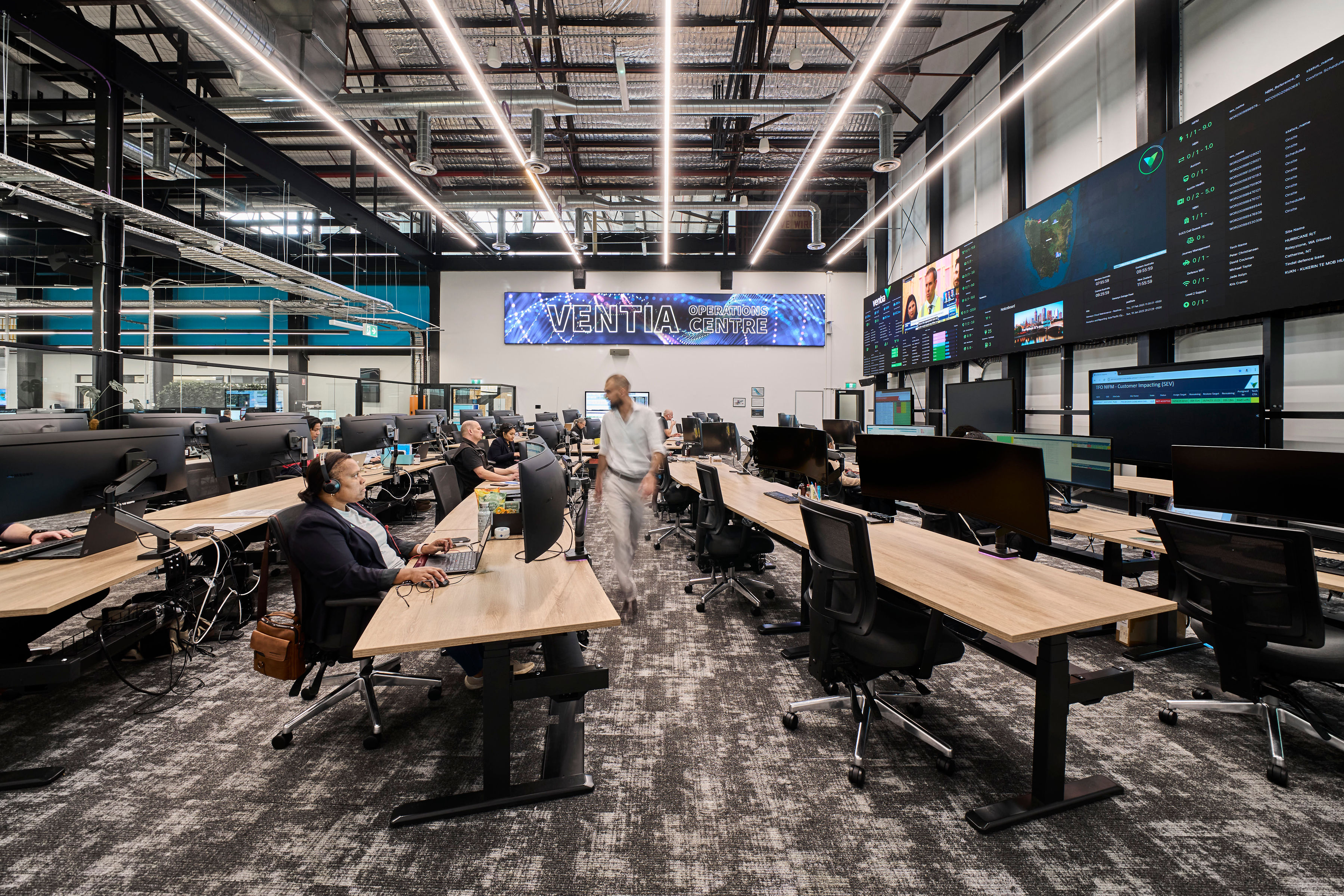
For larger organisations, that operating view becomes especially important. A workplace technology estate spread across multiple locations needs common naming conventions, asset records, monitoring, support workflows and lifecycle planning. Without those foundations, the data becomes hard to interpret and the support model becomes reactive.
Security and governance need to keep pace
Connected AV sits on networks, connects to cloud services, integrates with calendars and supports business communication. That means it needs the same level of governance expected of other workplace technology.
Security, firmware, access control, device ownership and data retention should be planned early. These considerations are not there to slow projects down. They protect the organisation from building a technology estate that becomes difficult to support later.
This is where AV, IT and facilities need to work together. Facilities may own the physical space. IT may own the platform and network. Workplace teams may own the experience. The AV estate cuts across all three.
From project delivery to lifecycle management
The role of AV does not end when the room opens. The building continues to change. Teams grow. Hybrid work patterns shift. Platforms update. Devices age. Signage content changes. Rooms that worked well at handover may need review after six or twelve months.
A lifecycle approach gives organisations a way to manage that change. It connects room standards, support data, device monitoring, user feedback and refresh planning.
For organisations reviewing smart building systems, AV should be assessed as part of the operating model. The question is not only what technology should be installed. The stronger question is how the technology will continue to perform.




.jpg)
.jpg)







.png)









.jpeg)




.avif)




.jpeg)


.webp)