How to Choose a Commercial AV Integrator in Australia?

Australian workplaces are still adjusting to hybrid work. Some organisations are asking people to spend more time in the office. Others are keeping flexible working models. Many are somewhere in between. What has changed is the expectation placed on the office.
If people are travelling in for meetings, workshops, client sessions, training or team days, the workplace technology needs to support that time properly. That puts more pressure on meeting rooms, boardrooms, collaboration spaces, training rooms, digital signage and shared environments.
CBRE’s 2025 Australian Office Occupier Survey found that 58% of occupiers expect office attendance to continue improving, while AHRI’s 2025 research found that most Australian employers continue to recognise hybrid work as part of the workplace model. JLL’s 2025 Workforce Preference Barometer also found that 72% of the global workforce viewed return-to-office policies positively, with APAC at 71%.
That does not mean every workplace needs more technology. It means AV decisions need to be better considered.
A meeting room upgrade, new office fit-out, boardroom refresh or national rollout may look straightforward at the start. Then the details start to matter. Room layout. Audio quality. Camera position. Network readiness. Cabling. Control systems. Platform compatibility. User training. Support after handover. Future changes.
That is where the choice of commercial AV integrator makes a difference.
This guide covers what Australian organisations should check before choosing a commercial AV integrator, especially when workplace technology needs to support hybrid work, higher office utilisation, multiple locations and ongoing support.
Why AV decisions are more visible now
Before hybrid work became common, many meeting rooms were used mainly by people in the same office. That has changed.
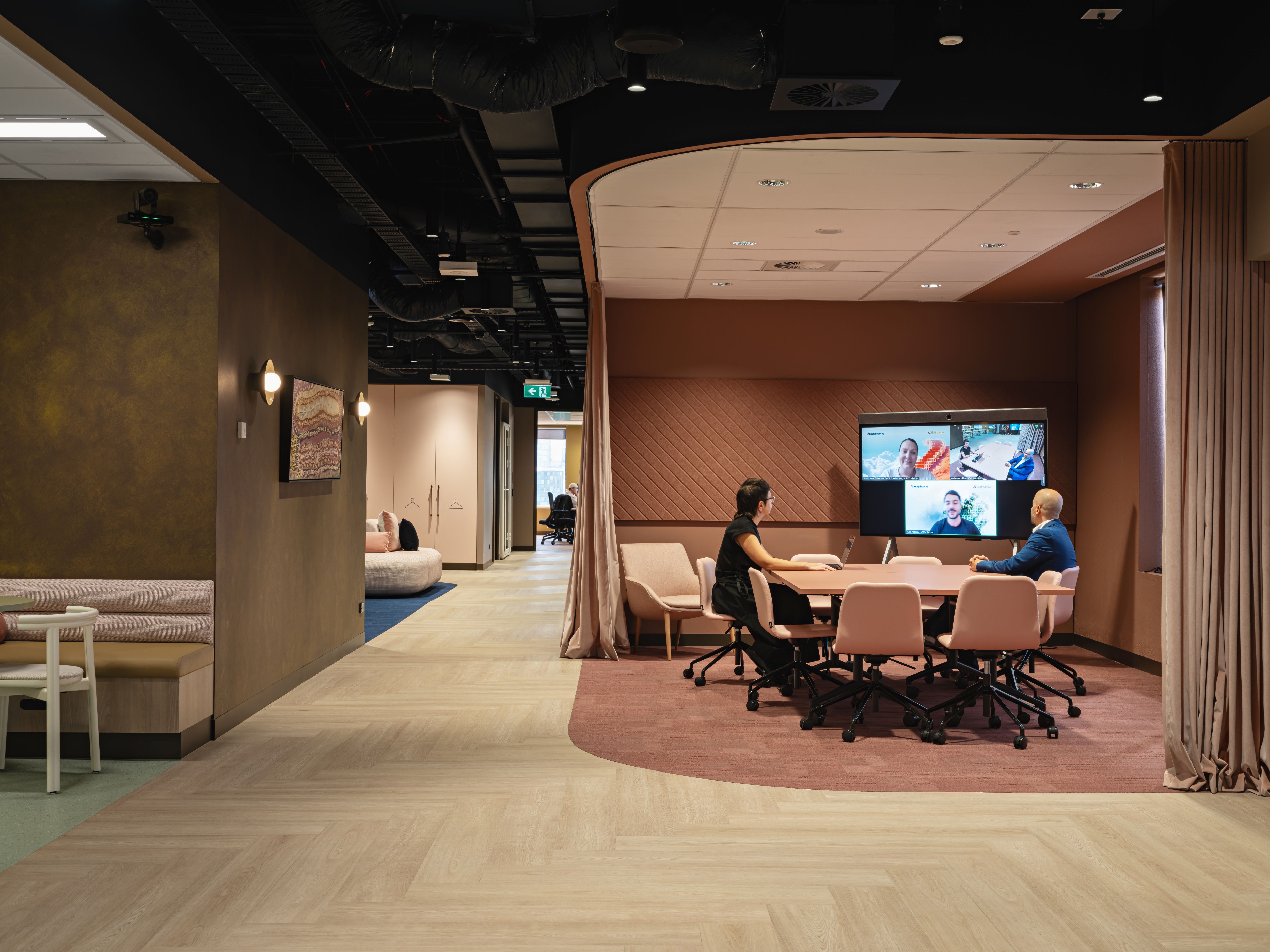
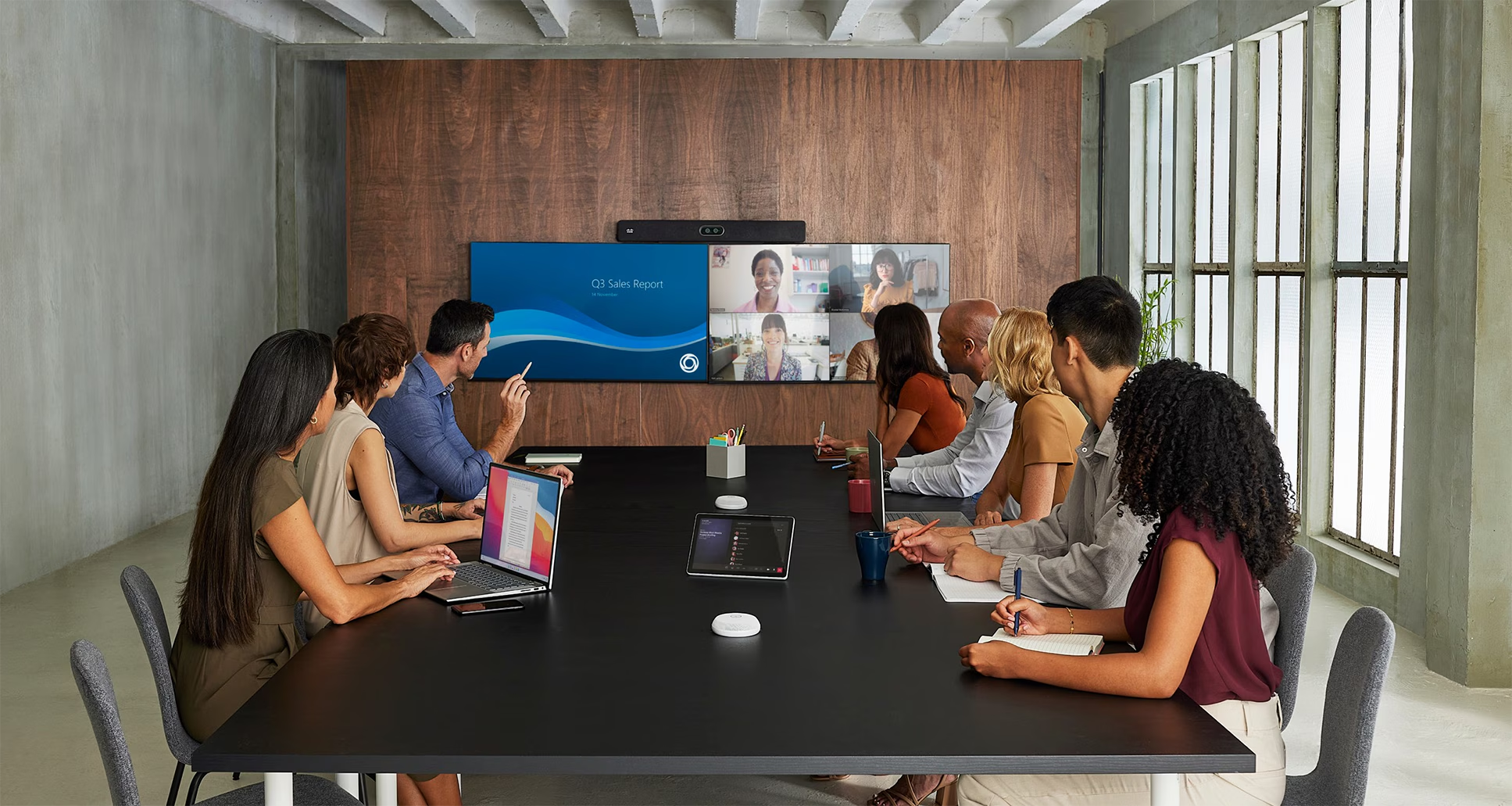
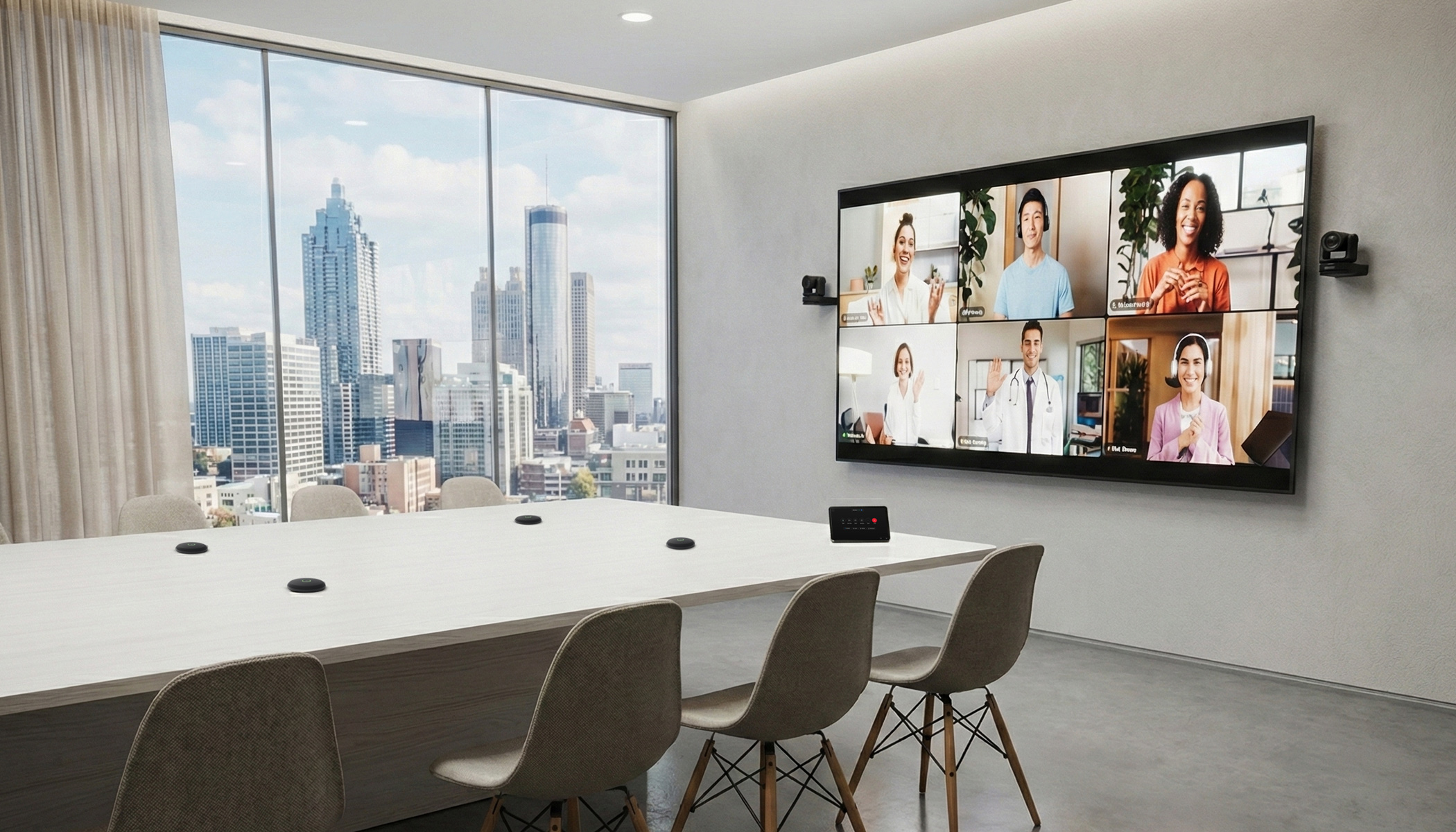
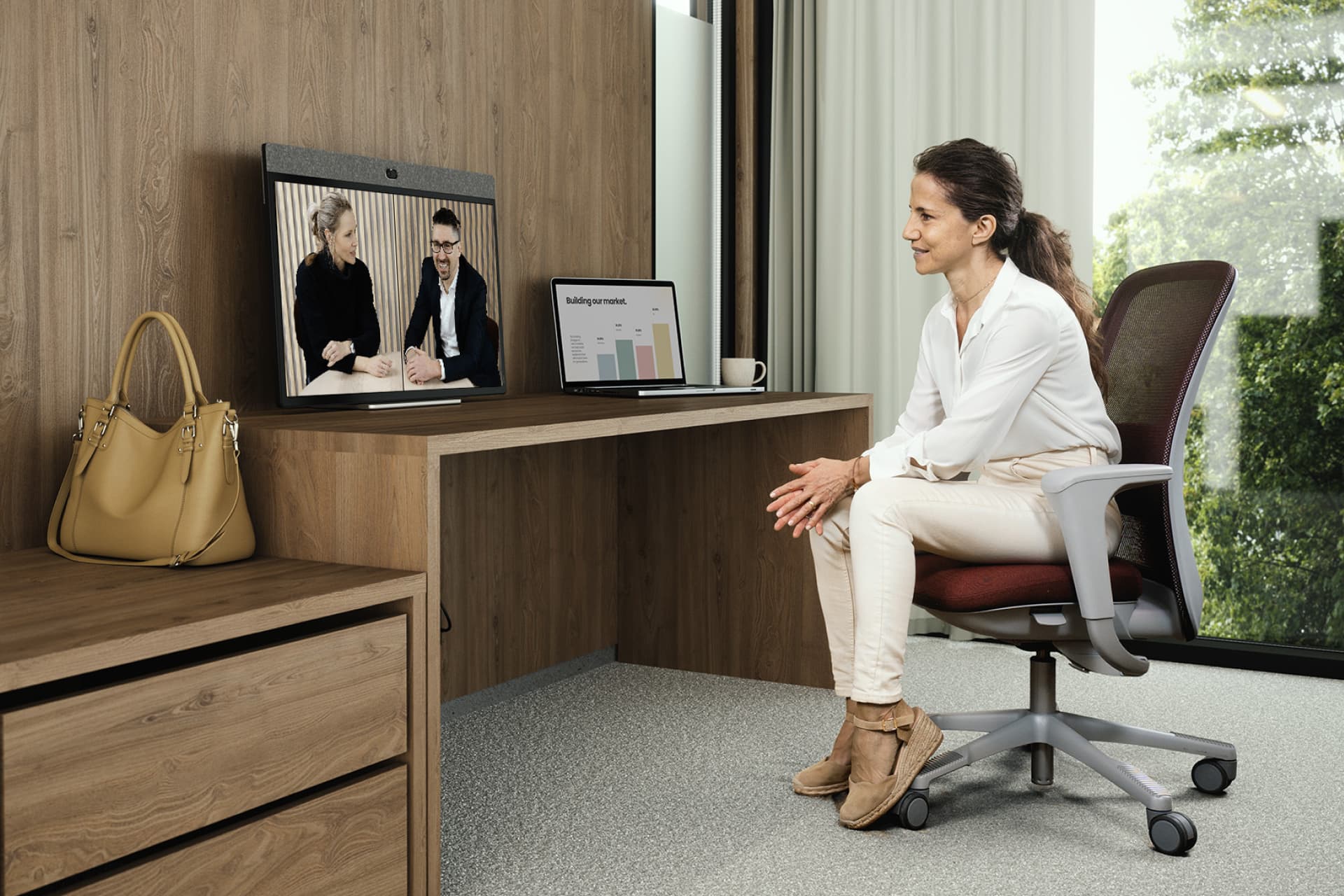
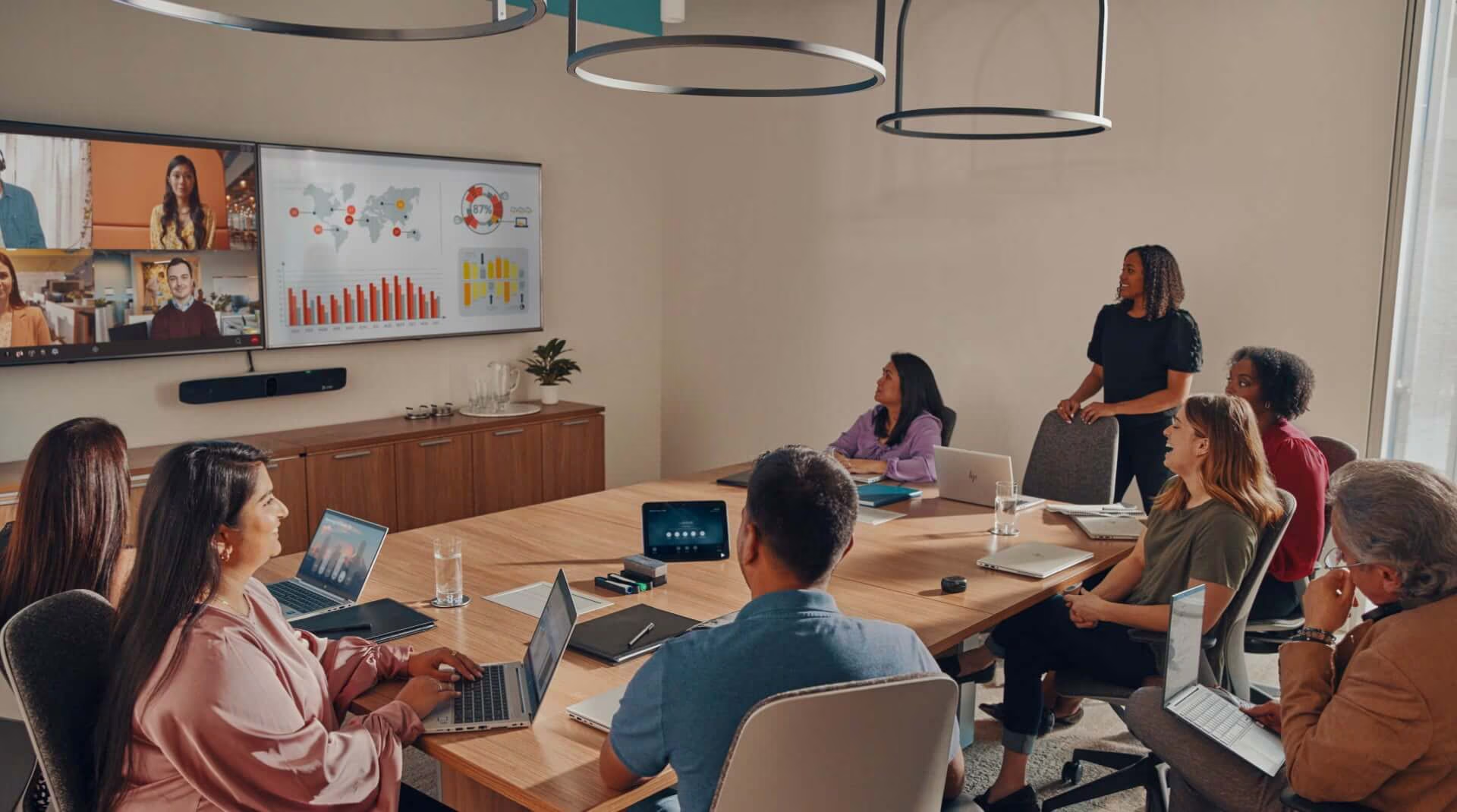
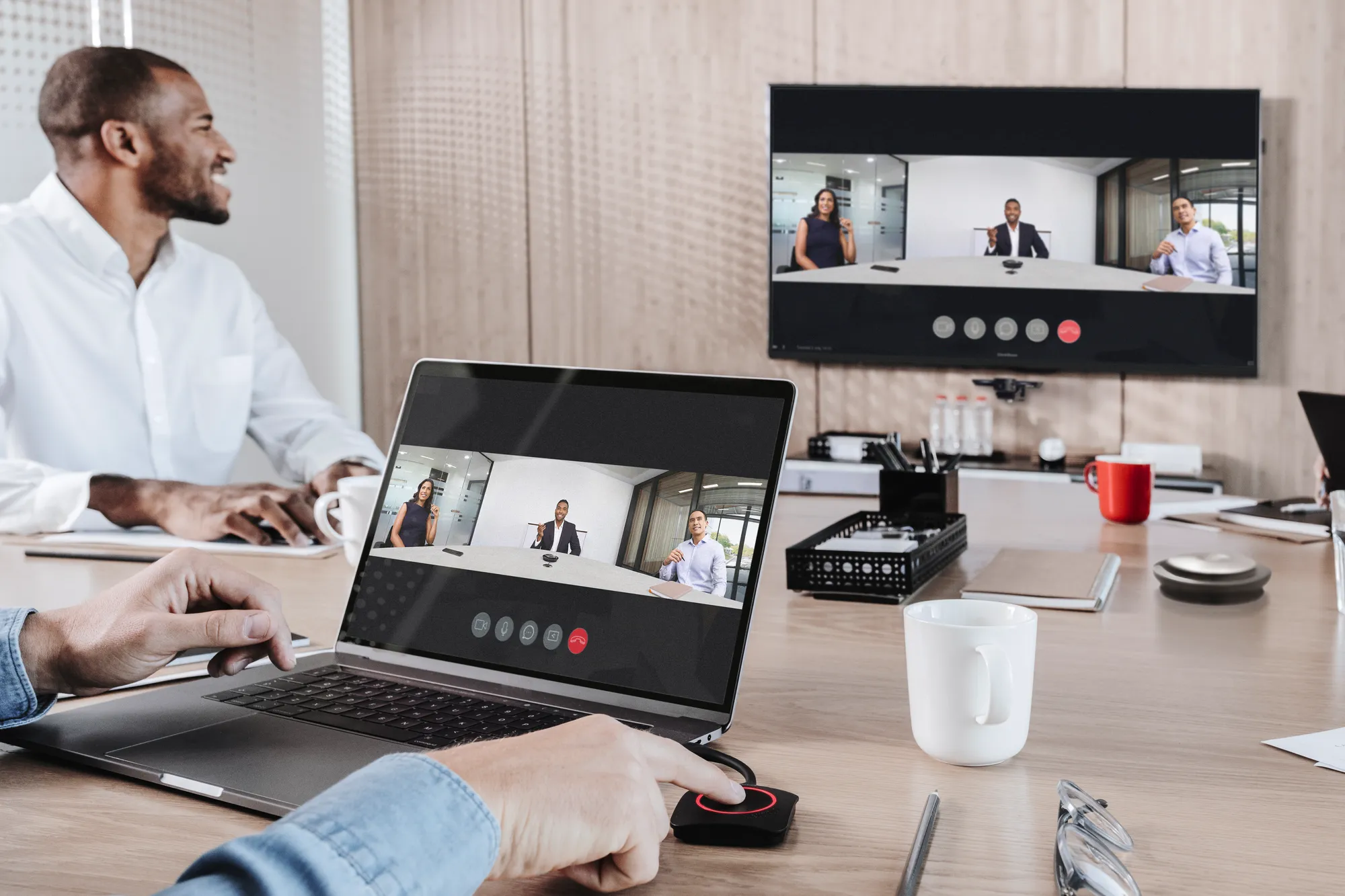
A meeting may now include people in the room, people working from home, people in another state and people joining from another organisation. The room needs to support the people in the space and the people joining remotely.
Cisco’s Global Hybrid Work Study 2025 surveyed 21,513 employers and employees across 21 markets and found that hybrid work strategies are continuing to evolve as organisations adjust workplace models, collaboration tools and office expectations.
Logitech’s 2025 research found that 63% of hybrid workers experience technology issues when they go into the office. The same report said the average hybrid worker needs at least 25 minutes to get set up in the office.
For workplace and IT teams, this creates a practical issue. If the office is being used more intentionally, the technology in those spaces needs to be easier to use, easier to support and easier to manage.
Start with relevant experience
Commercial AV can mean many different things.
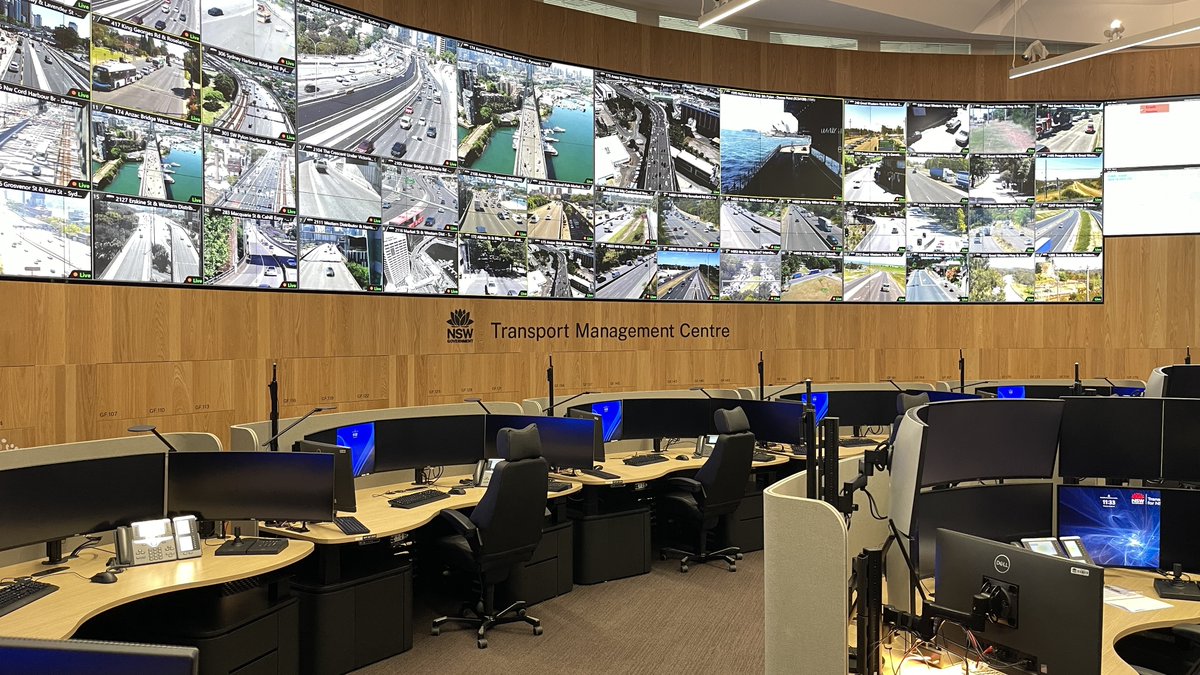
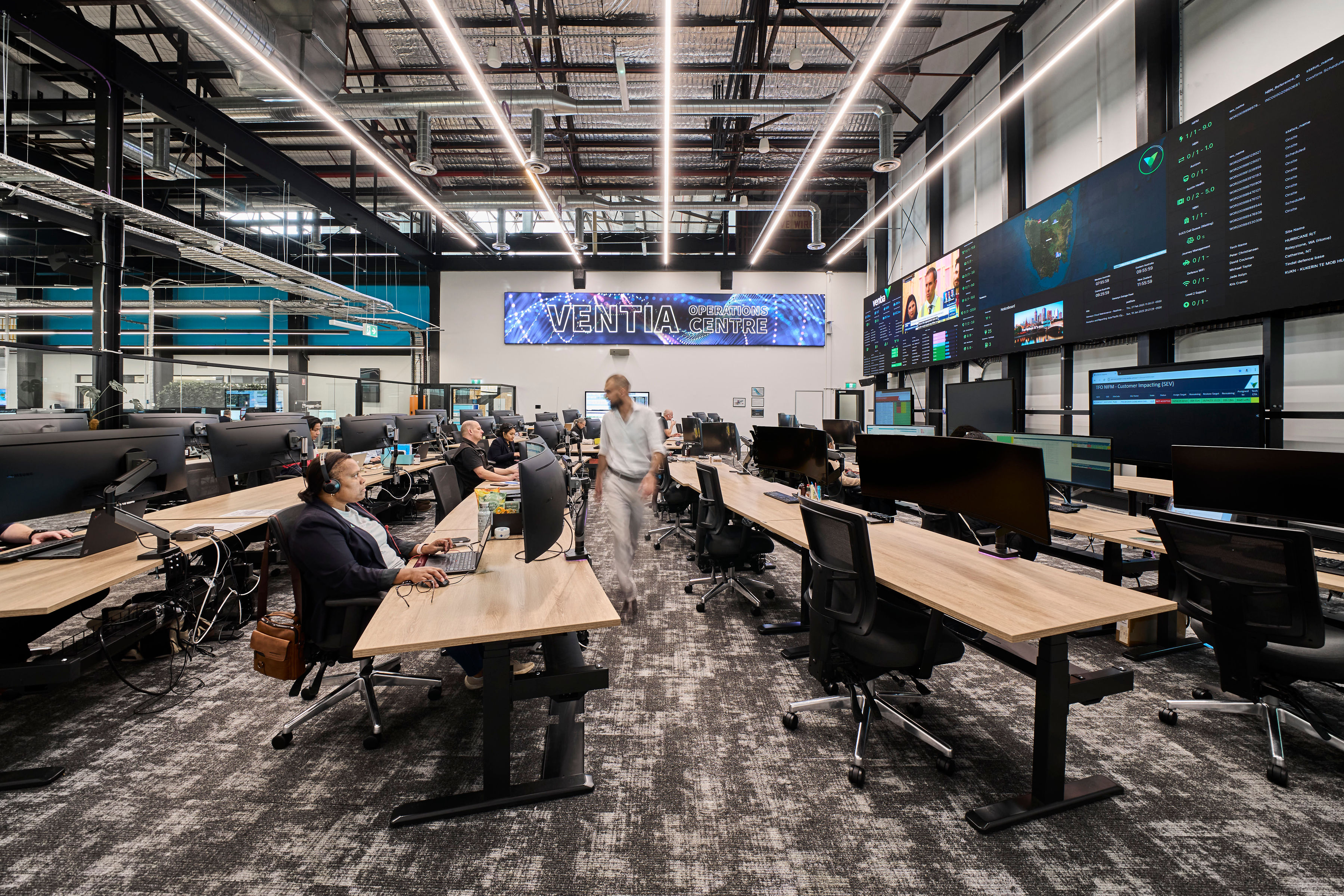
A boardroom, lecture theatre, digital signage network, control room, training space and hybrid meeting room all have different requirements. Before choosing an AV integration partner in Australia, ask for examples that match the type of environment being planned.
Useful checks include:
- similar room types
- similar project scale
- similar sector experience
- national or multi-site experience
- experience with the platforms already used by the organisation
- experience working with builders, consultants and IT teams
- client references or case studies
- safety and compliance processes
- local delivery capability
Check credentials and vendor authorisations
Certifications are not the whole answer, but they are useful checks.
Ask whether the commercial AV integrator holds relevant industry and vendor credentials, such as:
- AVIXA CTS, CTS-D or CTS-I certifications
- vendor certifications
- manufacturer authorisations
- platform-specific training
- safety accreditations
- quality management processes
Manufacturer authorisation is worth checking when warranty, support and product escalation are involved.
If a proposal includes a specific product or platform, the integrator should be able to explain why it has been recommended and how warranty or support will be handled.
Look closely at the design process
A proposal should be based on more than a list of hardware.
Before recommending products, the integrator should understand:
- how the space will be used
- who will use it
- what meeting types need to be supported
- how many people the room needs to support
- where people will sit
- where cameras and microphones should be placed
- how content will be shared
- what the acoustic conditions are like
- what the lighting conditions are like
- what cabling or network work is required
- what support will be needed after handover
A price based on limited information may look simple at the start, but it can leave too many assumptions open.
The proposal should show that the room has been reviewed properly.
Make sure AV and IT are aligned
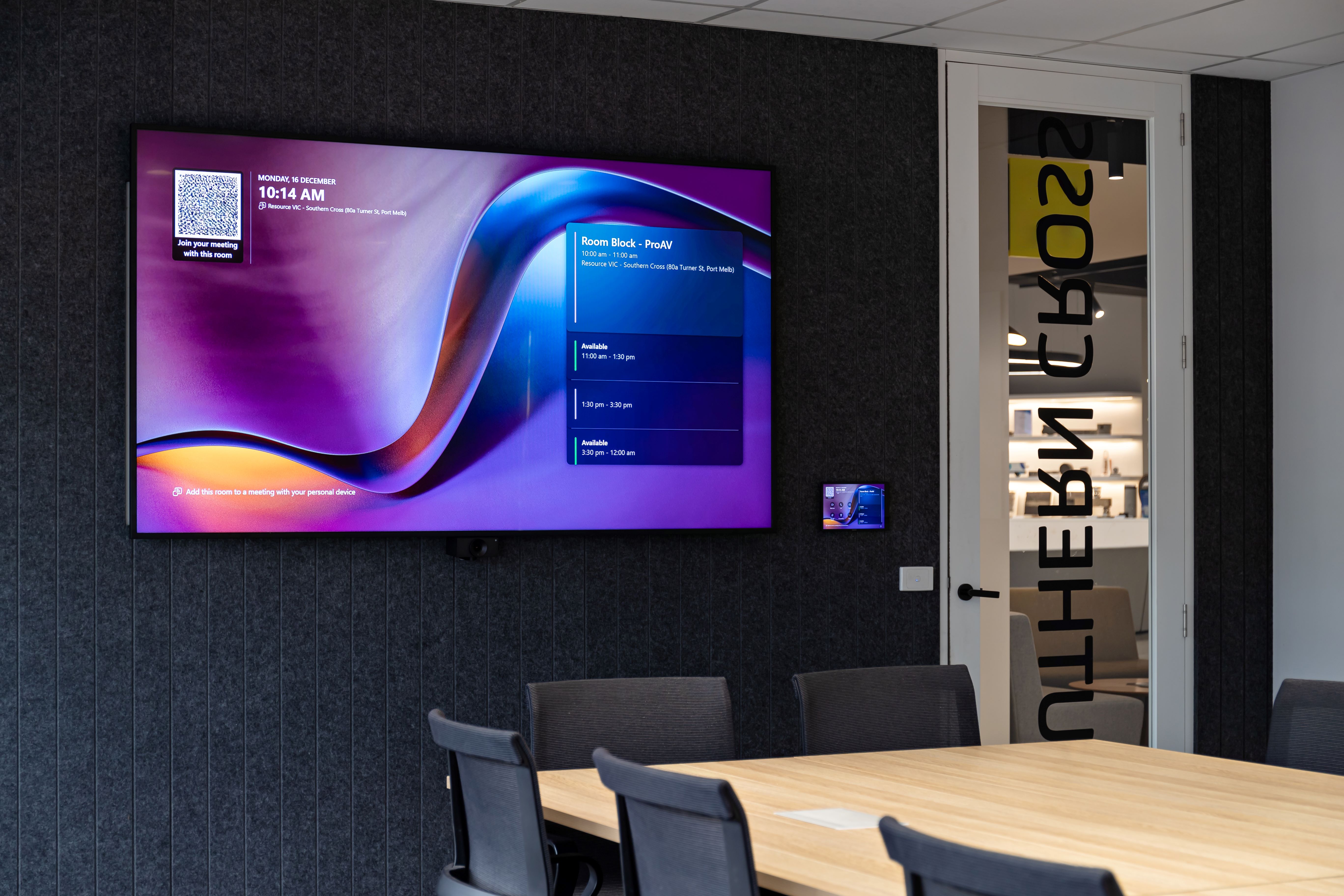
Modern AV systems depend heavily on the network. That includes video conferencing, room booking panels, digital signage, control systems, monitoring tools, wireless presentation, cloud-managed devices and remote support.
Before signing, confirm:
- whether the system will run on the existing network
- whether new cabling is required
- what bandwidth is needed
- whether VLANs are required
- how devices will be managed
- who owns admin access and credentials
- what cybersecurity requirements apply
- how updates will be handled
- whether remote monitoring is available
The AV integrator does not replace the IT team; they do need to work clearly with IT from the beginning. This is especially important for Microsoft Teams Rooms, Zoom Rooms, Cisco collaboration environments, BYOD rooms, digital signage and networked AV.
Ask what happens after handover
Support should be clear before the project is approved. For many Australian organisations, meeting rooms and collaboration spaces are now part of daily operations. They support internal meetings, client meetings, hybrid workshops, leadership updates, training and events.
Before choosing a commercial AV integrator, ask:
- what support is included after installation
- what happens after the warranty period
- what response times apply
- whether remote support is available
- when on-site support is available
- whether preventative maintenance is included
- how urgent issues are escalated
- who owns system credentials
- what managed services are available
- what support costs after year one
The support model should match the importance of the space. A lightly used internal meeting room may not need the same support as an executive boardroom, lecture theatre, control room or client-facing presentation space.
Understand who owns the credentials
After installation, someone needs to own and manage system access.
That may include:
- control system credentials
- video platform admin access
- room booking system access
- digital signage platform access
- device management portals
- monitoring tools
- warranty and support portals
Before signing, clarify who owns these credentials, who can make changes and what happens if support moves from one provider to another.
Review the documentation before handover
Documentation affects how easy the system is to support later.
Ask what will be provided at handover, including:
- as-built drawings
- equipment schedules
- commissioning records
- warranty information
- network and device details
- user guides
- admin credentials
- support contacts
- escalation processes
- maintenance recommendations
For multi-site organisations, documentation should be consistent across locations.
Check national delivery capability
For organisations with multiple locations, ask how the integrator manages work across Australia.
Useful questions include:
- can they deliver in all required states or regions?
- do they have local teams?
- how is quality managed across sites?
- how are site variations approved?
- how is documentation kept consistent?
- how does support work across locations?
- can they work with national workplace, IT and construction teams?
A single local project and a national rollout need different levels of coordination.
For organisations with offices, campuses, facilities, venues or operational sites across Australia, a national AV integrator can help reduce variation across suppliers, standards and support pathways.
Check whether global alignment is needed
Some organisations need more than Australian delivery. Global businesses with Australian offices may need local delivery to follow an international workplace technology standard. Australian organisations expanding overseas may need a way to keep AV standards consistent across markets.
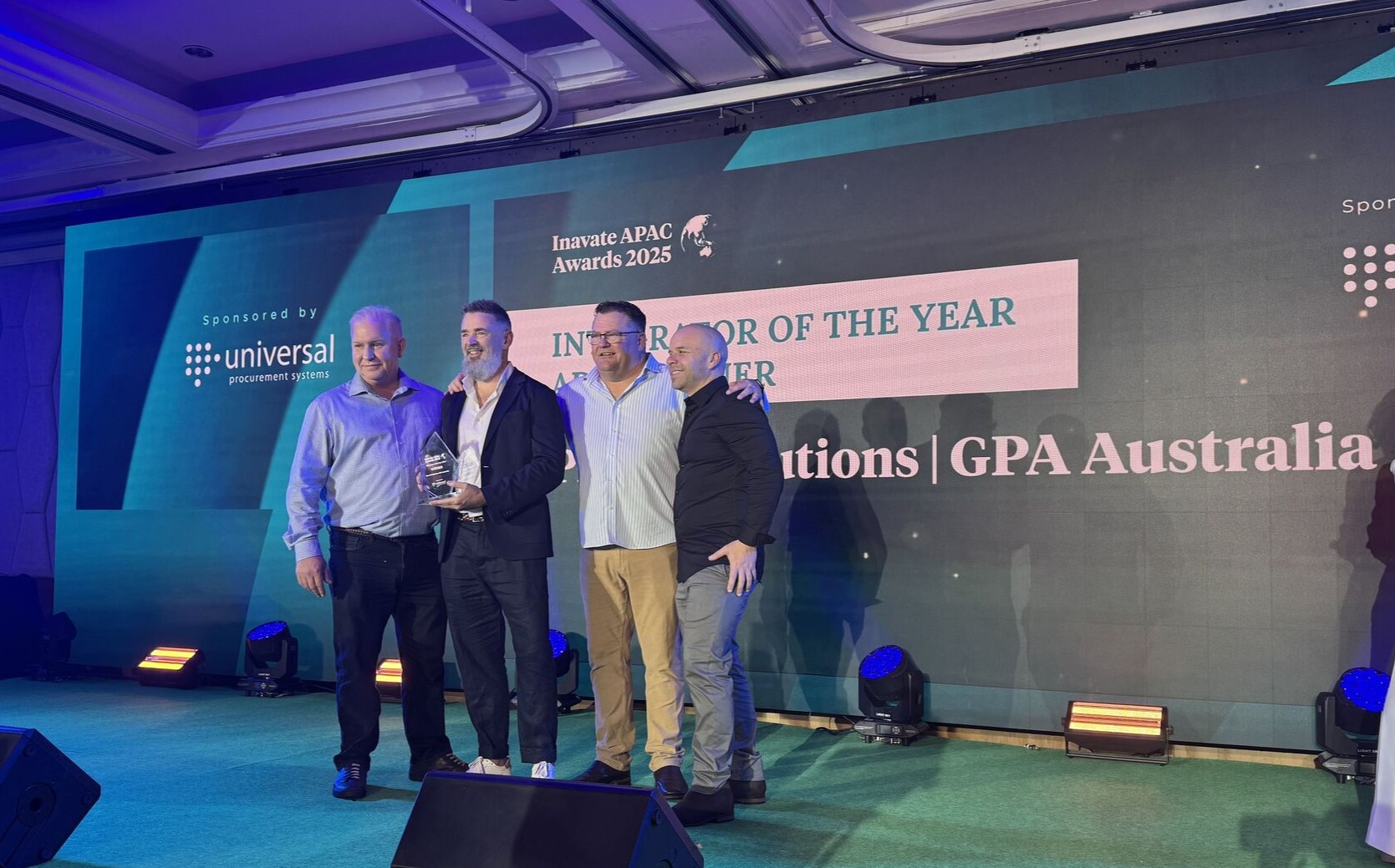
This is where GPA capability can be relevant. Pro AV Solutions is the Australian member of GPA, giving clients a way to connect Australian delivery with global AV integration requirements where needed.
This may be useful for organisations that need:
- local delivery in Australia
- alignment with global workplace technology standards
- support for international rollouts
- fewer disconnected supplier relationships
- consistent AV standards across countries
Red flags in a commercial AV proposal
When reviewing AV proposals, watch for:
- no site review or discovery process
- unclear scope
- vague assumptions
- no mention of network requirements
- limited commissioning detail
- unclear support terms
- no handover documentation listed
- unclear ownership of credentials
- hardware recommendations with no explanation
- no plan for support after installation
- price-only comparison with little design detail
Questions to ask before choosing a commercial AV integrator
Before signing, ask:
- Has the proposal been based on a site review or discovery process?
- What room types and user needs have been considered?
- What certifications and vendor authorisations do you hold?
- How will the system work with our network?
- Who owns the control system and platform credentials?
- What is included in commissioning?
- What documentation will be provided?
- What training is included?
- What support is available after installation?
- What happens after year one?
- Can you support other locations across Australia?
- Can you align with global standards if needed?
These questions \make it easier to understand what is included, what is assumed and what still needs to be planned.
Where Pro AV Solutions fits
Pro AV Solutions works with organisations across Australia on AV integration, workplace technology, meeting rooms, boardrooms, project services and managed support.
For clients with multiple locations, Pro AV Solutions can support national delivery, local installation, documentation, support and managed services across Australian offices and sites. Through GPA, Pro AV Solutions can also support clients that need Australian delivery aligned with global AV standards.




.jpg)
.jpg)








.png)










.jpeg)




.avif)




.jpeg)


.webp)