Why Workplace Technology Performance Needs to Be Planned Beyond Handover

Workplace technology is not finished when the project is handed over. That is when real use begins.
A workplace technology project can look complete on day one.
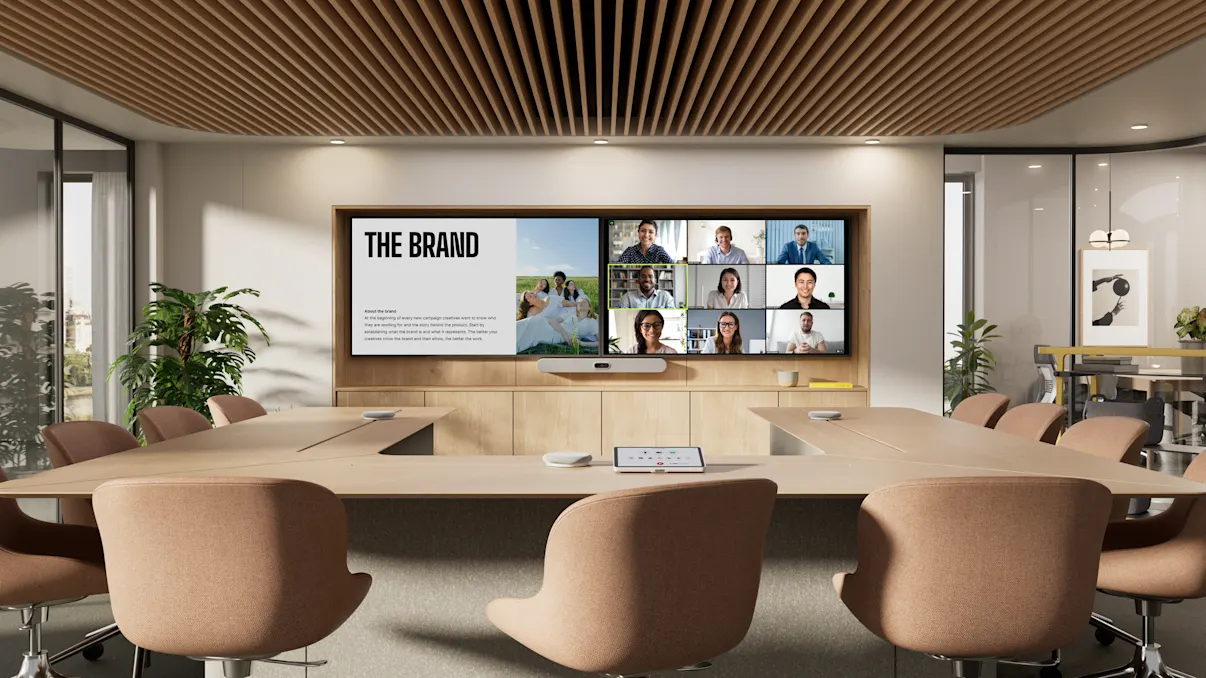
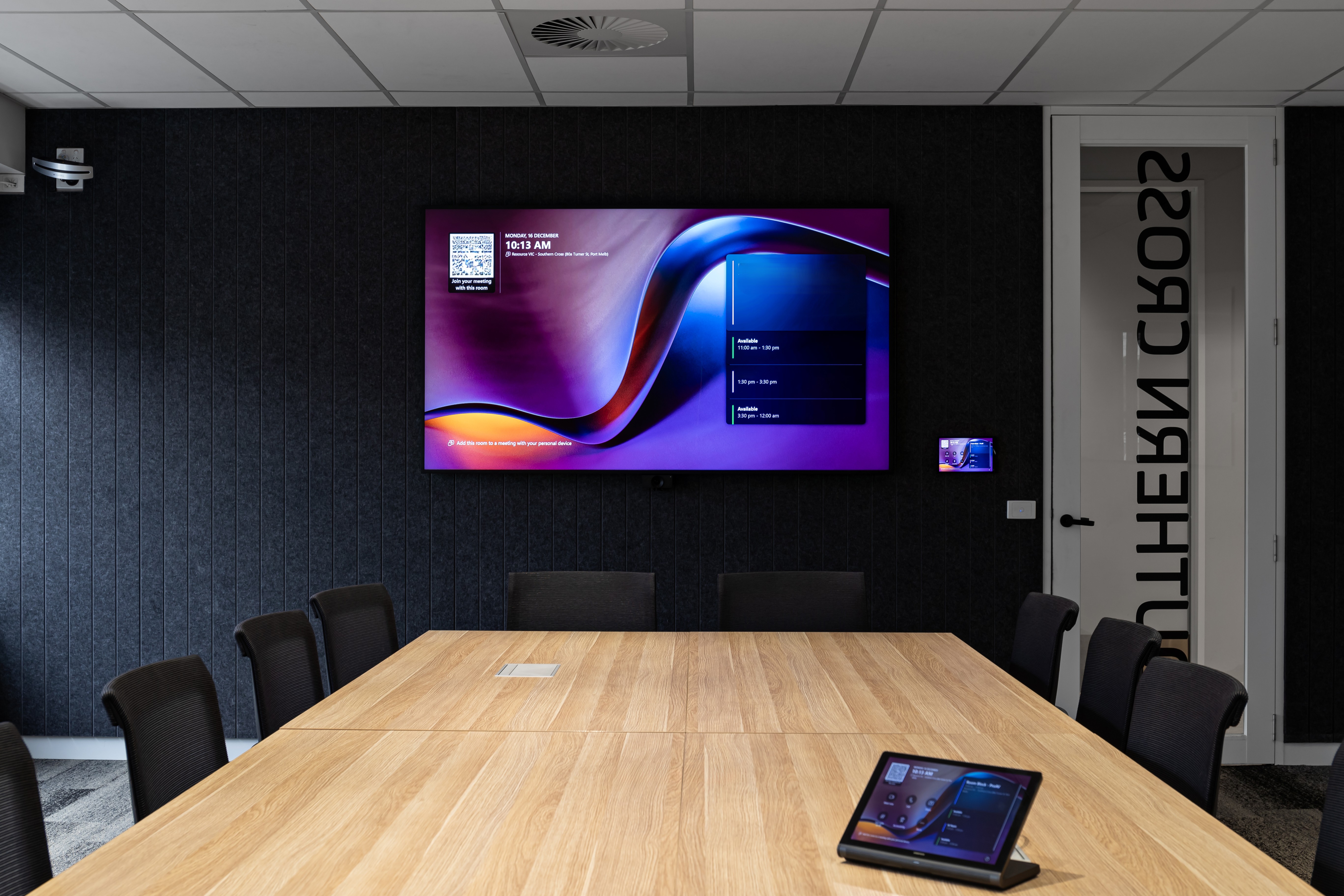
The meeting rooms are installed. The displays are working. The video calls connect. The control interfaces are live. The project team has handed everything over.
But that is not where workplace technology proves its value.
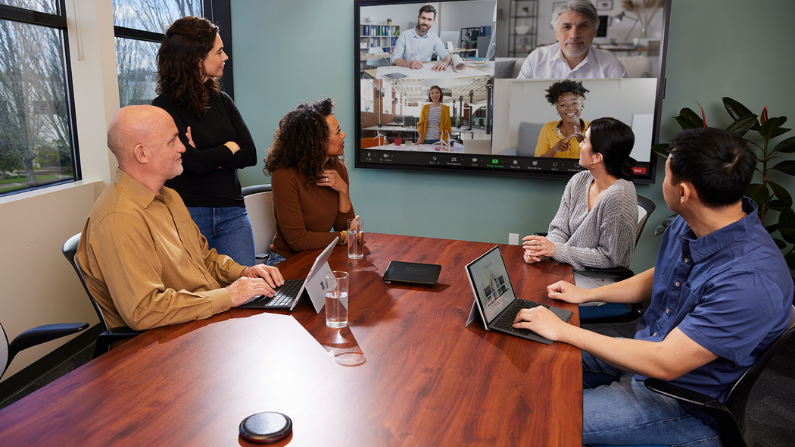
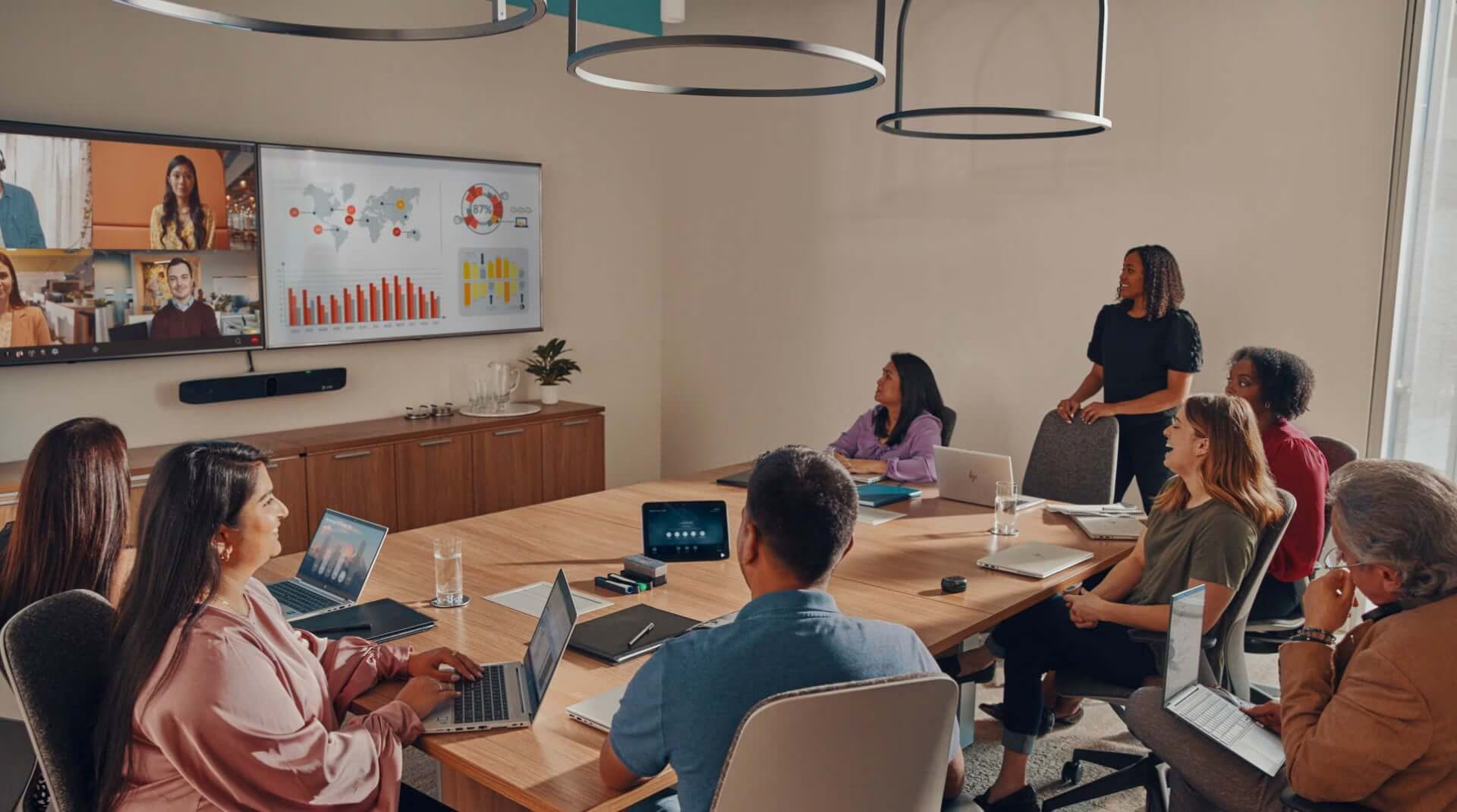
The real test starts after handover, when people begin using the spaces every day. Different teams walk into different rooms. Clients join remotely. Meetings run back-to-back. Platforms update. Support requests appear. Small inconsistencies become visible.
For enterprise workplaces, government environments, universities, healthcare facilities and operational spaces, performance over time matters as much as the initial delivery. A workplace technology environment needs to remain reliable, usable and consistent long after the first meeting has started.
That requires planning beyond handover.
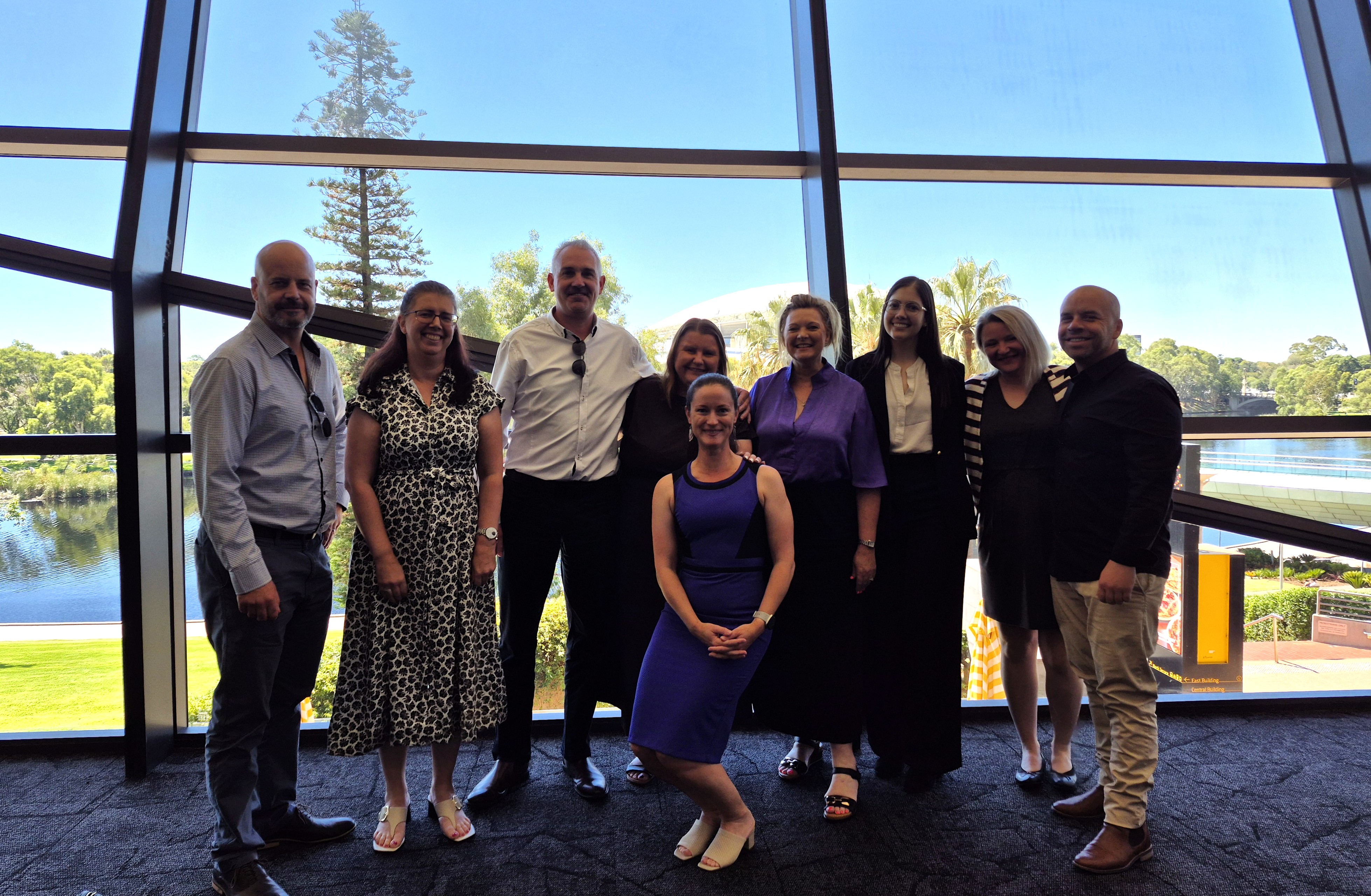
At Pro AV Solutions, we work with organisations across Australia to design, deliver and support workplace technology environments that perform not only at handover, but in daily use.
Why handover should not be treated as the finish line
In many projects, handover is treated as the point where responsibility shifts. The project is complete, the rooms are operational, and the focus moves to the next stage of the fit-out or building programme.
But for the people who actually use the technology, handover is not the end.
It is the beginning of daily use.
A room that worked during testing may perform differently once it is used by dozens of people across different meeting types. A setup that makes sense to a project team may not feel intuitive to someone walking in five minutes before a client call. A technology standard that looks good on paper may become harder to manage if different rooms behave in slightly different ways.
This is why workplace technology needs to be planned as an ongoing performance environment, not only as a delivery milestone.
The question is not only:
Was the system installed correctly?
The better question is:
Will this environment continue to work consistently for the people who rely on it?
That is where a strong AV Managed Services approach needs to connect with ongoing support, adoption and optimisation.
The workplace has changed. Room performance now matters every day.
Hybrid work has made meeting room performance more visible.
Gallup’s 2025 analysis found that hybrid workers spend 46% of their workweek in the office, equivalent to around 2.3 days per week. That means the office is not disappearing. It is becoming more intentional. When people come in, the spaces need to work.
Microsoft’s 2025 Work Trend Index also shows how much work is changing, drawing on a survey of 31,000 workers across 31 countries, LinkedIn labour market trends and Microsoft 365 productivity signals. The direction is clear: work is becoming more digital, more distributed and more dependent on the tools that connect people.
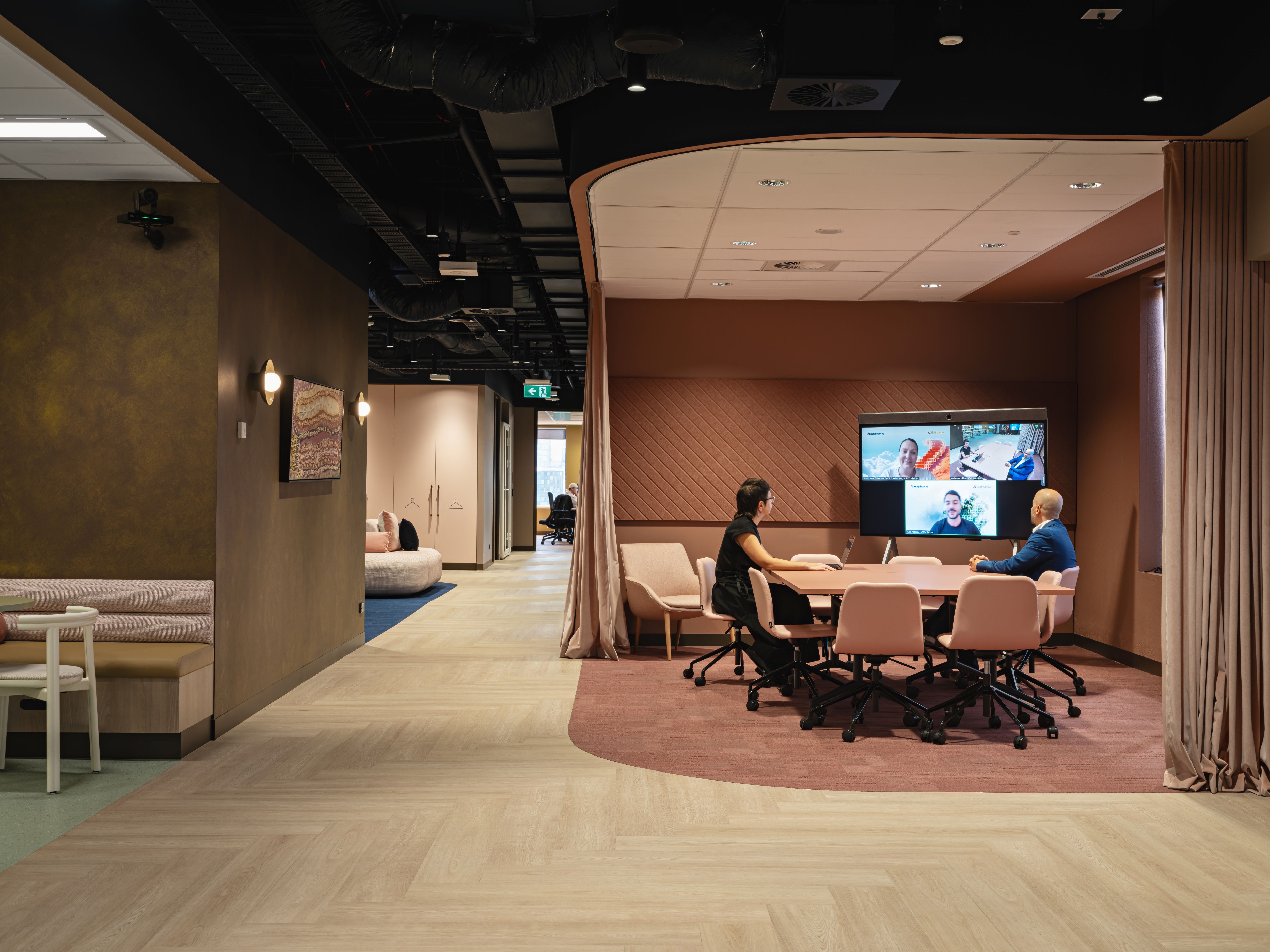
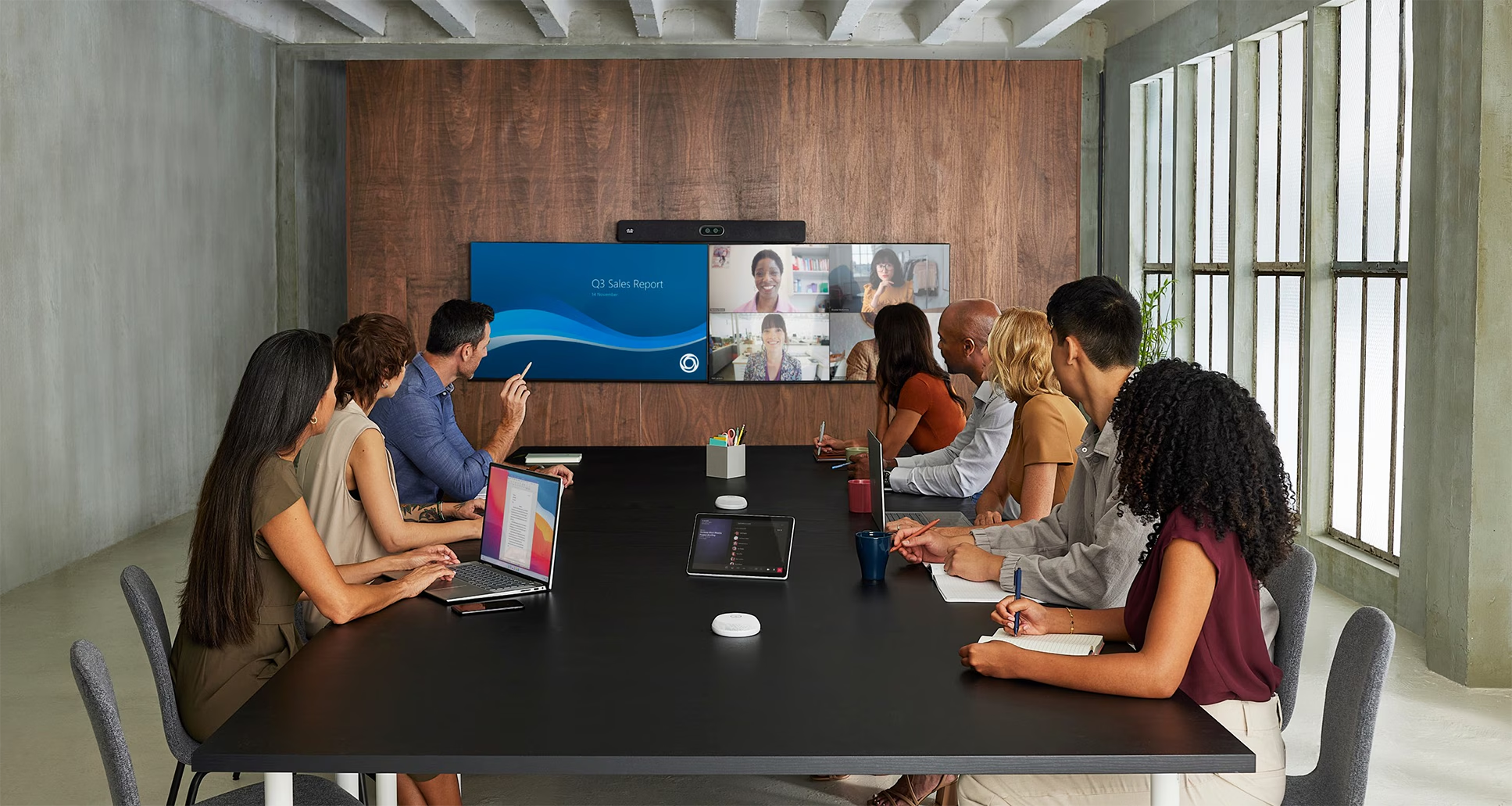
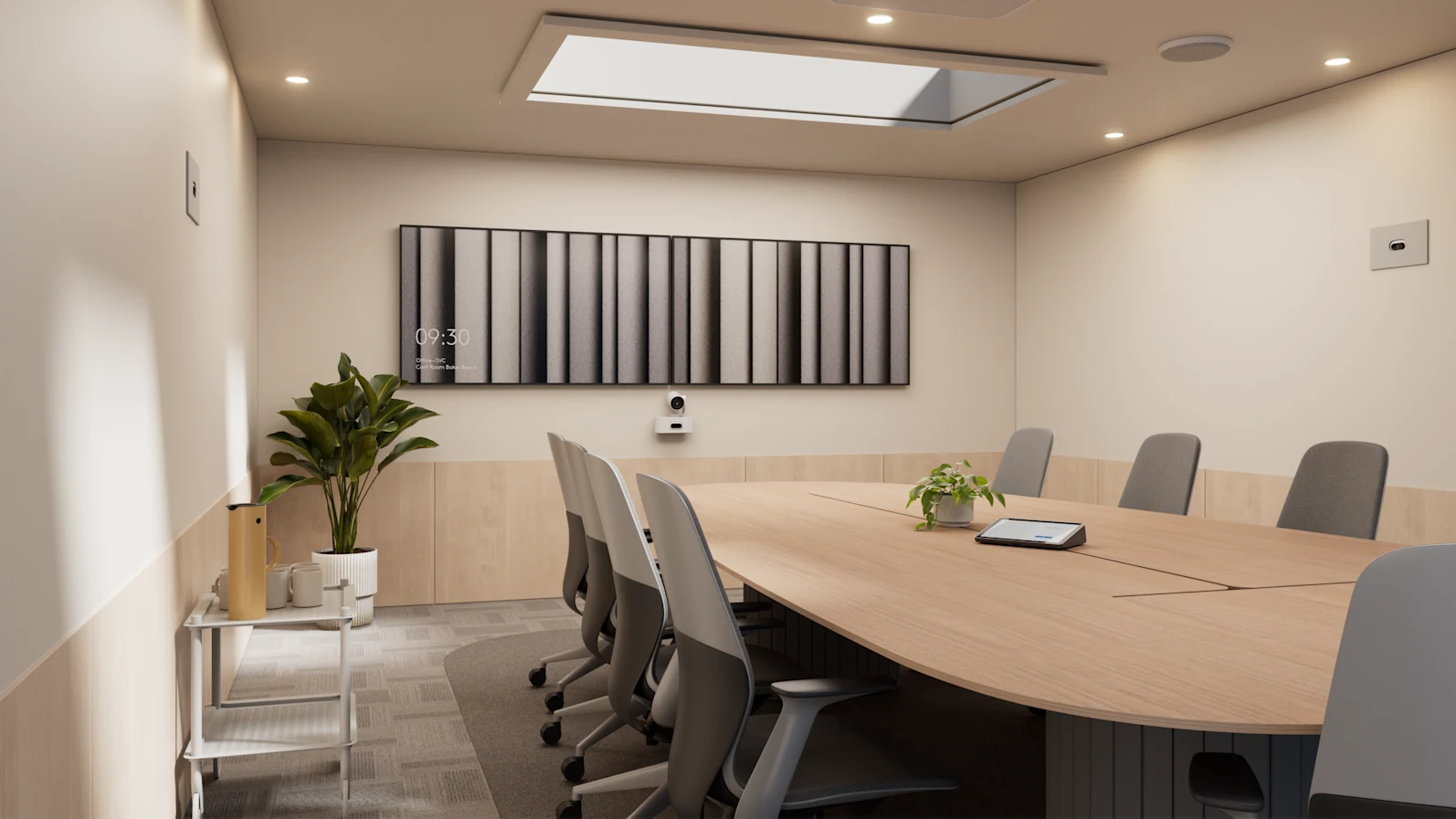
In this environment, meeting rooms, collaboration spaces and workplace technology systems are no longer background infrastructure. They shape how people meet, collaborate, present, decide and connect.
That makes performance a business issue, not just a technology issue.
What workplace technology performance really means
Performance is not just whether the technology turns on. For most organisations, workplace technology performance includes several factors:
- rooms that behave consistently across sites, floors and room types
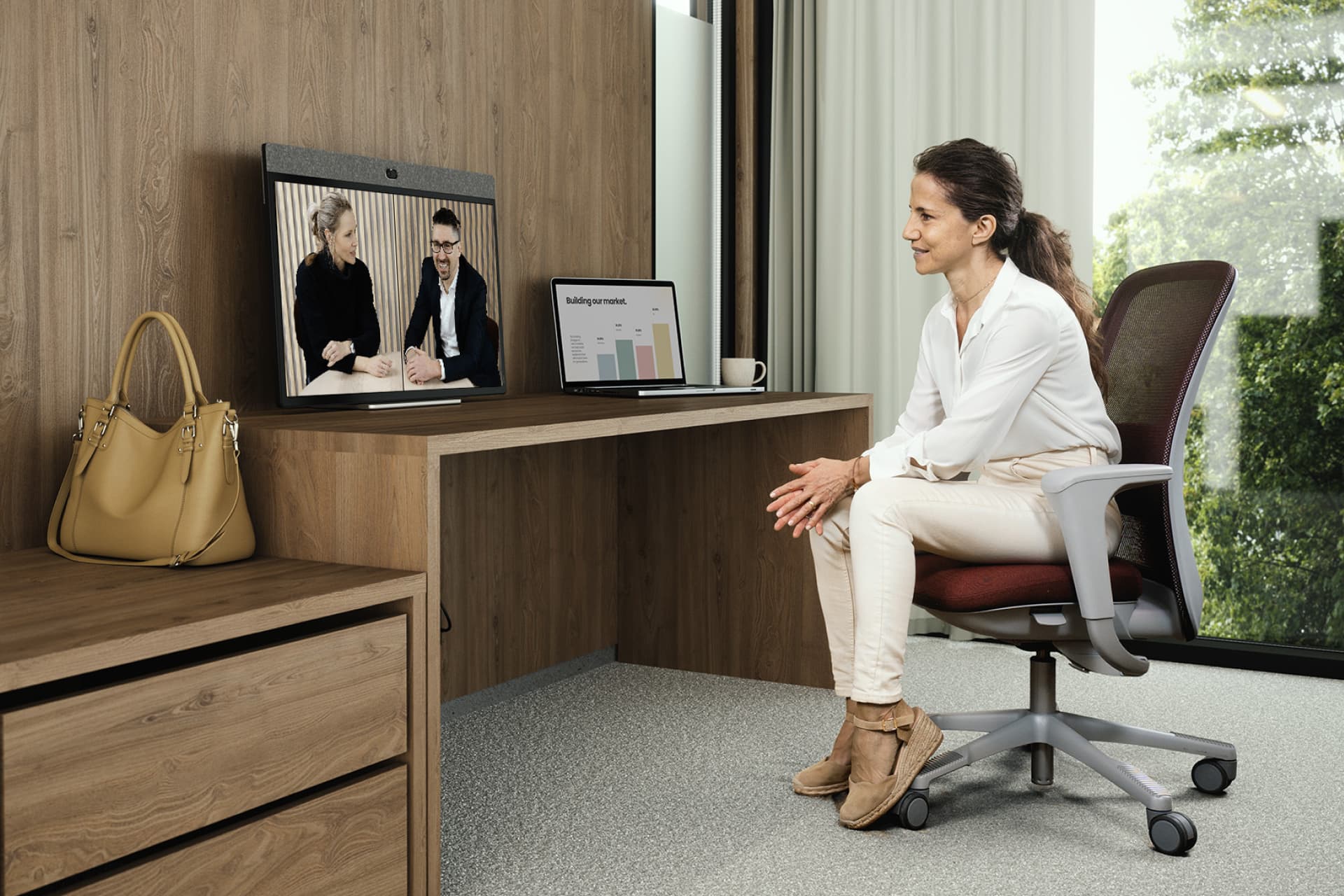
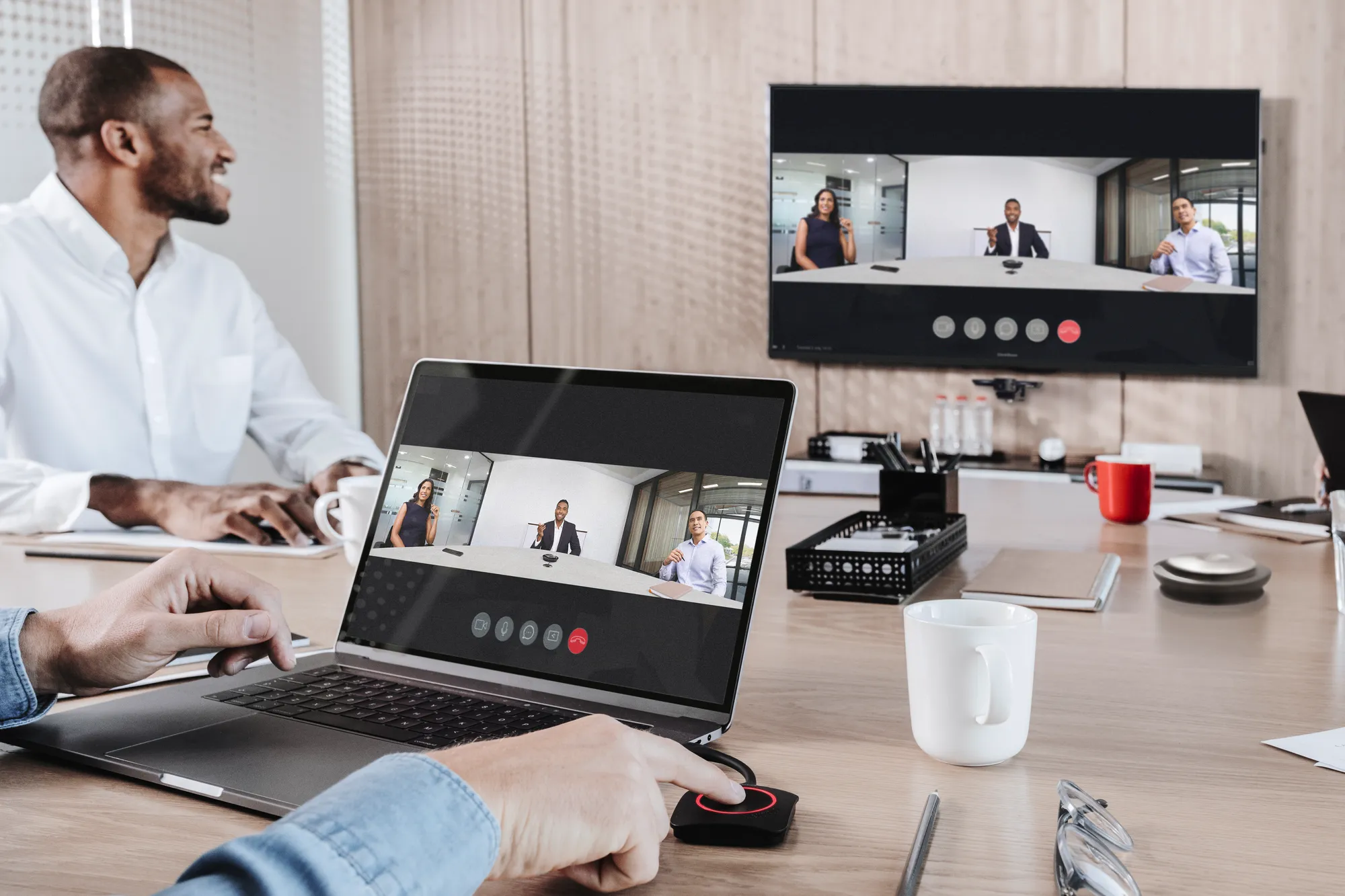
- video meetings that start without unnecessary friction
- audio that is clear for both in-room and remote participants
- control interfaces that users understand quickly
- spaces that support different meeting formats without confusion
- support processes that are clear when something needs attention
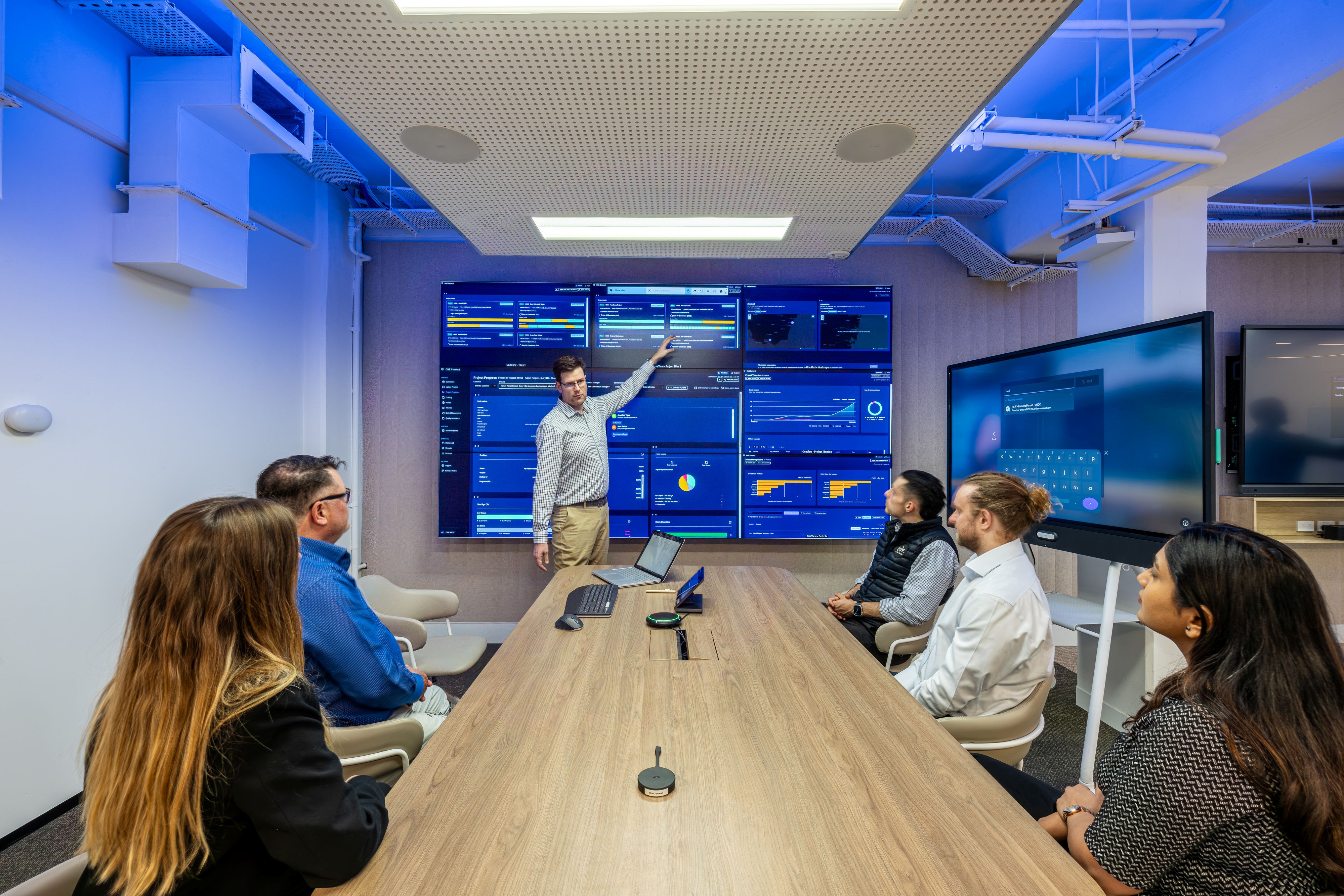
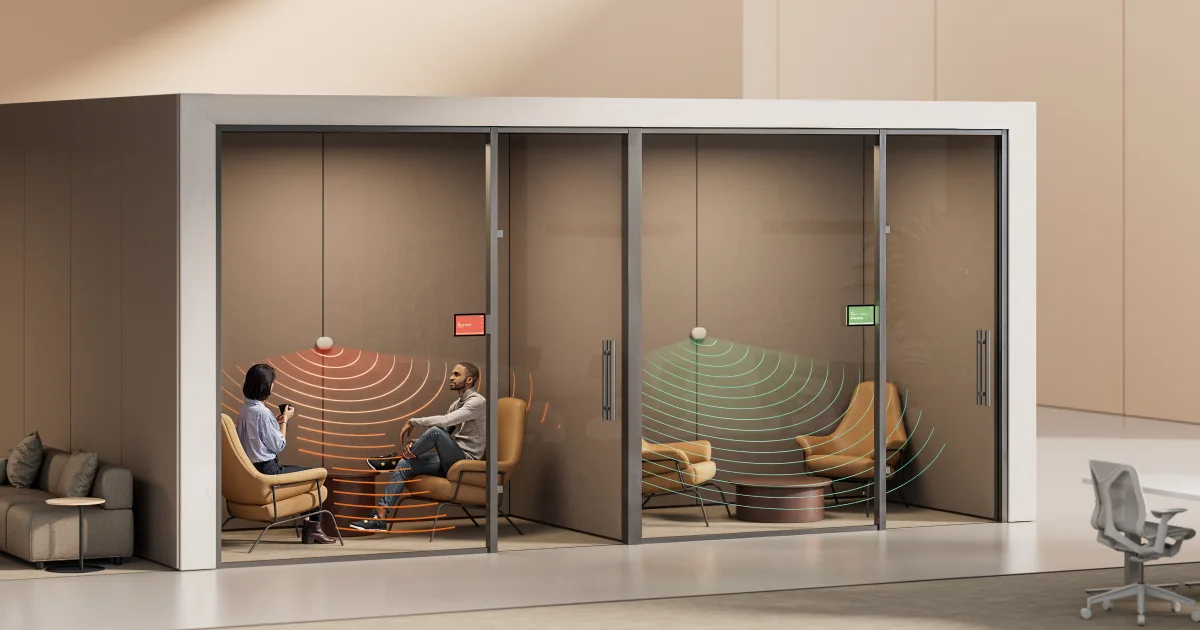
- ongoing visibility over systems, updates and usage patterns
This is where the gap often appears between a successful installation and a successful workplace experience. A system can be technically complete, but still create friction for users.
It can pass handover, but still generate support pressure later.
It can meet the original scope, but still fall short of what the business needs over time.
That is why performance needs to be designed, supported and reviewed beyond the project phase.
Meeting room experience affects adoption
People do not always report poor workplace technology experiences.
Often, they simply avoid the spaces they do not trust.
Research from Jabra’s Hybrid Ways of Working report found that 30% of employees were hesitant to take meetings from a meeting room because they felt less comfortable with the technology compared with using their own laptop. The report also noted that only 1 in 10 rooms were equipped with some kind of video technology at the time of the research.
Logitech’s 2025 research found that 63% of hybrid workers experience tech issues when they go into the office. Moreover, Neat’s APAC workplace technology article points to a similar challenge, noting that the average employee in Asia Pacific loses 4.5 hours per week due to ineffective meeting room technology, including old hardware, inconsistent audio, clunky interfaces and cable complexity.
These numbers reinforce a simple point: workplace technology performance is closely connected to user confidence.
If one room behaves differently from another, users notice. If the interface changes from floor to floor, users notice. If the audio experience is unpredictable, users notice. If one meeting starts easily and the next one does not, users remember.
Over time, these small moments affect adoption.
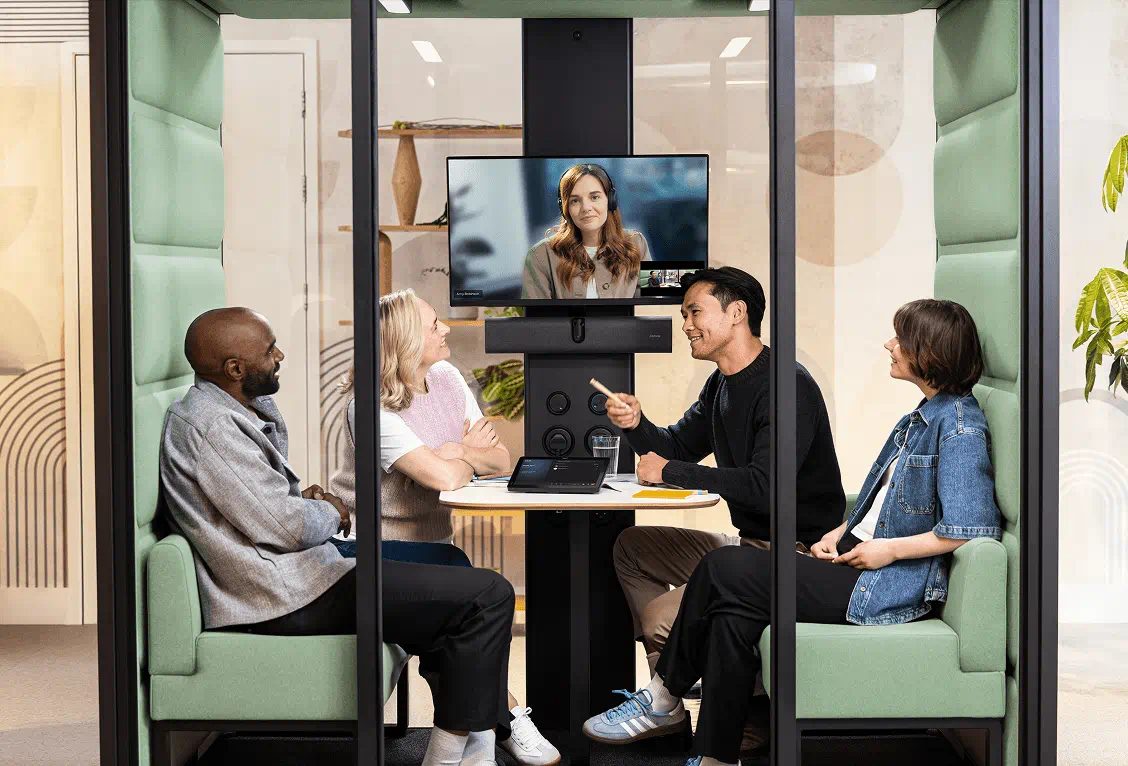
The best workplace technology environments feel familiar. People know what to expect. They can walk into a room, start the meeting and focus on the conversation rather than the technology.
That level of confidence depends on standardisation, thoughtful design, quality delivery, clear support and ongoing management.
Why support should be planned before go-live
Support is often discussed after a project is delivered.
That is too late.
If support is only considered after handover, organisations may find themselves trying to manage issues reactively. Who owns the problem? Who responds? What is covered? What happens when platforms update? How are recurring issues identified? How is consistency maintained across rooms?
These questions should be addressed before the environment goes live.
A stronger approach is to plan support as part of the workplace technology strategy from the start. That means thinking about:
- who owns performance after handover
- how issues will be logged, escalated and resolved
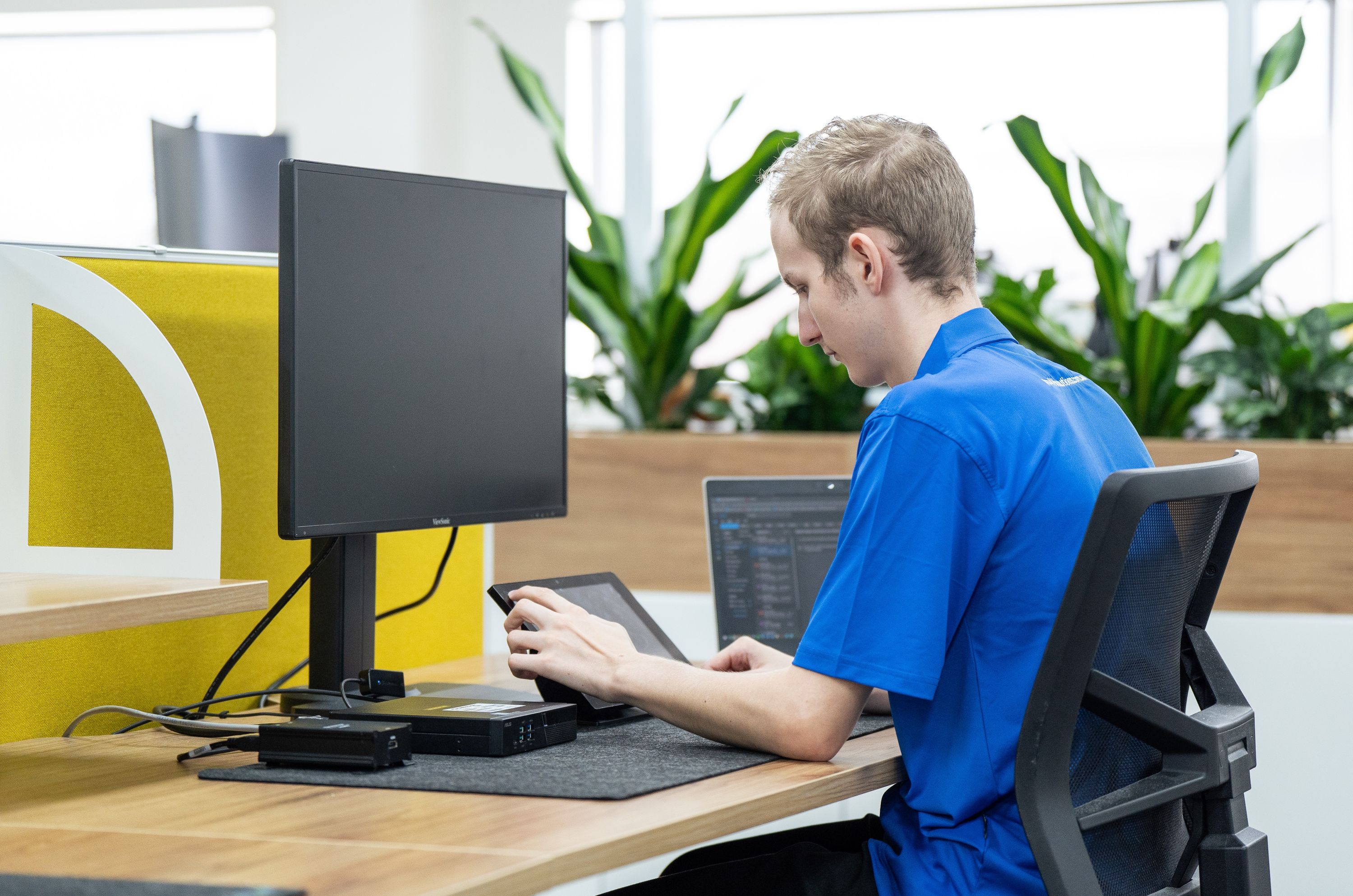
- how rooms will be monitored and maintained
- how updates will be managed
- how consistency will be protected over time
- how user feedback will be captured and acted on
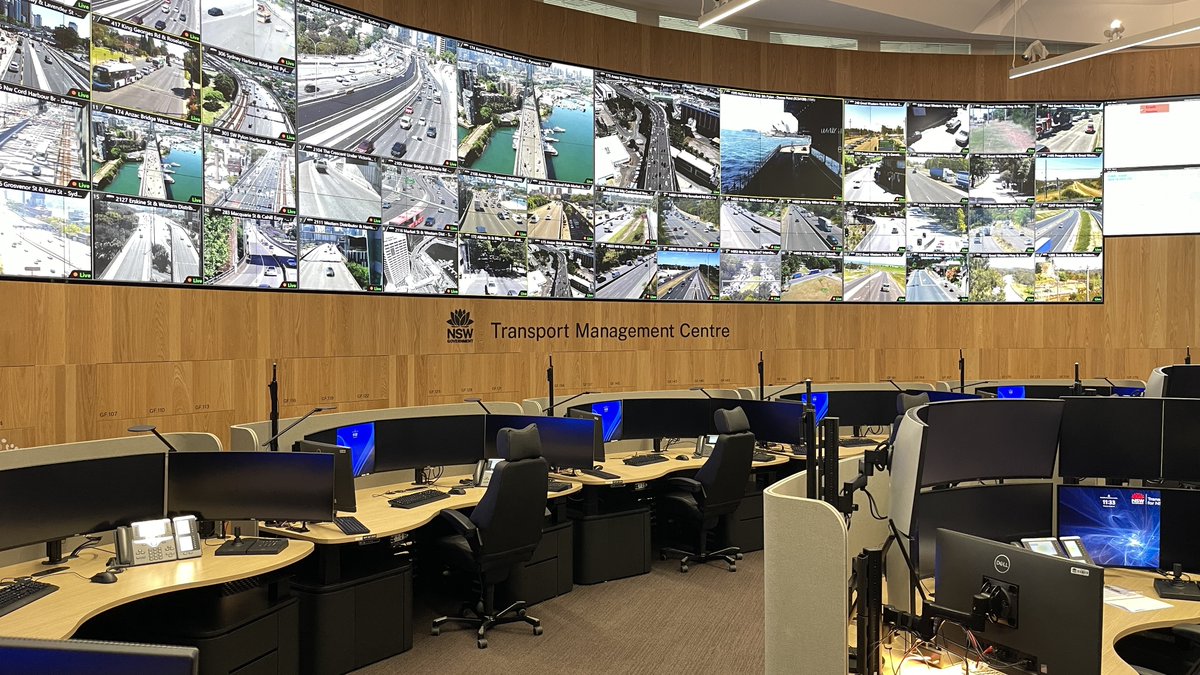
This is especially important for organisations with multiple rooms, floors, buildings or sites. The more environments there are, the more important it becomes to manage them as a connected technology estate.
What good planning looks like
Planning beyond handover does not need to be complicated. But it does need to be deliberate.
A strong workplace technology approach should consider five areas.
1. Design for real use
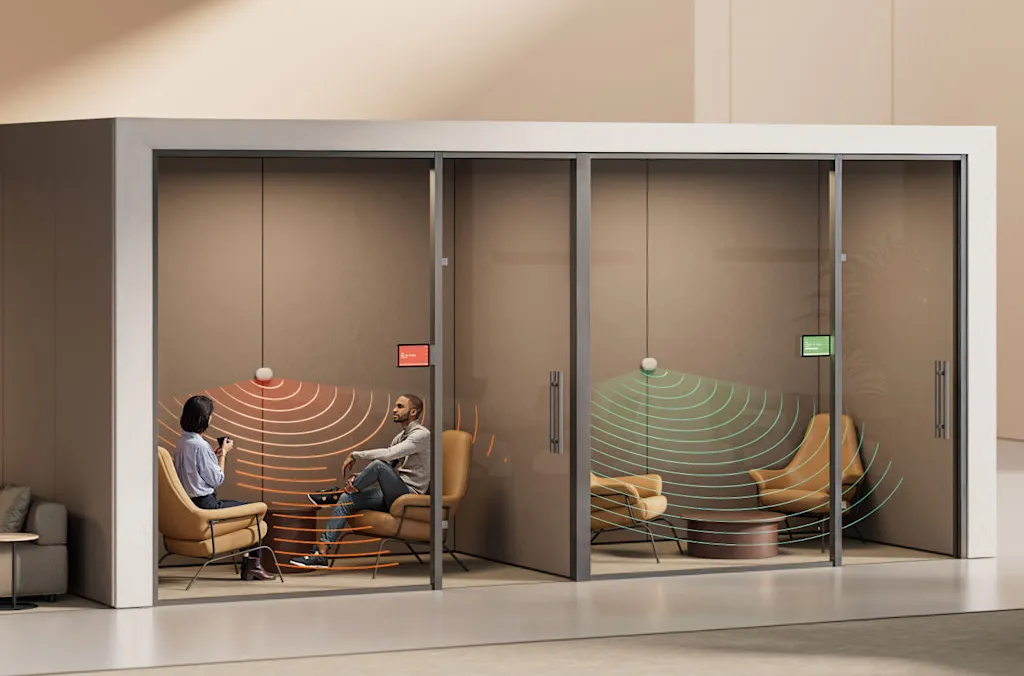
Technology should be designed around how people actually work, meet and collaborate. This includes room type, meeting behaviour, hybrid participation, accessibility, acoustics, control interfaces and support needs.
2. Standardise where it matters
Not every room needs to be identical. But users should not feel like every space operates differently. Standardisation helps improve confidence, supportability and adoption.
3. Build support into the project
Support should not be an afterthought. It should be part of the planning conversation, especially for enterprise environments where meeting rooms and collaboration spaces are business-critical.
4. Maintain visibility after go-live
Organisations need a way to understand how their technology is performing over time. Without visibility, small issues can become recurring frustrations.
5. Keep optimising
Workplace technology is not static. Platforms change, user behaviour changes, business needs change. The environment needs to be reviewed and improved over time.
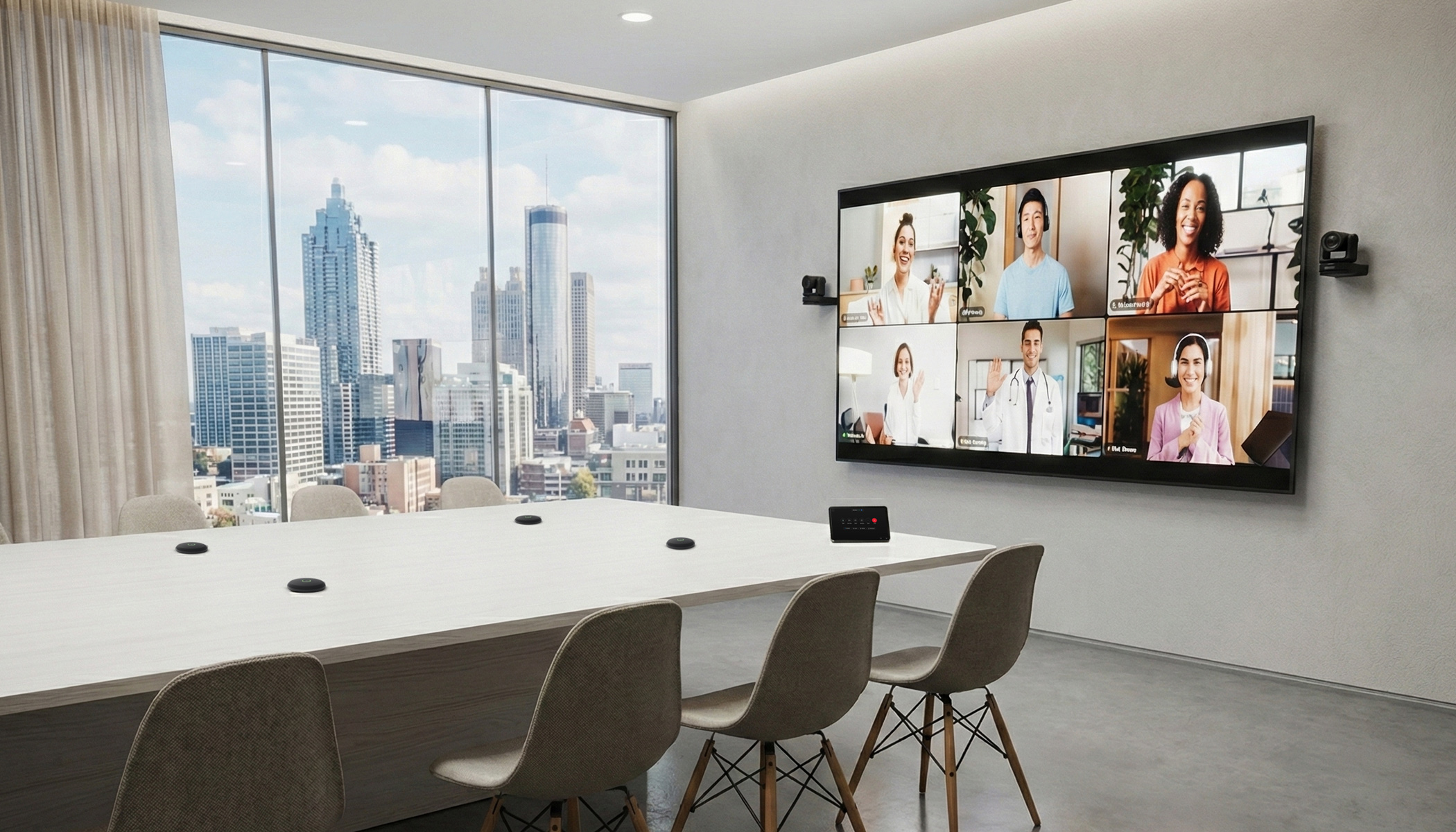
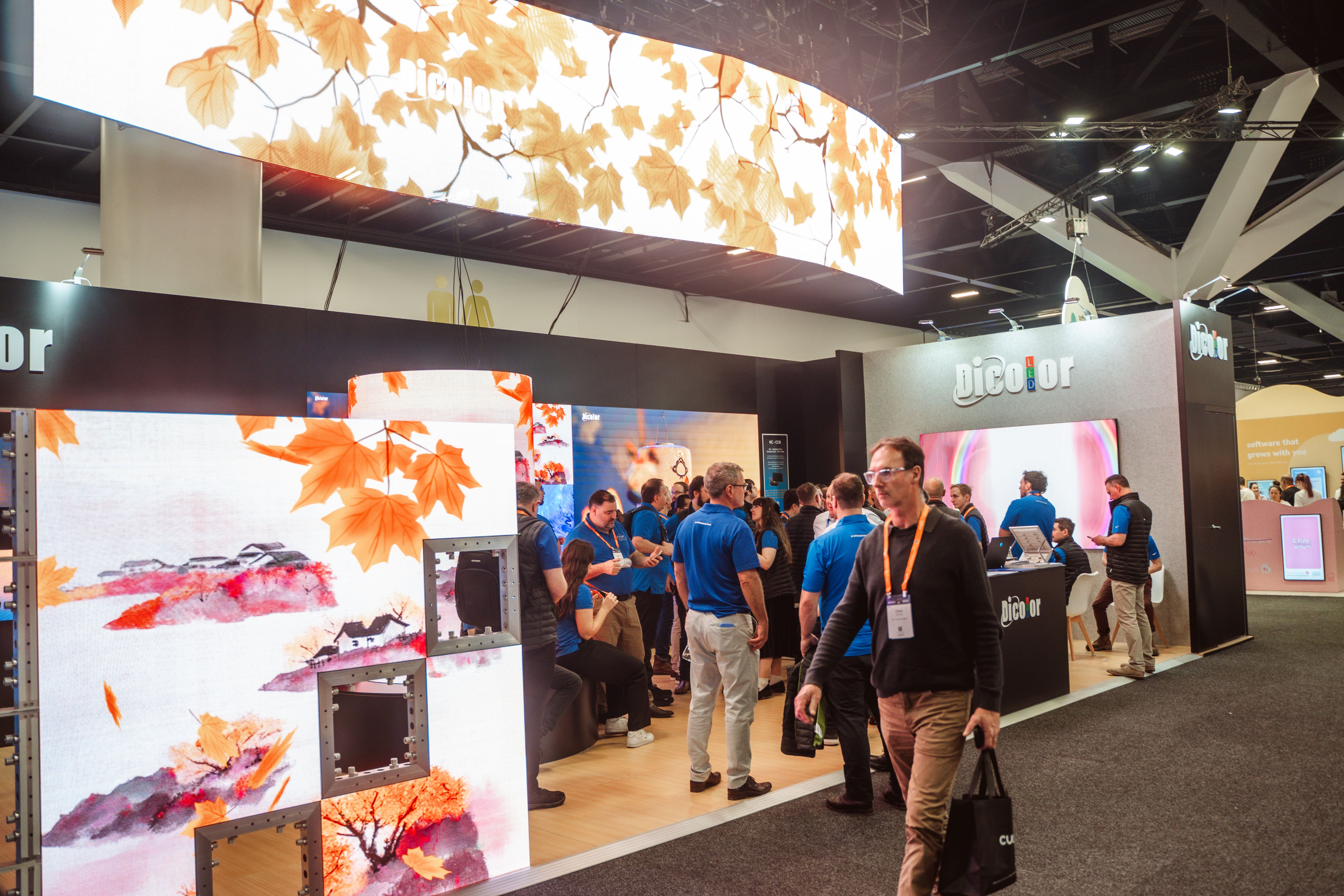
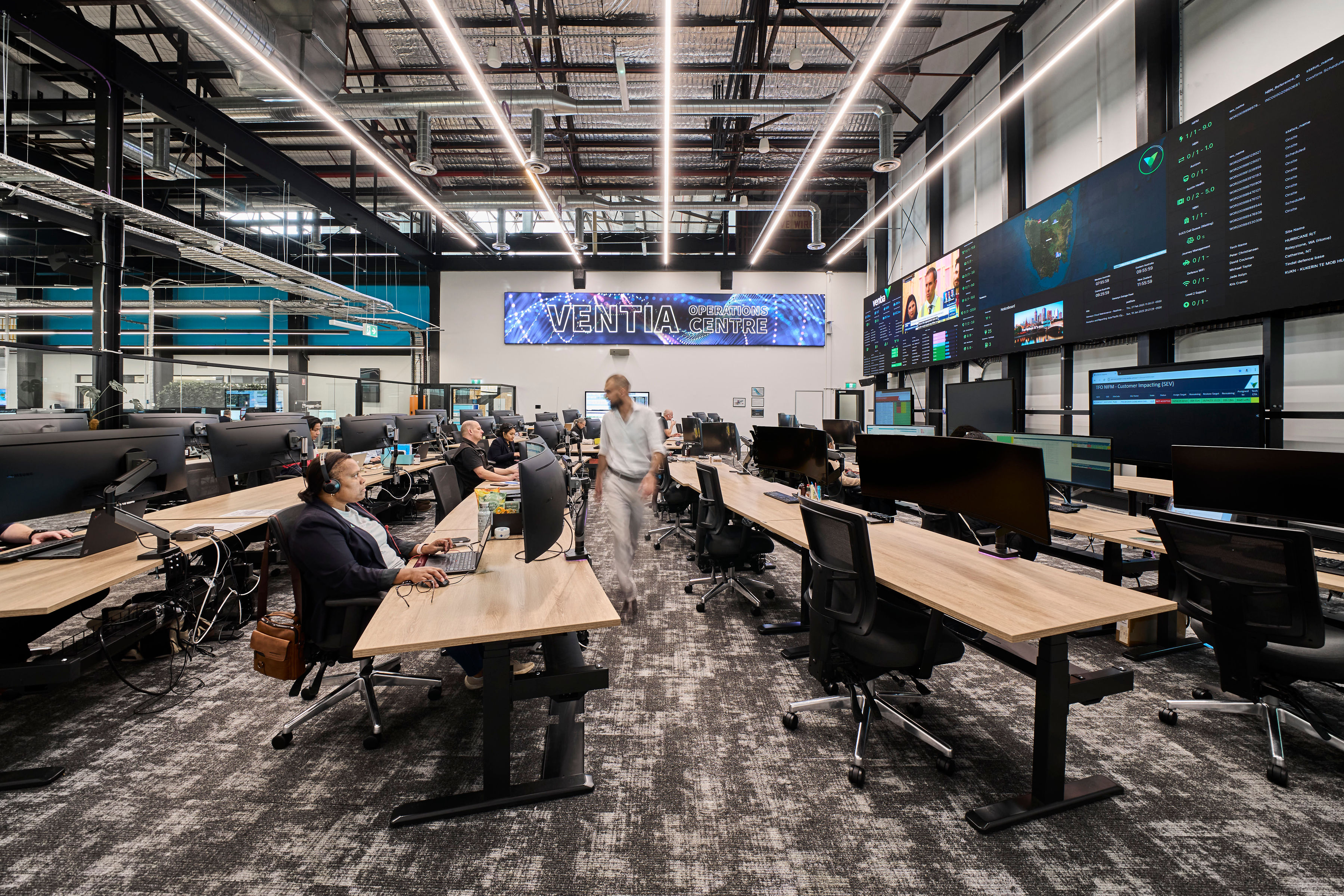
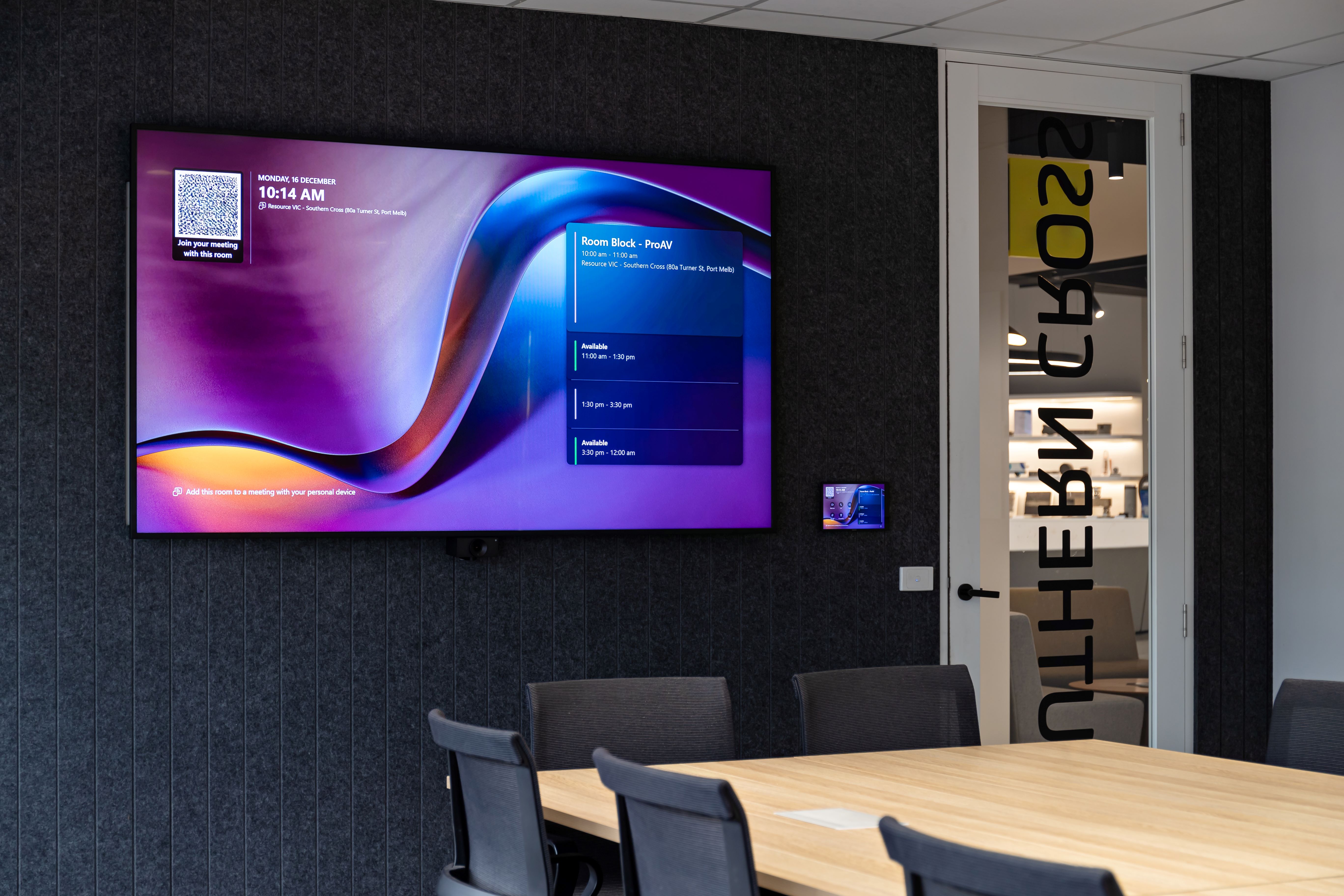
This is one reason why hands-on environments, such as Pro AV Solutions’ Workplace Experience Showrooms, can help organisations test, compare and understand technology before making decisions. Pro AV Solutions has five showrooms across Australia where customers can experience workplace technology and Microsoft Teams setups in person.
From project delivery to performance ownership
The shift is simple but important.
Workplace technology should not be measured only by whether it was delivered on time and to scope. It should also be measured by how well it performs after people start using it.
That is where long-term value is created.
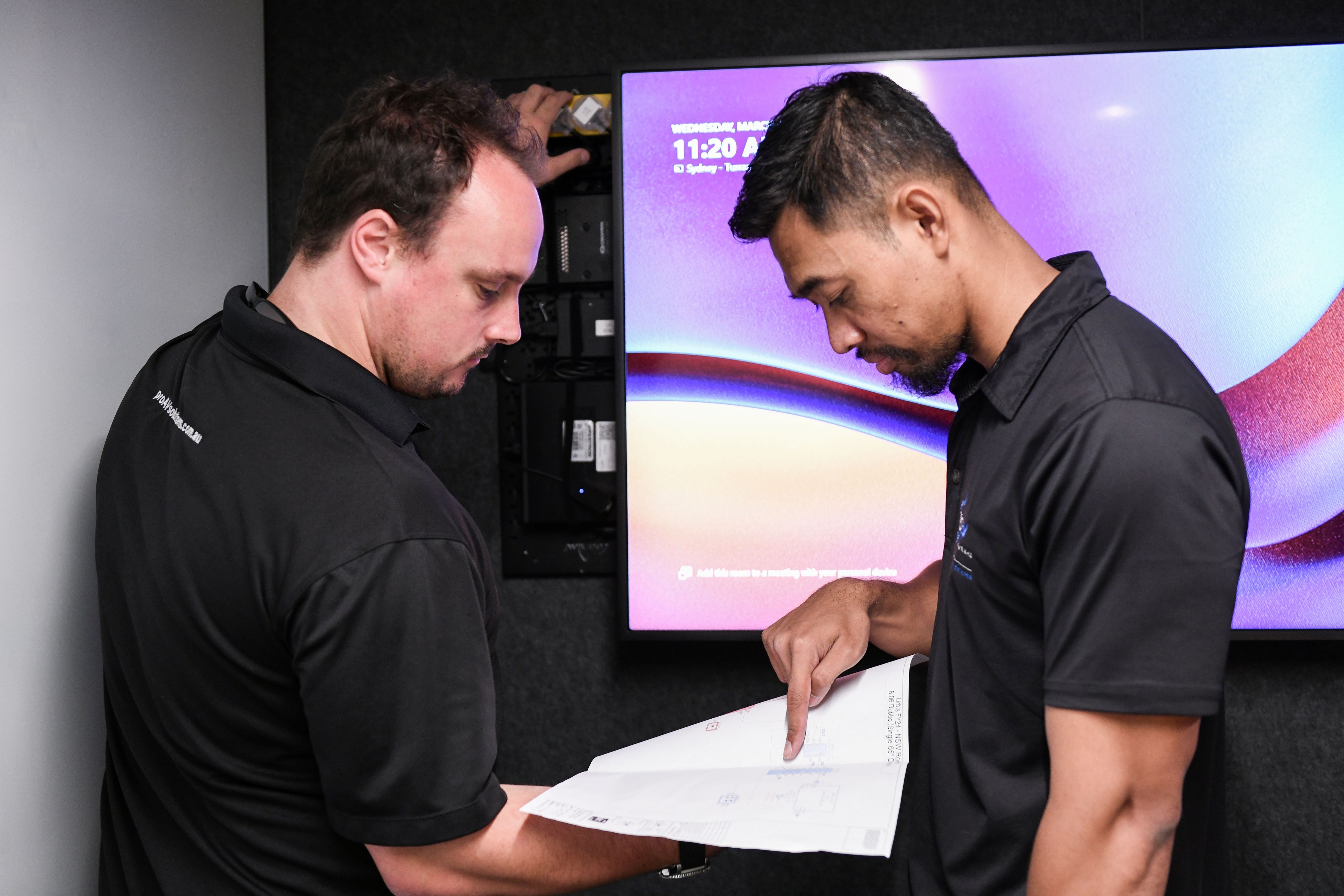
For Pro AV Solutions, this is central to how we think about workplace technology. We do not just deliver AV systems and walk away. We help organisations design, deliver and support environments that remain reliable, usable and consistent over time.
That means looking beyond the installation and asking what happens next.
How will the room be used?
How will performance be maintained?
How will consistency be protected?
How will support work?
How will the experience improve over time?
These are the questions that determine whether workplace technology becomes a trusted part of the working environment or another source of friction.
Once the rooms are in use, different things start to matter: how easily people can start a meeting, how consistent the experience feels from room to room, how quickly support can respond, and whether the setup still suits the way the business is working.
That is why these questions need to be considered early, not after the project is complete.
For organisations investing in workplace technology, the goal should be simple: rooms that people can use with confidence, and systems that are supported well after day one.
Sources:
- Logitech, Desk Dread: 3 Reasons Employees are Dodging the Office
- Neat, IDC x Neat 2025 Infobrief report



.jpg)
.jpg)






.png)








.jpeg)




.avif)




.jpeg)


.webp)