Practical Ways to Plan Your AV Budget Before the EOFY
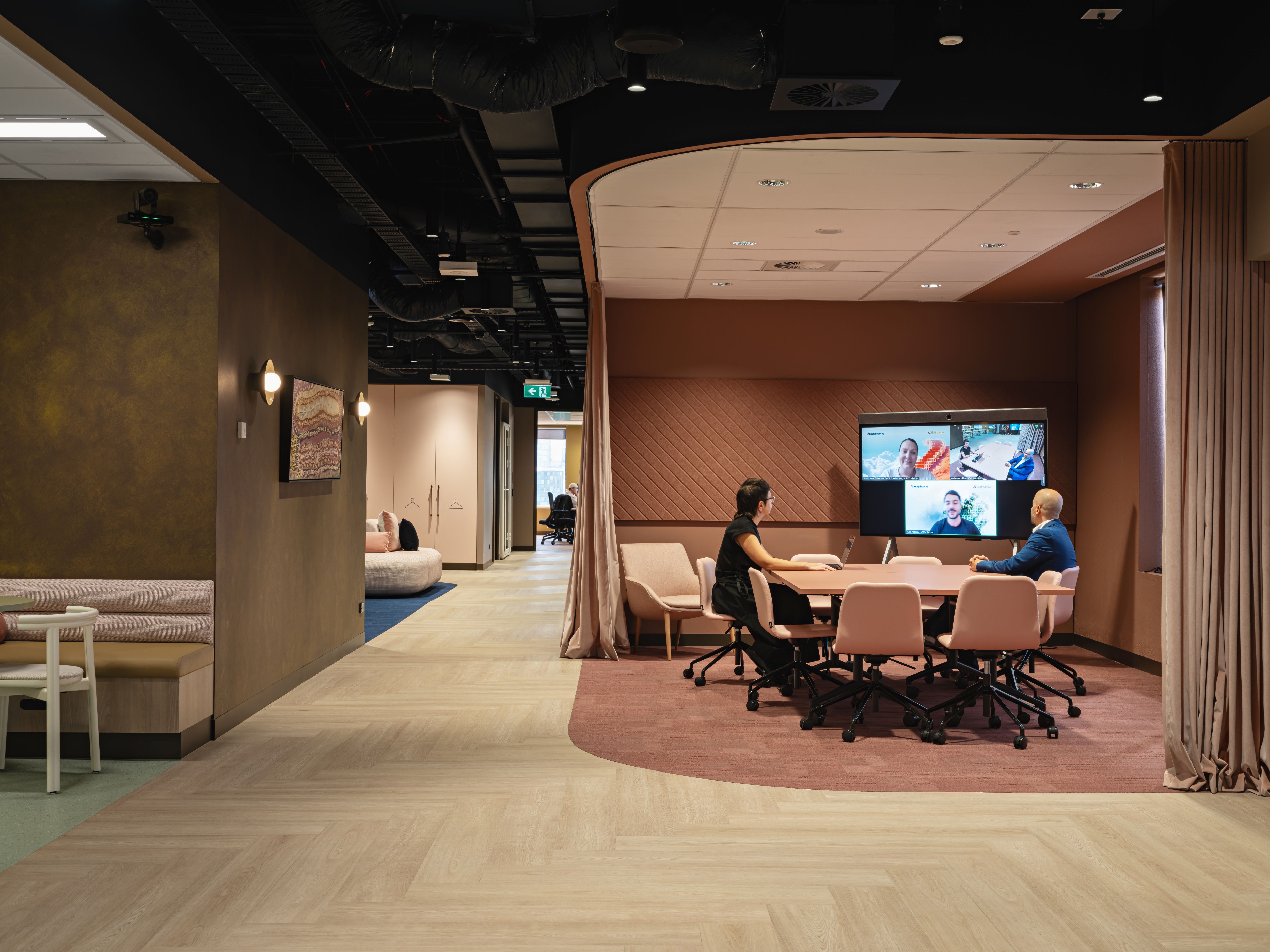
The end of financial year often brings AV and workplace technology decisions into focus. In Australia, the financial year ends on 30 June and the new financial year starts on 1 July. For many organisations, May, June and early July are when budgets are reviewed, capital expenditure is finalised, equipment refreshes are considered and project planning begins for the year ahead.
For IT, facilities, workplace technology, procurement and operations teams, this is a good time to look at meeting rooms, collaboration spaces, digital signage, lecture spaces, boardrooms and support arrangements with a practical lens.
The best place to start is with a clear view of what you already have, what is causing issues, what is becoming difficult to support and which spaces matter most to daily operations.
How should Australian organisations plan their AV budget before EOFY?
Australian organisations should audit their current AV environment, identify ageing or unsupported equipment, prioritise high-use and business-critical spaces, check compatibility with platforms such as Microsoft Teams Rooms and Zoom Rooms, and plan upgrades around lifecycle, supportability and user experience. EOFY AV planning should help teams make practical decisions for the current and next financial year.
Organisations should also speak with their finance or tax adviser before making EOFY purchasing decisions. This article provides general planning guidance only and does not provide financial or tax advice.
Start with an audit of what you already have
Before deciding what to upgrade, review what is already installed.
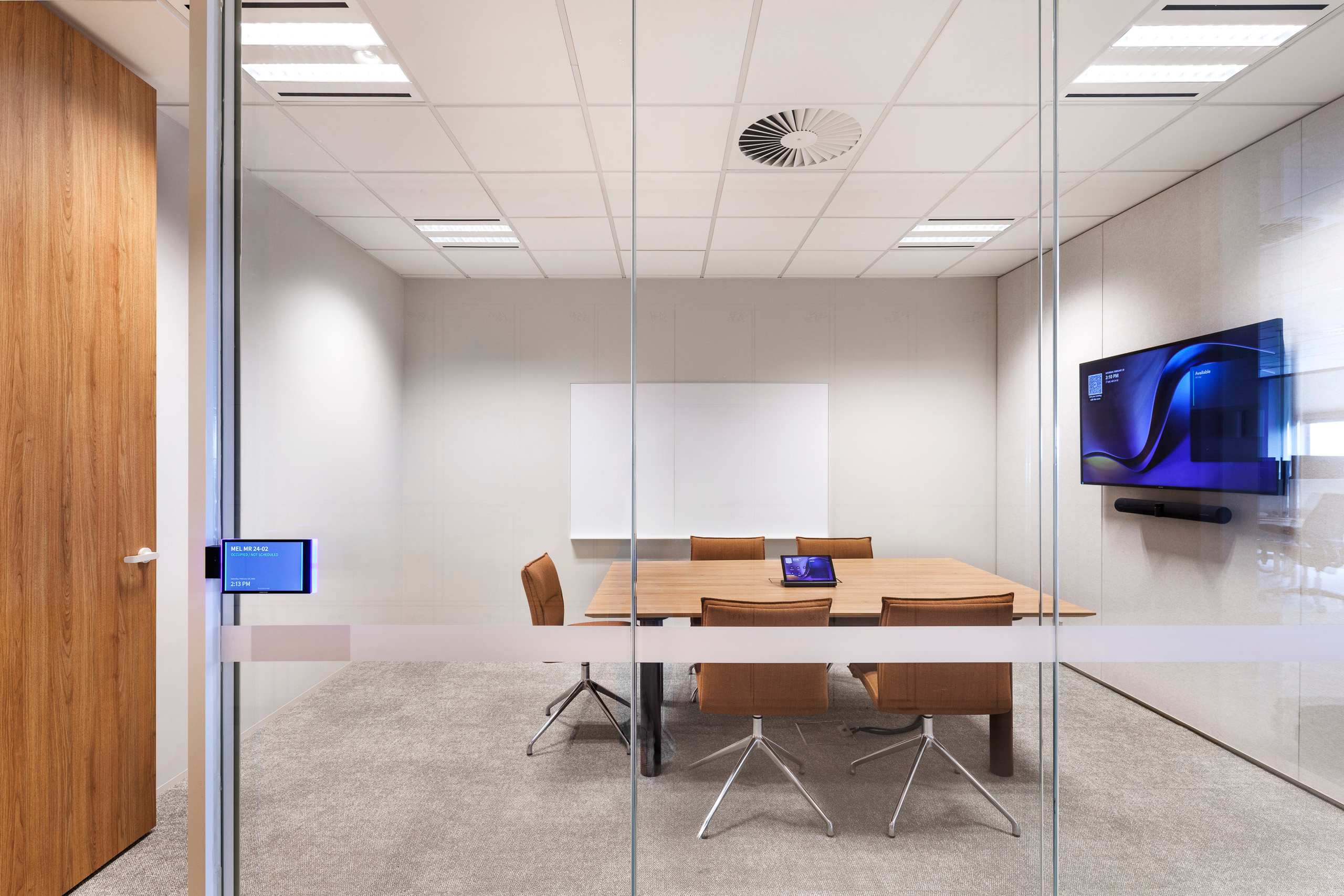
Many organisations have rooms that have been updated in stages over several years. One meeting room may have a newer camera and display, while another still relies on older cabling, a legacy control system or equipment that is no longer supported. Across multiple offices, campuses or sites, the differences can be even harder to track.
A practical AV audit should capture:
- Room name, location and primary use
- Equipment make, model and age
- Warranty and support status
- Firmware and software versions
- Known faults or recurring service issues
- Room usage and importance
- Compatibility with Teams, Zoom or BYOD workflows
- Asset register accuracy
- Network, power and cabling requirements
This gives IT and facilities teams a more accurate starting point. It also helps separate minor issues from systems that need proper attention.
For example, a room with an old display may not be urgent if it is rarely used. A high-use boardroom with unreliable audio, however, may need to move higher on the list.
Prioritise rooms and systems with the biggest business impact
EOFY budget planning works best when rooms are prioritised by operational importance.
Some spaces have a bigger impact when they fail, perform poorly or frustrate users. These may include:
- Executive boardrooms
- High-use meeting rooms
- Client presentation spaces
- Training rooms
- Lecture theatres and teaching spaces
- Reception and visitor areas
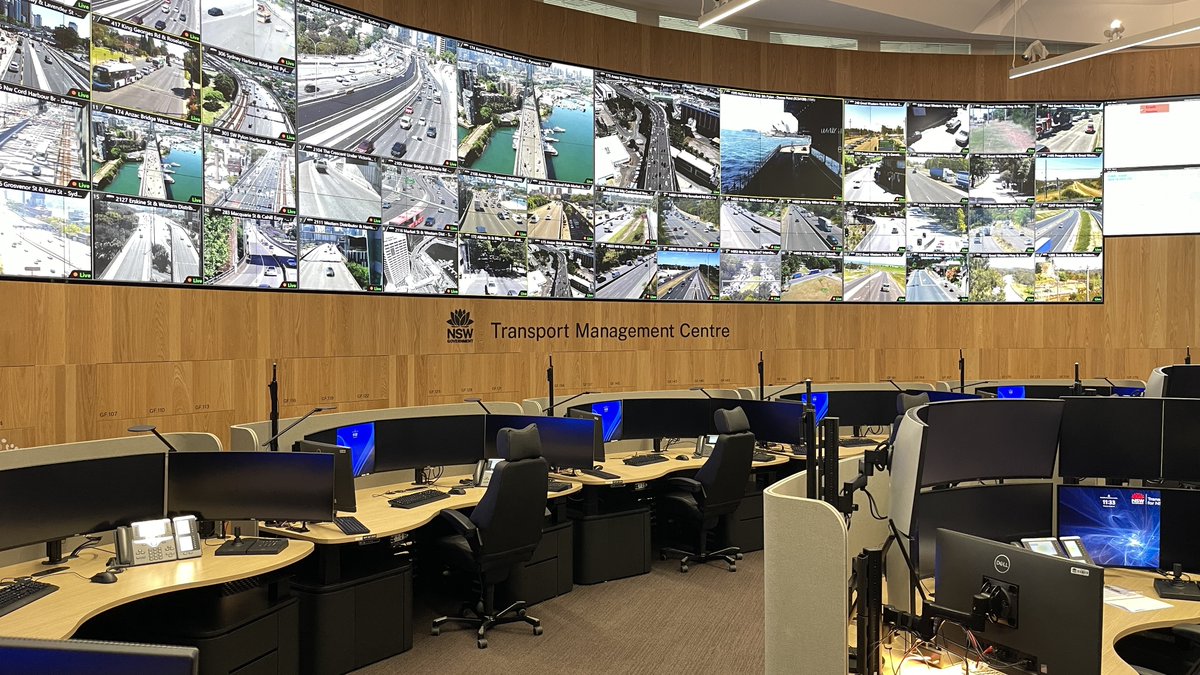
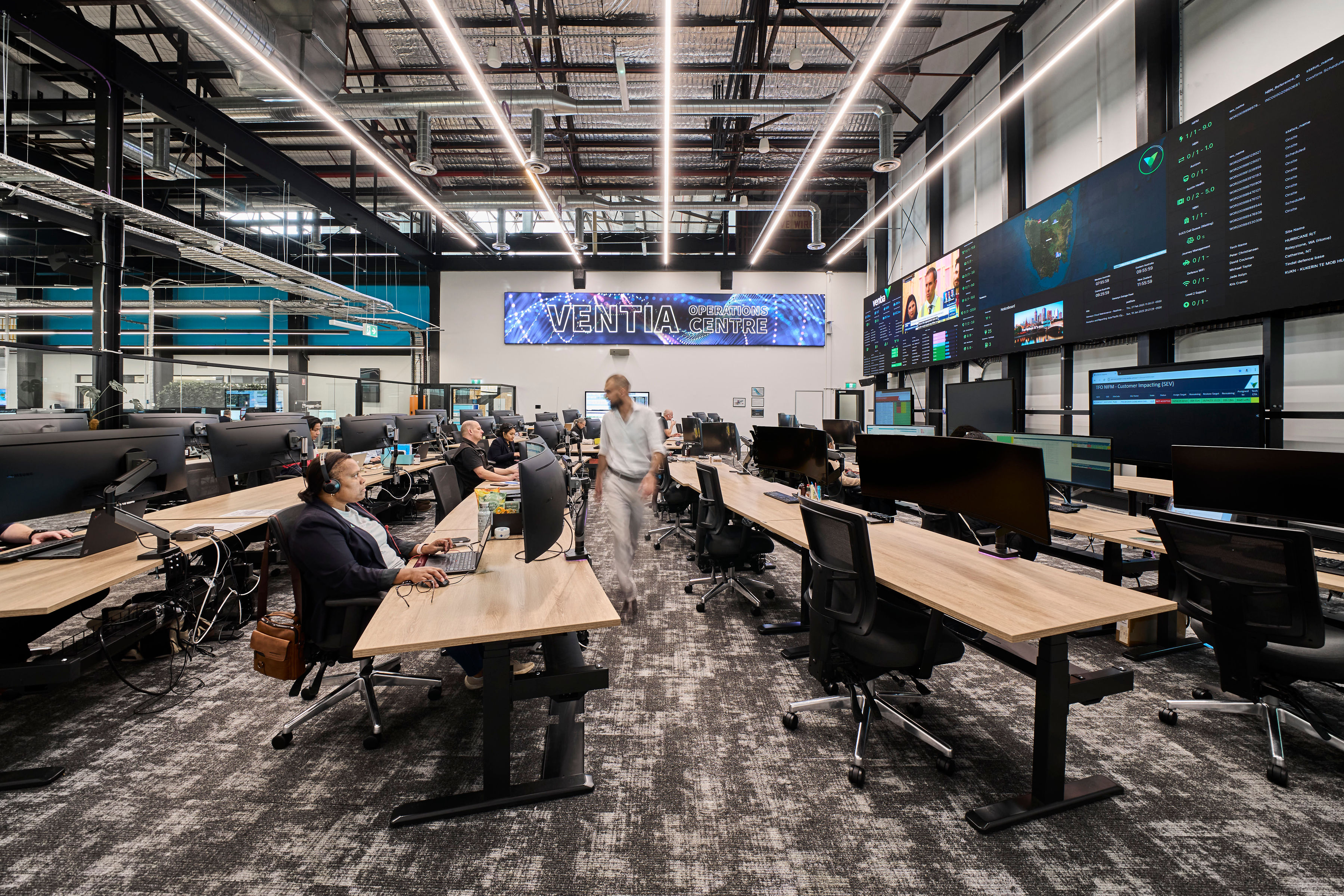
- Service desk or operations environments
- Digital signage networks
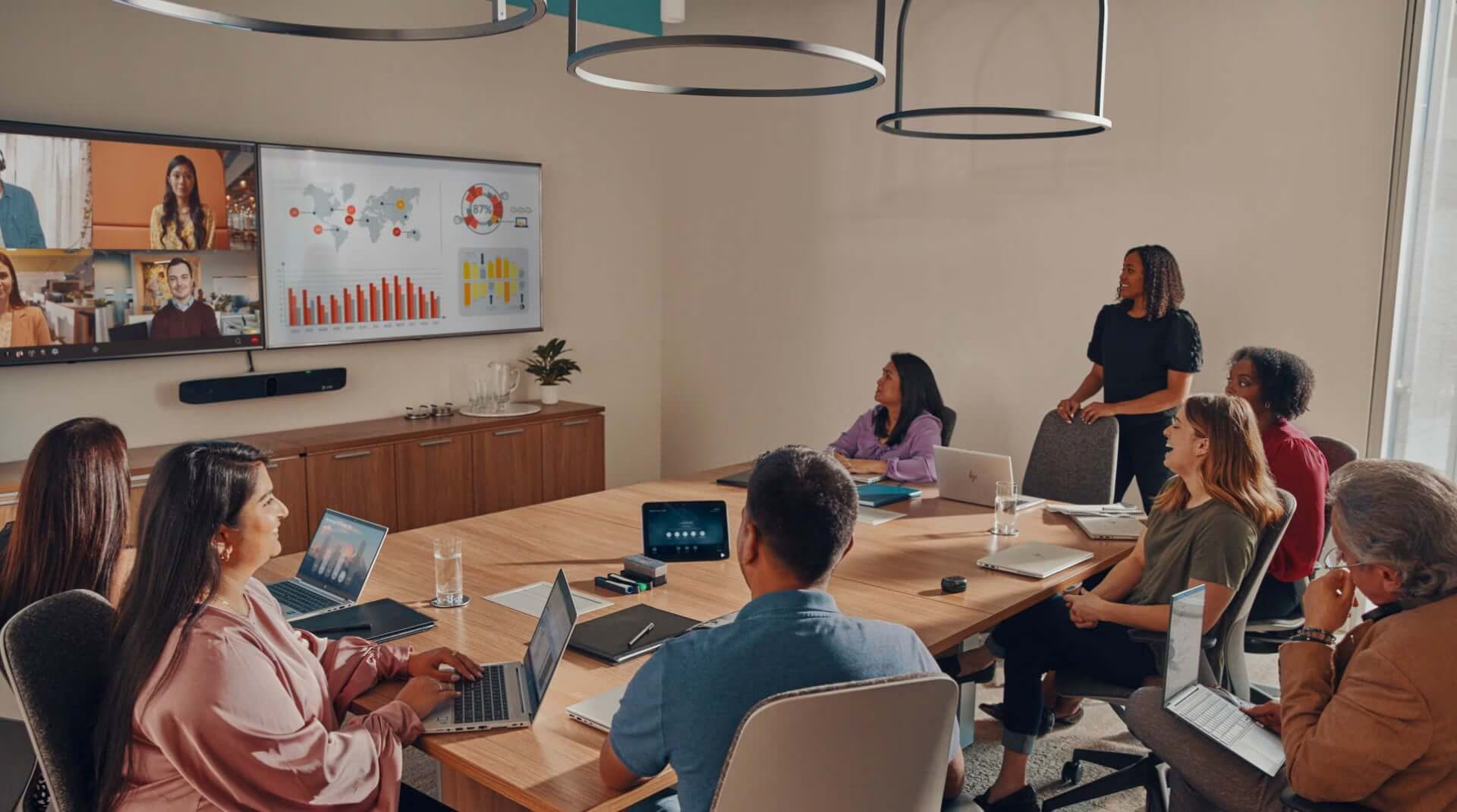
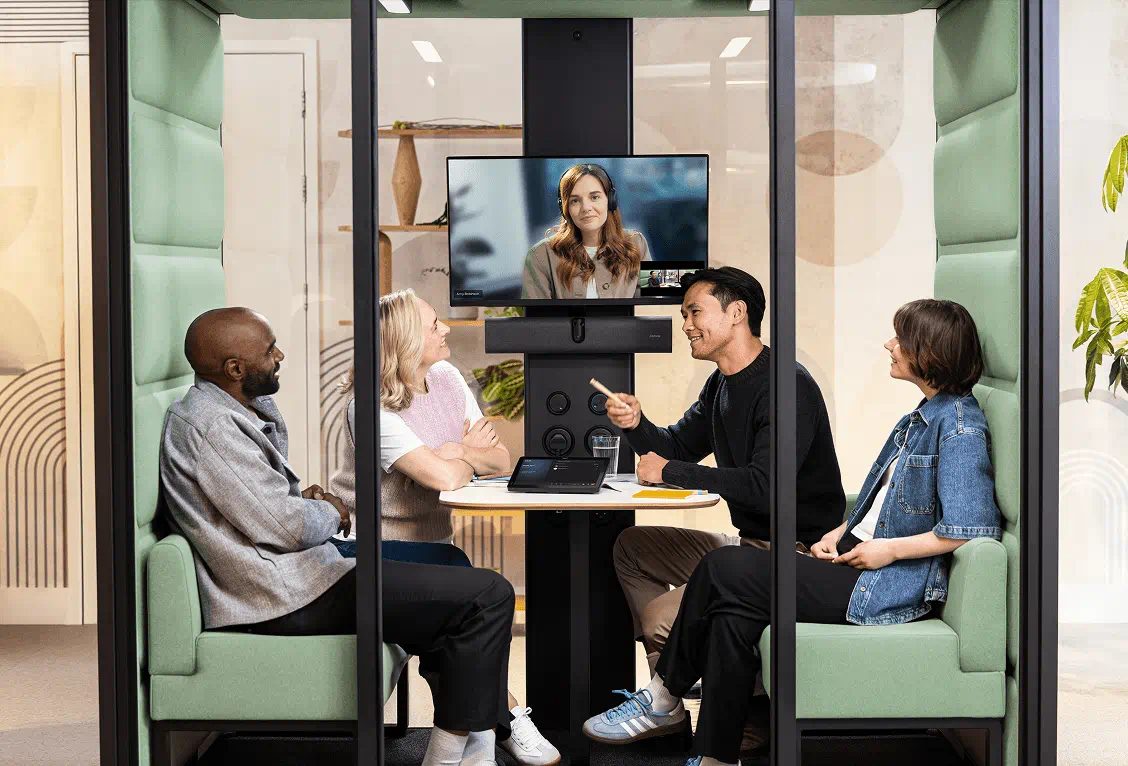
- Hybrid meeting rooms used by distributed teams
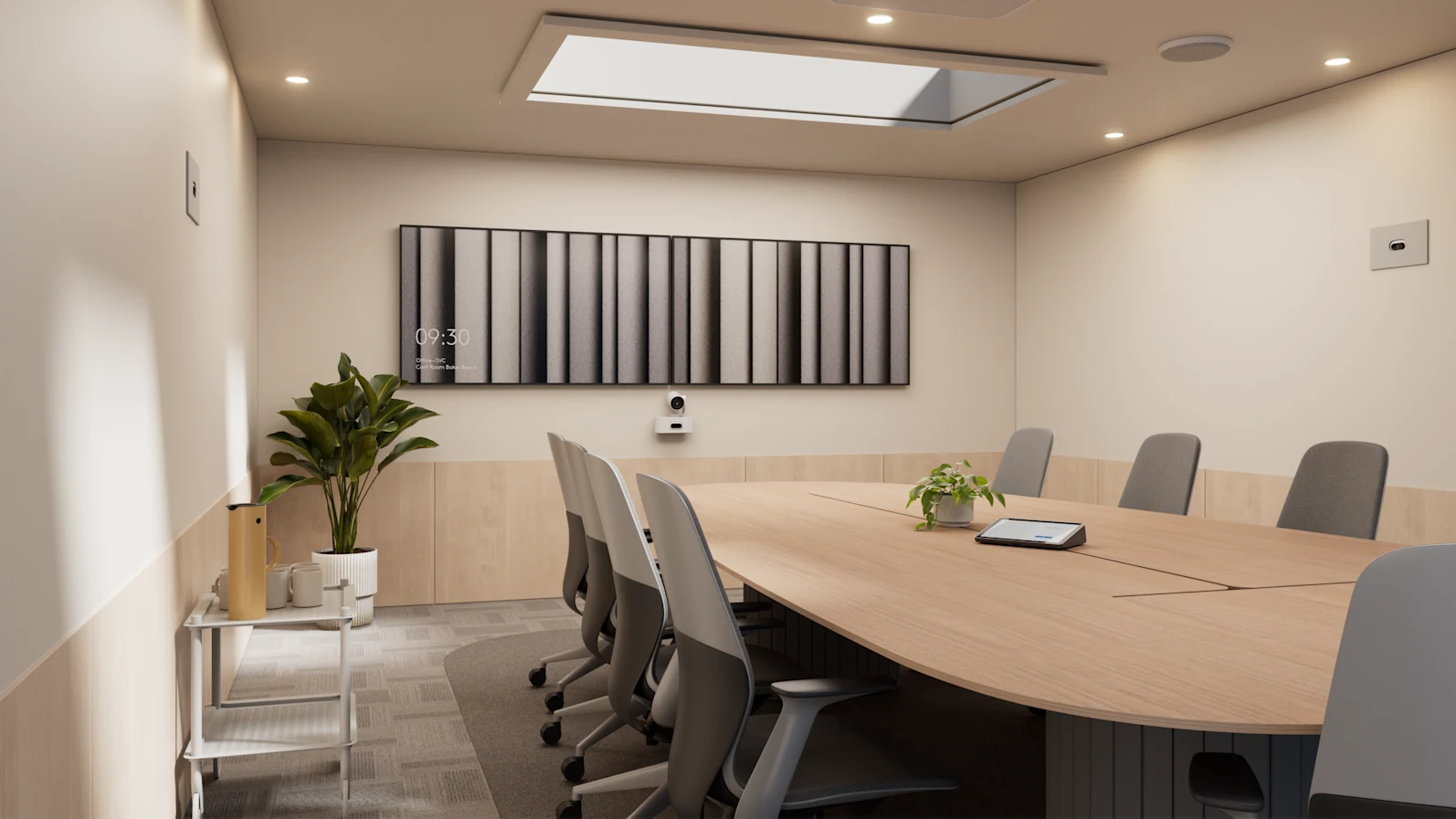
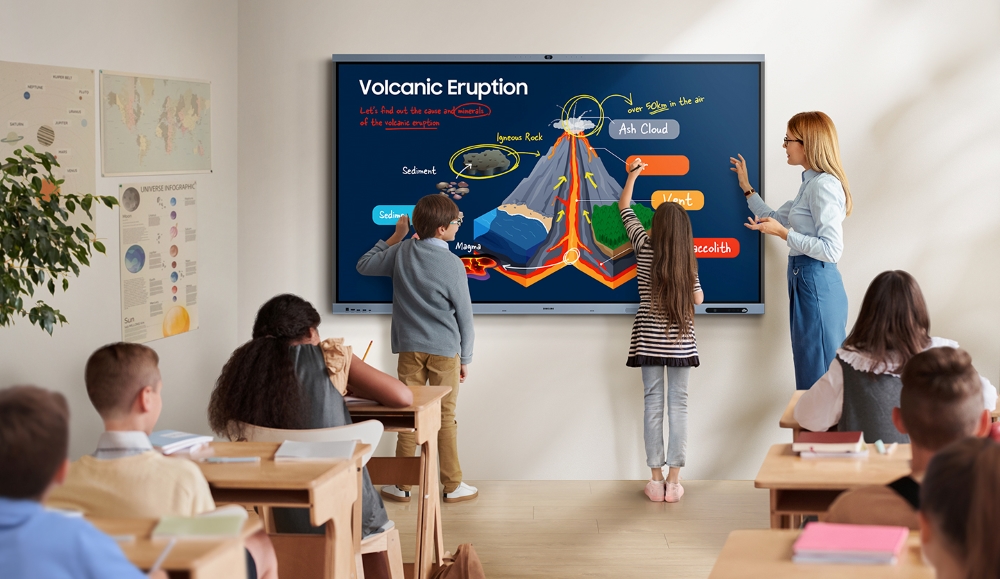
A boardroom used for executive meetings may need better camera coverage, reliable audio pickup and a simple control interface. A university teaching space may need consistent source selection, lecture capture, hearing augmentation and support for remote learning. A reception area may rely on digital signage to manage visitor communication and brand presentation.
Prioritising these spaces helps avoid spreading budget across low-impact upgrades. It also makes the business case clearer for finance and procurement teams.
Identify end-of-life and hard-to-support equipment
Older AV equipment can create practical support problems. It may still turn on, but that does not mean it is reliable, compatible or easy to maintain.
Common issues include:
- Devices no longer supported by the manufacturer
- Firmware that can no longer be updated
- Control systems requiring specialist legacy knowledge
- Displays, projectors or switchers nearing failure
- Video conferencing hardware that no longer suits current platforms
- Microphones or speakers affecting meeting quality
- Equipment that cannot be monitored remotely
- Replacement parts that are difficult to source
Hard-to-support systems can place pressure on internal service teams. A small fault can take longer to resolve if the equipment is old, poorly documented or dependent on a single person’s knowledge.
EOFY is a useful point in the year to review these risks and decide what should be replaced, standardised, repaired or retired.
Check compatibility with your collaboration platforms
Meeting rooms need to match the way people actually work.
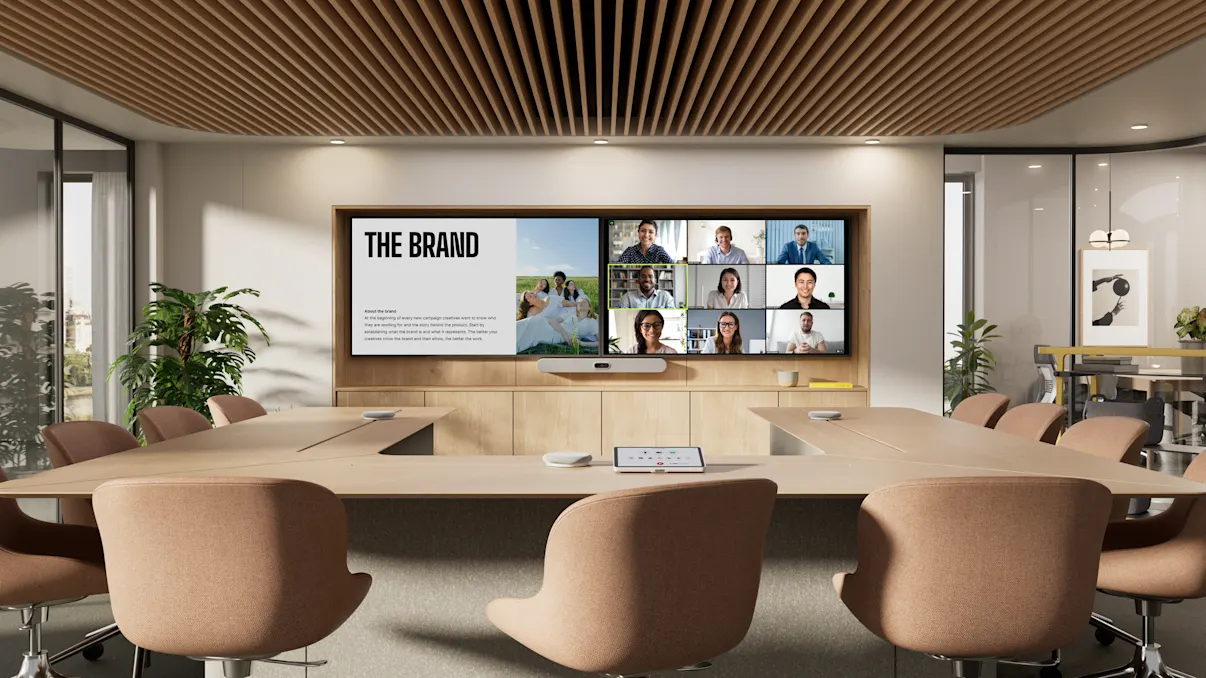
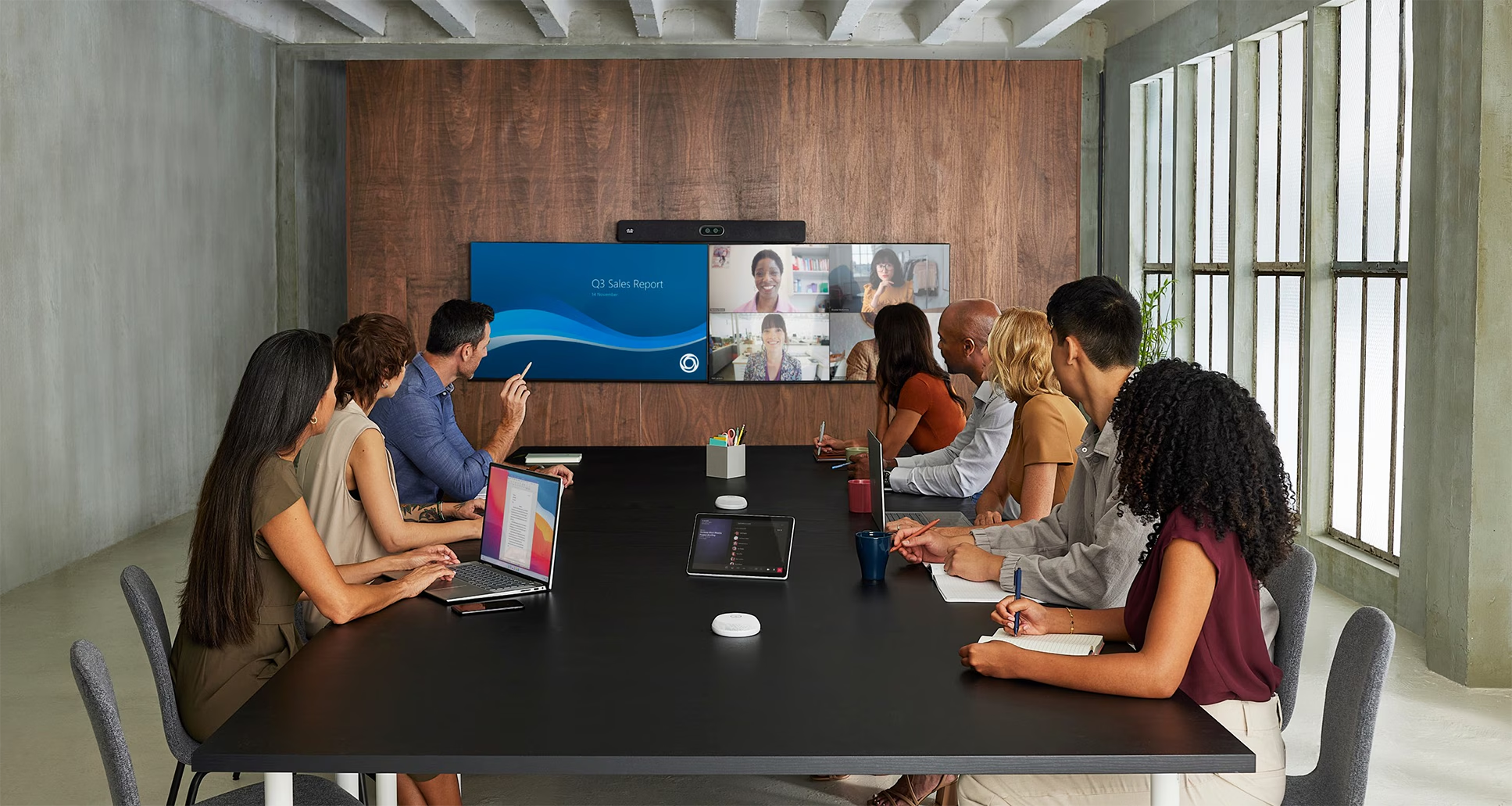
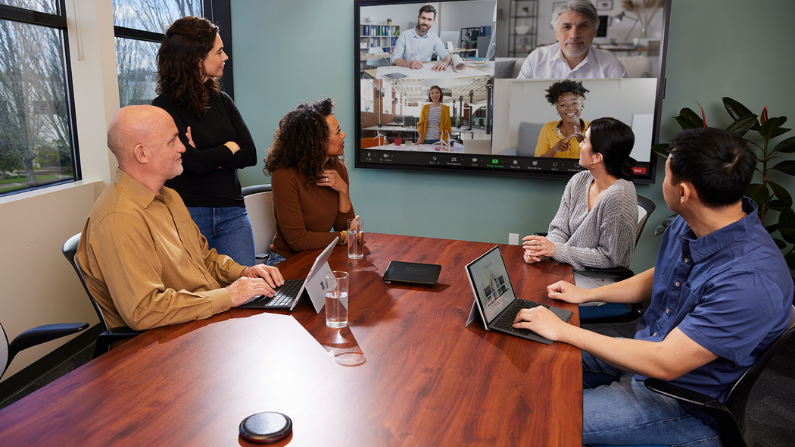
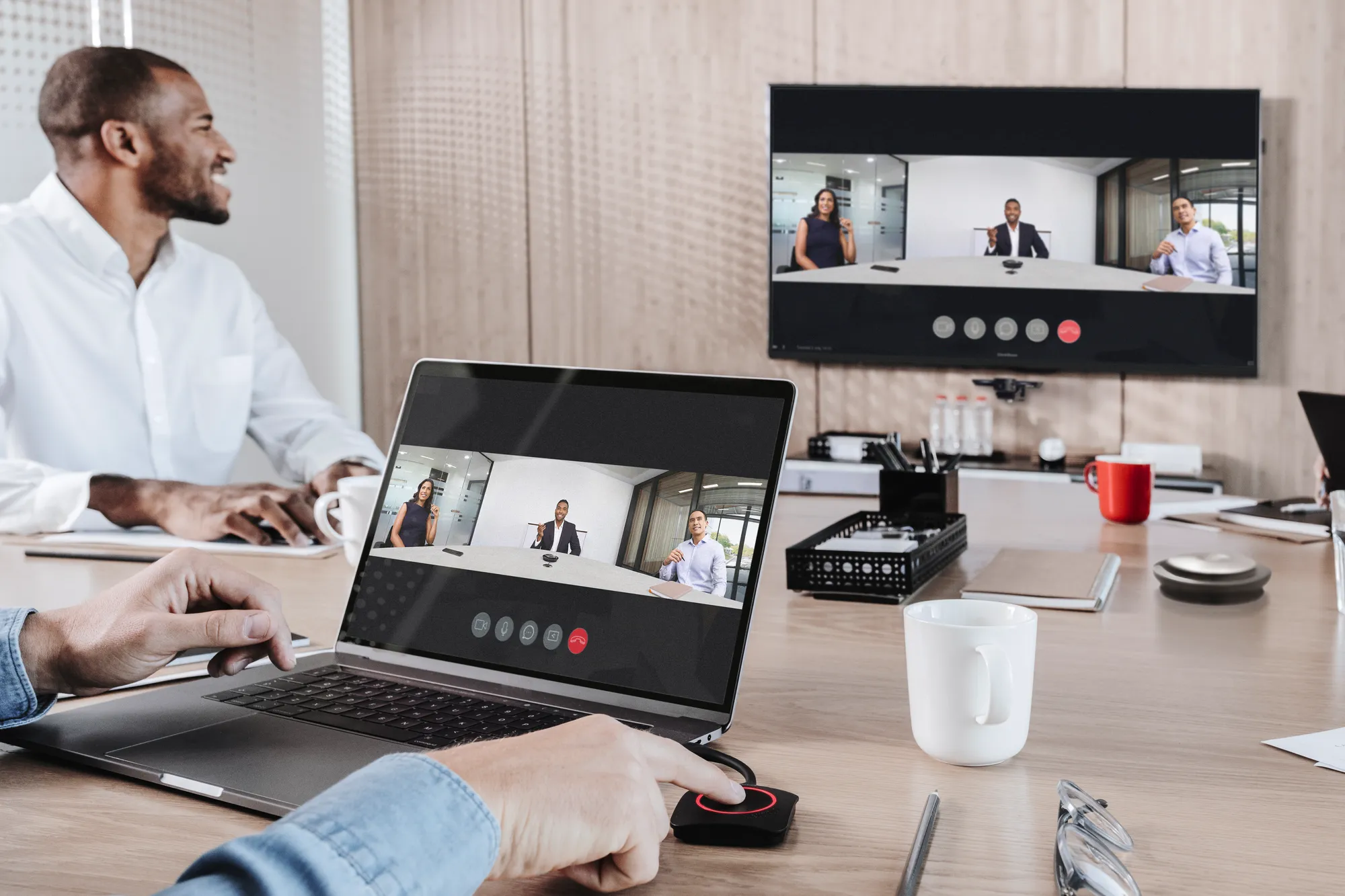
For many Australian organisations, Microsoft Teams Rooms, Zoom Rooms and BYOD or BYOM spaces are now part of daily operations. If the room design does not support these workflows properly, users will find workarounds or avoid the room altogether.
Before approving AV spend, check:
- Does the room support Microsoft Teams Rooms, Zoom Rooms or BYOD use?
- Is USB-C connectivity clear and reliable?
- Can users join meetings without calling IT?
- Is the audio clear for remote participants?
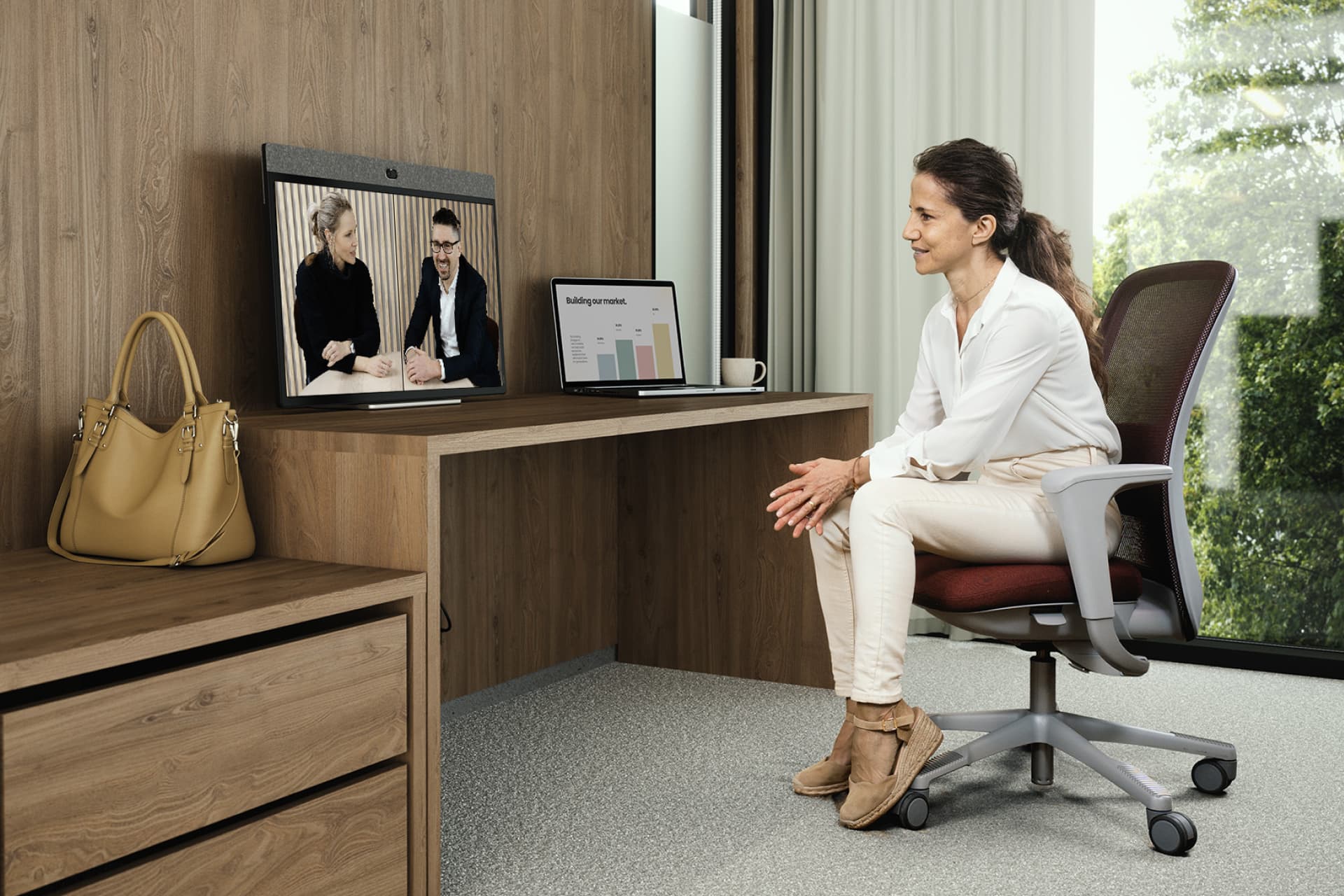
- Does the camera cover the right people and angles?
- Are microphones suitable for the room size and table layout?
- Is the network ready for the devices being installed?
- Can the room be monitored and supported remotely?
- Is the control interface simple enough for everyday users?
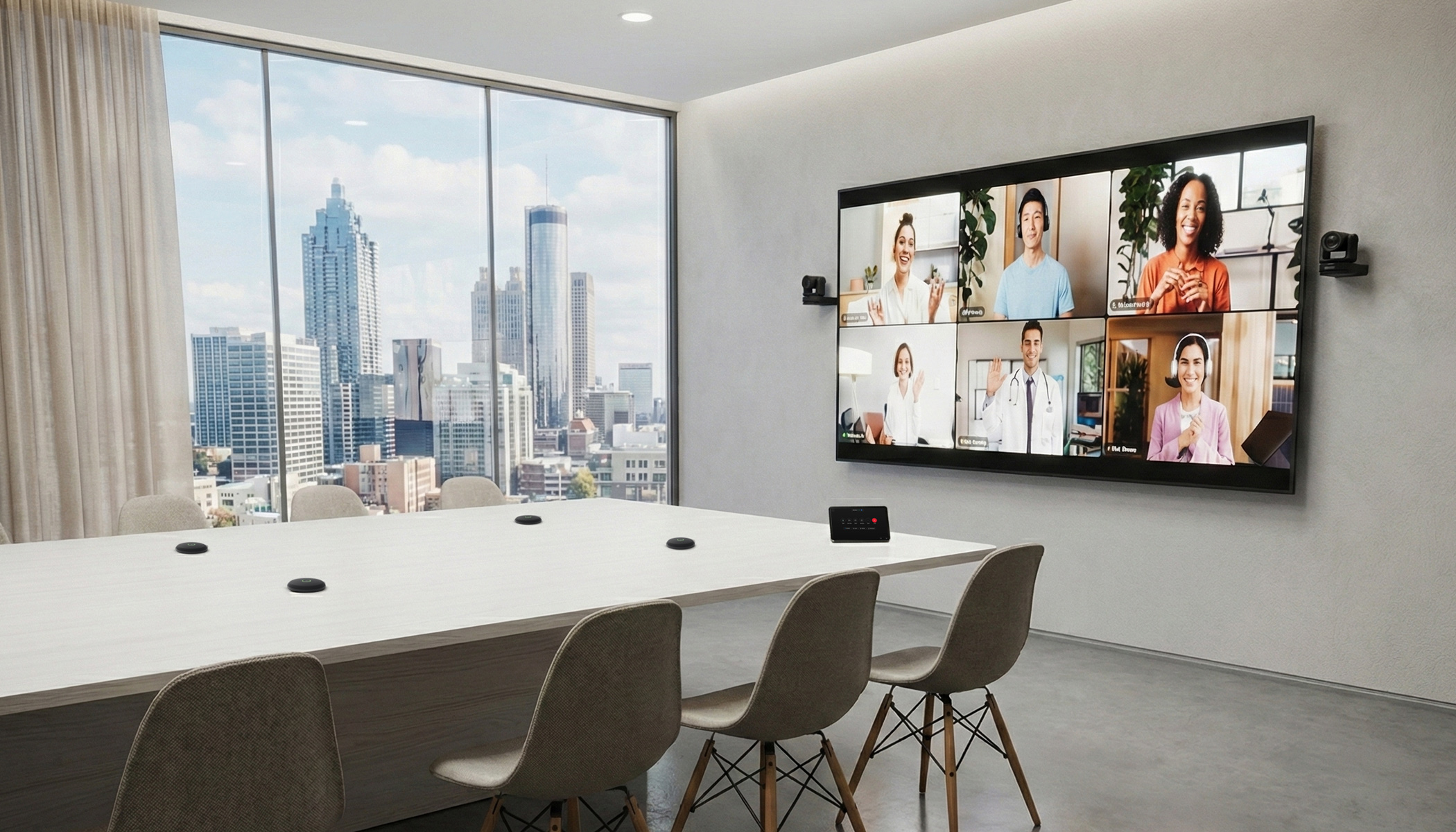
Audio quality is often the biggest issue in hybrid meetings. A room can have a good display and camera but still deliver a poor experience if remote participants cannot hear clearly. Camera placement, microphone selection, acoustics and room layout should all be reviewed together.
Think beyond the purchase price
The equipment cost is only one part of an AV project.
A reliable meeting room, boardroom, lecture space or signage system also needs proper design, installation and support. Budget planning should allow for the full scope of work, not just the hardware.
Consider costs such as:
- Design and documentation
- Installation
- Programming
- Commissioning
- Testing
- User training
- Support and maintenance
- Monitoring
- Spare equipment
- Future upgrades
- Lifecycle planning
For example, a meeting room upgrade may include displays, cameras, microphones and speakers, but it may also need control programming, network coordination, cable management, user guides and post-installation support.
Allowing for these requirements upfront reduces the risk of under-scoped projects and makes the room easier to support after handover.
Use EOFY planning to standardise, not just spend
Last-minute purchasing can create long-term support issues if every room ends up with different equipment, interfaces and workflows.
Standardisation helps reduce that complexity.
For larger organisations, this may include:
- Standard room types for small, medium and large meeting spaces
- Consistent control interfaces
- Approved equipment lists
- Repeatable Teams Rooms or Zoom Rooms designs
- Common display, camera and microphone standards
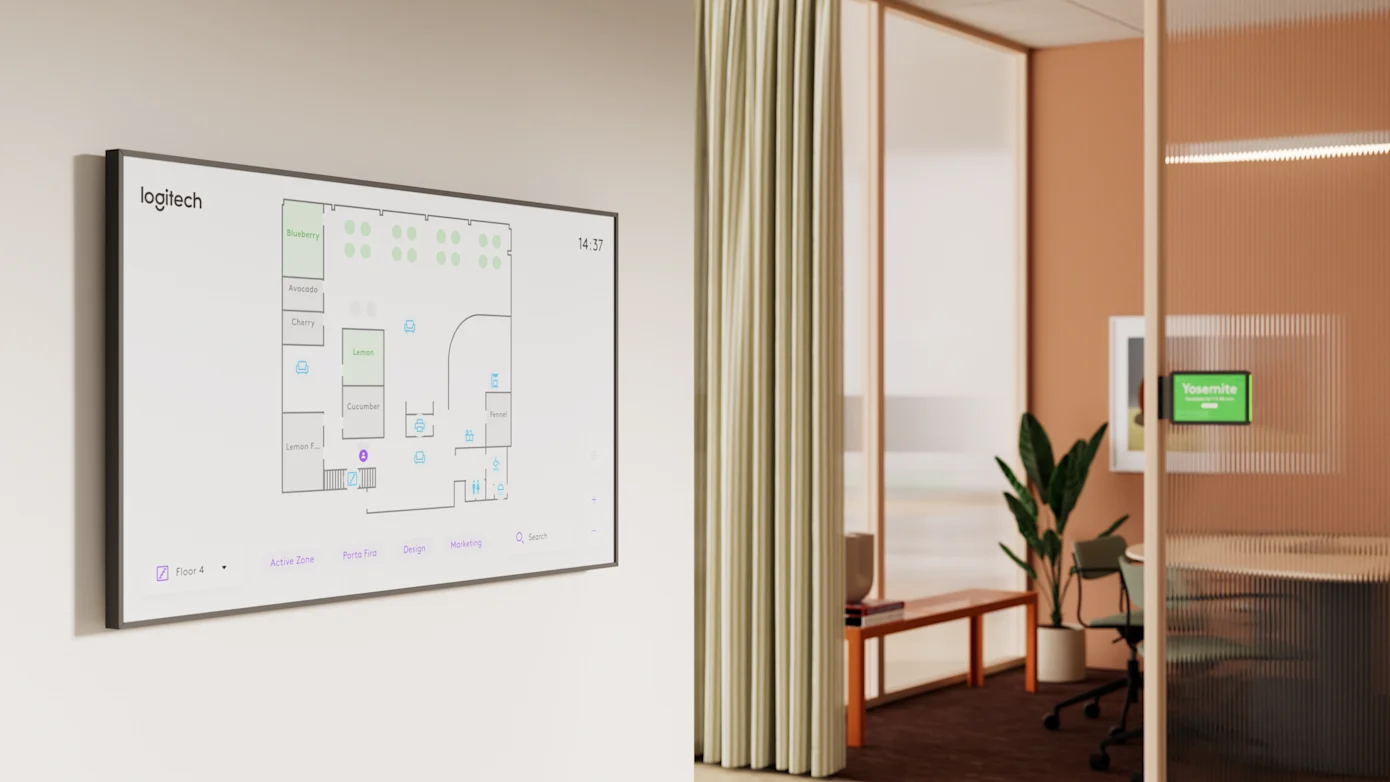
- Consistent digital signage workflows
- Clear support and escalation processes
Standardisation does not mean every room needs to be identical. A boardroom, training space and small meeting room will have different requirements. The aim is to make the environment easier to manage, easier to support and easier for users to understand.
This is especially useful for organisations with multiple offices, campuses, agencies or branches across Australia.
Plan now for the next financial year
EOFY also gives teams a chance to prepare for projects that will happen after 1 July.
AV projects often involve more stakeholders than expected. IT, facilities, procurement, finance, workplace teams, security, operations and end users may all need input. Lead times can also vary depending on equipment availability, site access, design requirements and approval processes.
Early planning helps organisations:
- Forecast budget more accurately
- Stage upgrades across sites or departments
- Pilot new room standards before wider rollout
- Align AV works with office refurbishments
- Coordinate procurement and installation windows
- Reduce disruption to users
- Build a multi-year lifecycle plan
For national organisations, education providers, healthcare environments and government agencies, staged planning can be more manageable than trying to refresh too many spaces at once.
Work with an AV partner early
An AV partner can help bring structure to EOFY planning before money is committed.
A commercial AV integrator can support:
- Room and asset audits
- Meeting room standards
- AV design and documentation
- Collaboration platform readiness
- Digital signage planning
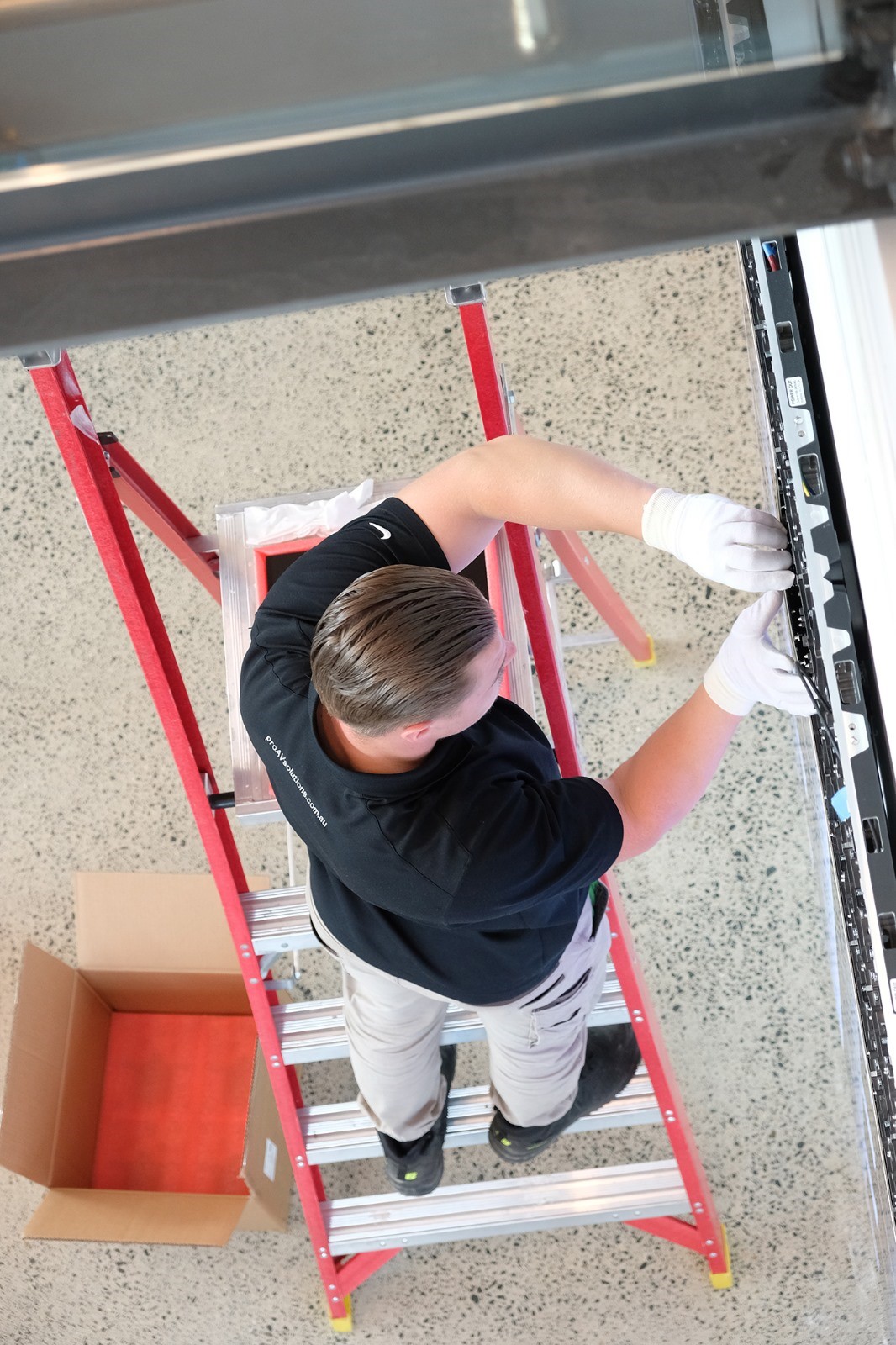
- Installation and commissioning
- Managed services and support
- Room monitoring
- Lifecycle planning
- Multi-site rollout coordination
Pro AV Solutions works with Australian organisations across corporate, government, education, healthcare and enterprise environments. Our teams can help assess current rooms, identify support risks, plan practical upgrades and deliver systems that are easier to use and maintain.
EOFY is a practical checkpoint for AV and workplace technology planning. It gives organisations a chance to review what is installed, identify systems that are becoming difficult to support, prioritise important rooms and prepare for the next financial year.
The strongest AV budget decisions are usually based on clear information: what is being used, what is failing, what users need and what the organisation can support over time.
If your organisation is reviewing AV priorities before 30 June or planning projects for the new financial year, Pro AV Solutions can help with room audits, meeting room upgrades, digital signage, support and lifecycle planning.
Planning AV upgrades before EOFY?
Speak with Pro AV Solutions about your current environment and the practical next steps.



.jpg)
.jpg)







.png)








.jpeg)




.avif)




.jpeg)


.webp)