HP: Why Hybrid Collaboration Depends on Consistency
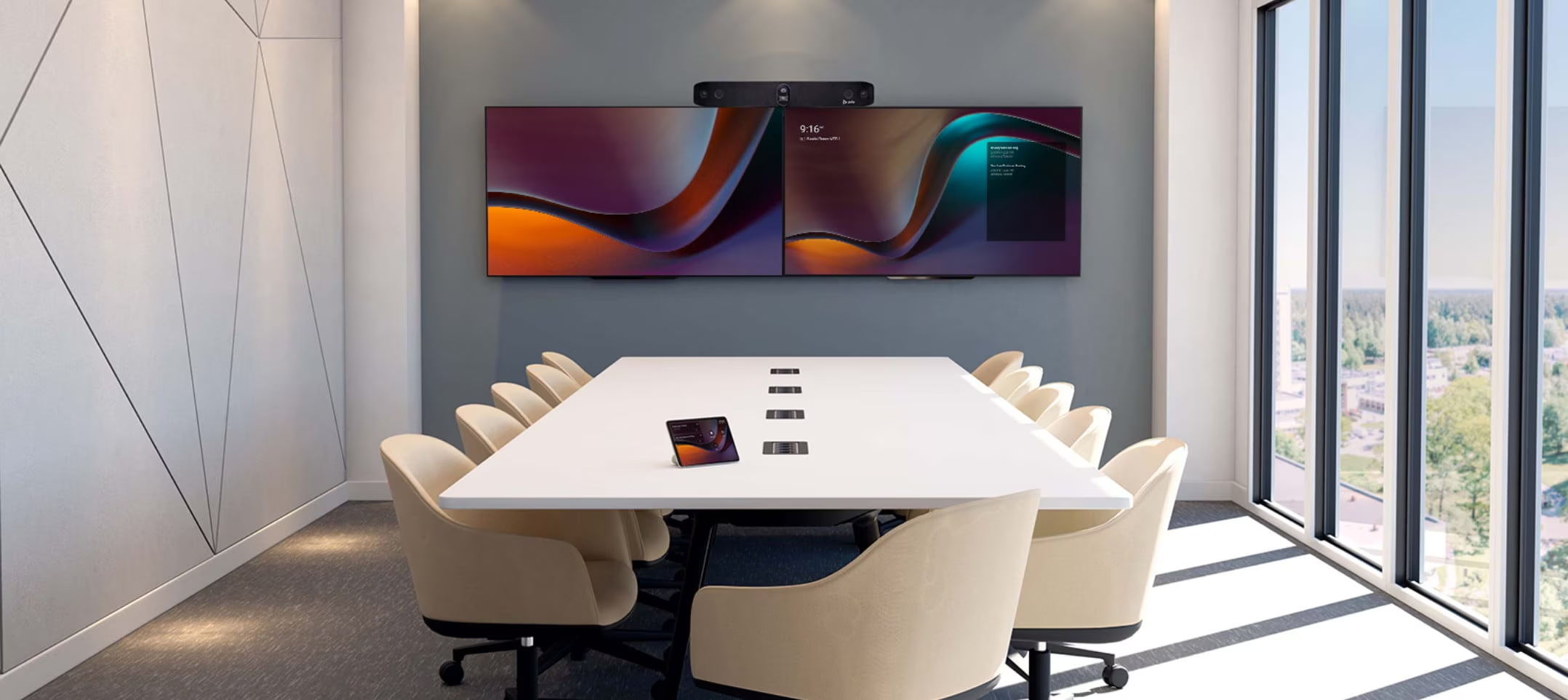
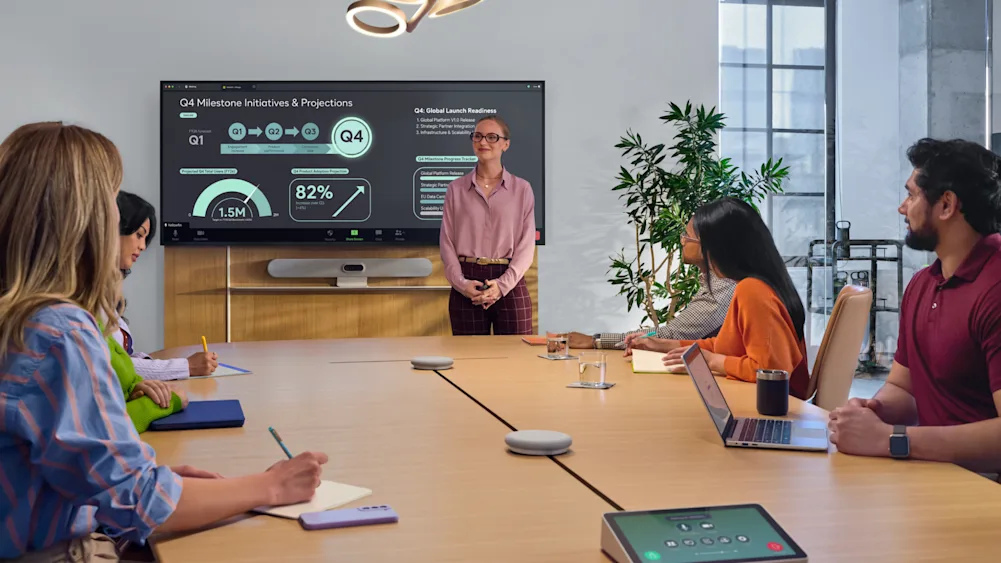
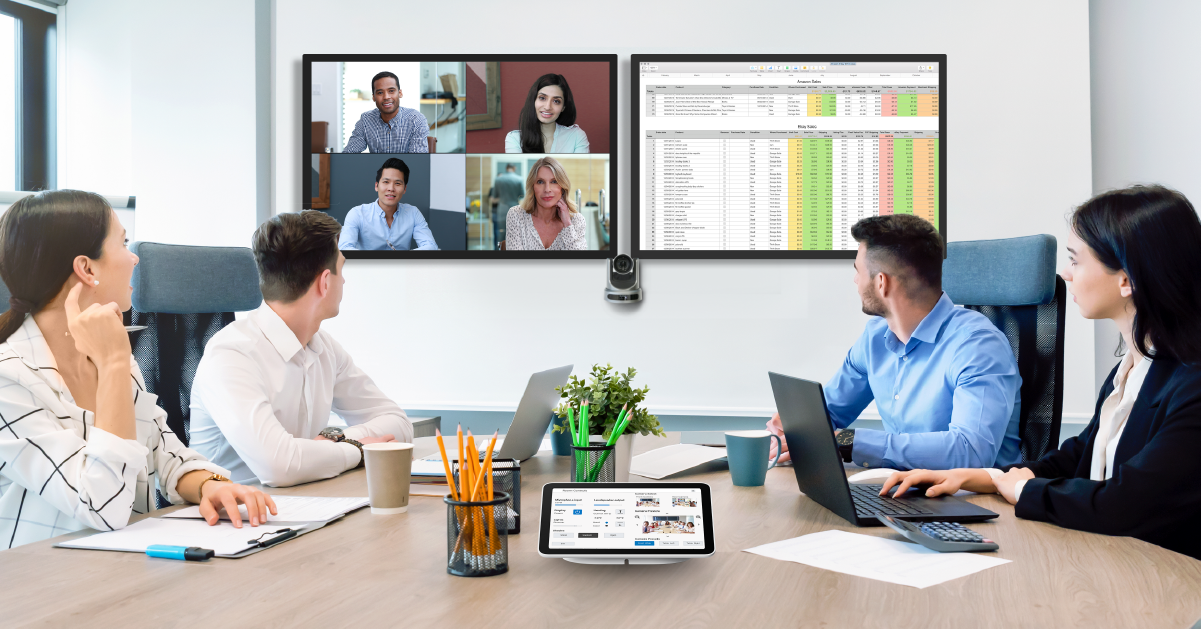
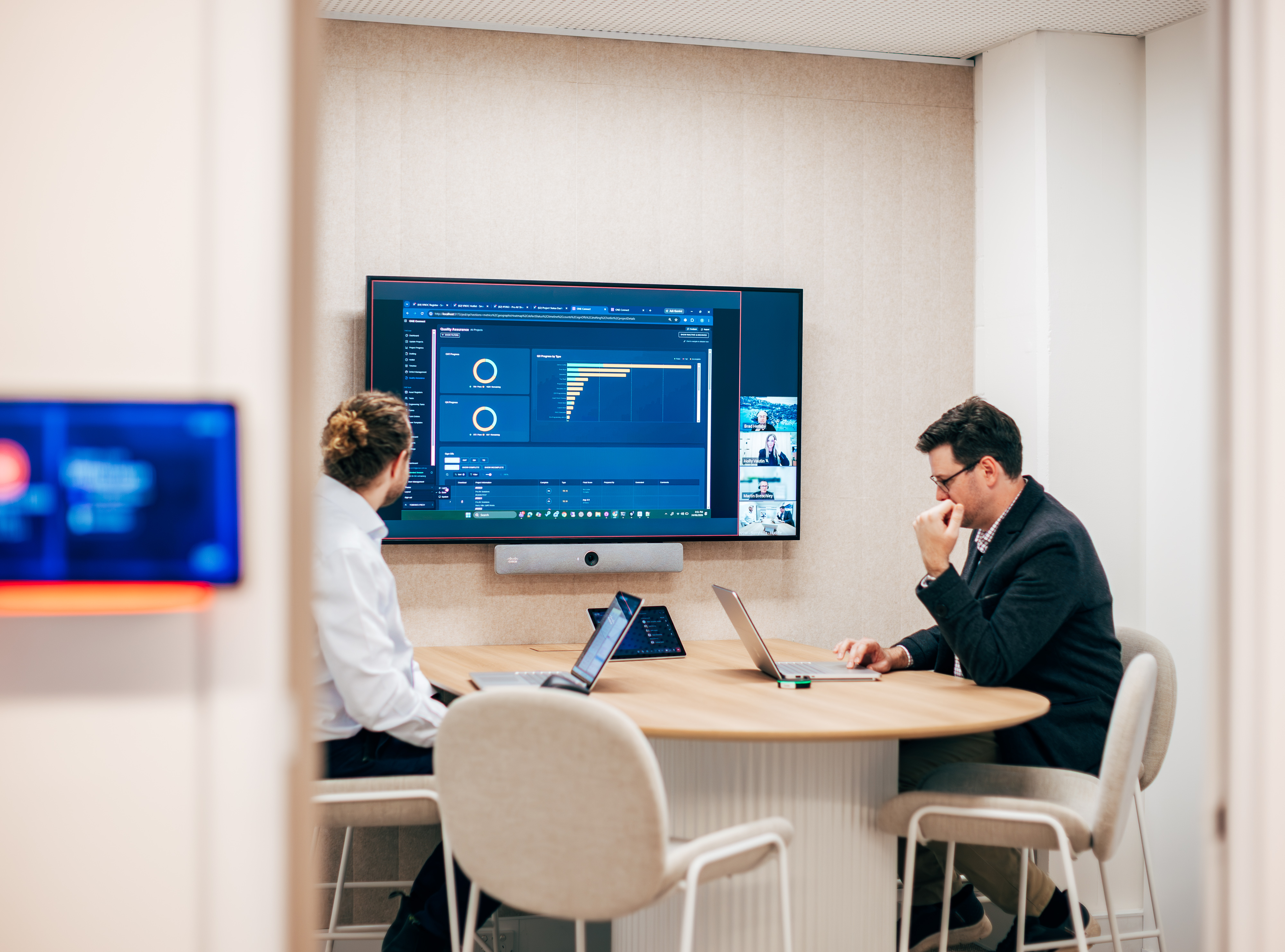
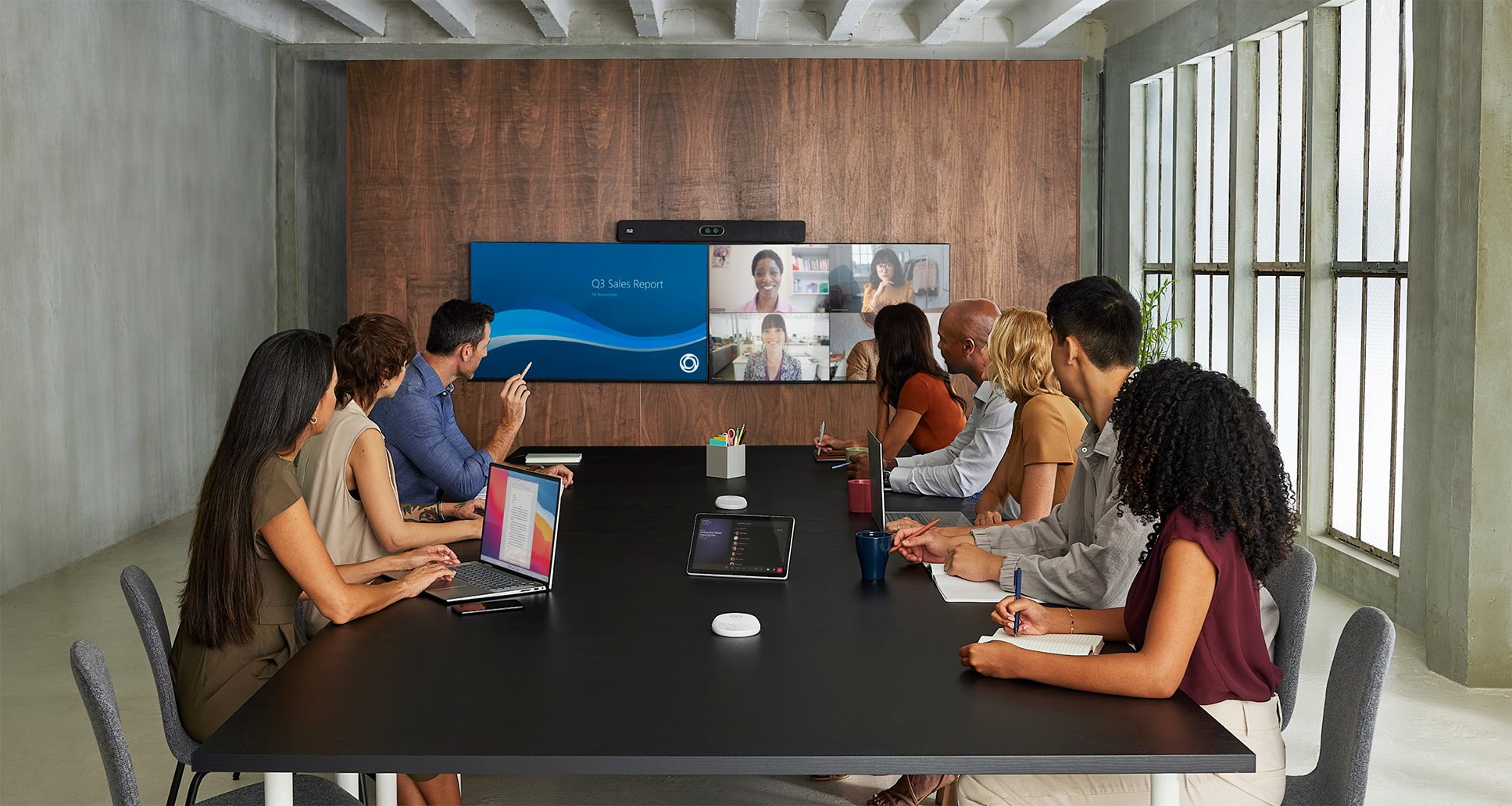
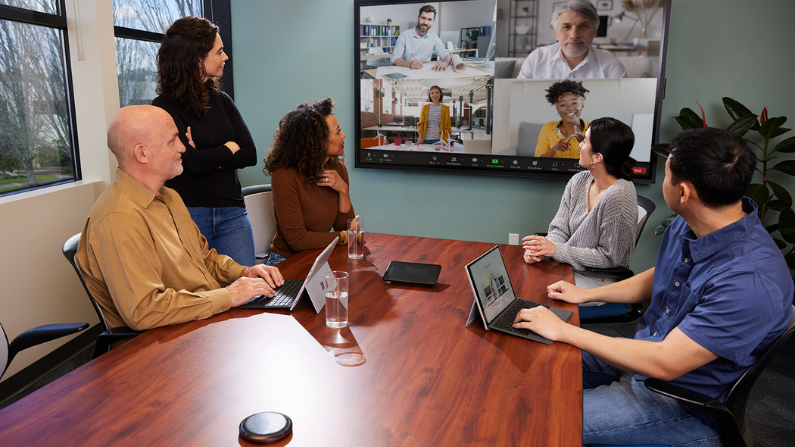
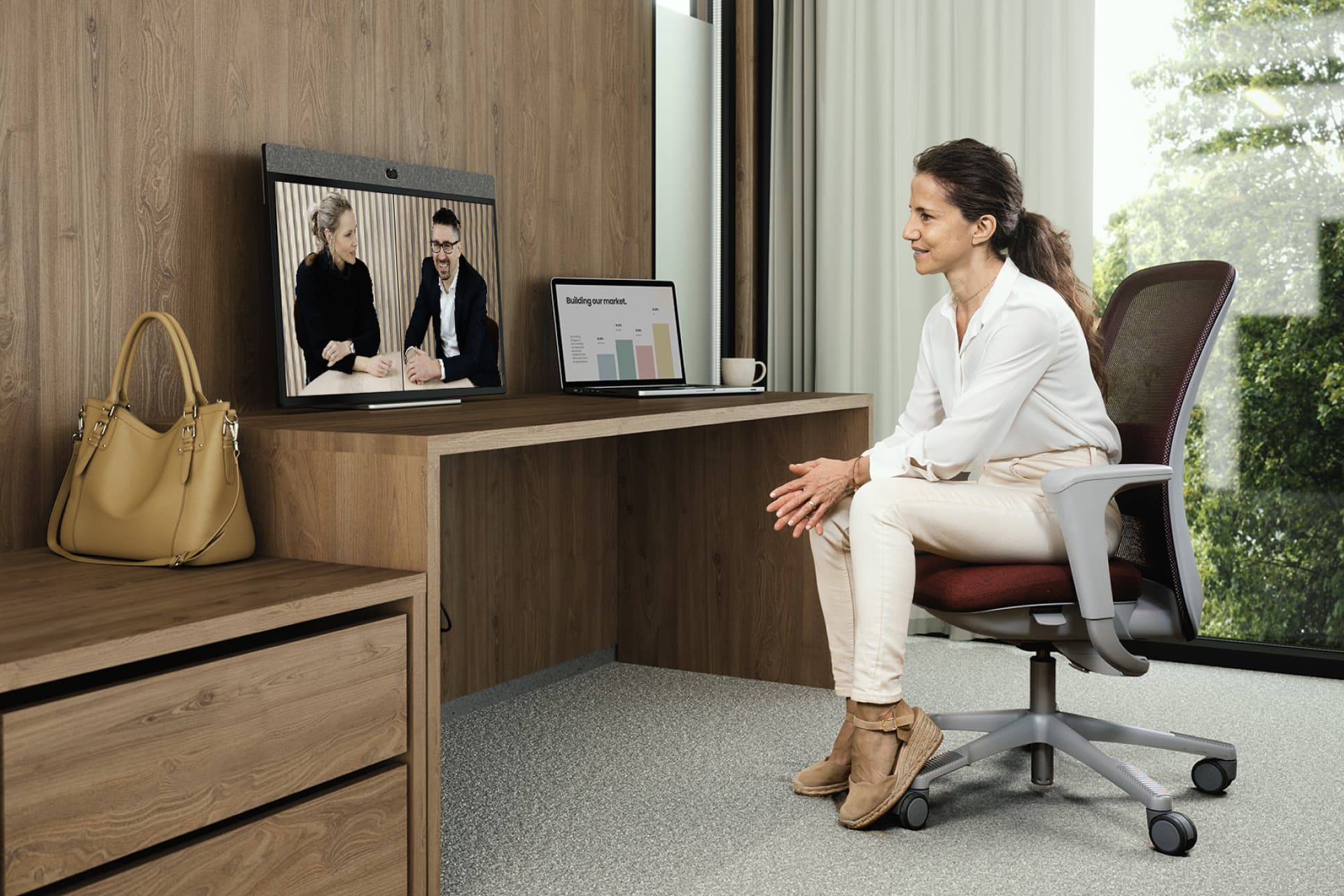
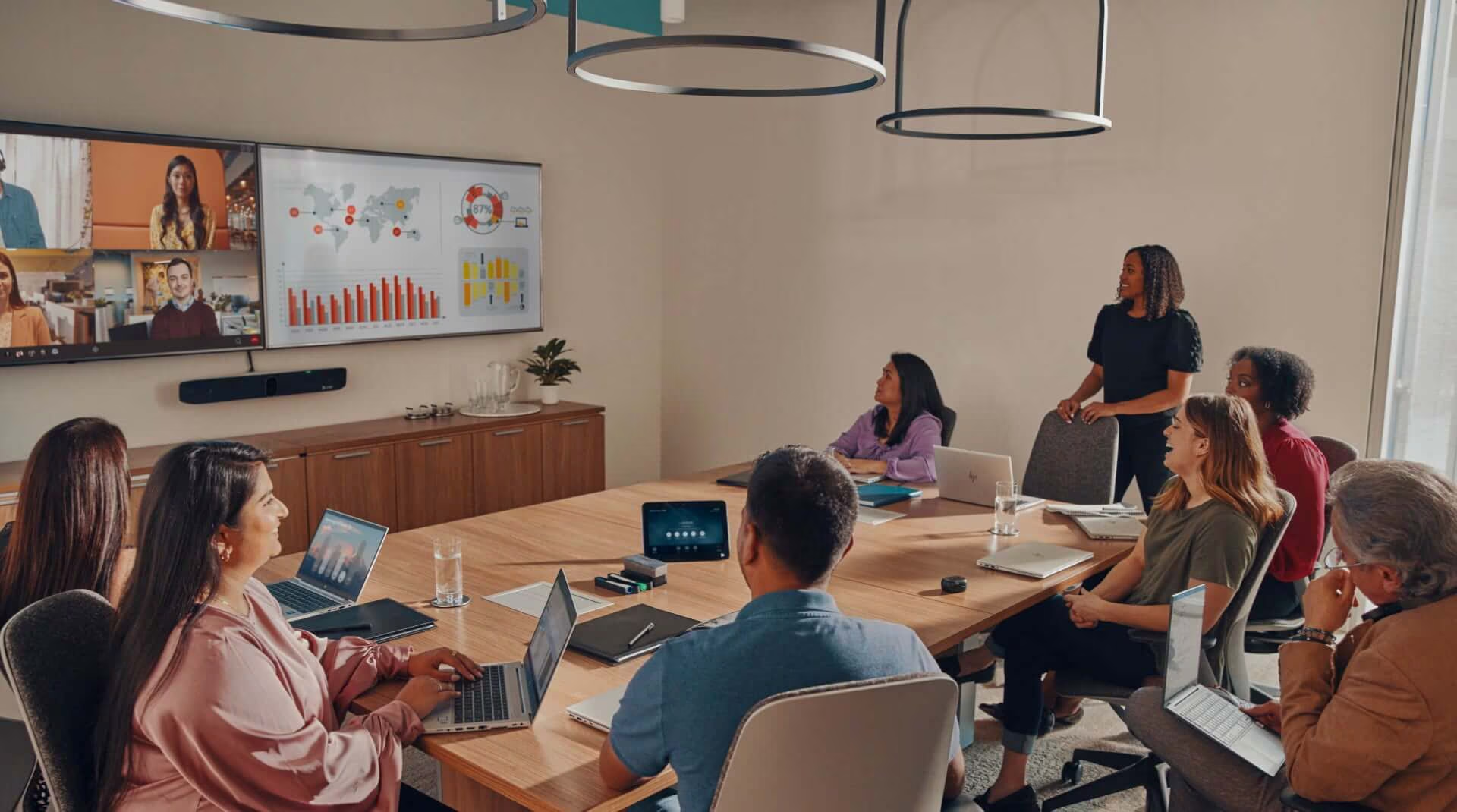
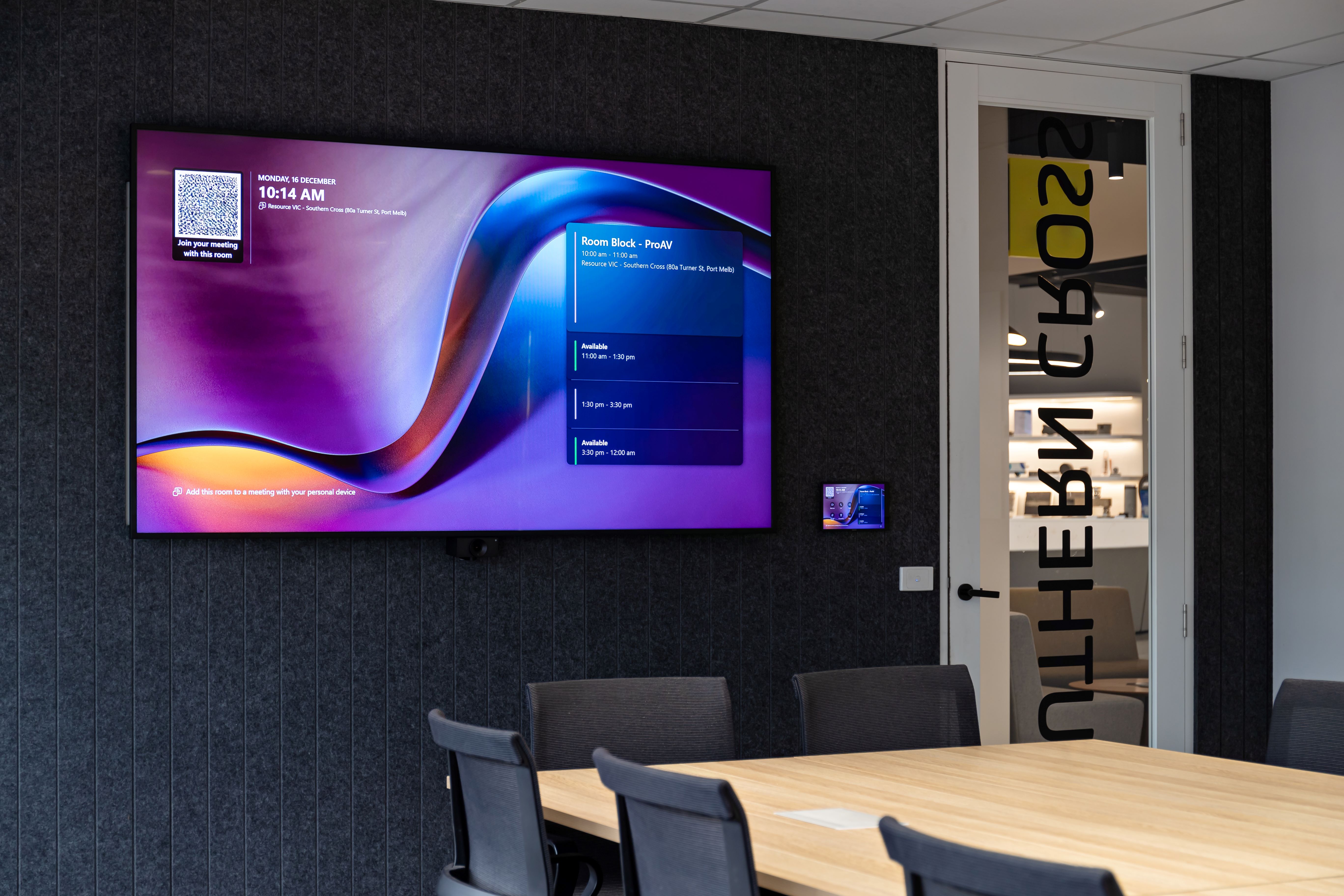
A good hybrid meeting should feel straightforward: walk into the room, join the call and communicate clearly. Delivering that same experience across offices, home workspaces and personal devices is considerably more complex for the teams responsible for supporting it.
HP’s approach places equal emphasis on the experience of the person in the meeting and the visibility available to IT teams behind the scenes.
Clear communication without constant adjustment
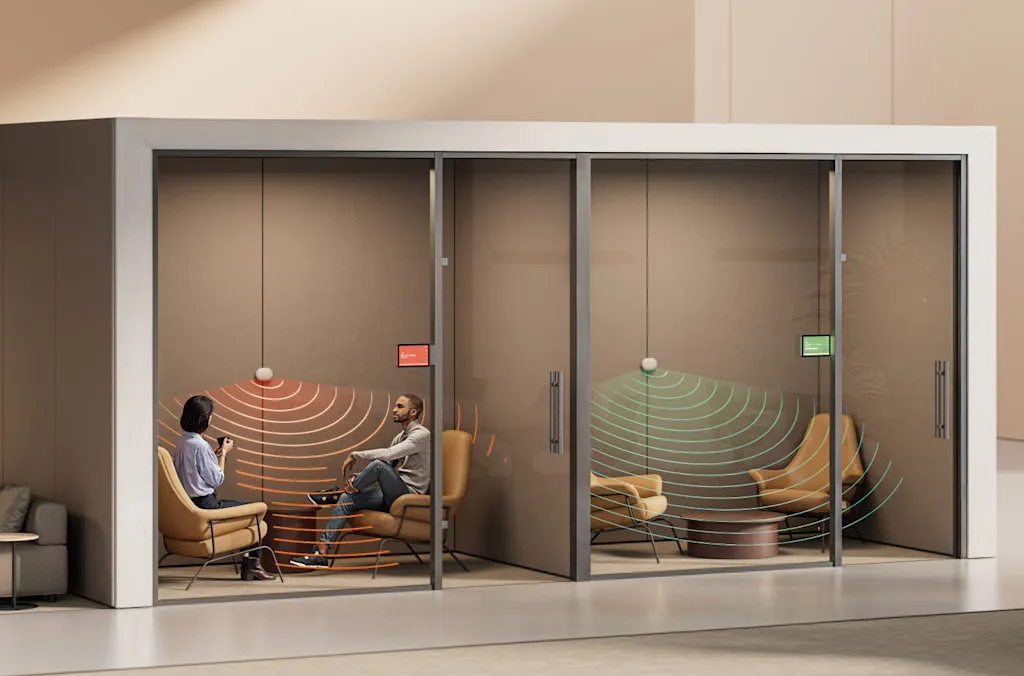
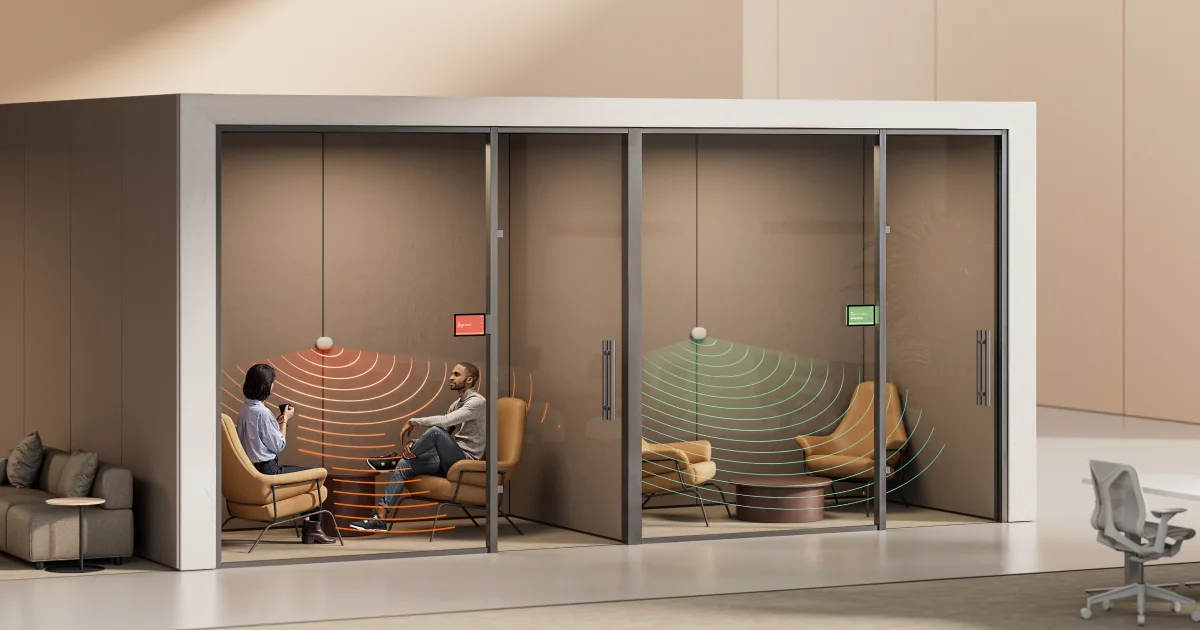
Intelligent audio has become an important part of the collaboration experience. HP has applied machine-learning approaches used in personal headsets to shared eeting spaces, helping address distractions such as background noise, echoes and unexpected sounds.
The intention is not to make users think about AI. It is to make conversations easier to follow without requiring people to manage the audio themselves.
Why does hybrid meeting management need a wider view?
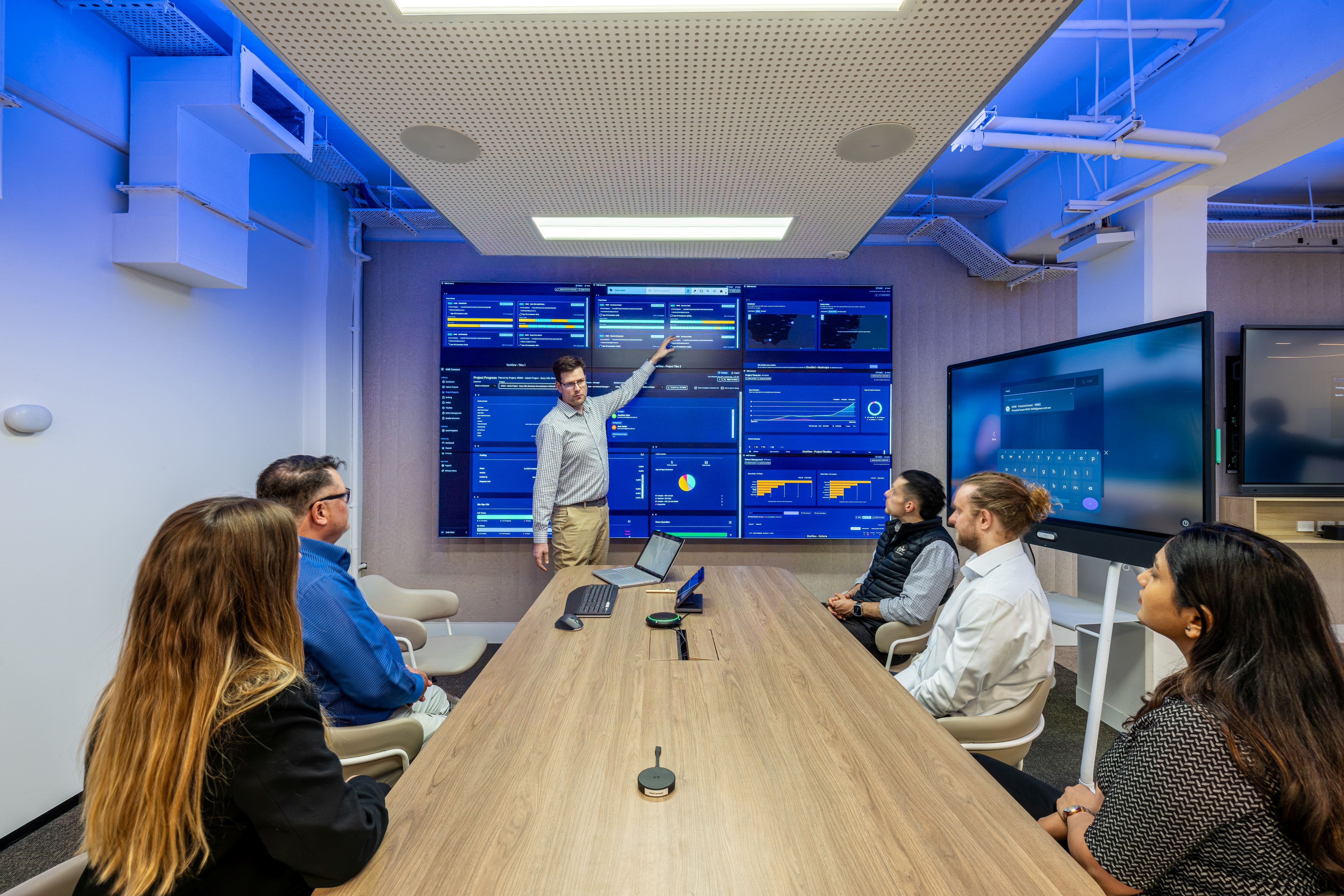
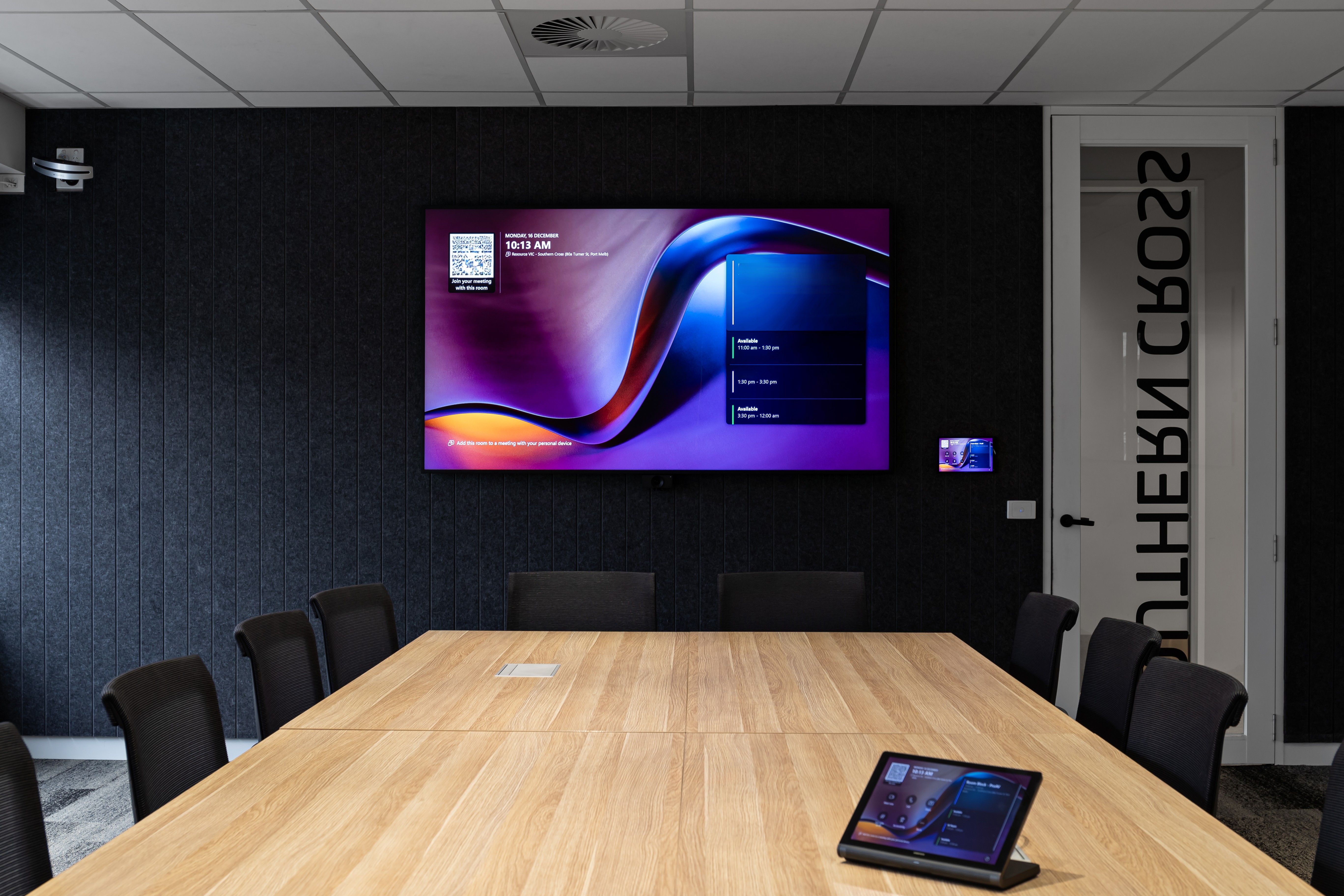
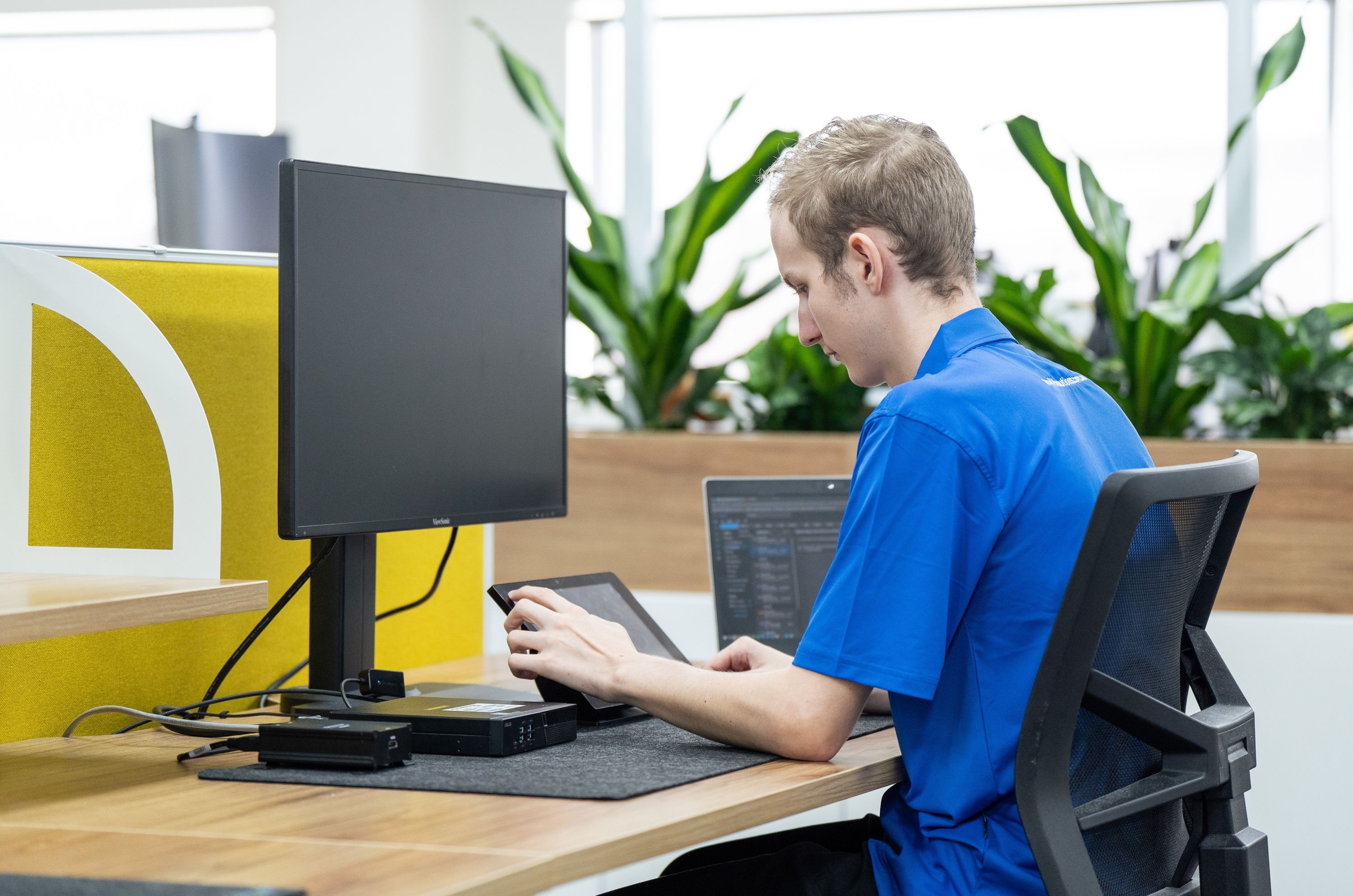
As organisations deploy more meeting rooms, consistency depends on what happens after devices are installed. Poly Lens supports the provisioning, monitoring and management of collaboration equipment, giving support teams a way to oversee devices remotely.
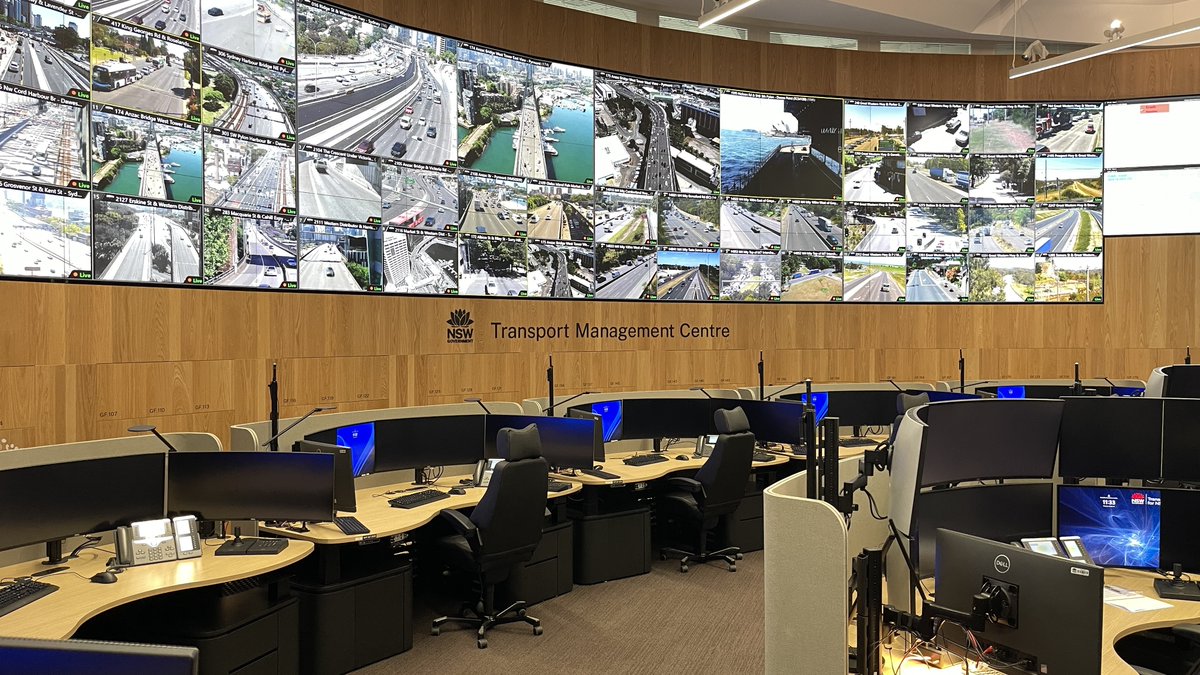
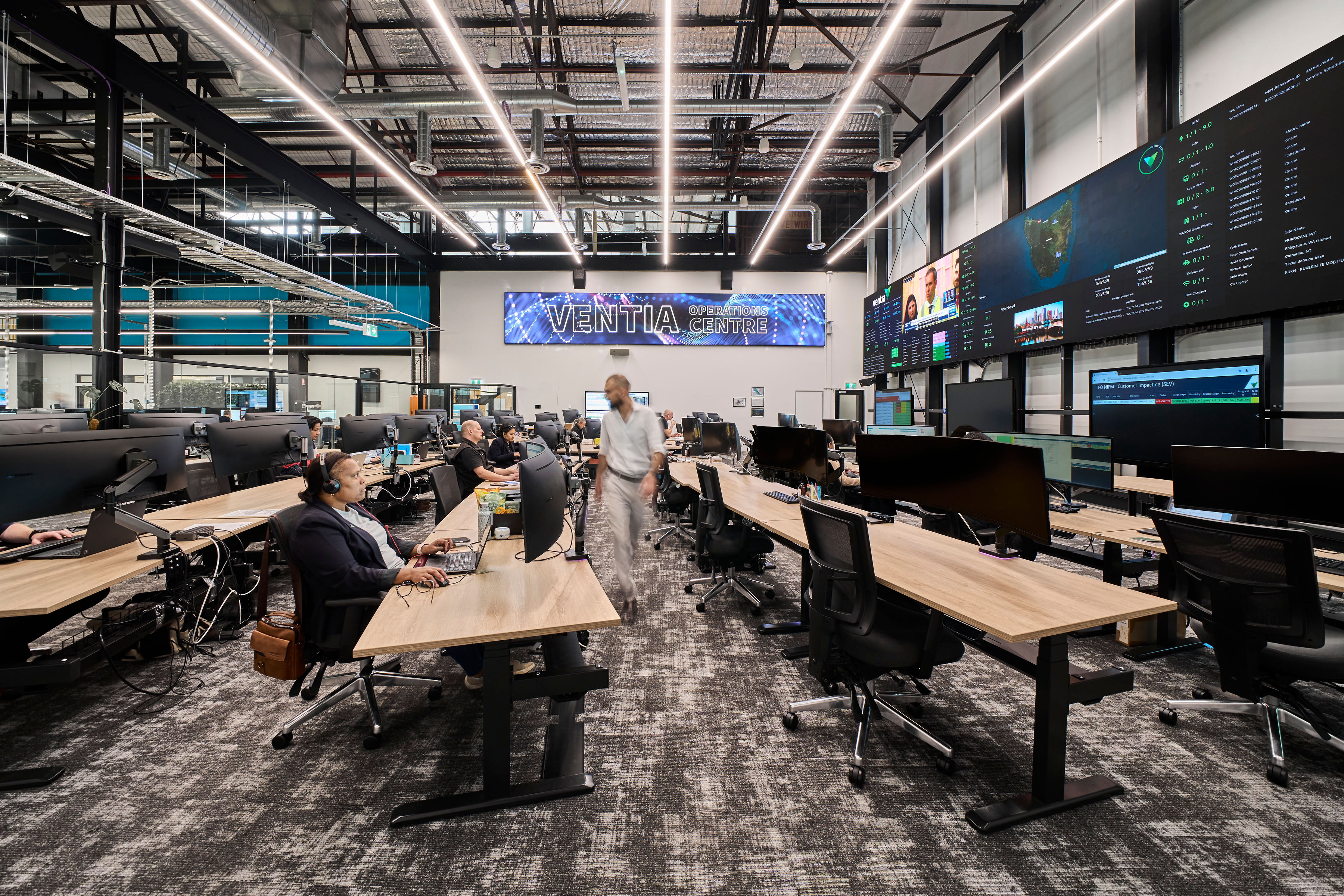
HP also highlighted its Workforce Experience Platform (WXP), which brings together visibility across a broader workplace technology environment. That includes the devices people use, collaboration applications and elements of the network they depend on.
The distinction matters. A meeting may be affected by a headset, room device, application or network connection. Support teams need enough information to investigate the experience rather than focusing on only one piece of hardware.
Planning meeting rooms for new AI capabilities
Meeting room compute is evolving alongside collaboration software. HP/Poly highlighted newer hardware with dedicated processing capability intended to support emerging AI functions in Microsoft Teams Rooms.
Organisations do not need to predict exactly how every AI feature will develop. They do need to think about the ability to maintain their systems, manage them consistently and support new functions as collaboration platforms evolve.
For large workplace portfolios, the real measure of success is not how many features a room contains. It is whether employees have a reliable experience and IT teams can keep that experience consistent at scale.