AI-Enabled Meeting Rooms: What Australian Organisations Should Evaluate Before Investing

AI-enabled features are becoming increasingly common in meeting room technology.
Recent product developments have introduced more advanced camera framing, audio processing, speaker tracking and workplace management capabilities. Collaboration platforms are also adding tools for meeting transcription, live captions, translated subtitles, summaries and other forms of assistance.
These developments provide organisations with additional options when planning meeting room upgrades.
They also introduce new considerations for IT, workplace and procurement teams evaluating which capabilities will be useful in practice.
Assessing the meeting experience
One of the clearest applications of AI in meeting rooms is improving how people are seen and heard.
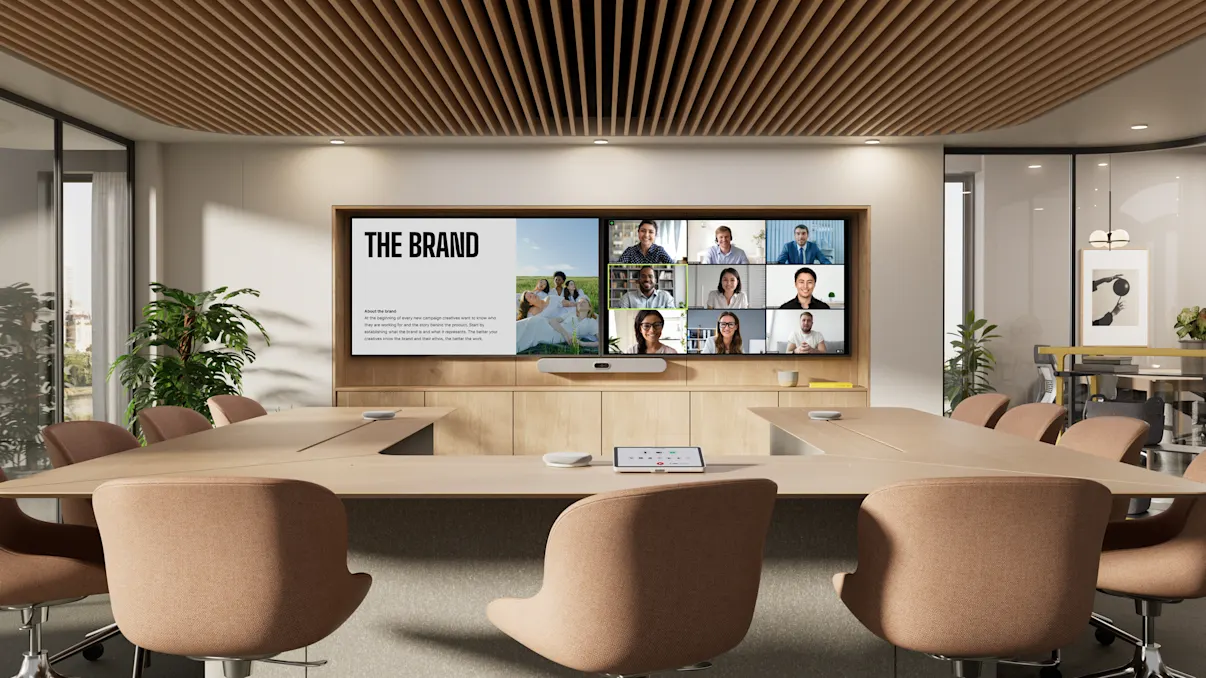
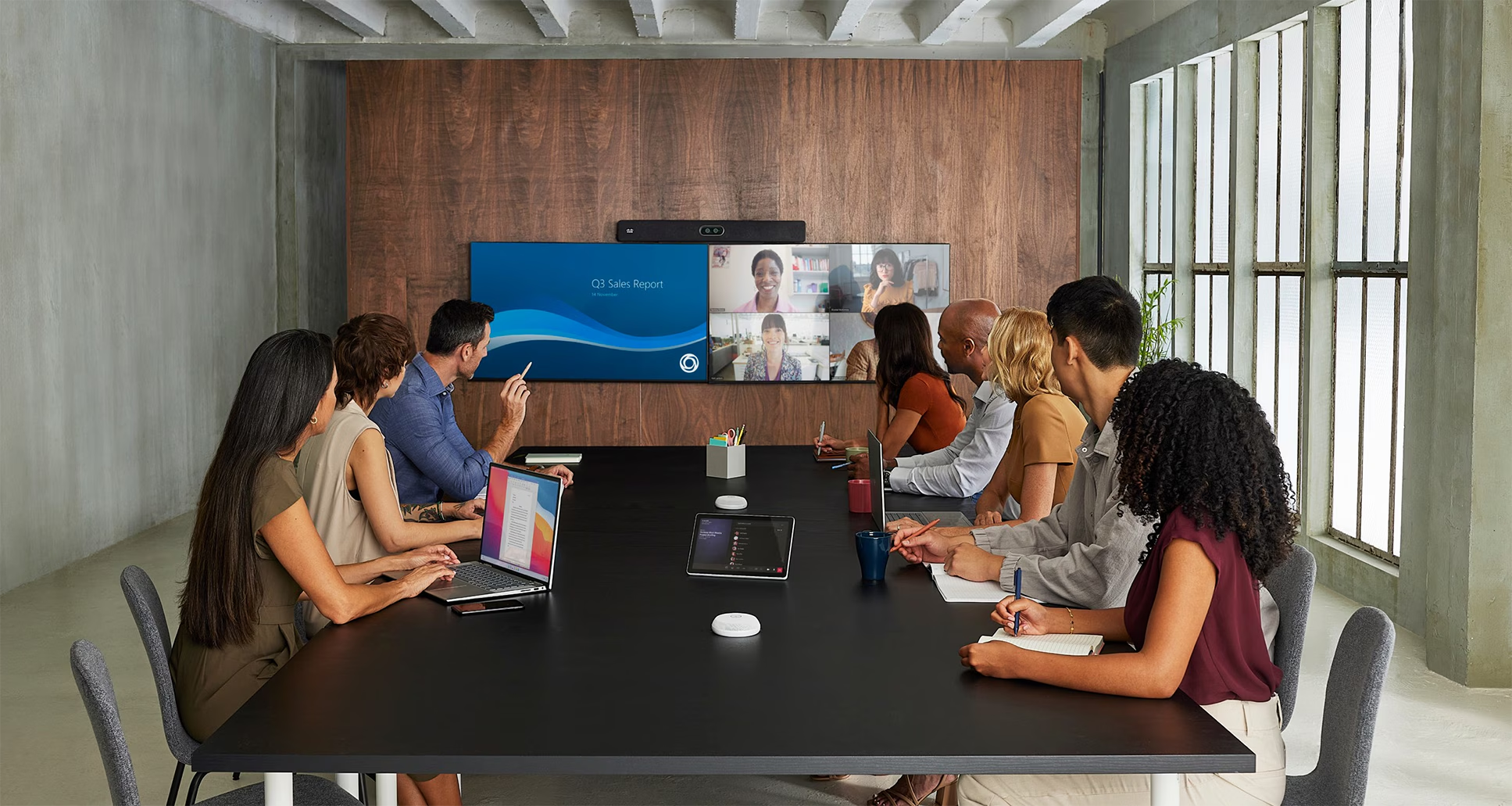
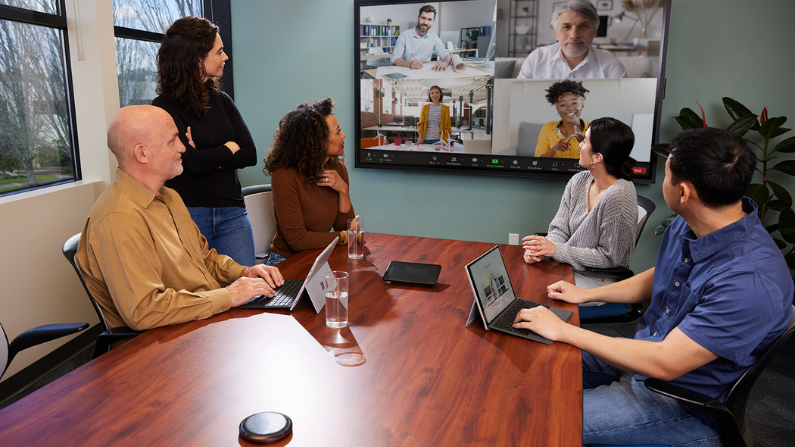
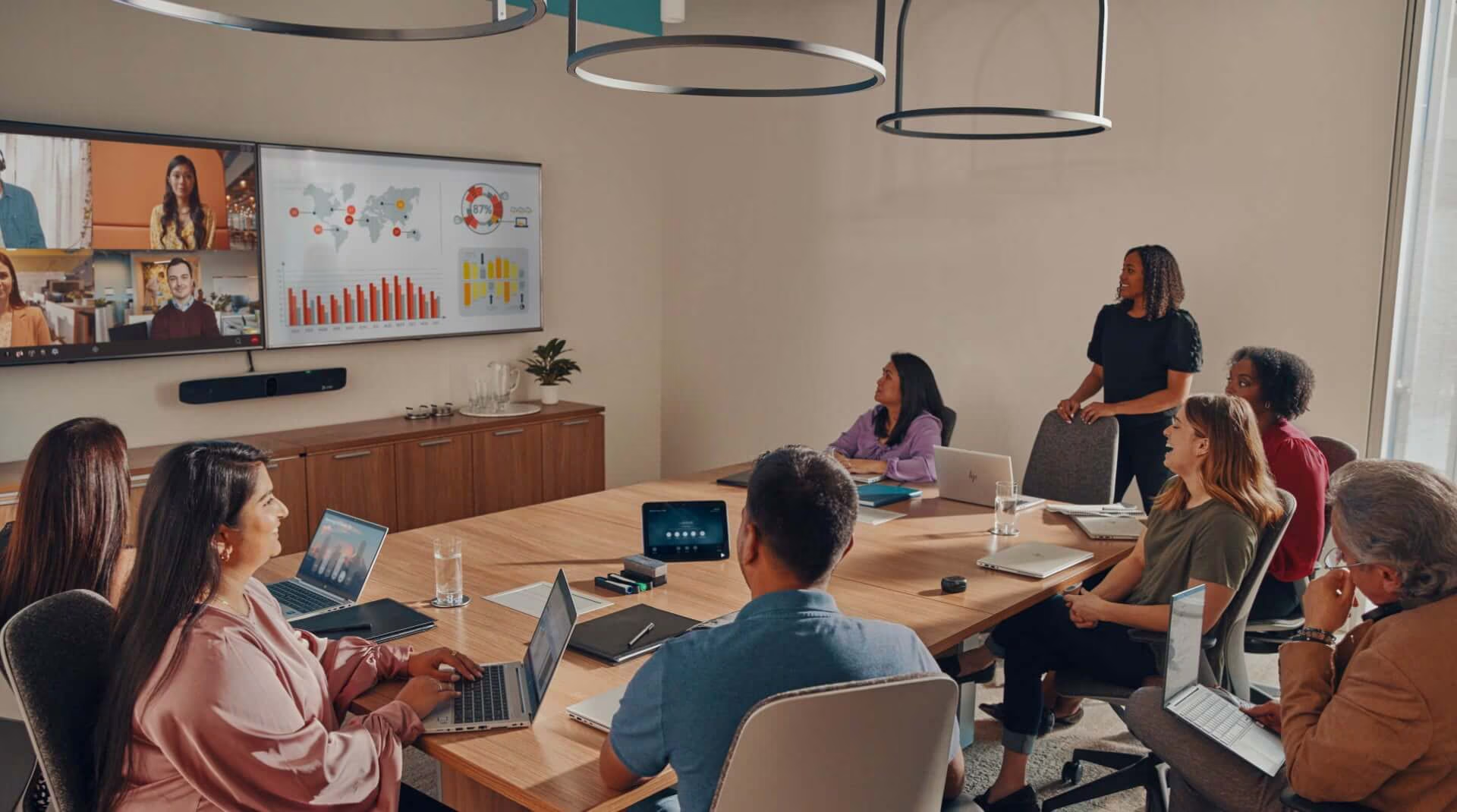
Intelligent cameras can adjust framing based on activity in the room. Audio processing may help reduce unwanted noise or improve speech capture. Some systems can identify speakers and adjust how participants appear to people joining remotely.
The effectiveness of these features depends on the environment.
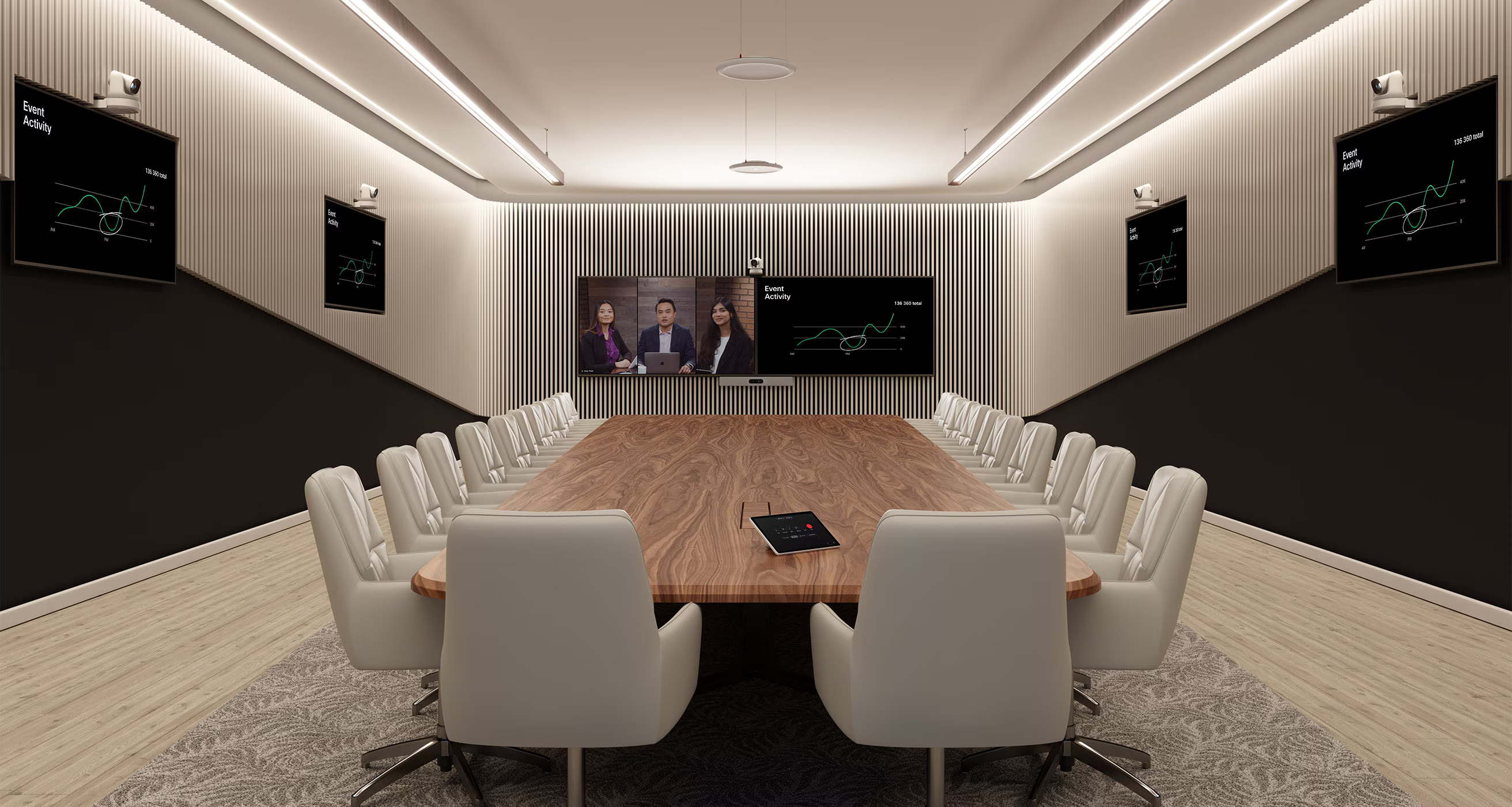
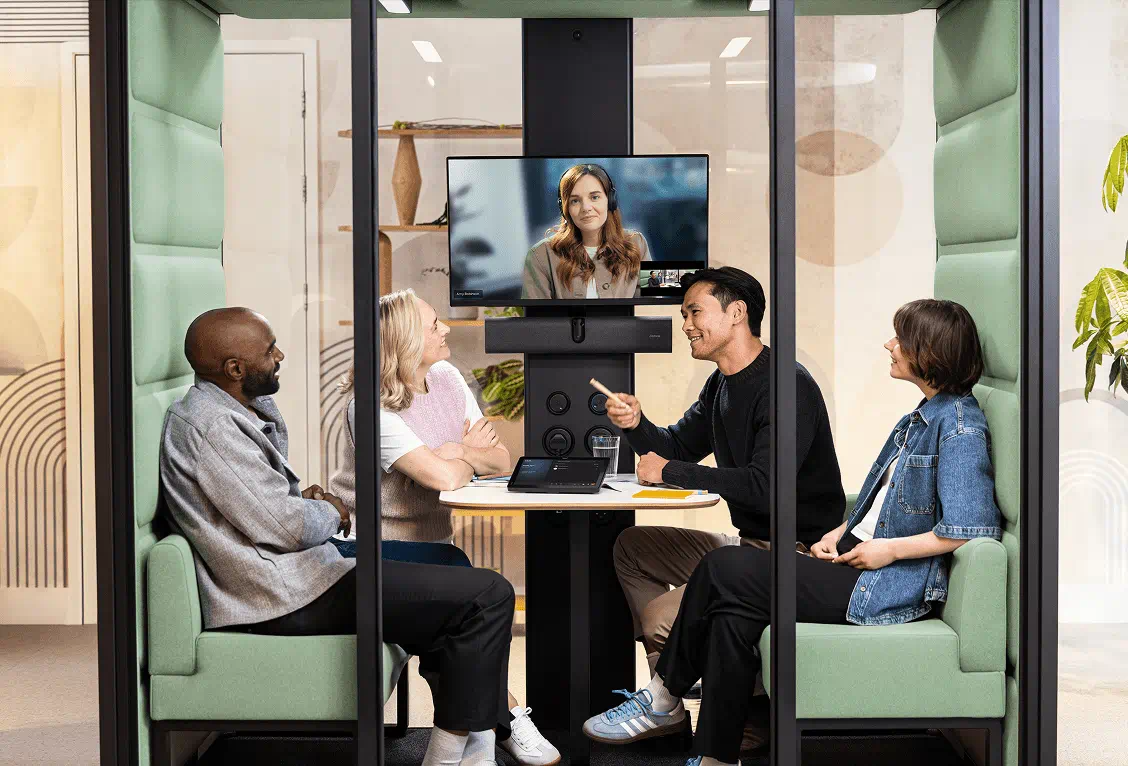
A small meeting room with participants seated close together presents different conditions from a large boardroom or flexible training space.
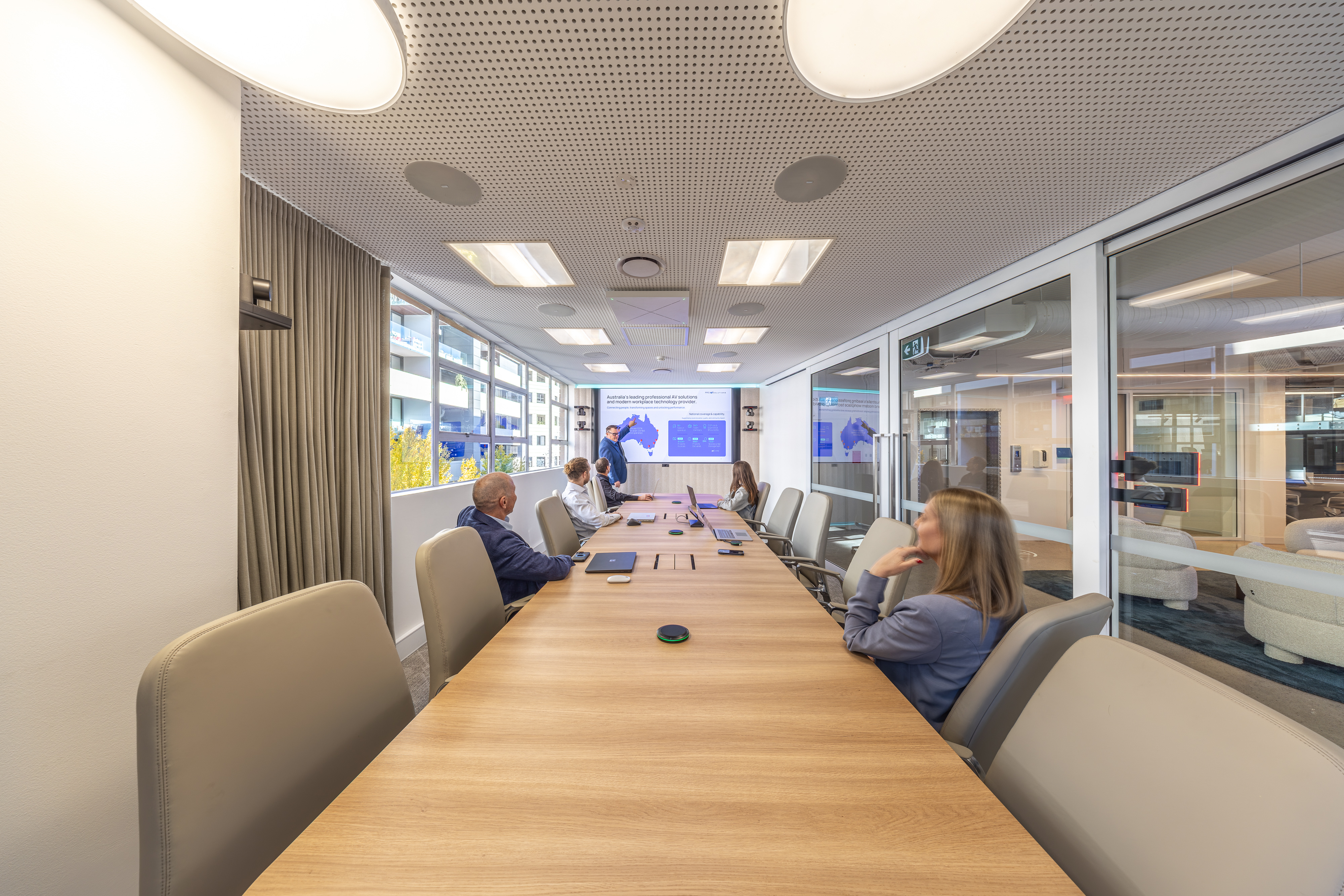
Before selecting equipment, organisations should review how the technology performs with different seating arrangements, multiple speakers, varied lighting and normal meeting behaviour.
Product demonstrations and workplace trials can be useful where the technology will be deployed across a large number of spaces.
Supporting inclusion through audio, video and meeting intelligence
AI-enabled meeting technology can help make collaboration more accessible to people joining from different locations and with different needs.
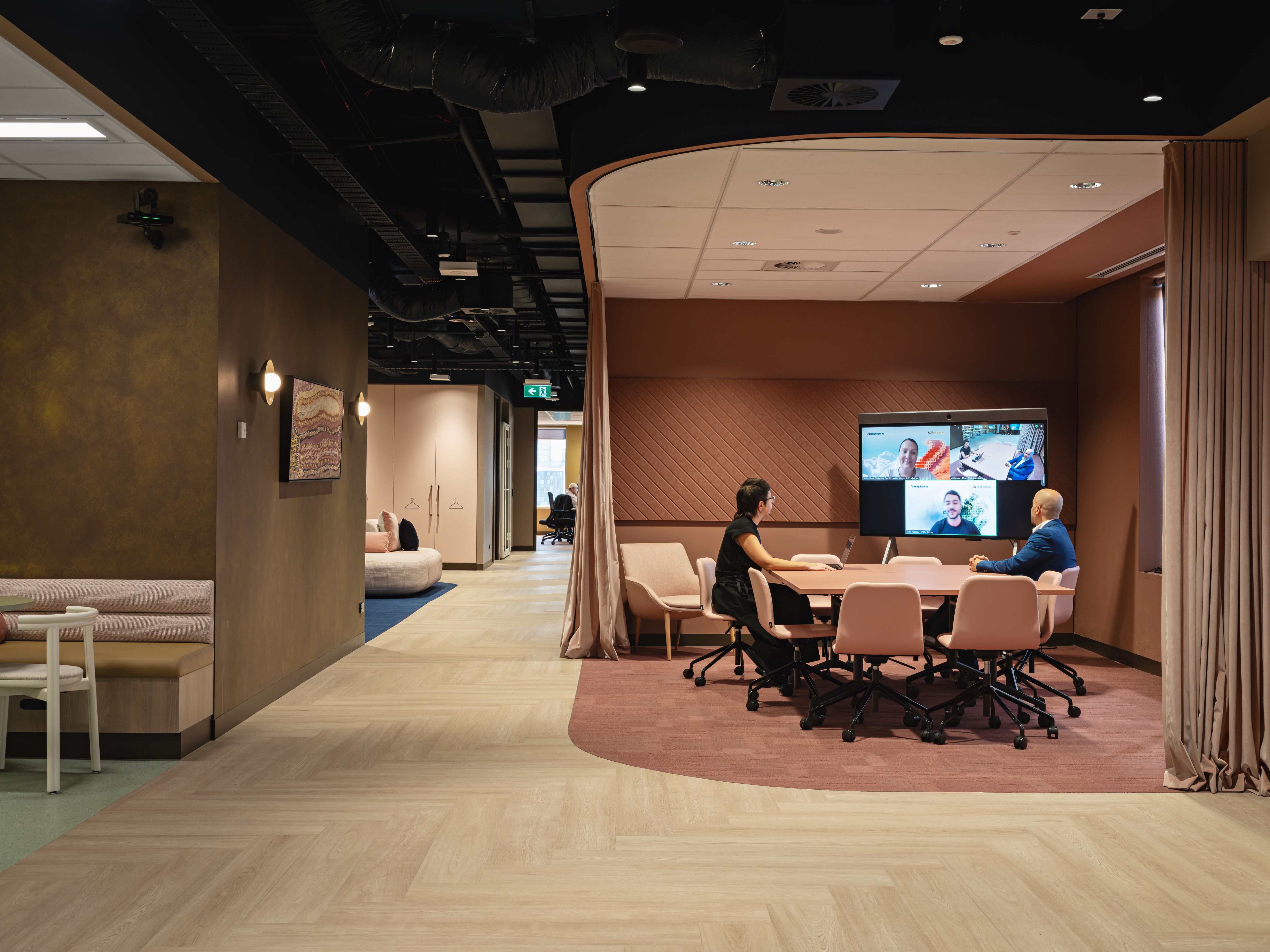
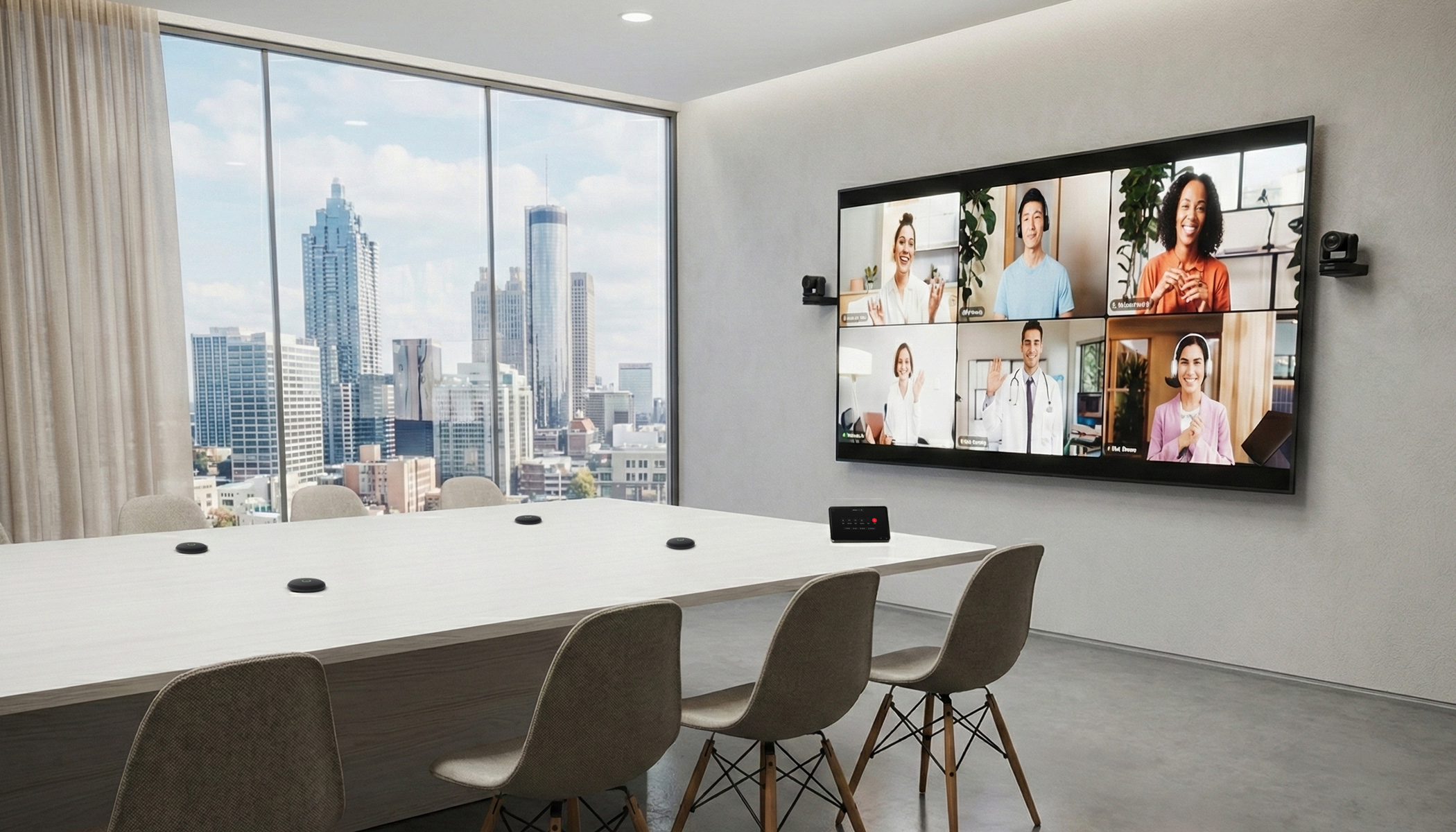
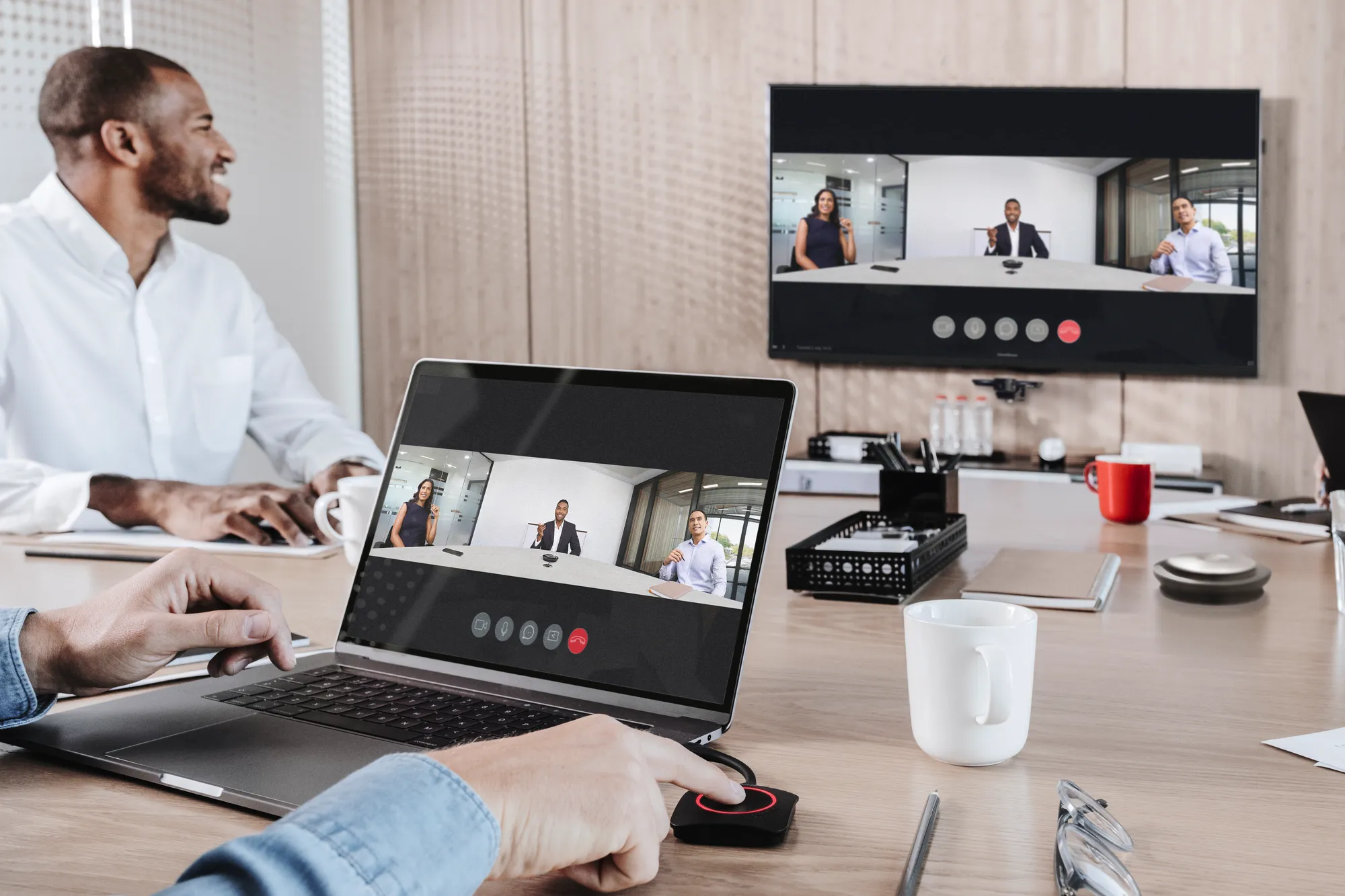
Intelligent camera framing helps remote participants see who is speaking, follow reactions around the room and remain involved in group discussions. Audio quality is equally important, particularly when several people are contributing from different positions.
Live captions, automated transcription and translated subtitles, where supported, provide additional ways for participants to follow conversations.
These capabilities can be particularly valuable for people with hearing difficulties, employees working in a second language or participants joining from environments where listening may be difficult.
The quality of the room's audio system has a direct influence on how effectively these features work.
Automatic speech recognition depends on intelligible audio. If microphones struggle to capture quieter voices, participants seated further away or conversations across a large table, the resulting captions and transcripts may be incomplete or inaccurate.
High-quality microphones, suitable positioning and appropriate acoustic treatment can improve speech capture throughout the room.
Microsoft's guidance on live captions in Teams highlights the importance of microphone quality, background noise and speaking distance in caption accuracy.
On supported platforms, intelligent speaker recognition can also help identify individual contributors within meeting transcripts, making discussions easier to review afterwards.
For example, Microsoft Teams Rooms People Recognition can attribute speech to enrolled participants, subject to the required hardware, licences and settings.
When assessing AI-enabled collaboration technology, organisations should consider how the entire system performs during a typical meeting. Testing should include participants seated in different positions, natural conversation and meetings involving both in-room and remote attendees.
The aim is to provide a meeting experience where people can follow the discussion, contribute comfortably and access information in a format that suits their needs.
Platform compatibility and management
AI-enabled meeting features may depend on particular collaboration platforms, device configurations, licences or software versions.
Capabilities can also vary by manufacturer and deployment environment.
Organisations should confirm which functions are supported by their preferred meeting platform, how devices will be managed and whether the proposed system fits existing workplace technology standards.
For larger portfolios, ongoing management is particularly relevant. Internal teams need to understand how updates will be delivered, how settings are controlled and what support will be available.
For features such as live translated captions, transcription and speaker recognition, organisations should also confirm the supported languages, licensing requirements and functionality available within their selected platform.
Privacy and information handling
Meeting intelligence features may involve processing audio, video or meeting content.
Before enabling recording, transcription, speaker identification or automated summaries, organisations should review the relevant platform capabilities, permissions and internal policies.
Considerations may include user notification, consent where required, data retention, access controls and whether particular meeting types should be excluded from these functions.
Organisations should also distinguish between live captions displayed during a meeting and transcripts that may be retained afterwards. The availability and handling of this information depend on the platform and configuration.
These decisions will vary according to organisational policies and the sensitivity of the information discussed.
They should be considered alongside the technology selection process.
Making an informed investment decision
For organisations planning upgrades in 2027 and beyond, AI capability is becoming one of several considerations in meeting room procurement.
Room suitability, audio quality, camera performance, platform compatibility, usability, support and total cost remain relevant.
A trial involving typical users and realistic meeting scenarios can help determine whether particular features offer a meaningful improvement over the organisation's existing setup.
Where transcription, live captions or speaker recognition are part of the proposed solution, these features should also be tested with the intended microphone system. A demonstration can help assess speech capture, caption accuracy and speaker identification under normal meeting conditions.
This is particularly useful when comparing new technology for wider deployment across multiple offices.
Exploring intelligent collaboration technology
Pro AV Solutions works with leading collaboration technology manufacturers, including Cisco, Logitech, HP, Neat, Yealink, Microsoft and other workplace technology providers.
Our team supports organisations in evaluating collaboration solutions, reviewing room requirements and planning technology upgrades across individual spaces and larger workplace portfolios.
Customers considering AI-enabled meeting room technology can arrange a demonstration or discussion with our Customer Solutions team to assess camera framing, microphone coverage, intelligent audio, transcription capabilities and platform compatibility against their existing environment and requirements.
Frequently asked questions
How can AI-enabled meeting rooms improve accessibility?
Supported features such as live captions, transcription, translated subtitles, intelligent camera framing and speech processing can help participants follow meetings and access information in different ways. The available functions depend on the collaboration platform and equipment.
Why are high-quality microphones important for AI transcription?
Automatic transcription depends on the quality of the audio captured. Microphone coverage, placement, room acoustics and background noise can affect how accurately speech is converted into text.
Can AI meeting room technology identify individual speakers?
Some platforms support speaker recognition and attribution in transcripts. These capabilities may require compatible equipment, enrolment, organisational settings and appropriate licences.
Do all AI meeting room systems support translated captions?
No. Language availability, real-time translation and transcription capabilities vary by platform, licence and configuration. Organisations should confirm the supported features before selecting equipment.