Barco control room solutions and integration in Australia
Control rooms designed around critical decisions.
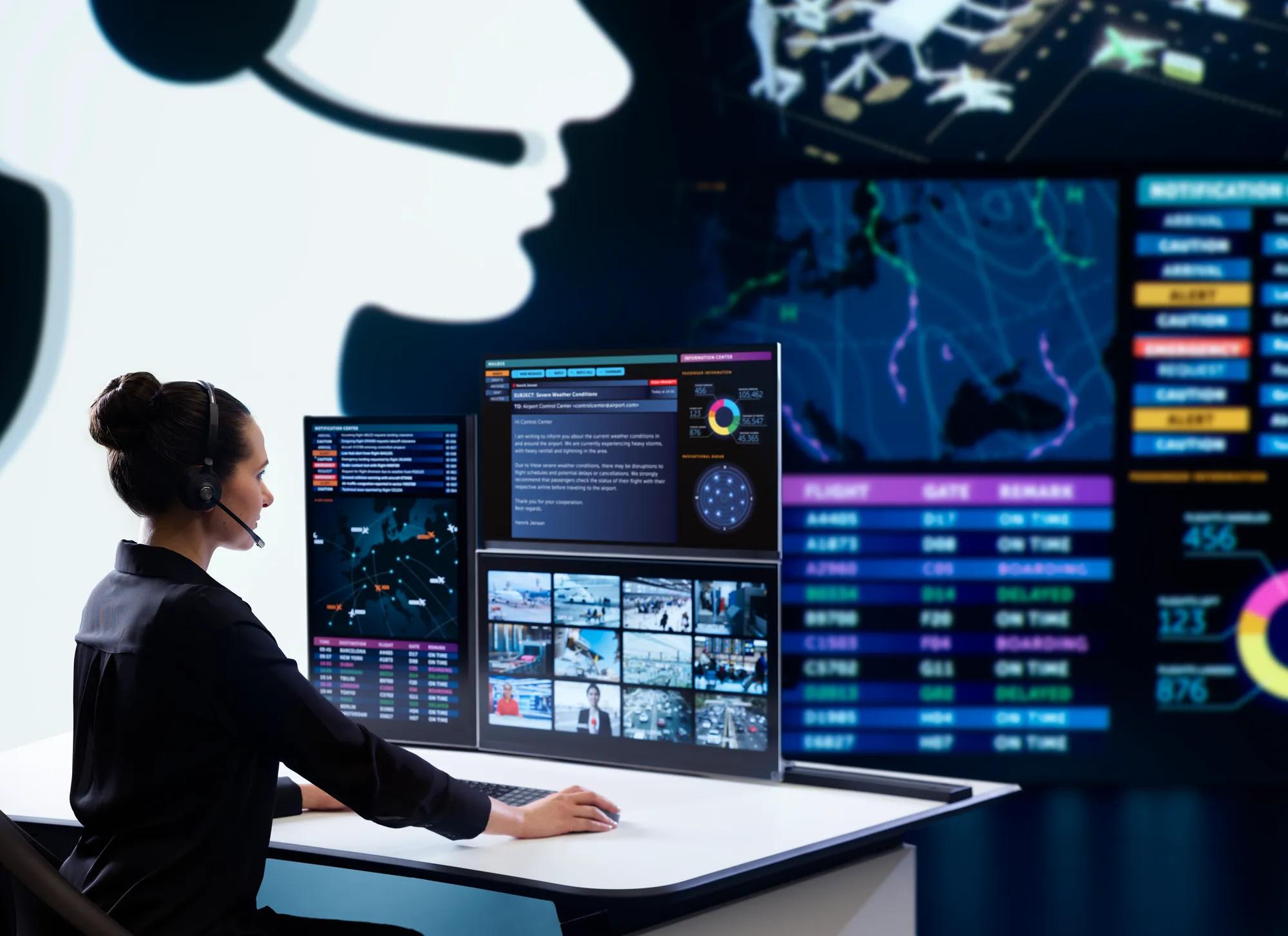
Pro AV Solutions designs, integrates and supports control rooms that bring people, information and technology together. We combine Barco CTRL and Barco visualisation technology with specialist AV integration to give Australian organisations effective operator workspaces, shared situational awareness and operational environments designed for resilience.

Barco control room technology, designed and delivered by Pro AV Solutions
Barco has built control room workflow and visualisation solutions since 1994. Pro AV Solutions has delivered complex AV environments for more than 30 years and is a member of the Australian Control Room Network Association. Together, we give critical operations one accountable team, from the first operator workshop to ongoing support.

Technology designed around operators
We plan each position around the workflow, the information each role needs and how the team escalates.

Integration across complex environments
We design and integrate them as one environment, and confirm compatibility at the design stage.

National delivery and lifecycle expertise
After handover, AVCare™ managed services cover maintenance, technical assistance and system improvements, scoped to your operation.
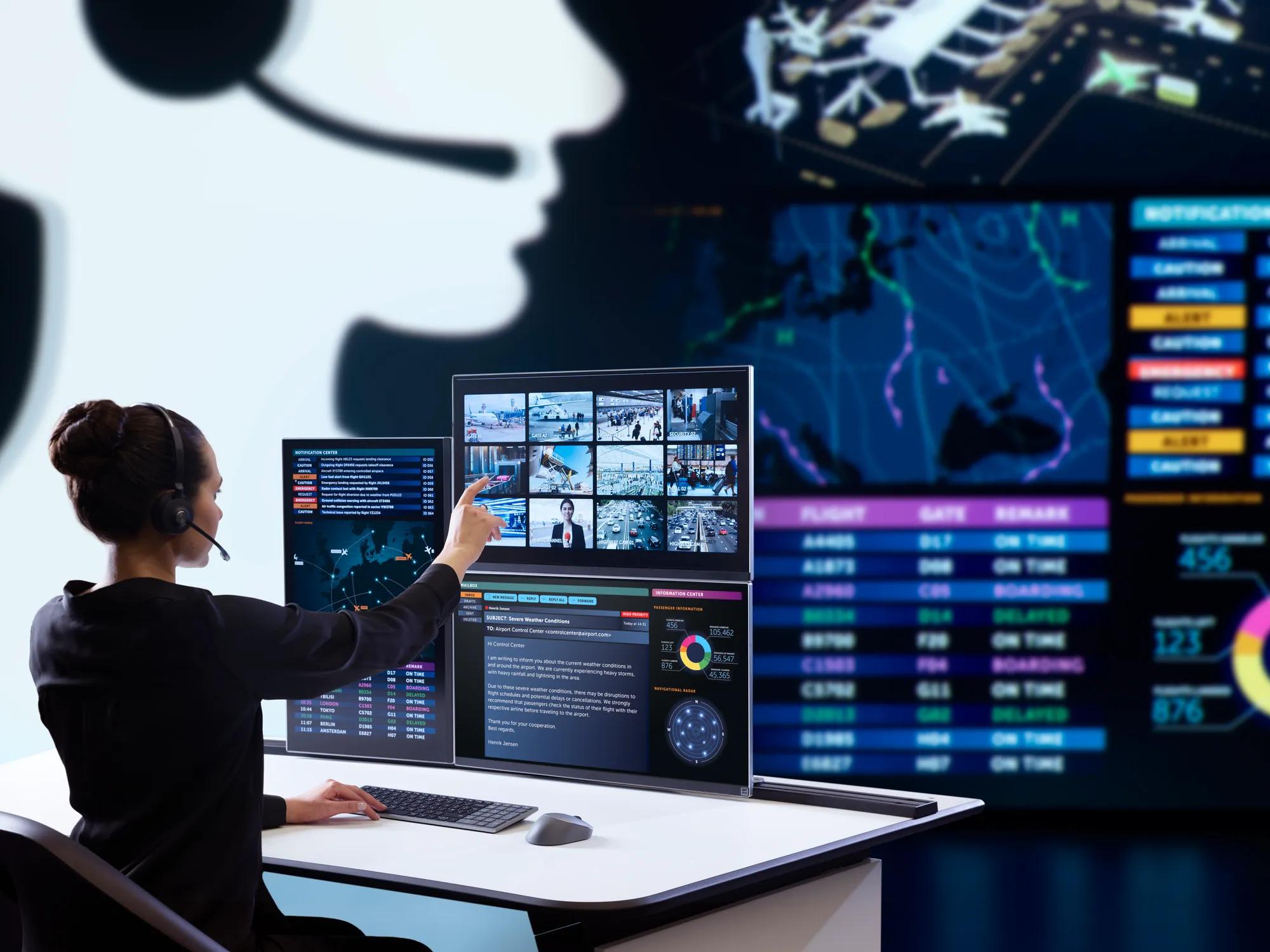
The right information. At every operator position.
Barco CTRL gives each operator one workspace for the sources they are authorised to use, controlled with a single keyboard and mouse. Barco calls the platform KVM over IT, because it works with your existing network, identity and monitoring systems.
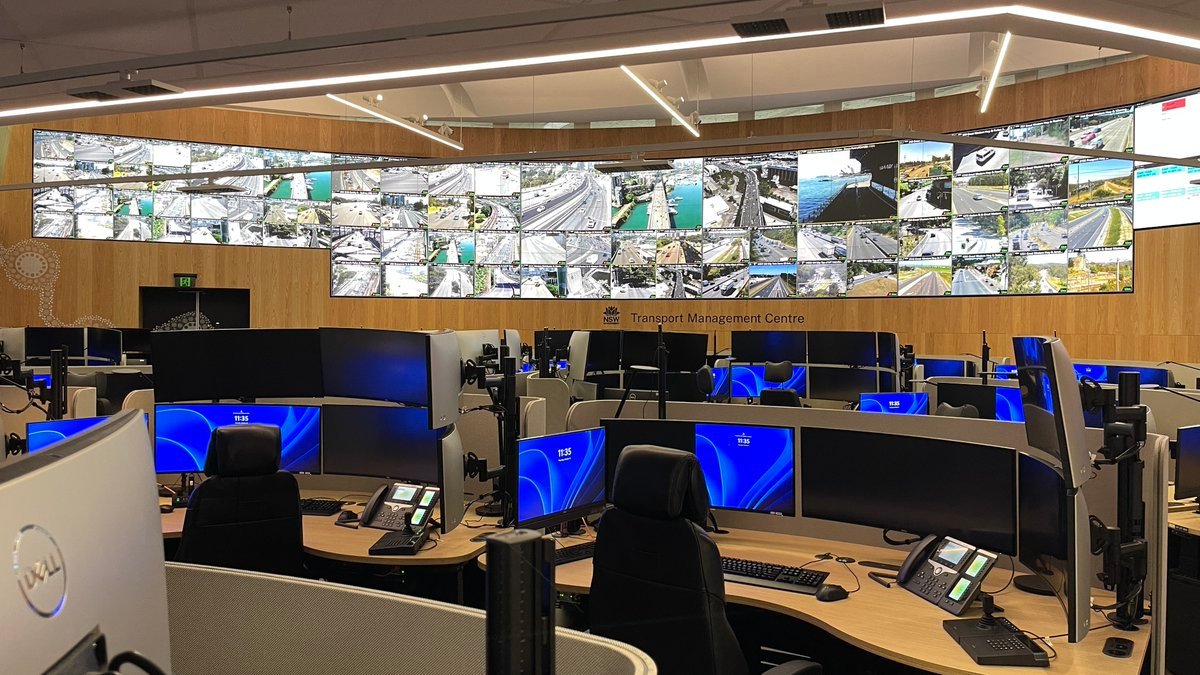
A clearer view of the whole operation.
Barco builds control room video walls in both LED and LCD, including TruePix LED and UniSee II LCD. We compare the options against your content, room geometry and service requirements before recommending one.
Designed for the demands of critical operations.
Barco develops CTRL using Security by Design and Zero Trust principles, with authenticated connections, TLS encryption and audit logging. It grows by adding encoders, decoders and licences, and can link sites through federation. The resilience you achieve depends on the complete solution architecture.
How does a Barco control room work?
A control room brings operational applications, live information sources, operator workstations and shared video walls together. Explore how Barco CTRL connects the environment, and how Pro AV Solutions designs, integrates and supports the complete solution.
From operator workshop to AVCare™ support.
Talk through your control room requirements.
A Pro AV Solutions specialist can review your current environment and outline a practical pathway, from a staged upgrade to a new multi-site room.
The Barco technology behind your control room.
Most Barco control room designs draw on three groups of technology: workflow software, system infrastructure and visualisation. We specify each around your sources, workflows and resilience requirements.
Barco CTRL and video wall technology
Barco CTRL software
The software platform that brings sources to operator desks and video walls. Operators use it to arrange, control and share information across the room, with federation between sites and APIs for third-party systems.
The software platform that brings sources to operator desks and video walls. Operators use it to arrange, control and share information across the room, with federation between sites and APIs for third-party systems.
Key capabilities
One platform for operator desks and video walls. Guided setup wizard. Redundancy options for critical components. Developed following Security by Design and Zero Trust principles.
Integration
Configure, Operate and Maintain APIs for third-party systems and workflows. Federation links CTRL installations across locations.
Licences
Basic, Standard Term Support, Server Redundancy and Source View. Pro AV Solutions confirms the licences you need as part of the design.
Manufacturer information: barco.com/en/product/barco-ctrl
Barco CTRL encoders and decoders
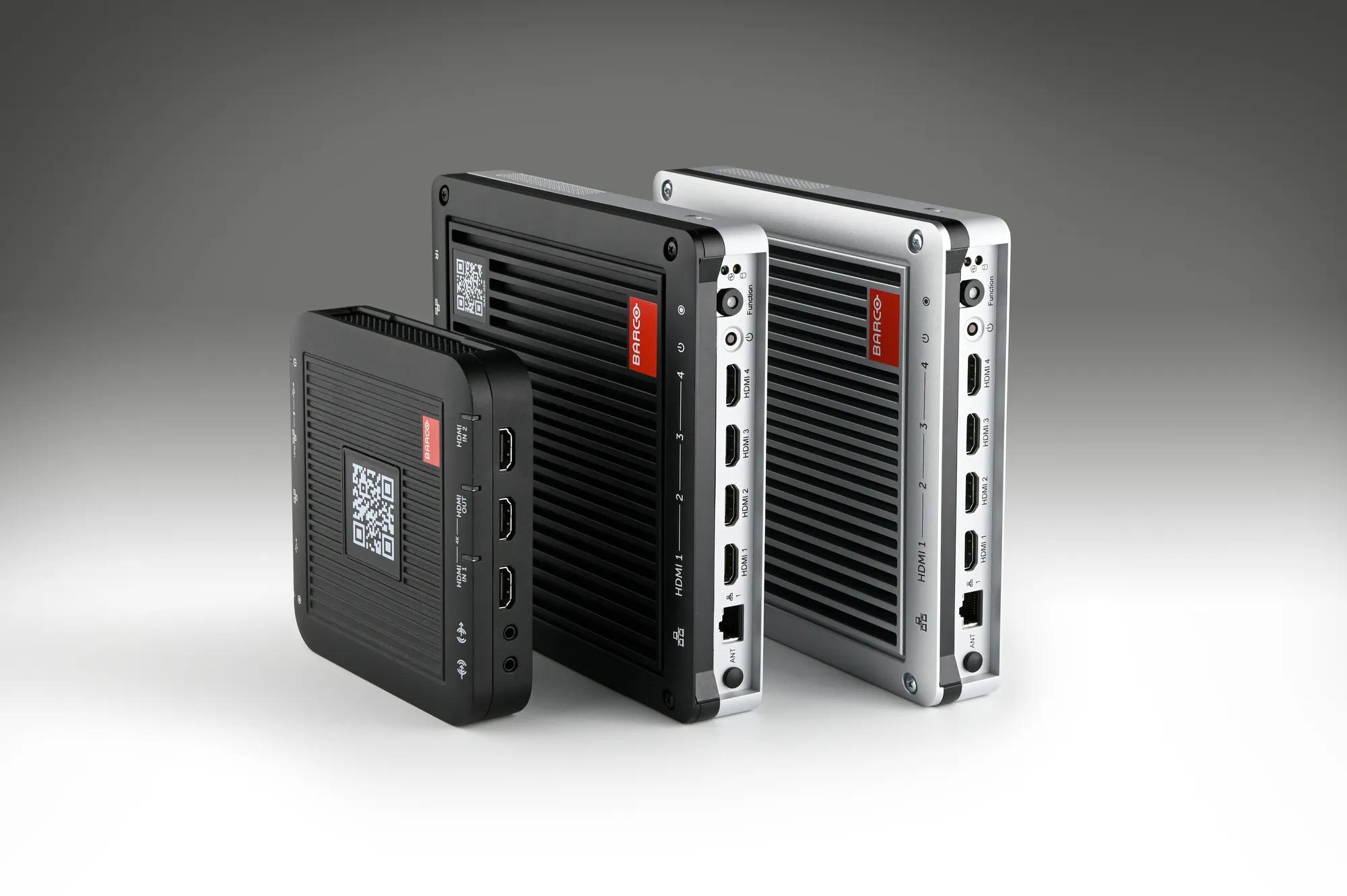
Encoders bring sources into the platform and decoders drive the displays at operator desks and video walls. The NGS-D440 encoder takes 4K60 HDMI sources; the SAN-050 decoder drives one 4K UHD display or up to four Full HD displays.
Encoders bring sources into the platform and decoders drive the displays at operator desks and video walls. The NGS-D440 encoder takes 4K60 HDMI sources; the SAN-050 decoder drives one 4K UHD display or up to four Full HD displays.
NGS-D440 encoder
HDMI 2.0 input up to 3840 x 2160 at 60 Hz. Two 1 Gb network ports with active failover. Powered by USB-C supply or PoE+ (802.3at).
SAN-050 decoder
HDMI 2.0 outputs: 1 x 3840 x 2160 at 60 Hz, or up to 4 x 1920 x 1080 at 60 Hz. Two 1 Gb/s network ports with active failover. Designed for 24/7 operation.
Manufacturer information: barco.com/en/product/ngs-d440 and barco.com/en/product/san-050
Barco CTRL servers
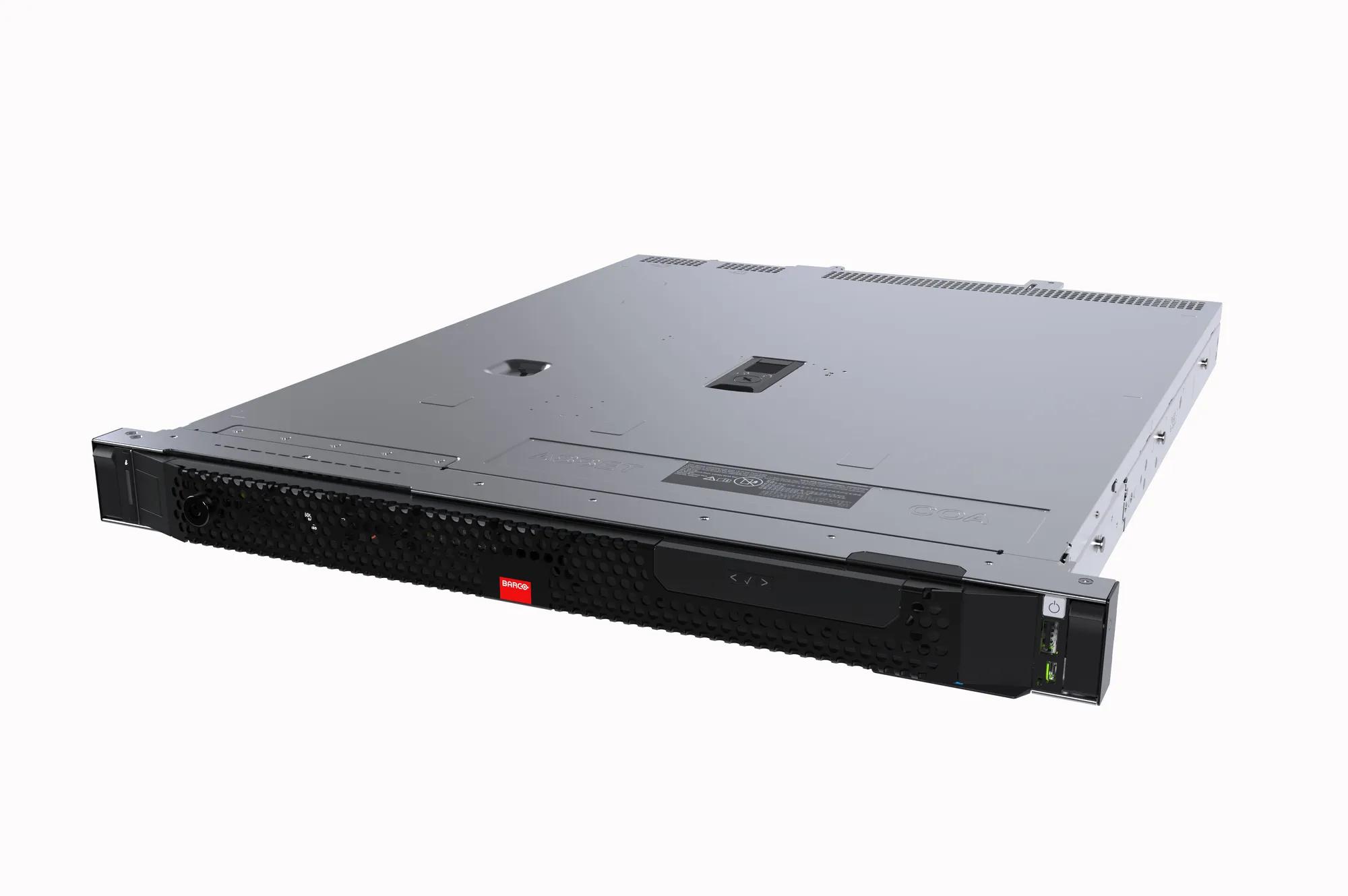
The servers that run the CTRL platform: the compact SAS-050 and the rackmount SAS-500, which adds redundant power supplies and RAID 1 storage. We select the architecture from your capacity and availability requirements.
The servers that run the CTRL platform: the compact SAS-050 and the rackmount SAS-500, which adds redundant power supplies and RAID 1 storage. We select the architecture from your capacity and availability requirements.
SAS-050
Compact server for Barco CTRL environments. Redundancy option. Designed for 24/7 operation.
SAS-500
Rack-mountable server for larger CTRL deployments. Redundant 600 W power supplies (x2). 2 x 960 GB SSD in RAID 1. 2 x 1 Gb/s Ethernet.
Manufacturer information: barco.com/en/product/sas-050 and barco.com/en/product/sas-500
Barco TruePix LED
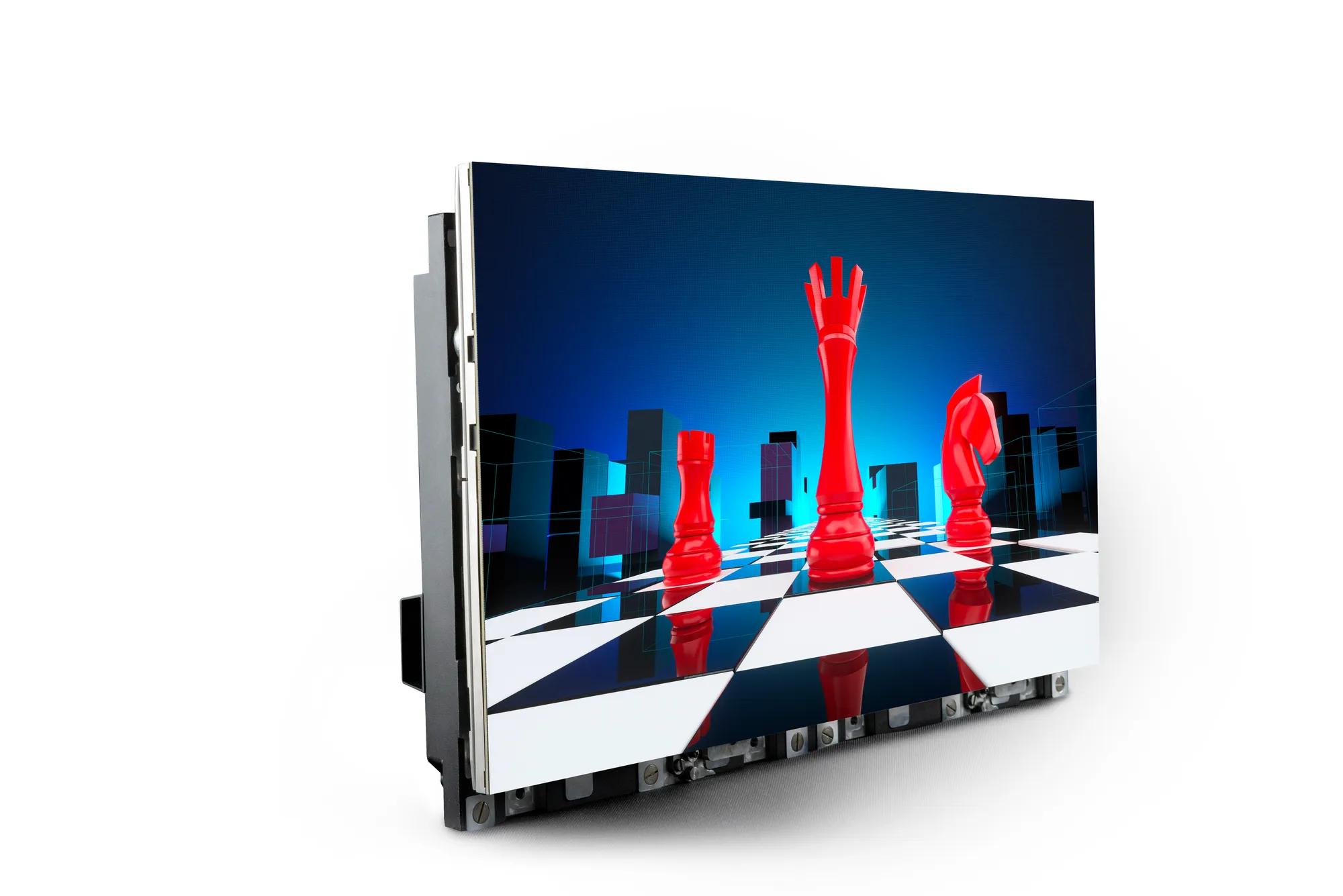
Direct-view LED video wall for a seamless shared view, available in several pixel pitches. We match the configuration to content detail, viewing distance, ambient light and service access.
Direct-view LED video wall for a seamless shared view, available in several pixel pitches. We match the configuration to content detail, viewing distance, ambient light and service access.
Key features
27.5-inch, 16:9 LED panels. Infinipix Gen2 image processing. Multiple pixel pitches and brightness levels. 4-way inter-tile failover system for uninterrupted performance.
Manufacturer information: barco.com/en/products/video-walls/led-video-walls/truepix
Barco UniSee II LCD
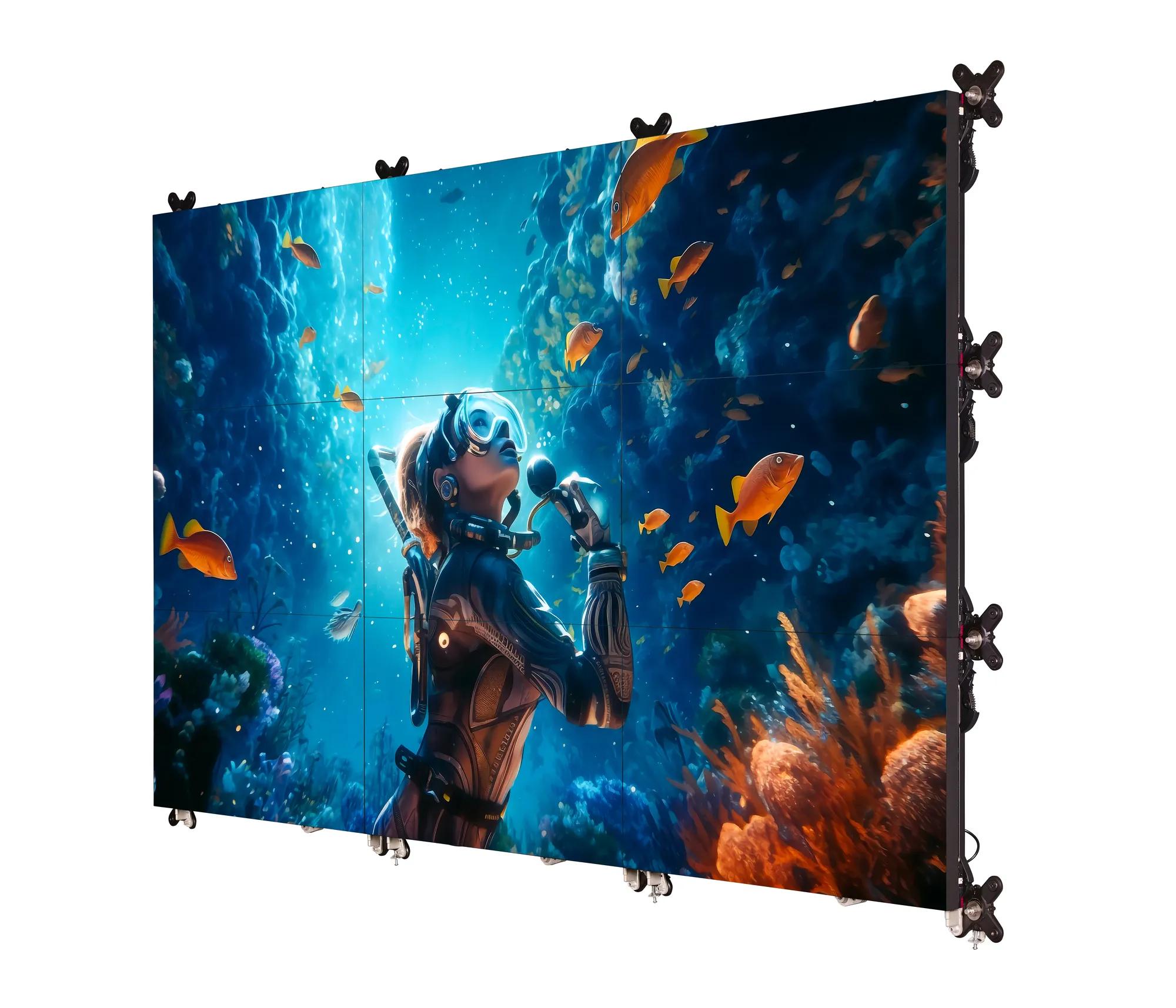
Barco's flagship LCD video wall platform, with a bezel-less panel design. An option for detailed content where an LCD wall suits the room, the footprint and the budget.
Barco's flagship LCD video wall platform, with a bezel-less panel design. An option for detailed content where an LCD wall suits the room, the footprint and the budget.
Key features
Bezelless LCD panel. Improved image performance. Built on the proven UniSee structure for precise installation.
Manufacturer information: barco.com/en/products/video-walls/lcd-video-walls/barco-unisee-II
Frequently Asked Questions
What is Barco CTRL and how is it used in control rooms?
Barco CTRL is Barco's control room software and hardware platform. It brings applications, video streams and computer sources to operator desks and video walls, so operators can view, control and share them from one workspace. Barco describes it as KVM over IT, because the platform works with the network, identity and monitoring systems you already use.
Can Barco CTRL integrate with existing operational systems?
Often, yes. Supported sources are brought into CTRL through encoders, and the CTRL APIs support integration with third-party systems such as video management platforms. We assess your applications, source formats and security requirements to confirm what can be connected and where integration work is needed.
What is the difference between LED and LCD video walls for control rooms?
Direct-view LED walls such as Barco TruePix are seamless and suit larger walls and brighter rooms. LCD walls such as Barco UniSee II use bezel-less panels and are generally the more budget-friendly choice for small to mid-sized walls. The right choice depends on content detail, viewing distance, ambient light and maintenance access, so we assess the room before recommending one.
Can an existing control room be upgraded in stages?
Often, yes. Barco CTRL grows by adding encoders, decoders and licences, so a staged approach can start where operational risk or friction is greatest. We plan the transition around live operations, with agreed testing, changeovers and maintenance windows.
What security and resilience considerations matter in a control room?
Availability targets, redundancy, access management, network architecture, monitoring and recovery procedures all need to be defined early. Barco develops CTRL using Security by Design and Zero Trust principles, with encrypted connections and audit logging. The resilience of the finished room depends on the complete solution design, which we develop with your IT, OT and security teams.
Can Pro AV Solutions design and integrate complete control room environments?
Yes. Pro AV Solutions designs, integrates and supports control room environments across Australia, including visualisation, signal distribution, control interfaces and integration with third-party systems. We are a member of the Australian Control Room Network Association.
What ongoing support is available?
AVCare™ managed services can cover preventative maintenance, technical assistance and system improvements. Support hours and response arrangements are scoped to your operation and set out in your service agreement.
How can we discuss a new control room or upgrade?
Use the enquiry form on this page or call 1300 287 253. It helps to tell us about your control room, the number of operator positions, your existing systems and any planned upgrade.
Talk to Pro AV Solutions about operator workflows, visualisation, systems integration and the technology your operation needs. It helps to tell us about your control room, the number of operator positions, your existing systems or your planned upgrade.