Compare Video Bars for Meeting Rooms
Video Bar Comparison
Find the right video bar for your meeting room. Compare video conferencing bars from leading brands by room size, camera range, meeting platforms and technical specifications.
Shortlist up to four devices for Microsoft Teams, Zoom, Google Meet and Webex environments, then get expert advice from Pro AV Solutions on selecting, installing and supporting the right solution.
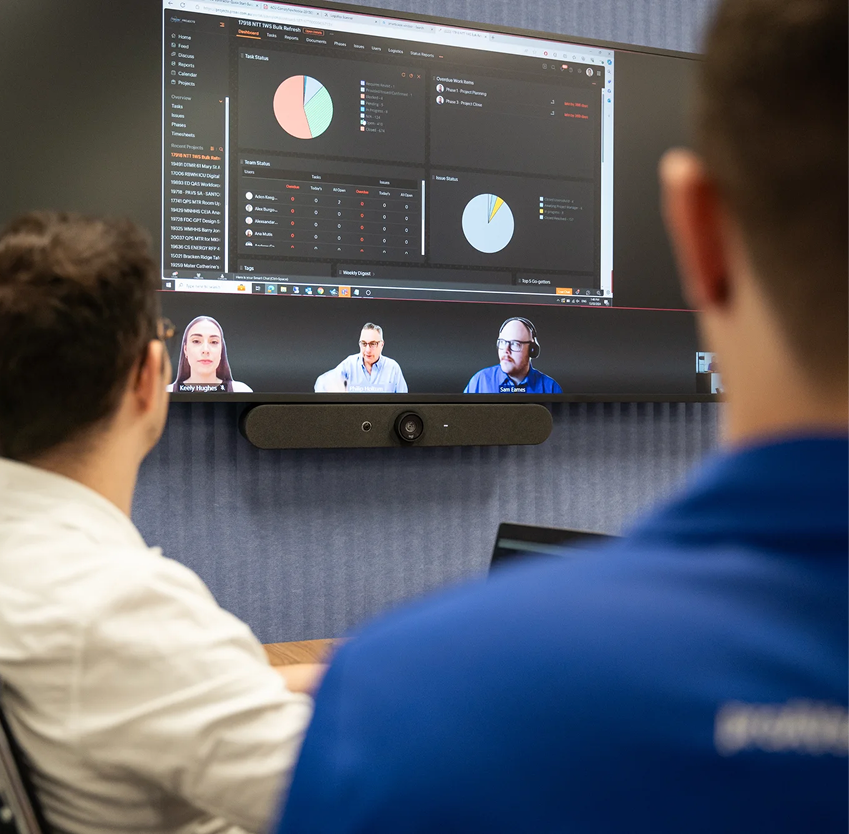

Explore video conferencing bars using manufacturer specifications, product details and verified platform information to find the right fit for your meeting spaces.

Compare devices designed for Microsoft Teams, Zoom, Google Meet and Webex environments, with certification information and technical capabilities in one place.

From a an office to a national workplace rollout, Pro AV Solutions can help design, integrate, deploy and support your meeting room technology.
Compare video bars side by side
Explore and compare video conferencing bars by brand, room size, camera capabilities, audio, connectivity and meeting platform.
Build your shortlist and speak with our team for a recommendation tailored to your workplace.
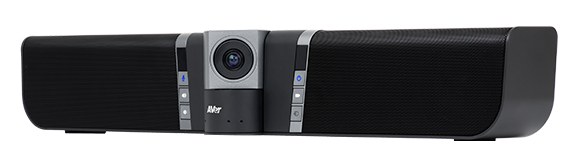

AVer EZManager — AVer software for managing and updating AVer devices
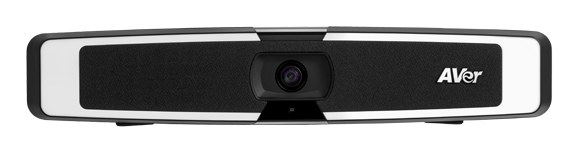
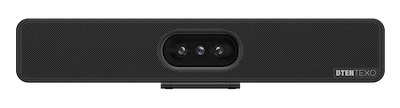

DTEN App — DTEN app for configuring the device
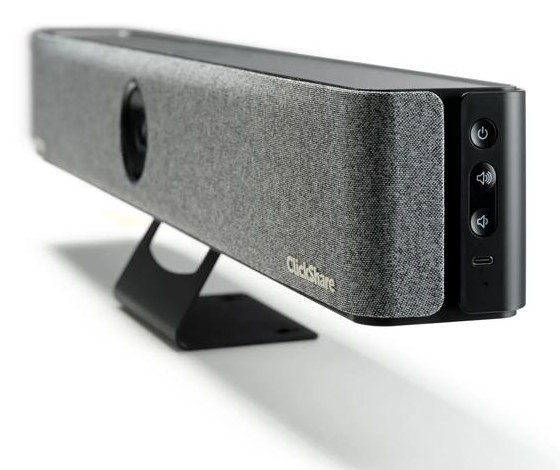

ClickShare management and reporting — Barco ClickShare management and usage reporting for ClickShare devices
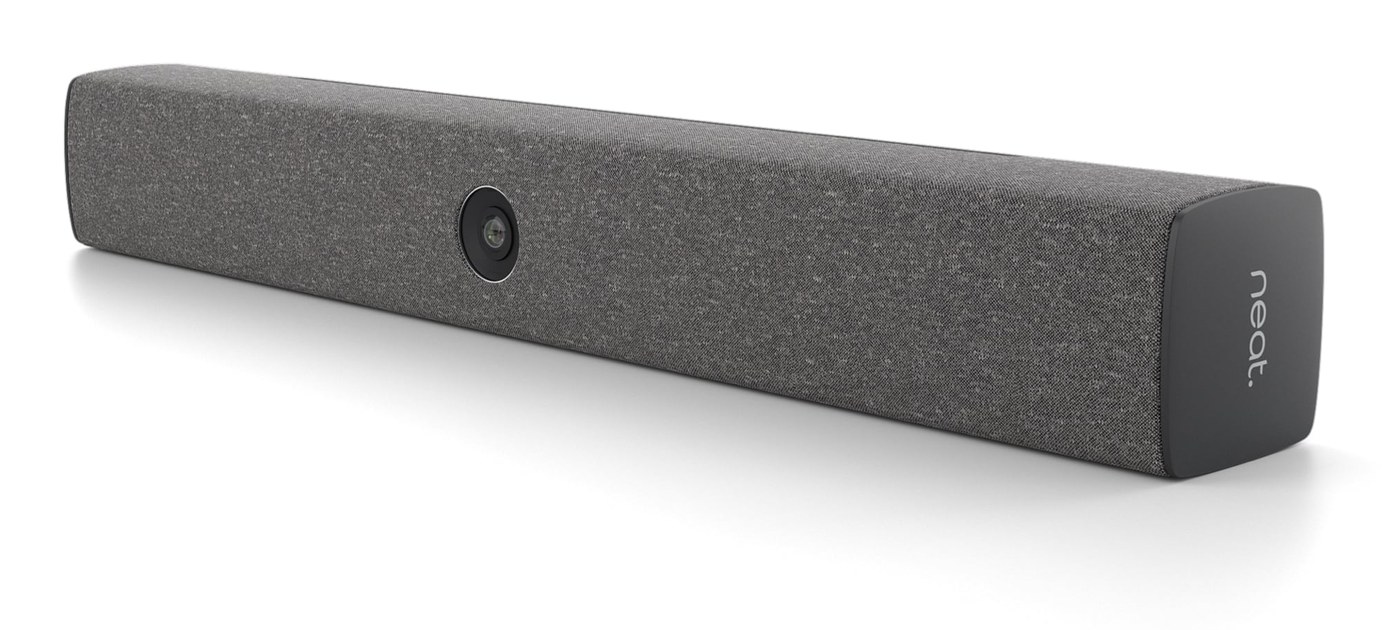

Neat Pulse — Cloud platform for monitoring, managing and updating Neat devices
Cisco Control Hub — Cloud portal for monitoring, configuring and updating Cisco devices

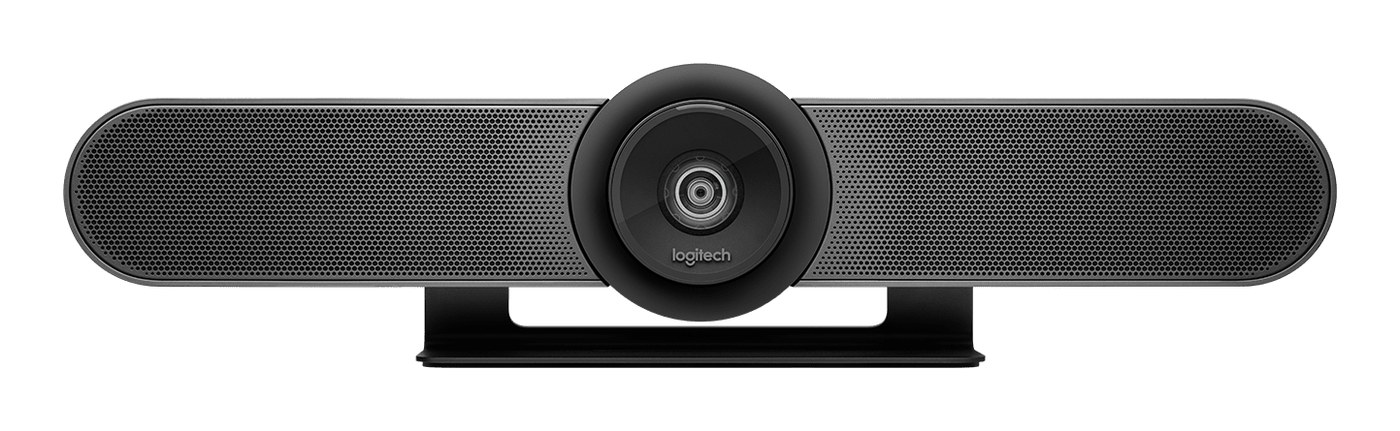

Logitech Sync — Cloud-based device monitoring, management and updates
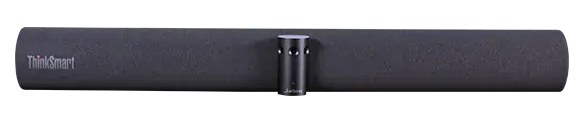

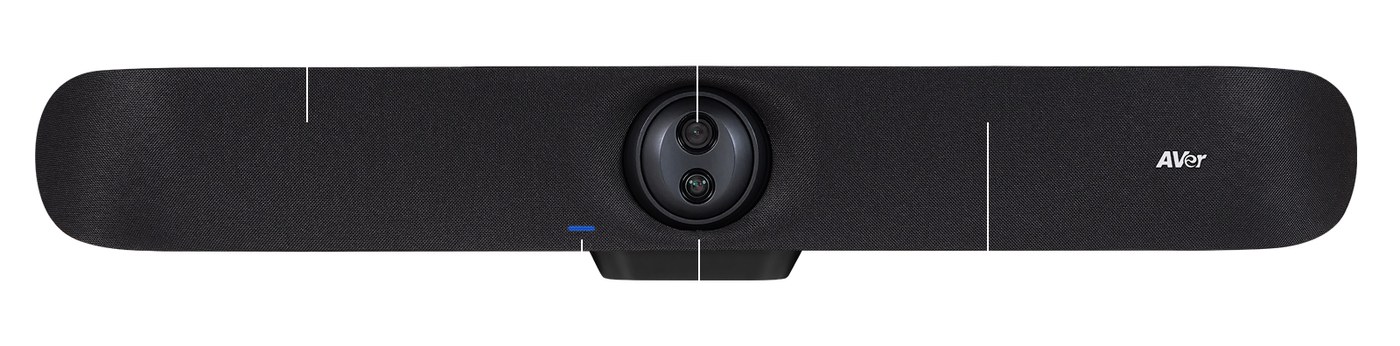
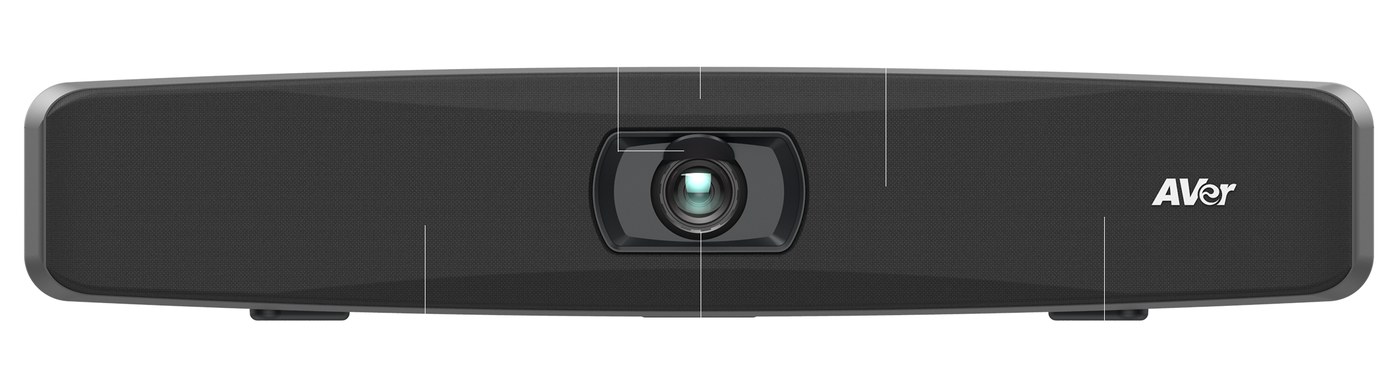
AVer Room Management app — AVer app for managing the device in the room
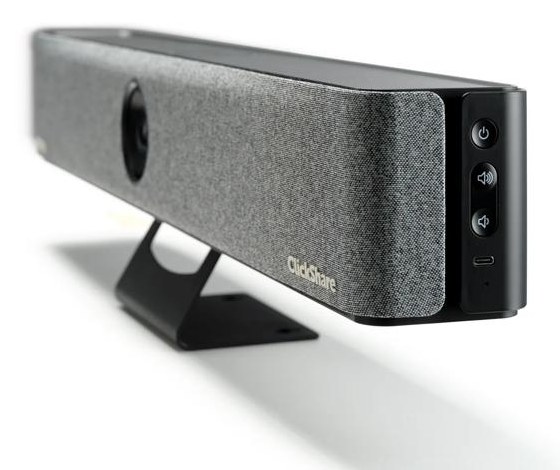
ClickShare management and reporting — Barco ClickShare management and usage reporting for ClickShare devices
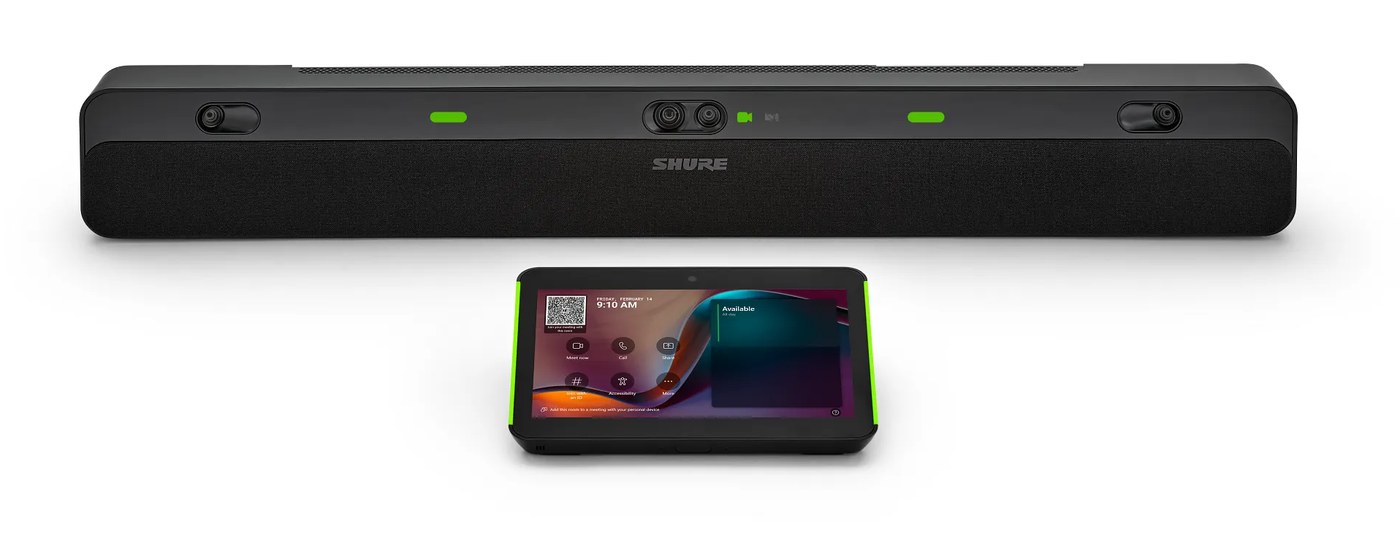

ShureCloud — Shure cloud platform for monitoring and managing Shure devices; Microsoft Teams Pro Management Portal — Microsoft cloud portal for monitoring and managing Teams Rooms devices
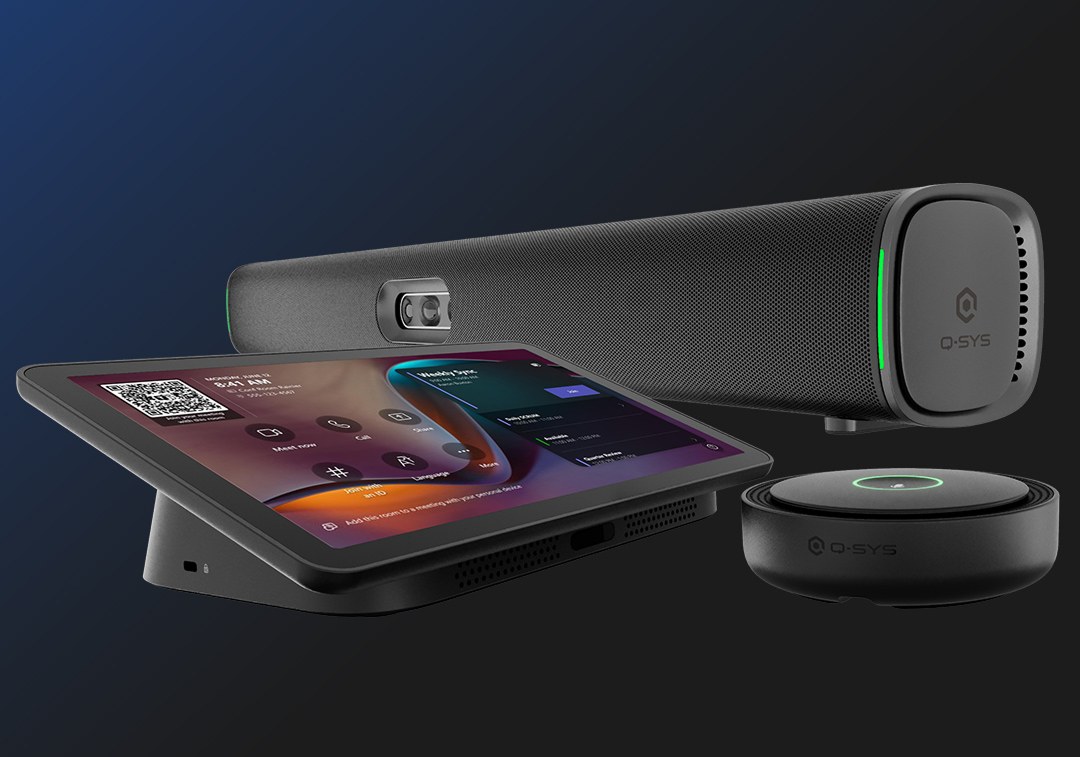

Q-SYS Reflect — Q-SYS cloud service for monitoring and managing connected systems; Microsoft Teams Pro Management Portal — Microsoft cloud portal for monitoring and managing Teams Rooms devices
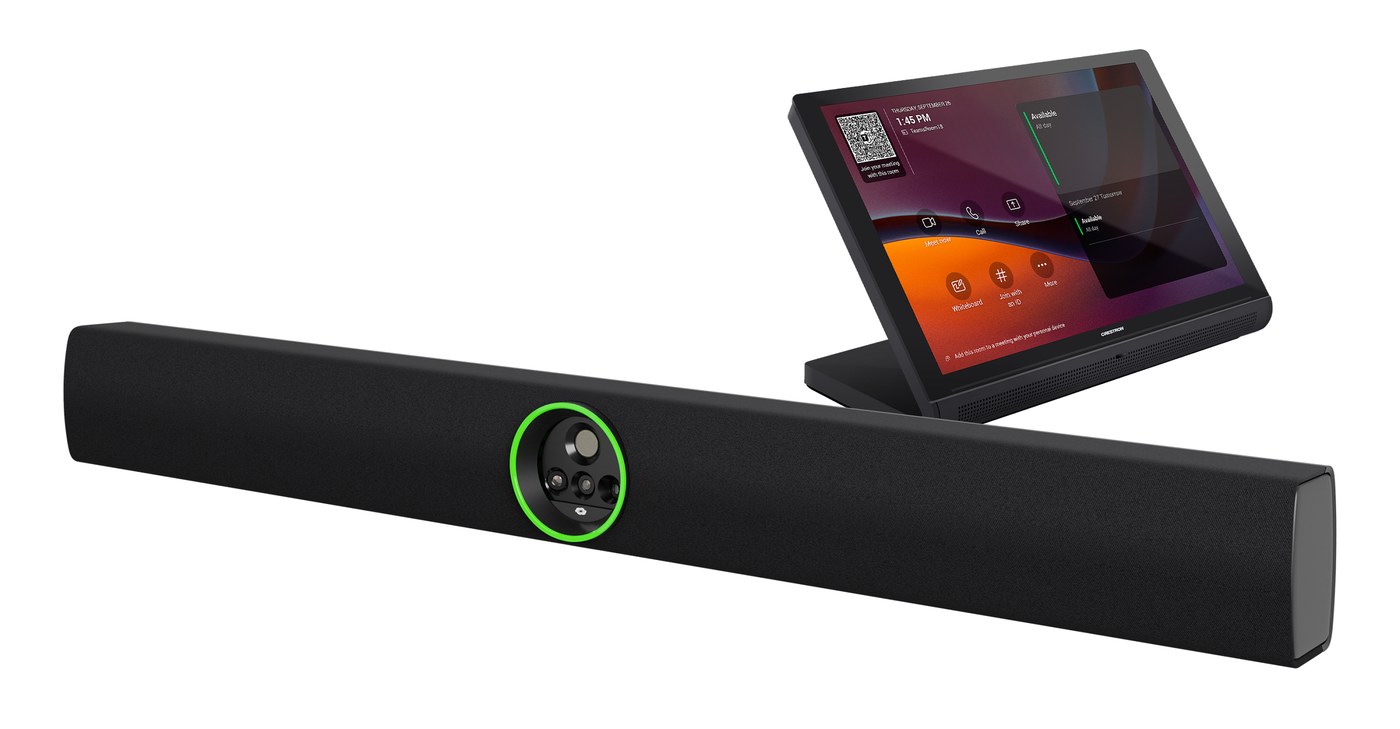

Crestron XiO Cloud — Cloud platform for provisioning, configuring, monitoring and updating Crestron devices
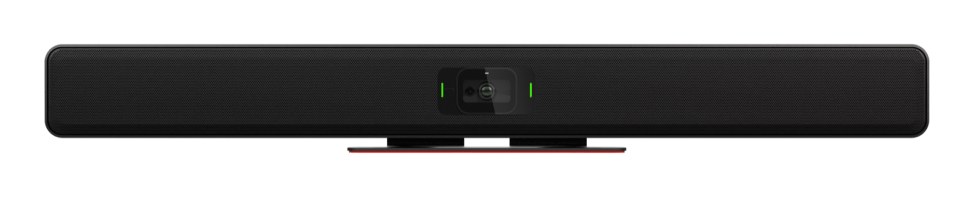

Biamp Camera Controller — Biamp software for configuring and controlling the camera



Sennheiser Control Cockpit — Sennheiser software for central configuration and monitoring of devices; Sennheiser DeviceHub — Sennheiser software for managing and updating devices
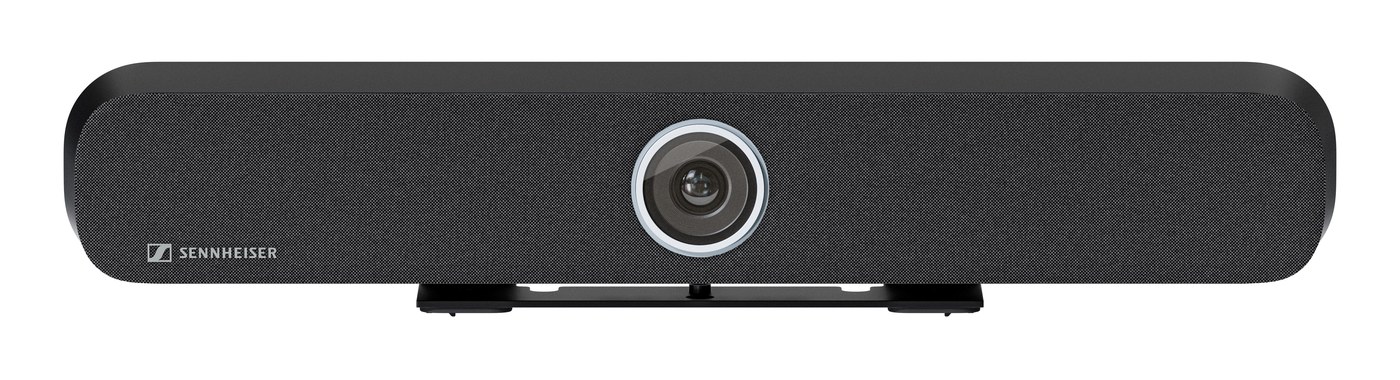
Sennheiser Control Cockpit — Sennheiser software for central configuration and monitoring of devices; Sennheiser DeviceHub — Sennheiser software for managing and updating devices
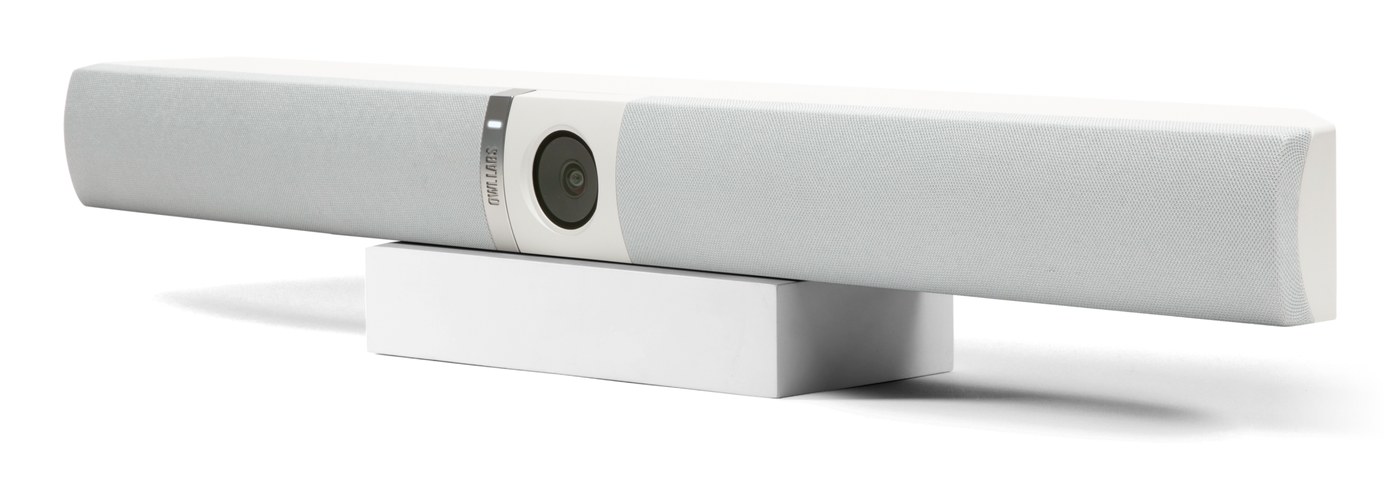

The Nest — Owl Labs platform for managing Owl Labs devices
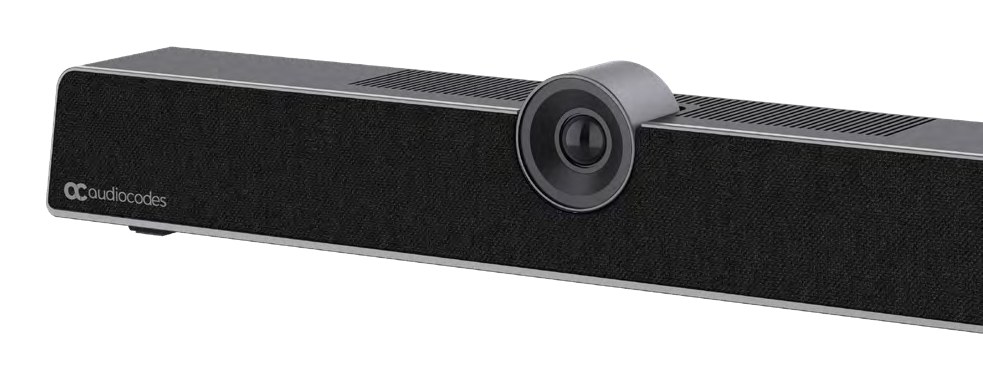

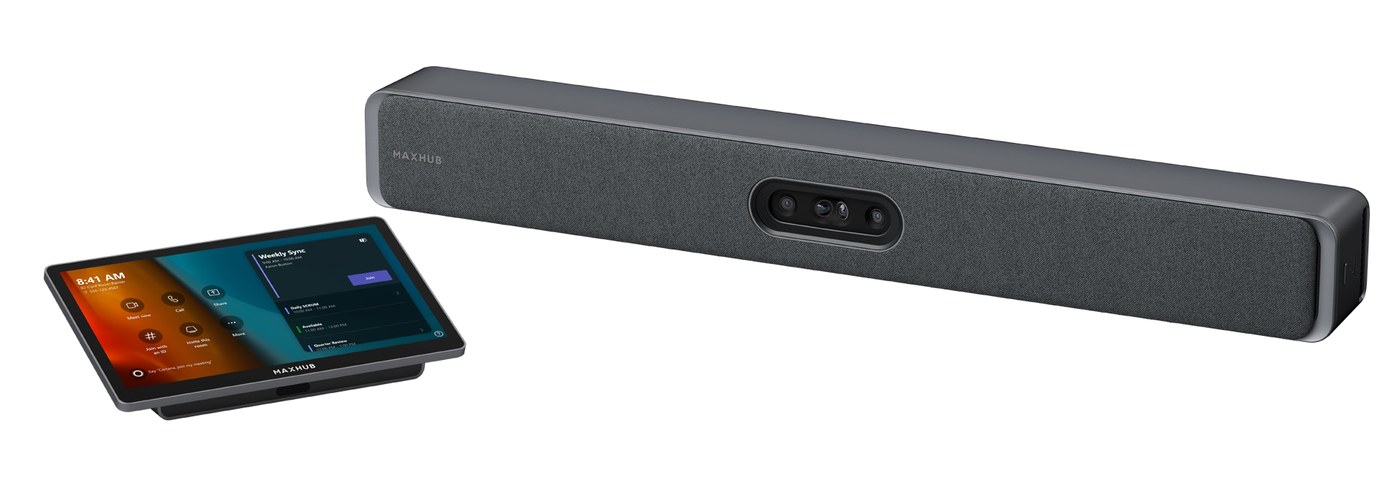
MAXHUB Pivot — MAXHUB platform for managing and updating MAXHUB devices
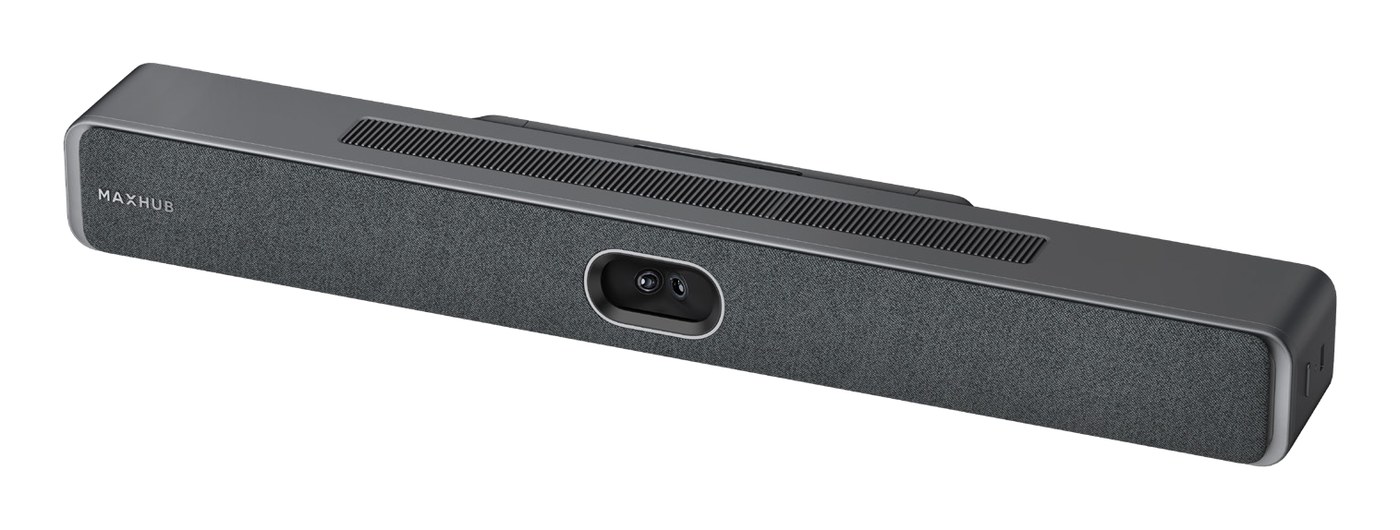
MAXHUB Pivot — MAXHUB platform for managing and updating MAXHUB devices


Yealink RoomConnect — Yealink software for configuring and updating the device; Yealink Device Management Platform — Yealink platform for central deployment, configuration and upgrades
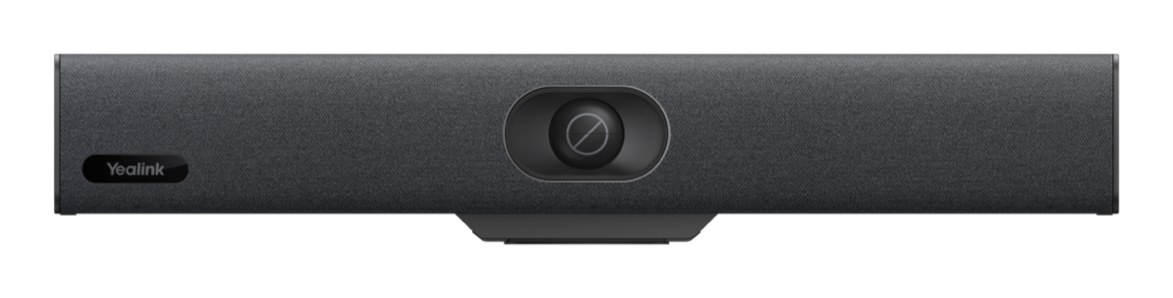
Yealink RoomConnect — Yealink software for configuring and updating the device; Yealink USB Connect — Yealink desktop software for configuring USB devices and linking them to the cloud service; Yealink Device Management Platform — Yealink platform for central deployment, configuration and upgrades
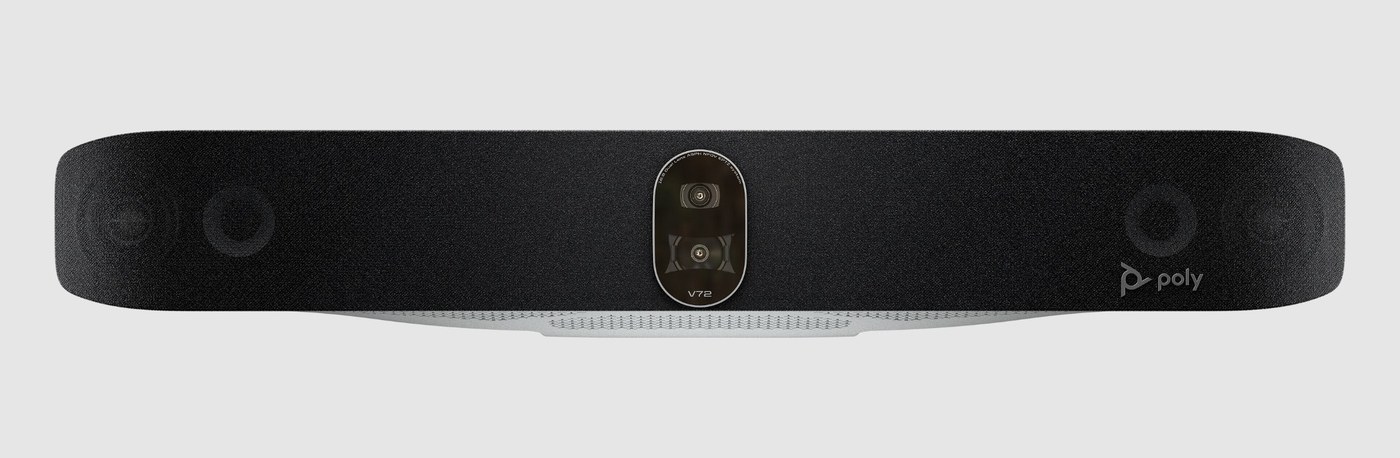

HP Poly Lens — Cloud-based device management, monitoring and software updates for Poly devices
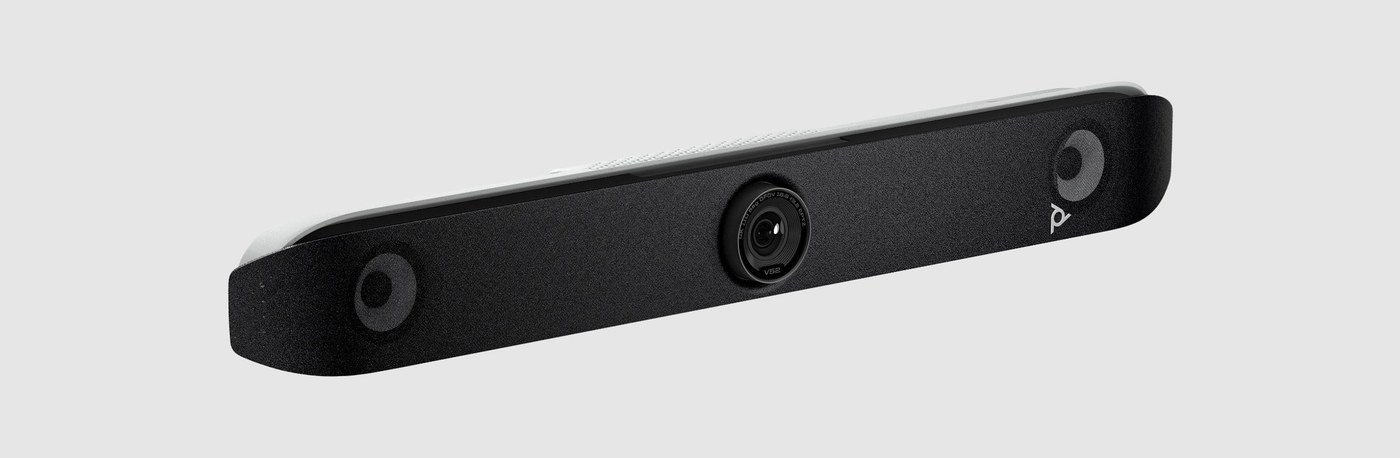
HP Poly Lens — Cloud-based device management, monitoring and software updates for Poly devices
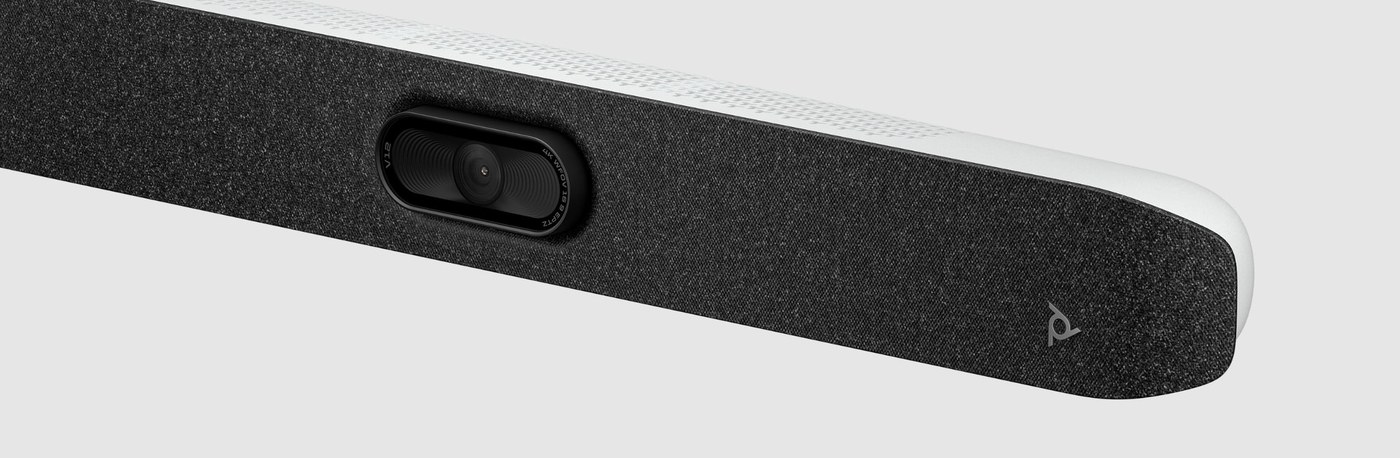
HP Poly Lens — Cloud-based device management, monitoring and software updates for Poly devices
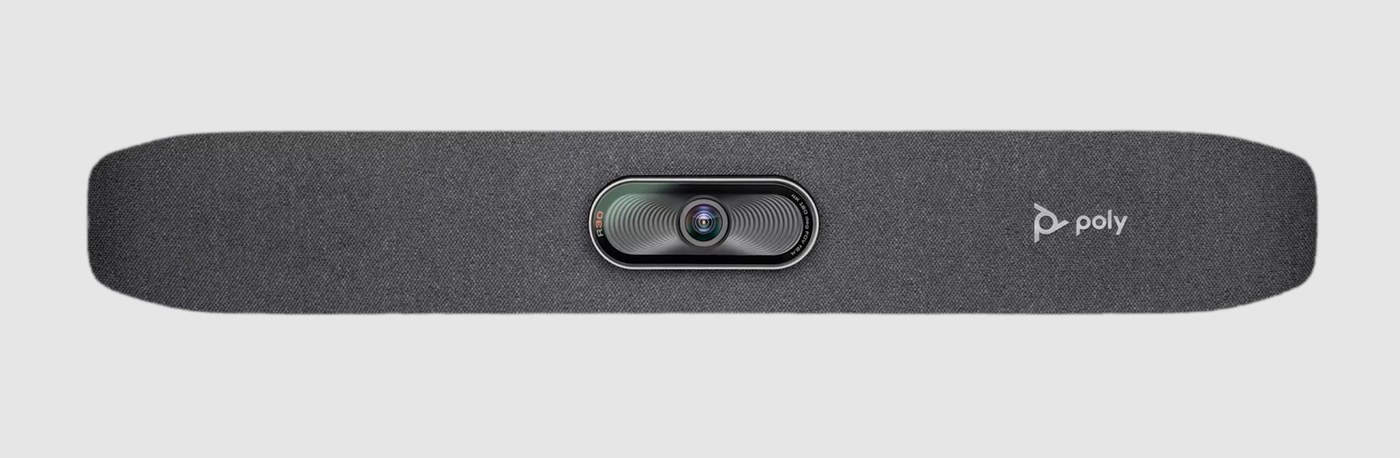
HP Poly Lens — Cloud-based device management, monitoring and software updates for Poly devices
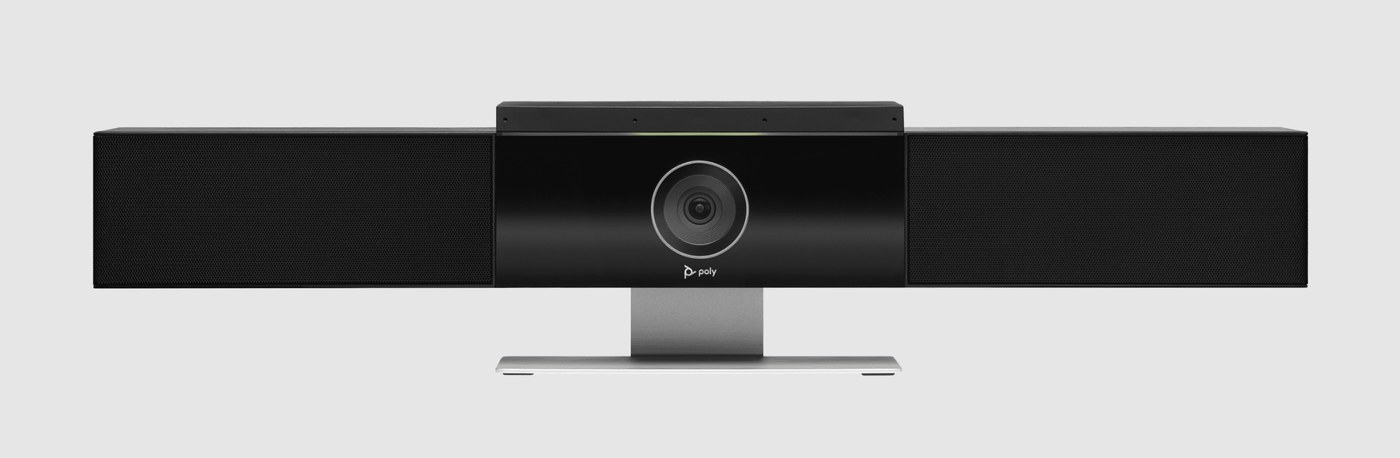
HP Poly Lens — Cloud-based device management, monitoring and software updates for Poly devices
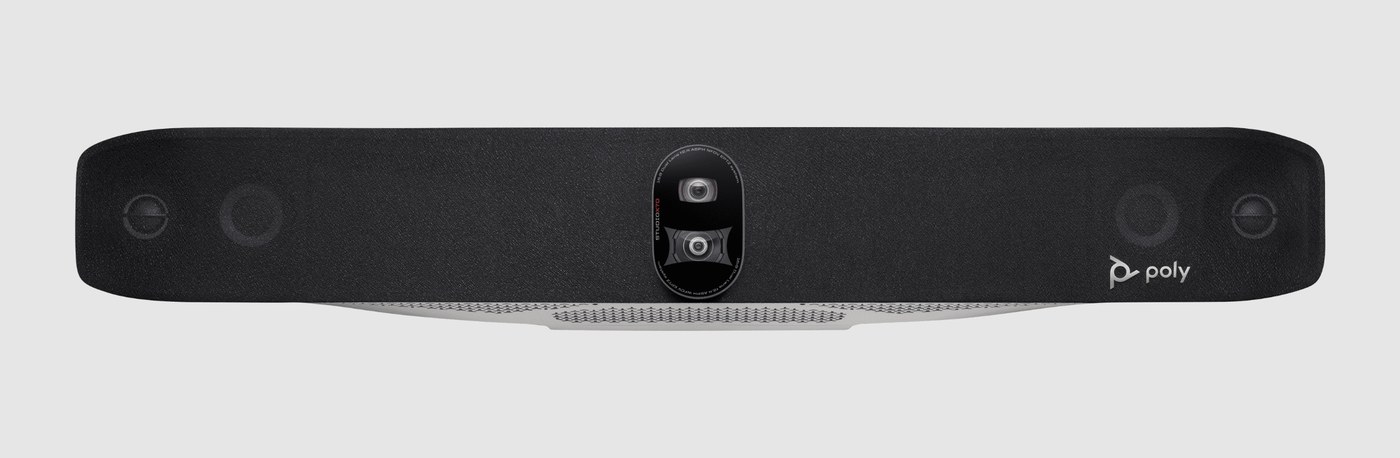
HP Poly Lens — Cloud-based device management, monitoring and software updates for Poly devices
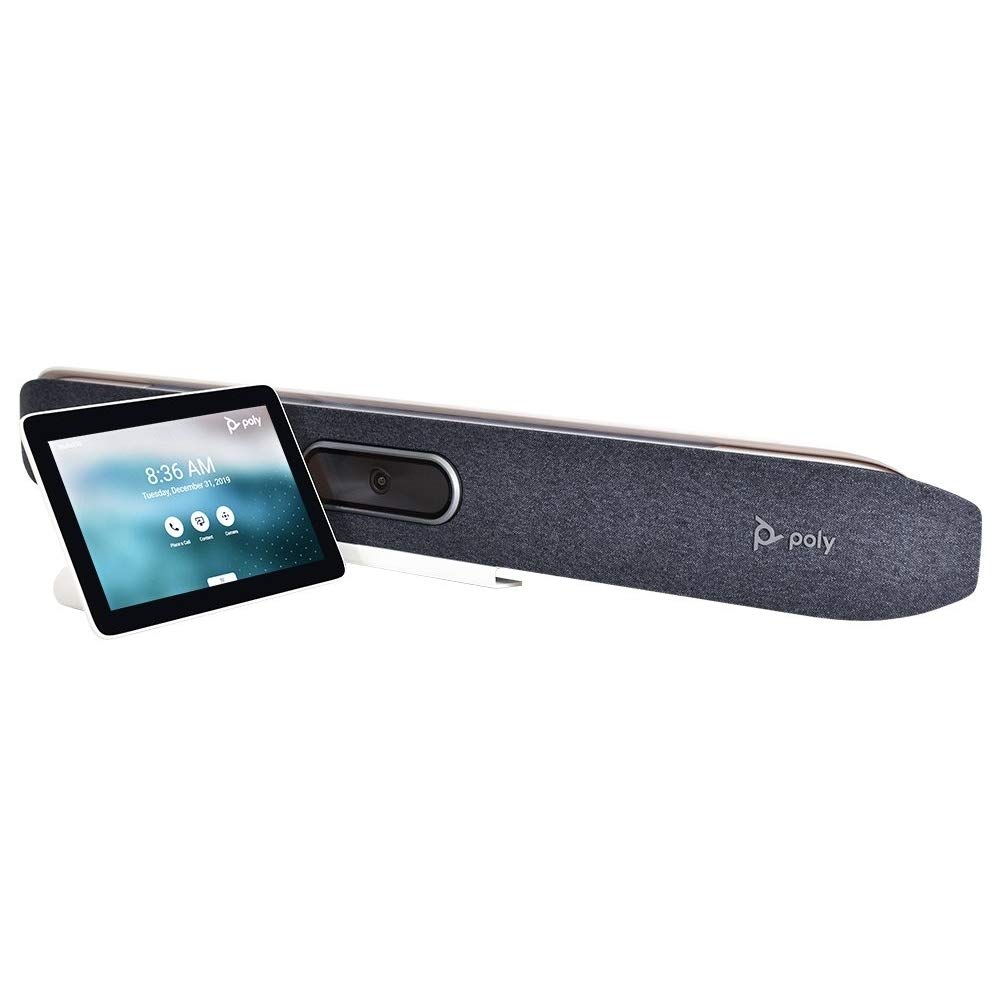
HP Poly Lens — Cloud-based device management, monitoring and software updates for Poly devices
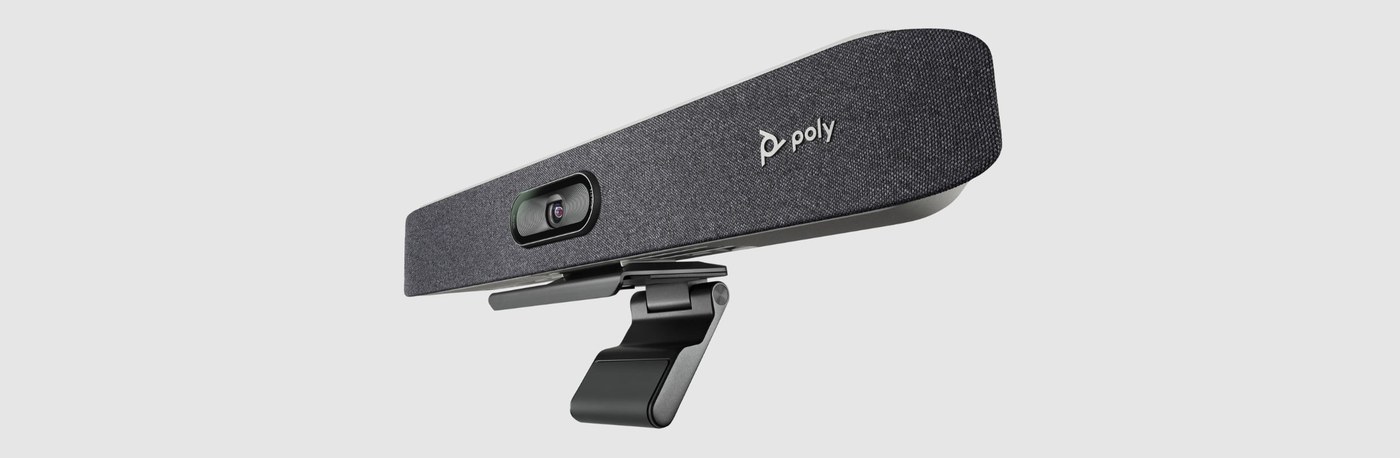
HP Poly Lens — Cloud-based device management, monitoring and software updates for Poly devices

Bose Professional Videobar Administration — Bose software for configuring and updating Videobar devices
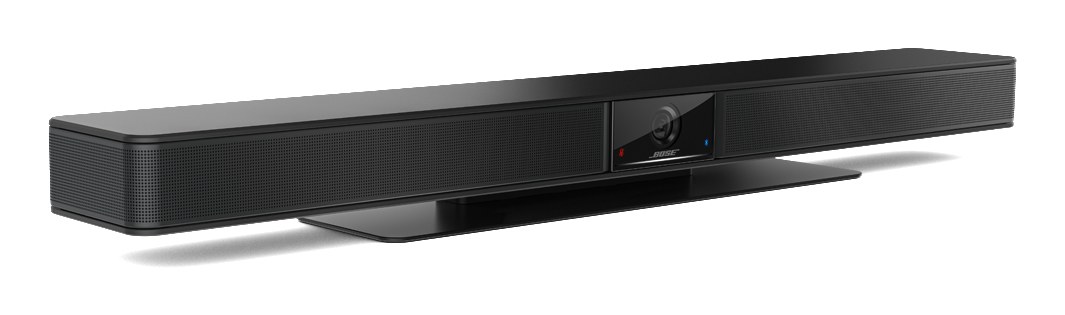
Bose Professional Videobar Administration — Bose software for configuring and updating Videobar devices
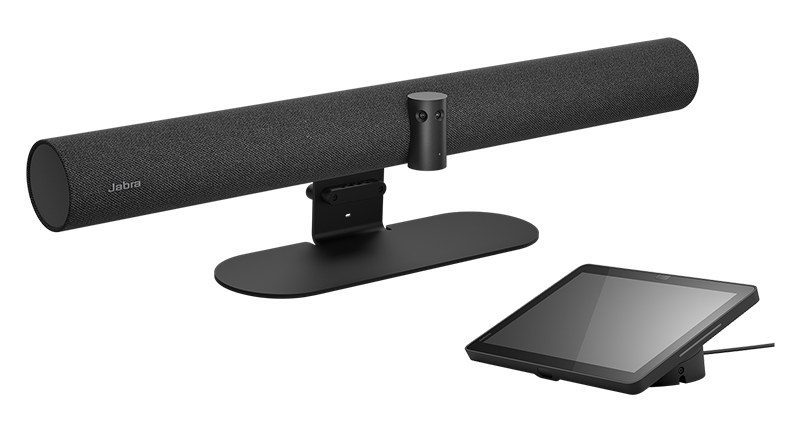
Jabra Plus — Jabra cloud service for remote enrolment, monitoring and updates of video devices; Jabra WebConsole — Browser-based console for enrolling and configuring the video bar
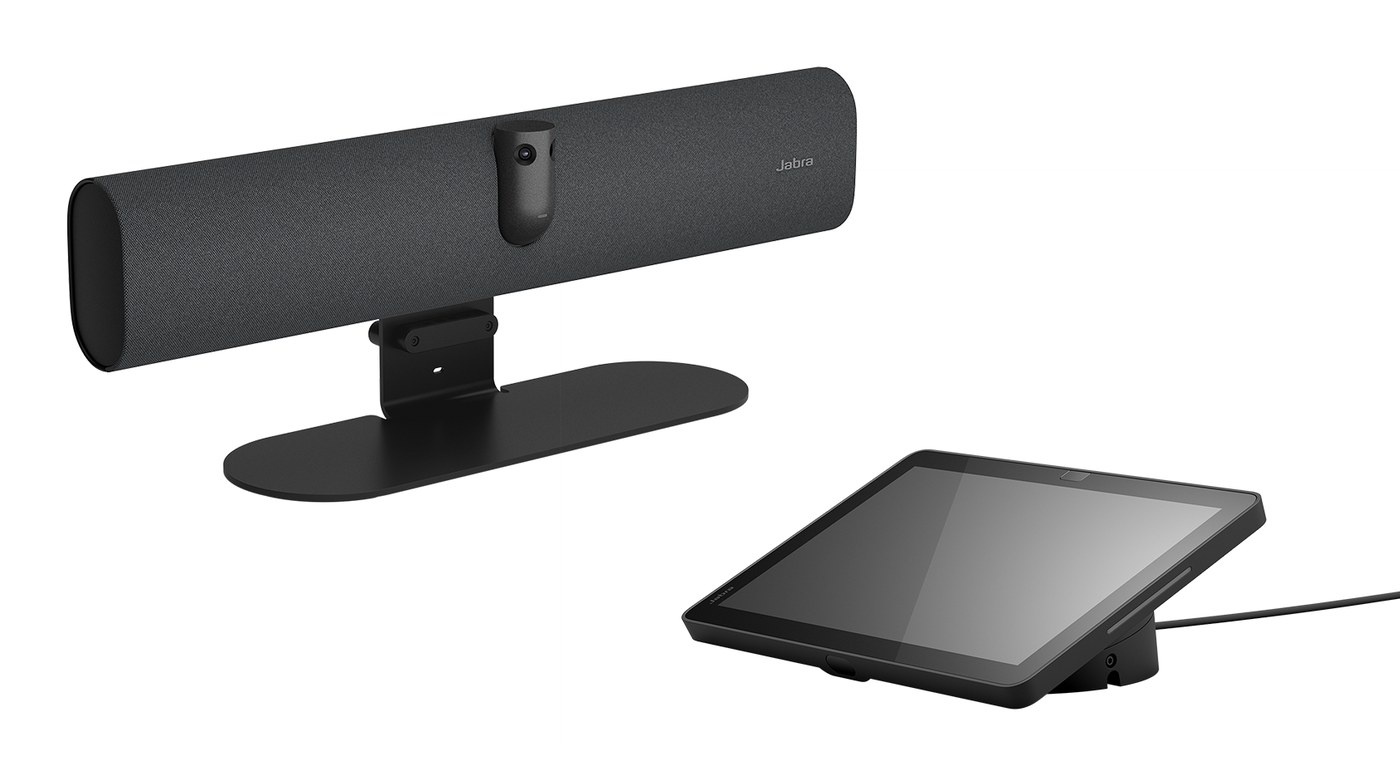
Jabra Plus — Jabra cloud service for remote enrolment, monitoring and updates of video devices; Jabra WebConsole — Browser-based console for enrolling and configuring the video bar
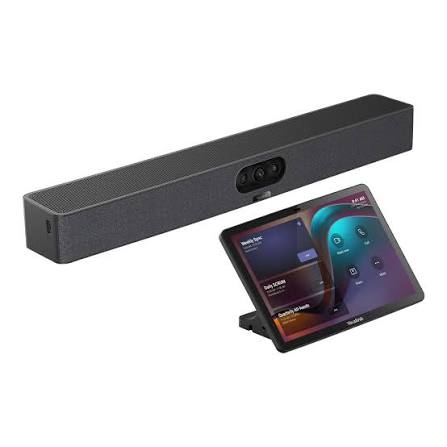
Yealink YDMP — Yealink platform for central deployment, configuration and upgrades; Yealink YMCS — Yealink cloud service for remotely monitoring, controlling and upgrading devices; Microsoft Teams Admin Center — Microsoft portal for managing Teams Rooms devices
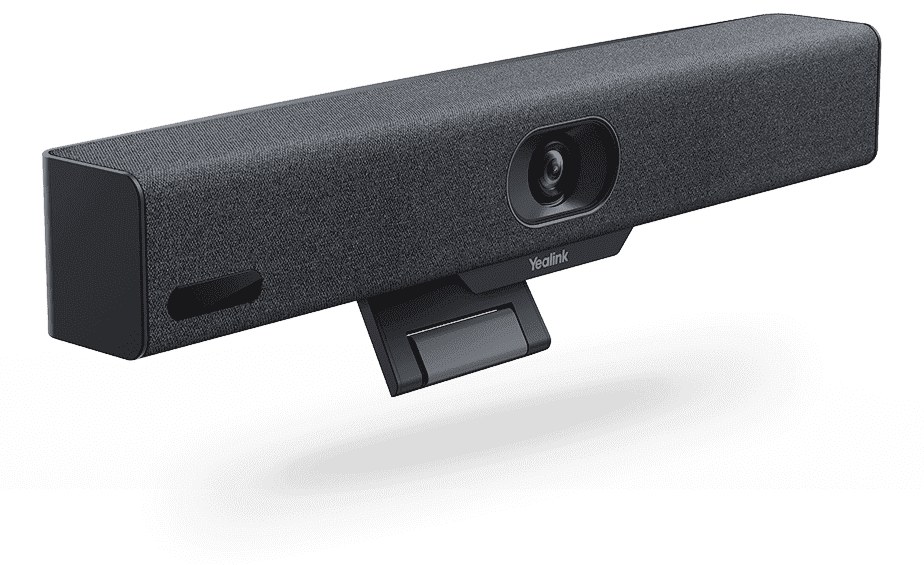
Yealink YDMP — Yealink platform for central deployment, configuration and upgrades; Yealink YMCS — Yealink cloud service for remotely monitoring, controlling and upgrading devices; Microsoft Teams Admin Center — Microsoft portal for managing Teams Rooms devices
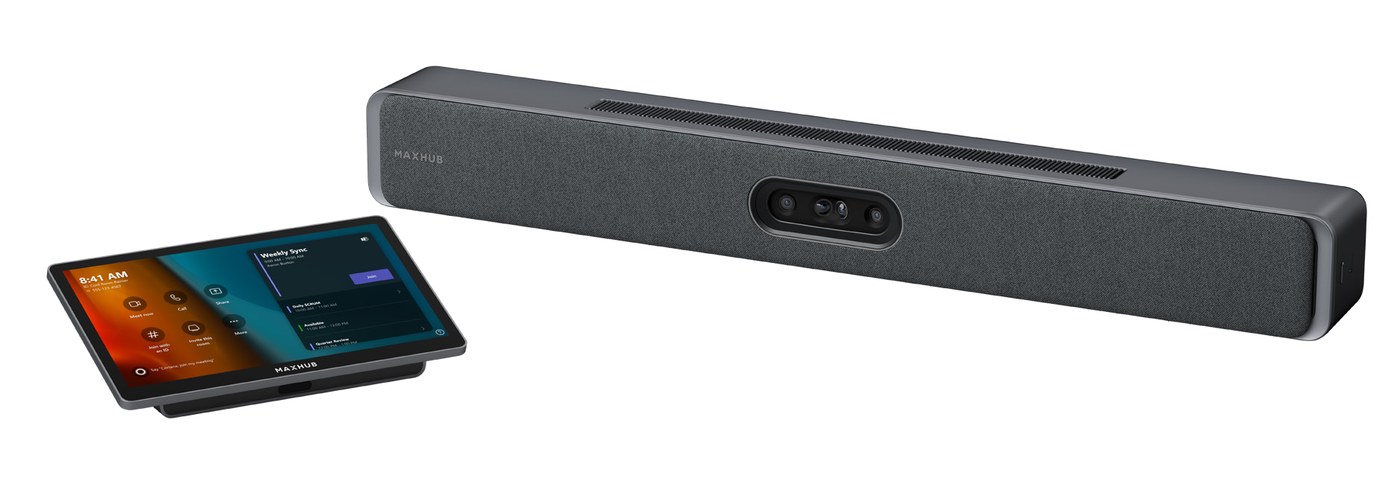
MAXHUB Pivot — MAXHUB platform for managing and updating MAXHUB devices; Microsoft Teams Admin Center — Microsoft portal for managing Teams Rooms devices
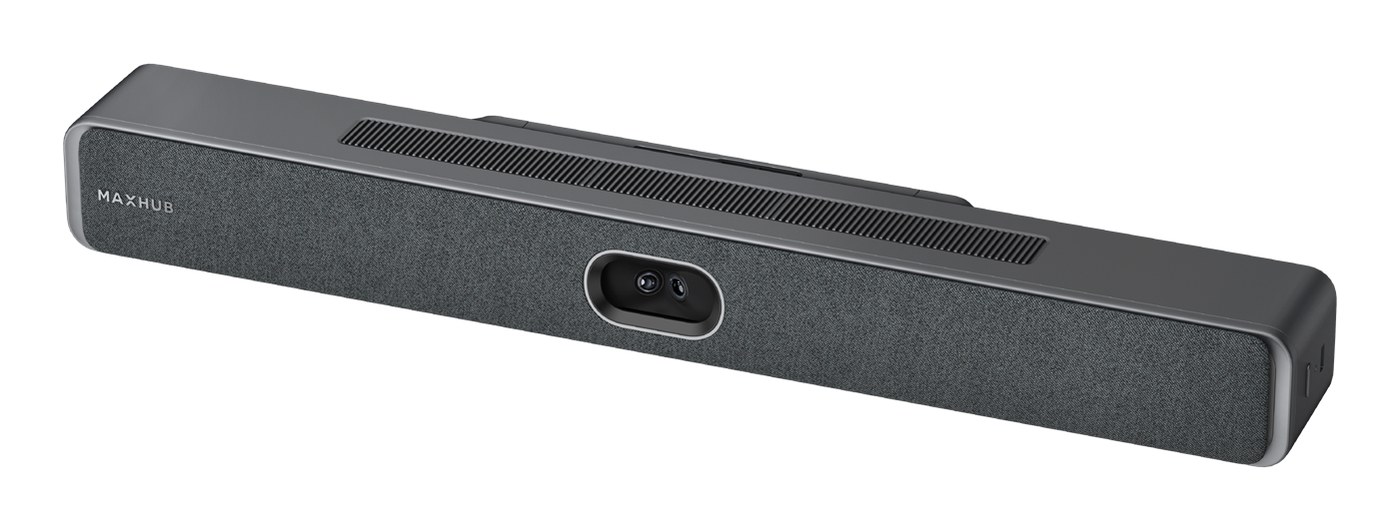
MAXHUB Pivot — MAXHUB platform for managing and updating MAXHUB devices; Microsoft Teams Admin Center — Microsoft portal for managing Teams Rooms devices
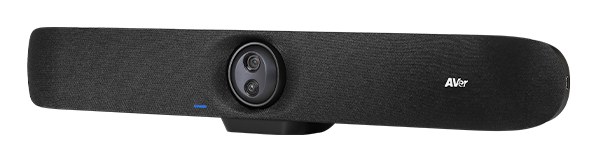
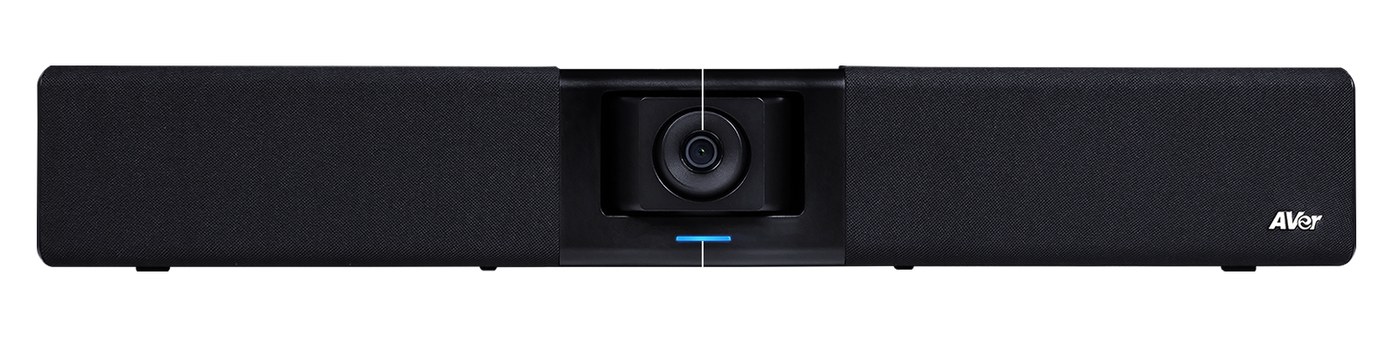
AVer EZManager 2 — AVer software for managing and updating AVer devices
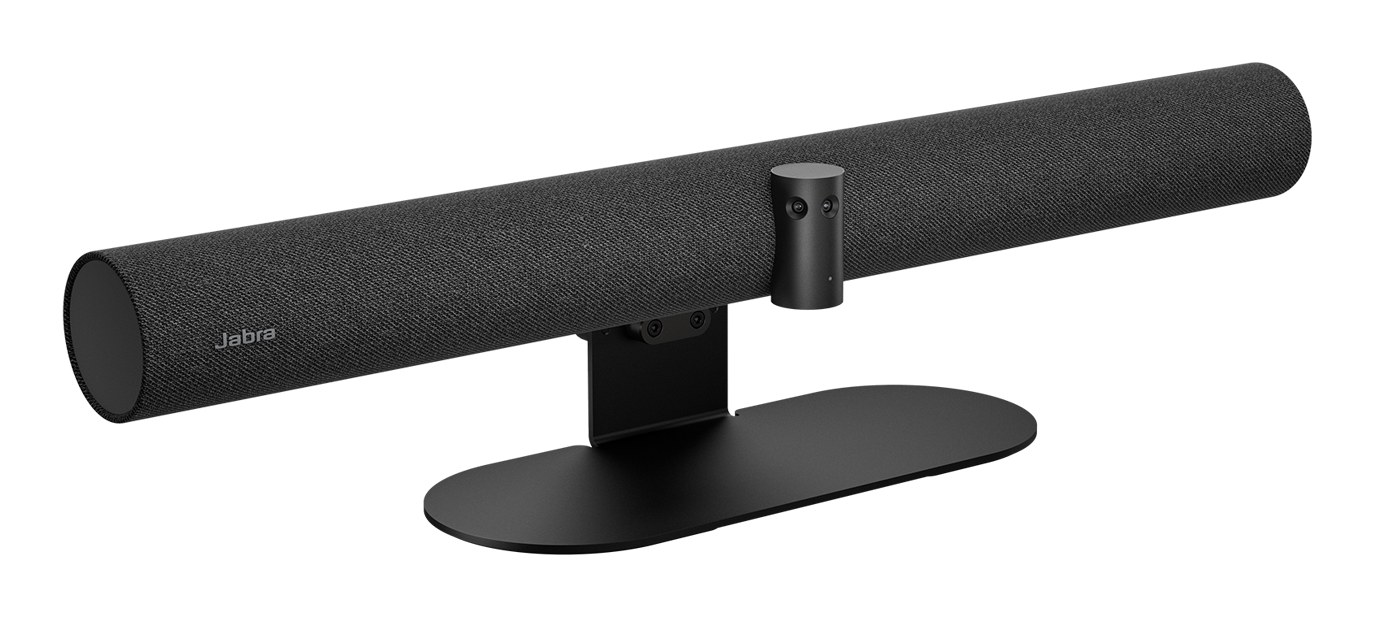
Jabra Plus — Jabra cloud service for remote enrolment, monitoring and updates of video devices; Jabra Xpress — Jabra tool for configuring devices and deploying firmware updates
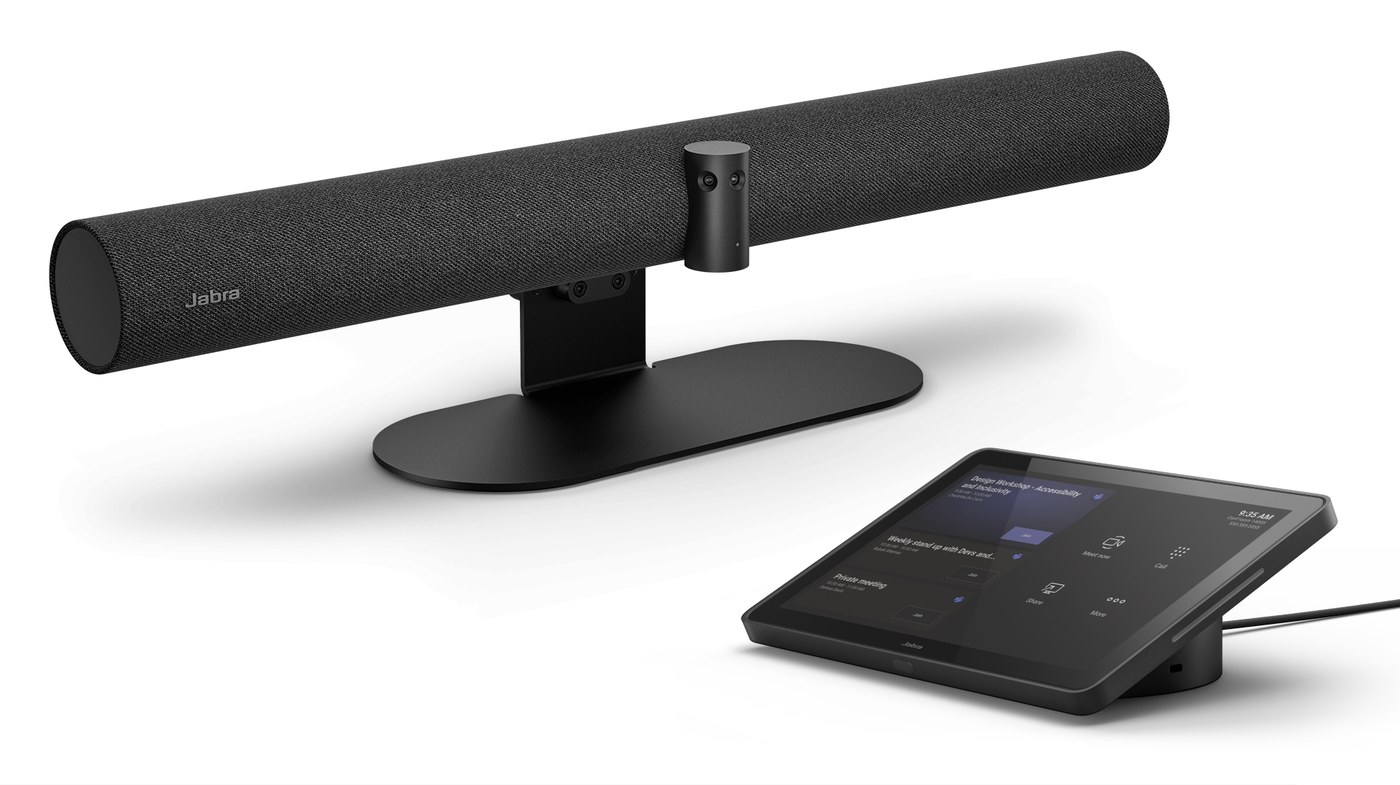
Jabra Plus — Jabra cloud service for remote enrolment, monitoring and updates of video devices; Jabra WebConsole — Browser-based console for enrolling and configuring the video bar
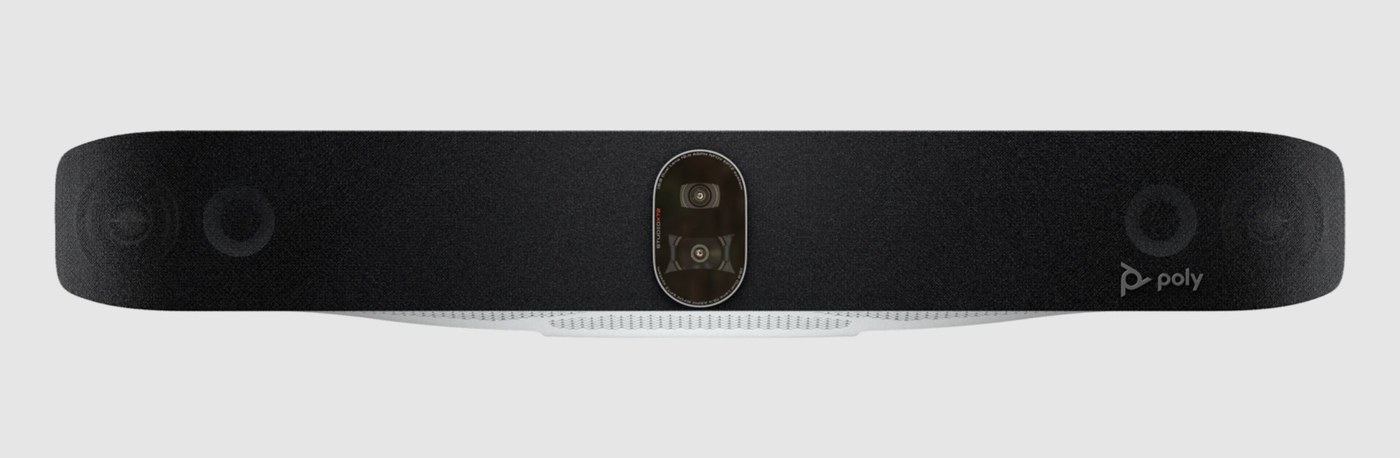
HP Poly Lens — Cloud-based device management, monitoring and software updates for Poly devices
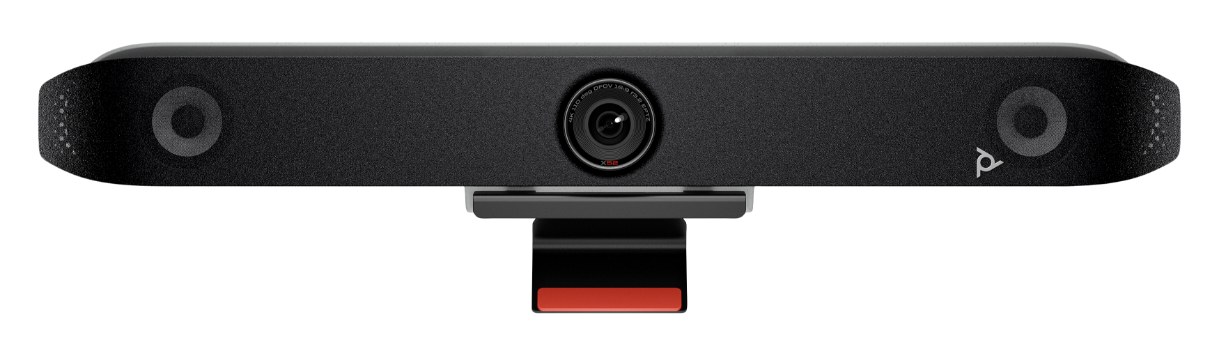
HP Poly Lens — Cloud-based device management, monitoring and software updates for Poly devices
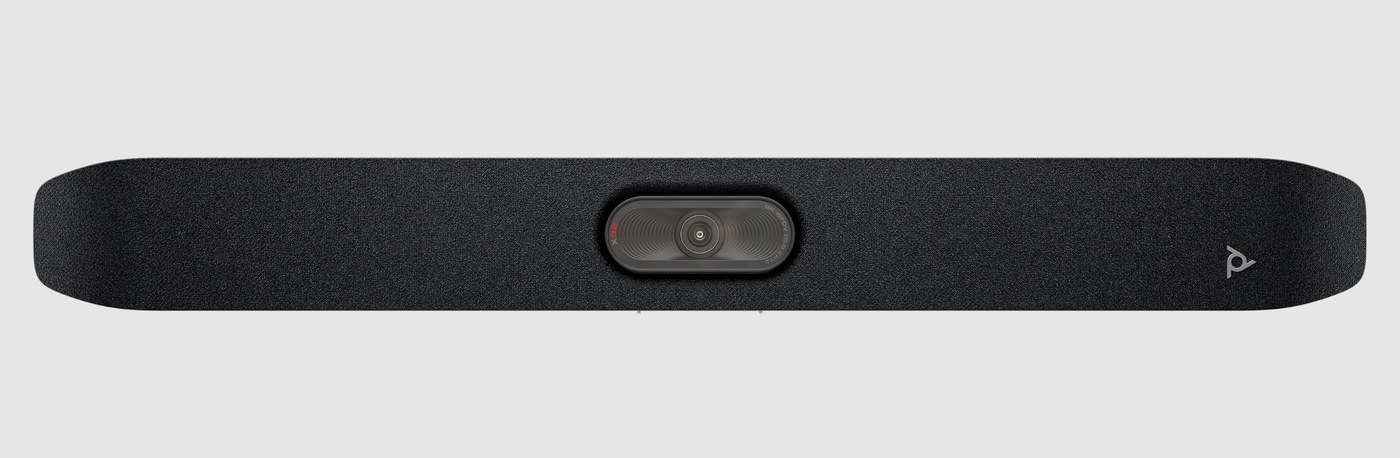
HP Poly Lens — Cloud-based device management, monitoring and software updates for Poly devices

Yealink YDMP — Yealink platform for central deployment, configuration and upgrades; Yealink YMCS — Yealink cloud service for remotely monitoring, controlling and upgrading devices; Microsoft Teams Admin Center — Microsoft portal for managing Teams Rooms devices

Yealink YDMP — Yealink platform for central deployment, configuration and upgrades; Yealink YMCS — Yealink cloud service for remotely monitoring, controlling and upgrading devices; Microsoft Teams Admin Center — Microsoft portal for managing Teams Rooms devices

Yealink YDMP — Yealink platform for central deployment, configuration and upgrades; Yealink YMCS — Yealink cloud service for remotely monitoring, controlling and upgrading devices; Microsoft Teams Admin Center — Microsoft portal for managing Teams Rooms devices; Zoom Device Management — Zoom portal for managing Zoom Rooms devices
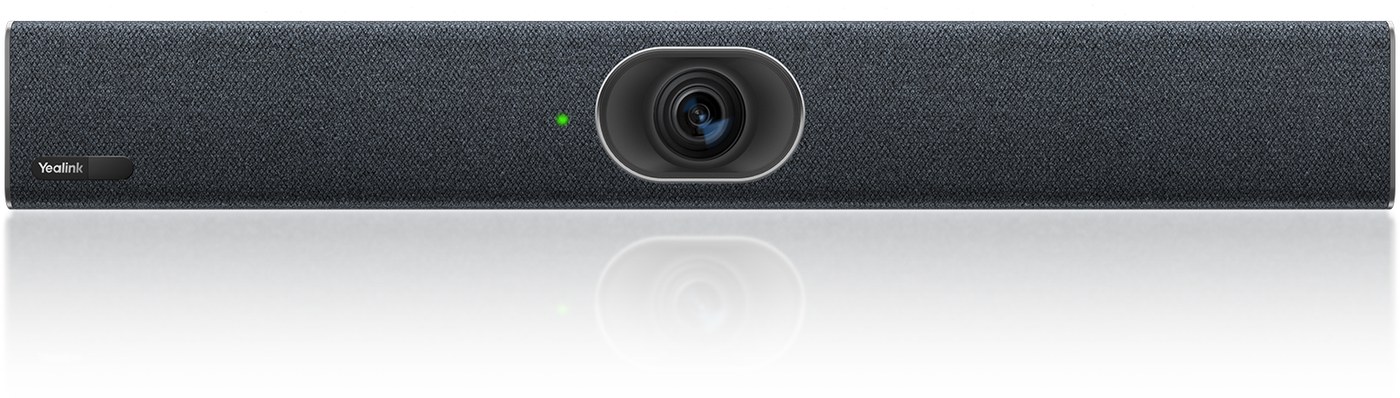
Yealink YDMP — Yealink platform for central deployment, configuration and upgrades; Yealink YMCS — Yealink cloud service for remotely monitoring, controlling and upgrading devices; Microsoft Teams Admin Center — Microsoft portal for managing Teams Rooms devices
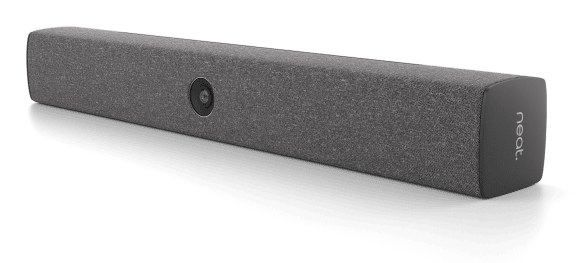
Neat Pulse — Cloud platform for monitoring, managing and updating Neat devices
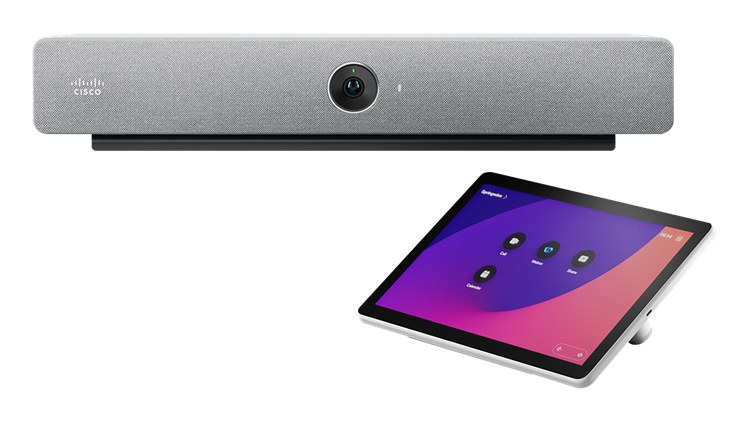
Cisco Control Hub — Cloud portal for monitoring, configuring and updating Cisco devices
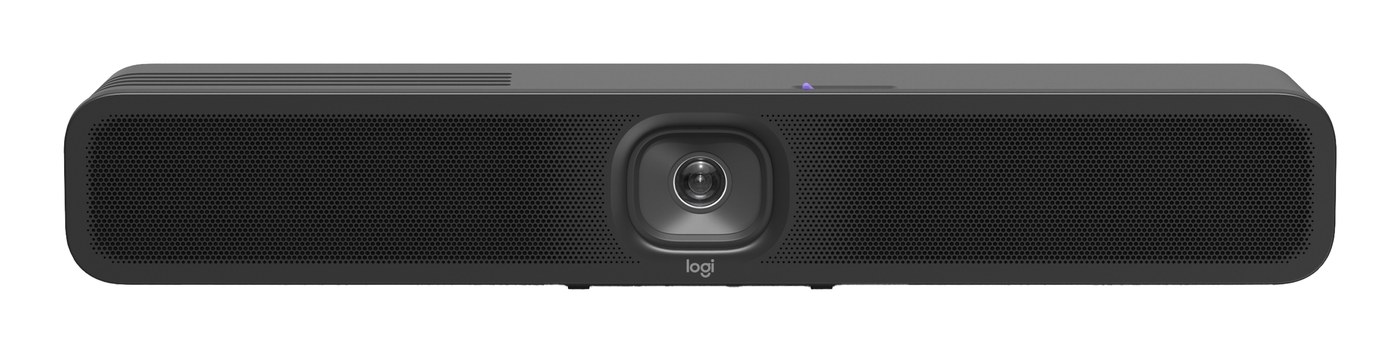
Logitech Sync — Cloud-based device monitoring, management and updates
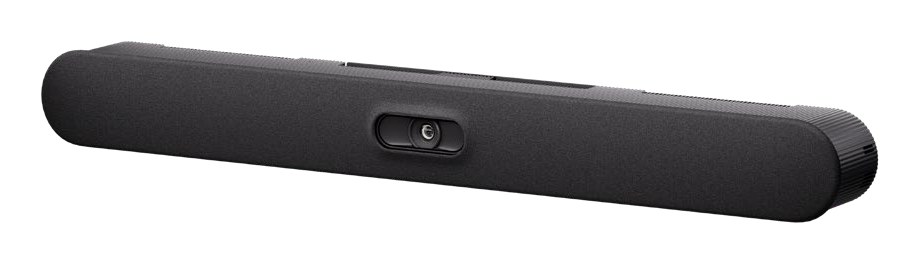
Logitech Sync — Cloud-based device monitoring, management and updates
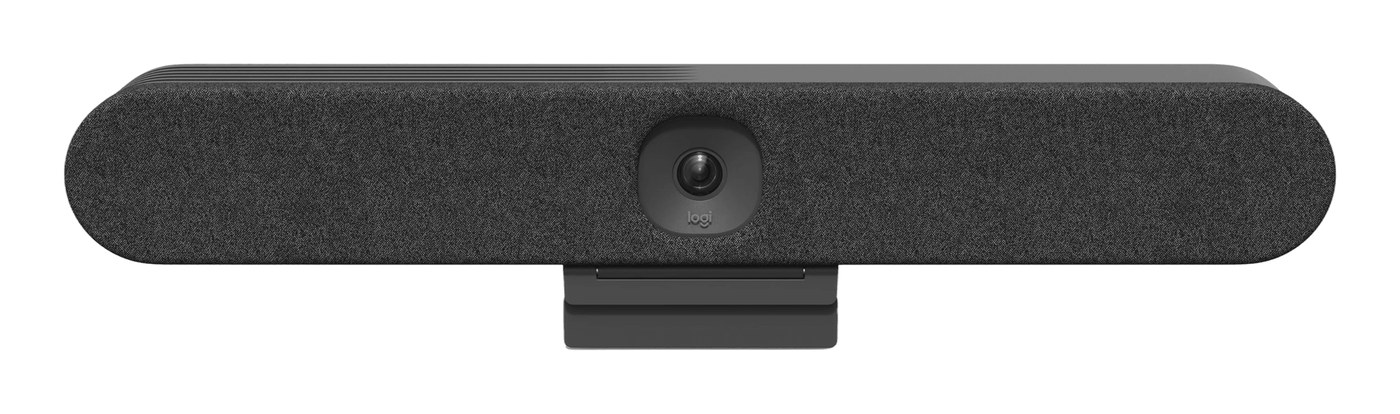
Logitech Sync — Cloud-based device monitoring, management and updates
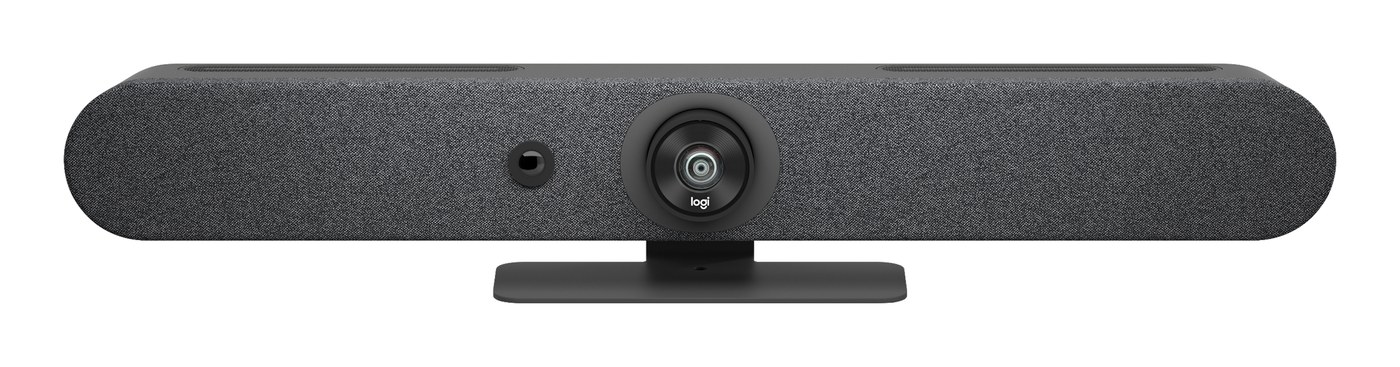
Logitech Sync — Cloud-based device monitoring, management and updates
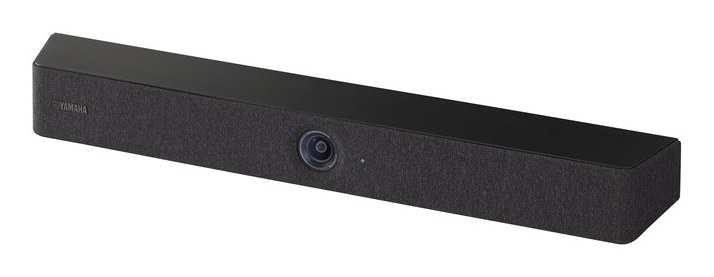

Yamaha CS Manager — Yamaha software for managing Yamaha CS devices
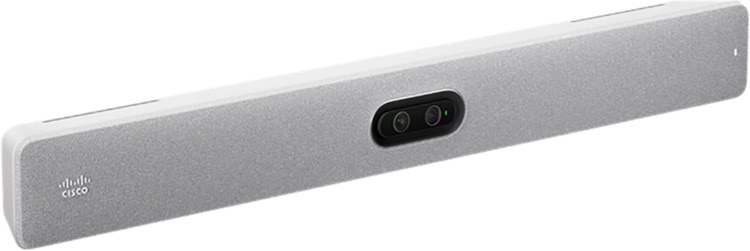
Cisco Control Hub — Cloud portal for monitoring, configuring and updating Cisco devices
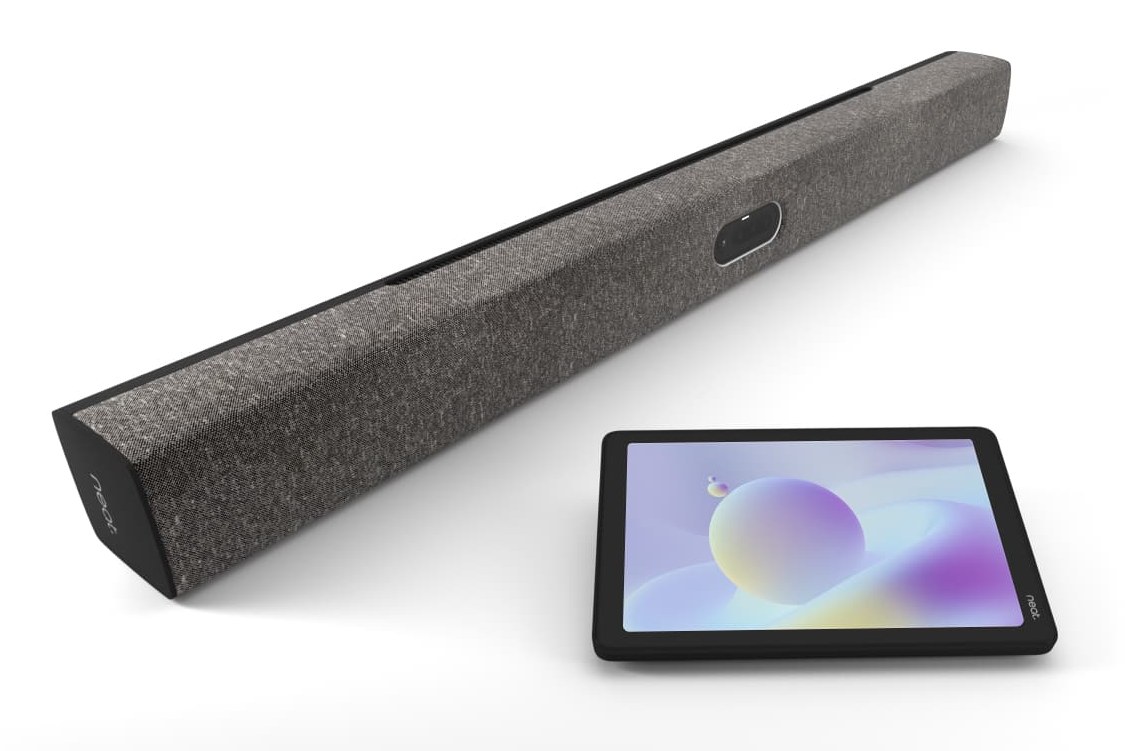
Neat Pulse — Cloud platform for monitoring, managing and updating Neat devices
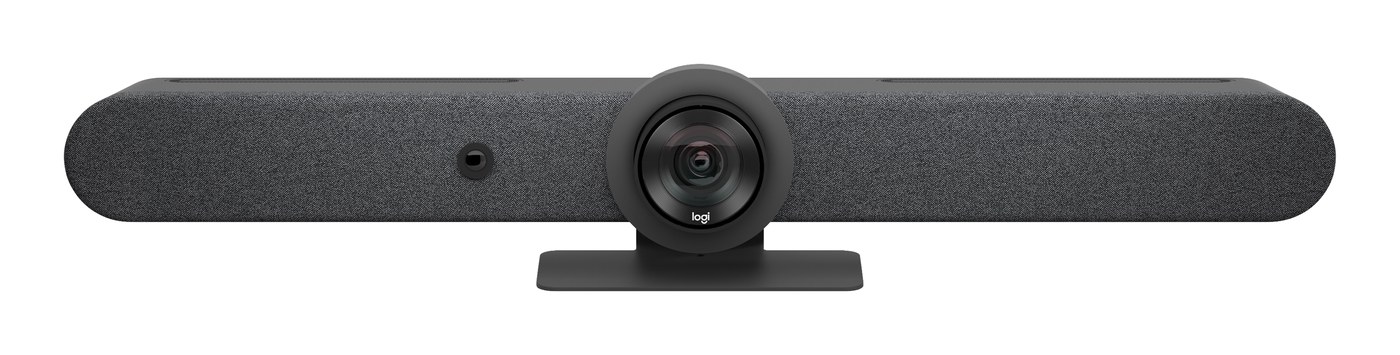
Logitech Sync — Cloud-based device monitoring, management and updates
Frequently Asked Questions
What is a video conferencing bar?
A video conferencing bar is an integrated meeting room device that combines a camera, microphones and speakers into a single unit. Some models also include a built-in operating system, allowing meetings to run directly on the device without a separate room computer.
How do I choose the right video bar for my meeting room?
Start with the size and layout of your meeting room, the number of participants and your preferred collaboration platform. Camera coverage, audio pickup, connectivity and installation requirements also influence the best choice. Use our comparison tool to narrow down suitable devices, or speak with Pro AV Solutions for a recommendation tailored to your space.
What's the difference between an all-in-one video bar and a USB video bar?
An all-in-one appliance video bar can run a supported meeting room platform directly on the device, without requiring a separate room PC. A USB video bar connects to a computer or room system that runs the meeting application. Some models support both configurations, providing flexibility for different meeting environments.
How do I know whether a video bar supports Microsoft Teams, Zoom, Google Meet or Webex?
Platform support depends on the specific video bar, its operating mode and the relevant certification requirements. Look for verified platform certifications or documented native support for your intended configuration. Our comparison tool helps you identify suitable devices and review their technical details before selecting a solution.
What's the difference between Microsoft Teams Rooms on Android and Windows?
Microsoft Teams Rooms on Android uses Android-based meeting room devices, often with integrated cameras and audio. Teams Rooms on Windows runs on a dedicated Windows-based room system with connected AV equipment. Both support core Teams meeting experiences, but some features, hardware configurations and management capabilities differ. The right choice depends on your room requirements and IT environment.
What does camera range mean when comparing video bars?
Camera range refers to the distance over which a camera can effectively capture meeting participants. It is different from field of view, which measures how wide an area the camera can see. Actual performance depends on the camera, zoom and framing technology, room layout and lighting. Where manufacturers provide a documented range, it can help you assess whether a video bar is suitable for your meeting space.
Can video bars be centrally managed across multiple offices?
Many enterprise video bars support remote monitoring, configuration, software updates and device management through manufacturer platforms or supported collaboration management tools. For organisations managing multiple meeting rooms or locations, centralised management can help improve consistency and simplify ongoing support.
Can Pro AV Solutions help design, install and support our meeting room technology?
Yes. Pro AV Solutions provides meeting room design, audiovisual integration, deployment and ongoing support across Australia. Whether you're upgrading individual rooms, standardising technology across multiple offices or planning a new workplace, our team can help develop a solution aligned with your collaboration needs, IT environment and long-term requirements.